
Kosmos Super Sphere
Franckh-Kosmos Verlags-GmbH & Co. KG
3.9 ★
21 ratings
Free
AppRecs review analysis
AppRecs rating 3.9. Trustworthiness 76 out of 100. Review manipulation risk 25 out of 100. Based on a review sample analyzed.
★★★☆☆
3.9
AppRecs Rating
Ratings breakdown
5 star
62%
4 star
5%
3 star
10%
2 star
5%
1 star
19%
What to know
✓
Low review manipulation risk
25% review manipulation risk
✓
Credible reviews
76% trustworthiness score from analyzed reviews
✓
Good user ratings
67% positive sampled reviews
About Kosmos Super Sphere
ABOUT ROBOTICS: SMART MACHINES – SUPER SPHERE
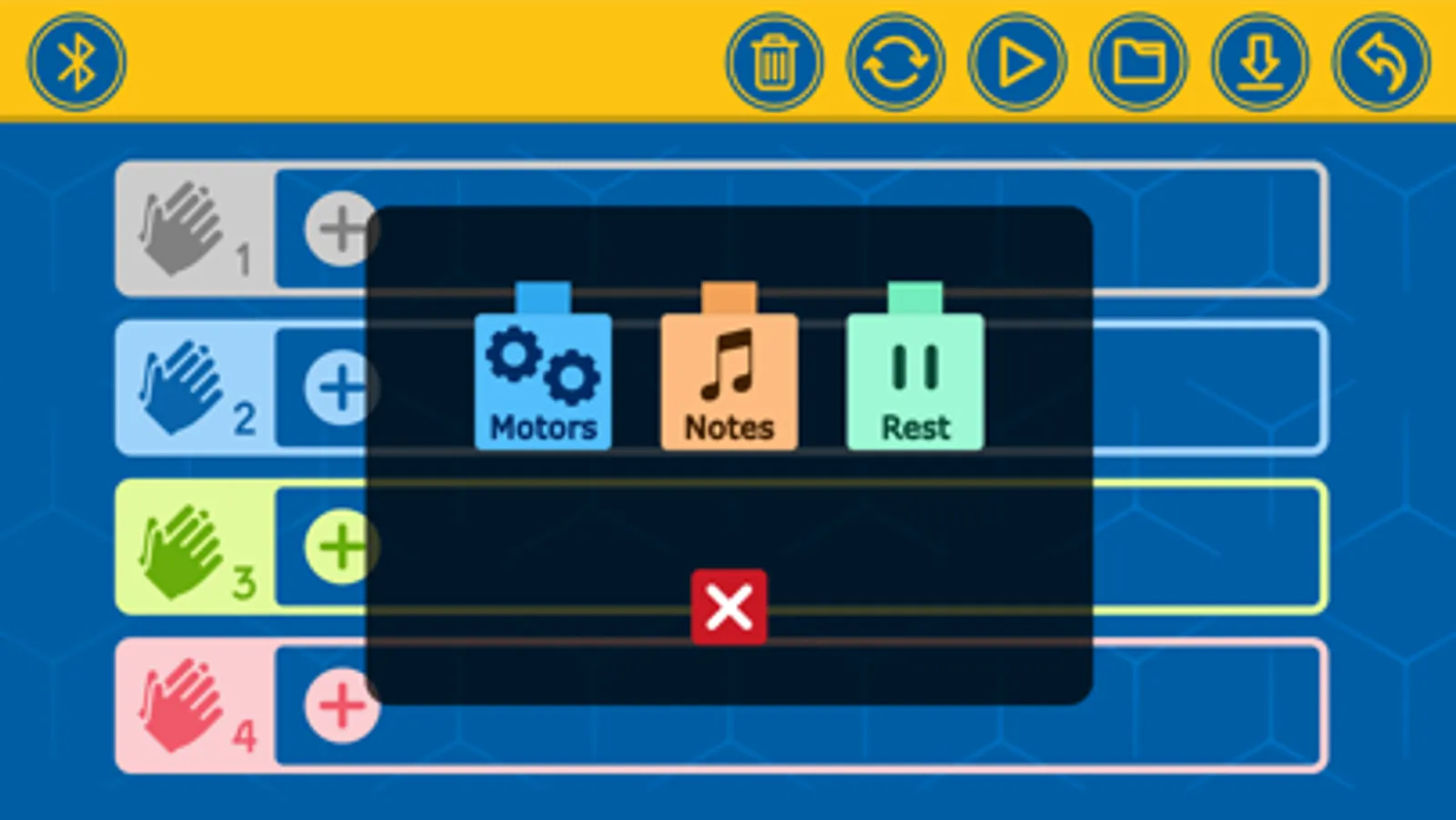
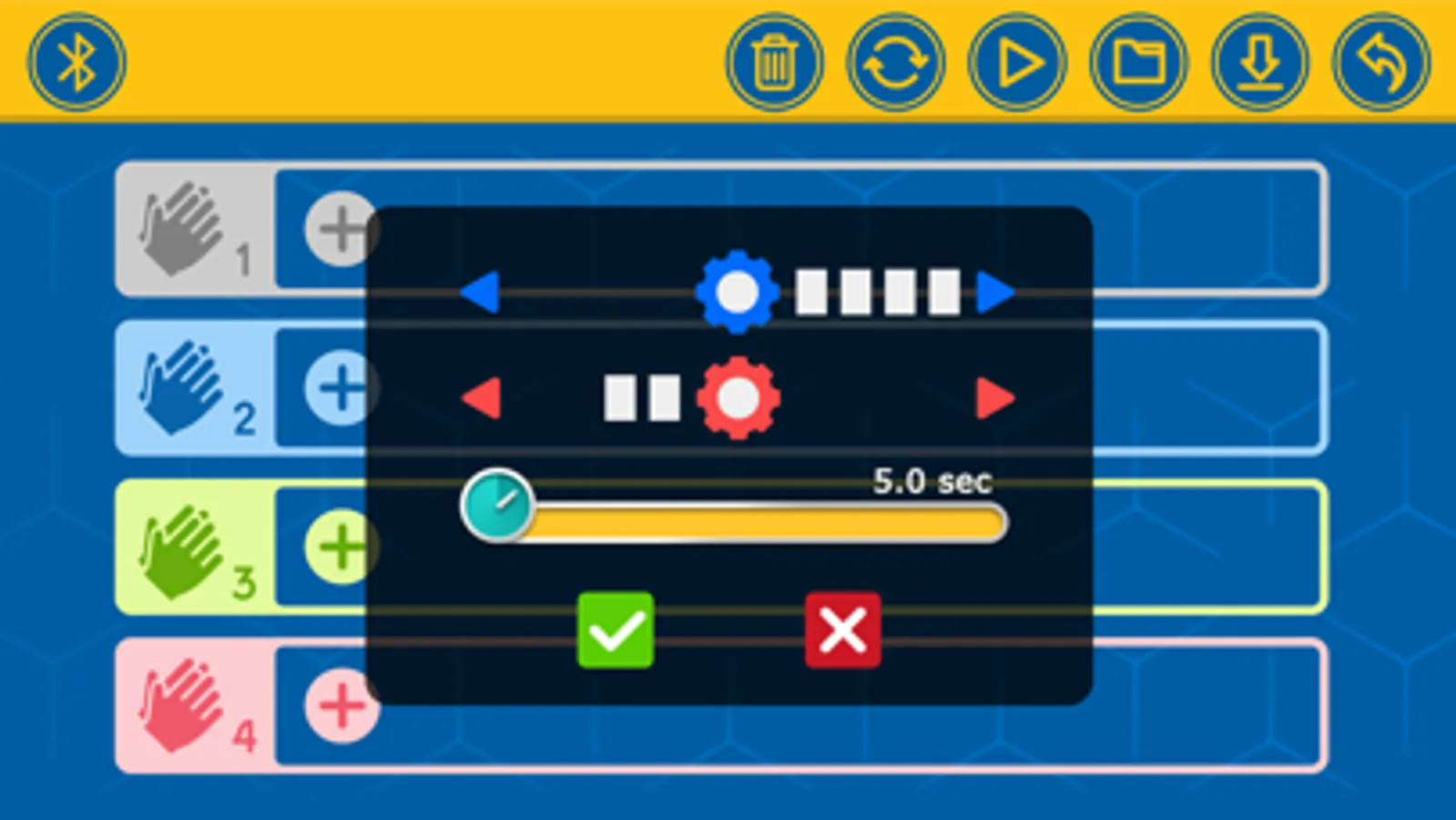
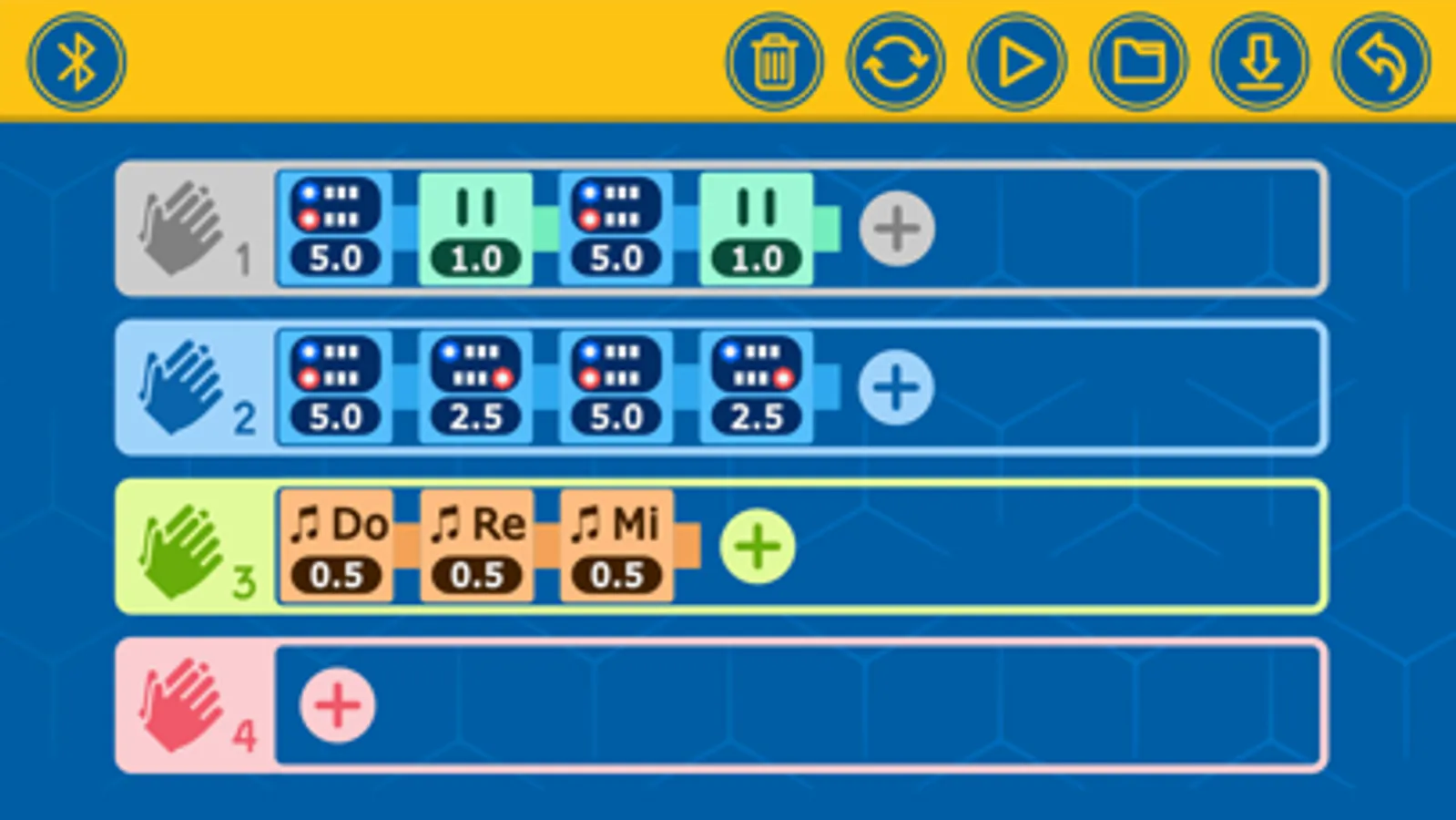
The Super Sphere kit allows you to build and program seven amazing robots, including a spherical robot: an awesome, nine-inch-diameter, rolling robotic sphere! With this app installed on a supported Bluetooth-enabled device, you can remotely control and program your Super Sphere and other robots. Drive your robot using the remote-control interface in the app, or write programs using the easy, visual programming language in the app. The onboard sound sensor lets you program your robots to perform specific sequences of commands in response to the number of claps (or other loud sounds) that it detects.
HOW TO USE:
We suggest you read and follow the instructions step by step in the manual included in the kit. Here is an overview of the instructions for building and using the Super Sphere to get you oriented:
1. Download and install the app.
2. Follow the assembly instructions on page 14 to build the first model, the Super Sphere. Make sure you have inserted the batteries into the Bluetooth battery box correctly according to the instructions on page 2.
3. Shake the model until the blue light on the Bluetooth battery box turns on, indicating that the module is on. The module automatically turns off after about a minute of inactivity to save battery power. You simply have to jiggle the model when you want to turn it on again. It’s a movement-activated on-off switch!
4. Now you can connect the tablet or smartphone to the model via the free app. Follow the instructions at the bottom of page 7.
5. To drive the Super Sphere in remote control mode, follow the instructions on page 8 and the driving tips on pages 22–23.
6. To run a program on the Super Sphere, follow the instructions on page 24. For detailed explanations of how the programming mode of the app works, refer to pages 9–13. Try editing the program for Super Sphere, or writing your own from scratch.
7. Now, proceed with building the other models, one at a time, and running the sample programs given on the programming page found after the assembly.
*****
Questions or suggestions for improvements:
Mail to apps@kosmos.de
We are looking forward to your feedback!
*****
Kosmos Super Sphere Screenshots

Tap to Rate:
Reviews for Kosmos Super Sphere
MrEnderman9687
Could be better.
During my experience while building this, I was building the penguin version. It was kinda mid. The head and wing movements were kinda underwhelming and the instructions were confusing. But then again, I was sick while building this and needed something to do. And this came in clutch.
lucas garland
Awesome
I’m ten years old and this took me 1 hour to do it was so fun and I want to say thank you.