AppRecs review analysis
AppRecs rating 4.1. Trustworthiness 70 out of 100. Review manipulation risk 39 out of 100. Based on a review sample analyzed.
★★★★☆
4.1
AppRecs Rating
Ratings breakdown
5 star
77%
4 star
0%
3 star
0%
2 star
0%
1 star
23%
What to know
✓
High user satisfaction
77% of sampled ratings are 4+ stars (4.1★ average)
About LiveScan: Grab Text in Images
LiveScan has support for multiple languages, plug-ins, translation and one-tap access to popular internet services.
With LiveScan, you can instantly:
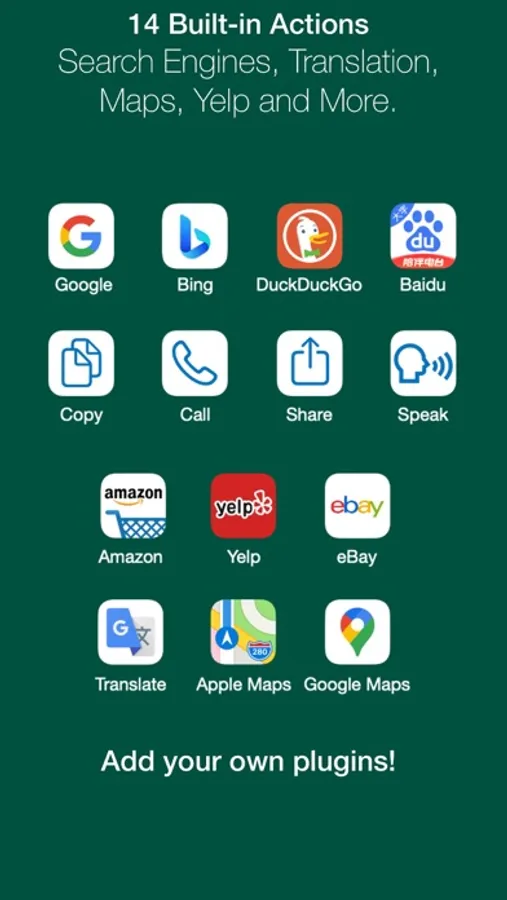
* Visit links in presentations on video conferences
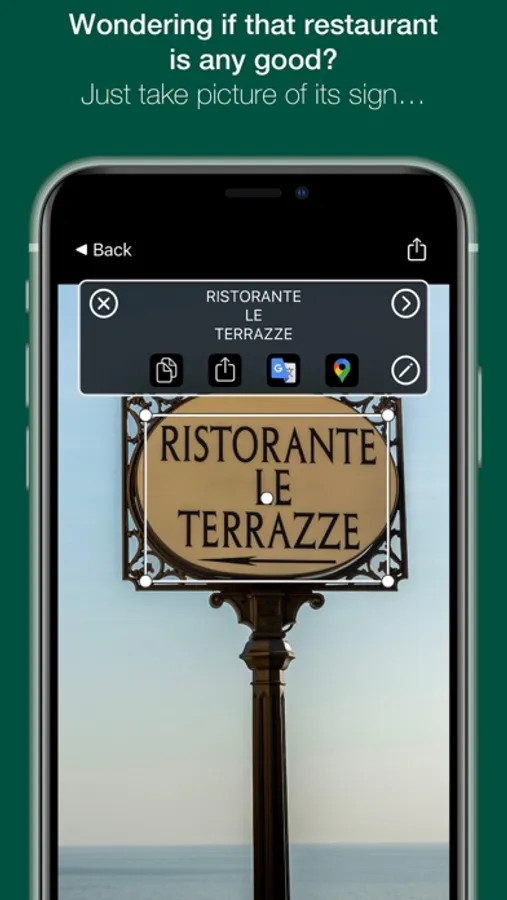
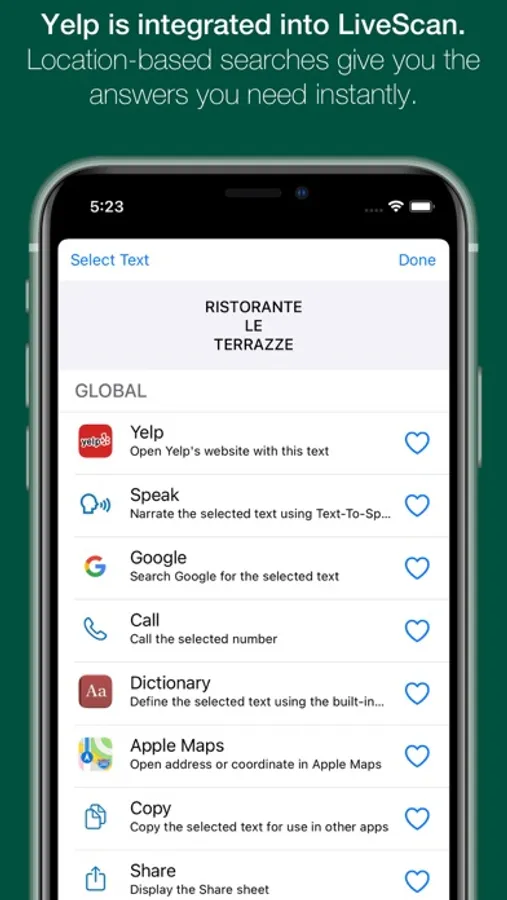
* Take a picture of restaurant sign and get Yelp reviews.
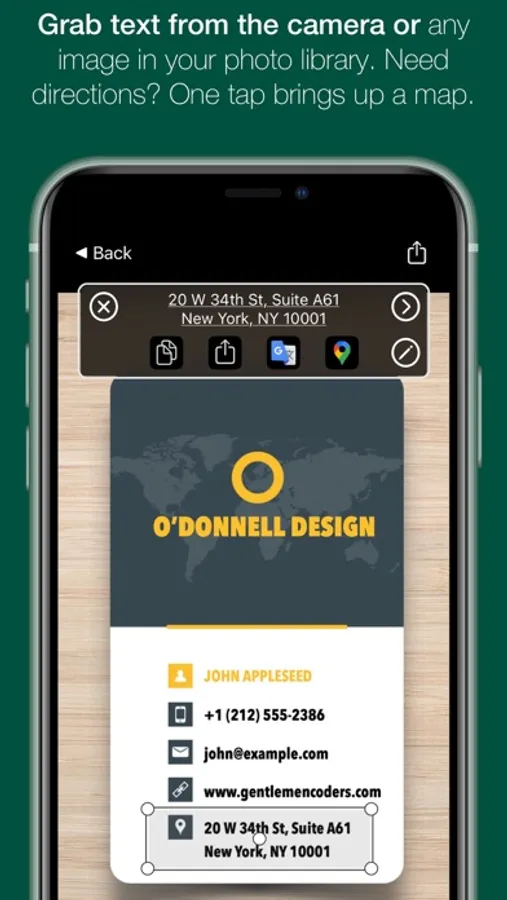
* Look up addresses on business cards in Apple Maps or Google Maps.
* Find definitions to new words with the Dictionary function.
* Use the built-in access to Google Translate.
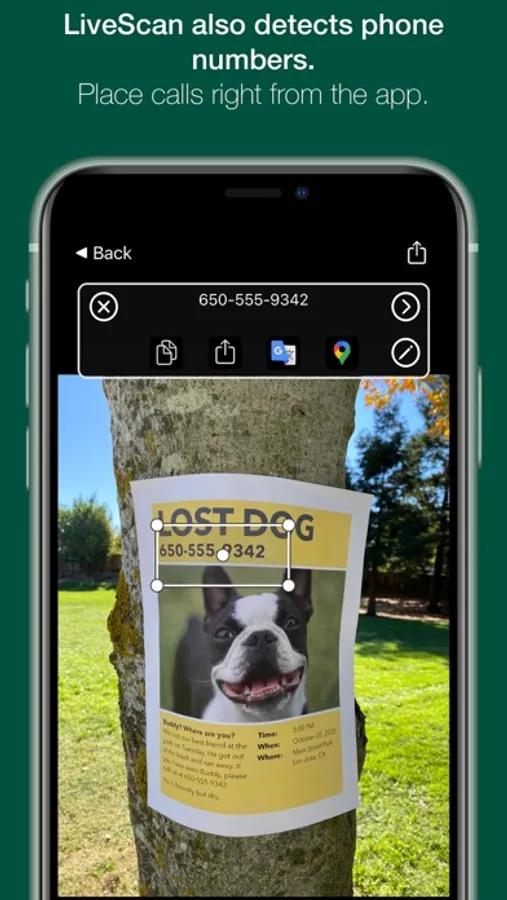
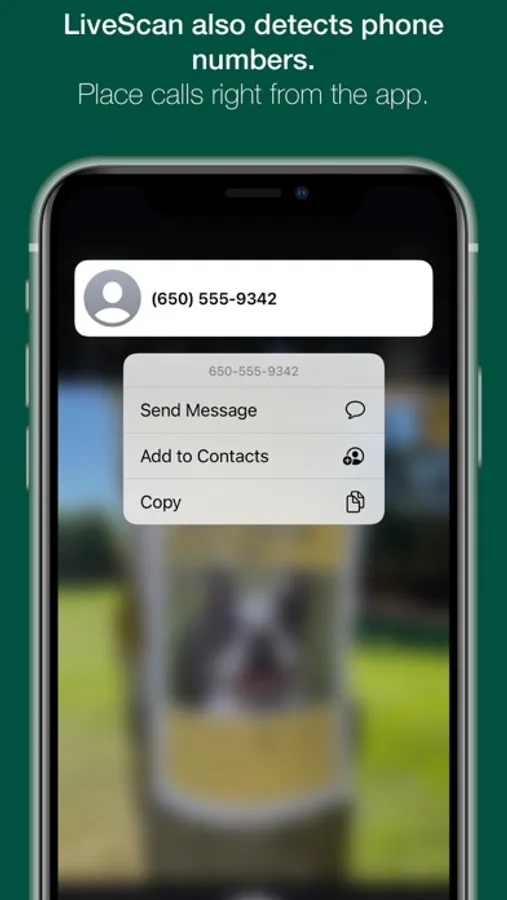
* Call phone numbers.
* Quickly look up a product on Amazon or eBay.
* Have the text spoken to you aloud!
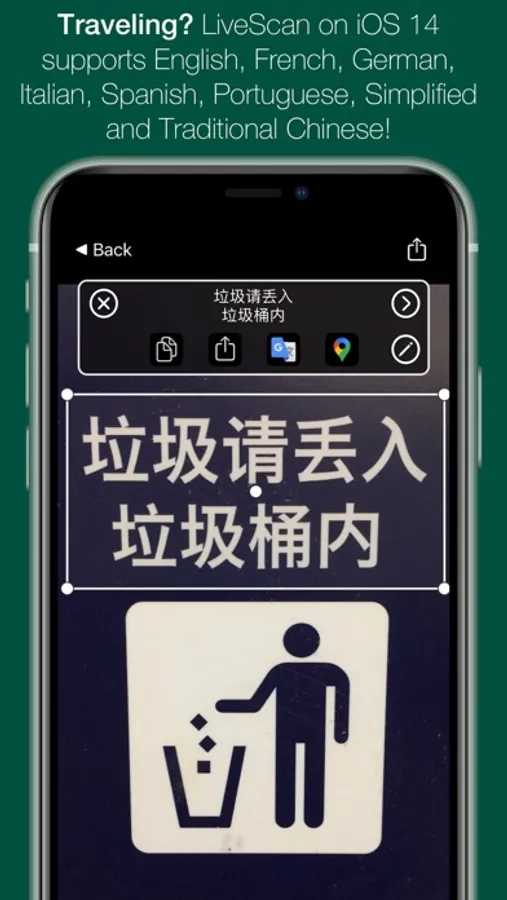
LiveScan can detect words in eight different languages: English, Spanish, French, Italian, German, Portuguese, and Chinese (Simplified and Traditional).
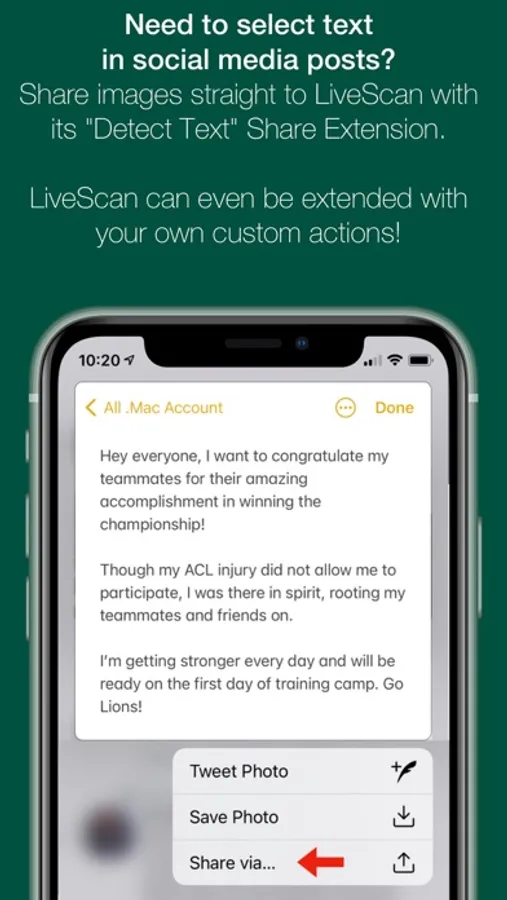
Using the LiveScan extension, you can send images to LiveScan from other apps, like Files.app and Twitter.
You can even extend the app with custom JSON or JavaScript plugins!
You can try LiveScan for free as long as you want. All features are available, but the trial is limited to 50 characters per detection.
Subscriptions and Purchases support Family Sharing!
Purchases or subscriptions includes LiveScan for iOS.
LiveScan can be bought either as a single, lifetime purchase, or as a subscription. Subscriptions are monthly or yearly. Purchases or subscriptions includes LiveScan for macOS.
LiveScan respects your privacy, and does not transmit your camera captures anywhere.
LiveScan requires iOS 14 and later.
Privacy Policy: https://www.iubenda.com/privacy-policy/8228479
Terms of Service: https://www.iubenda.com/terms-and-conditions/8228479
LiveScan: Grab Text in Images Screenshots
Tap to Rate:
Reviews for LiveScan: Grab Text in Images
zeekseek
Makes a few errors
This app seems to struggle somewhat with uppercase English text. When extracting text from a TIFF I noticed it tends to misread D or Q as "O", and VV as "W" or even "WV". Very occasionally gives "L" in place of I. If accuracy is important for your project be sure to give it a good proofreading before proceeding. Still, it's frequently able to find text where Adobe Acrobat would fall flat on its face, so 3 stars for that.
Ben82378629031956
so you basically couldn't program a way to close the installation window?
1- it's not free 2- you made it impossible to close the installation window without restarting the machine. worst app I've ever downloaded