Lighter Simulator Concert Mode
Just4Fun Mobile Sp. z o. o.
4.6 ★
4K ratings
Free
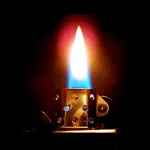
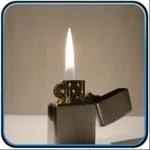
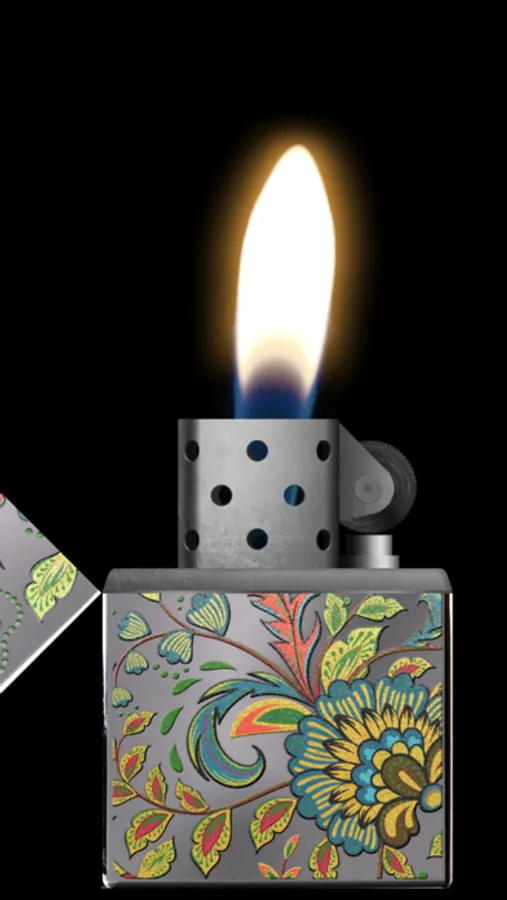
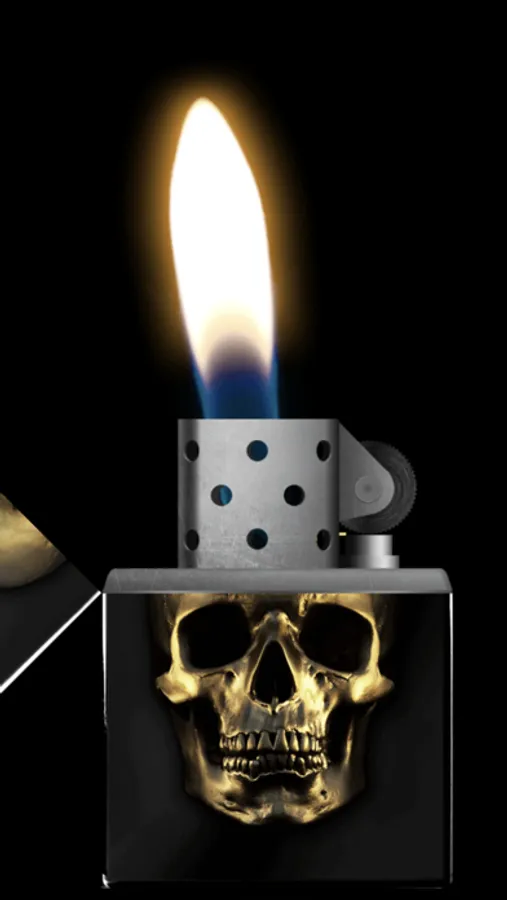
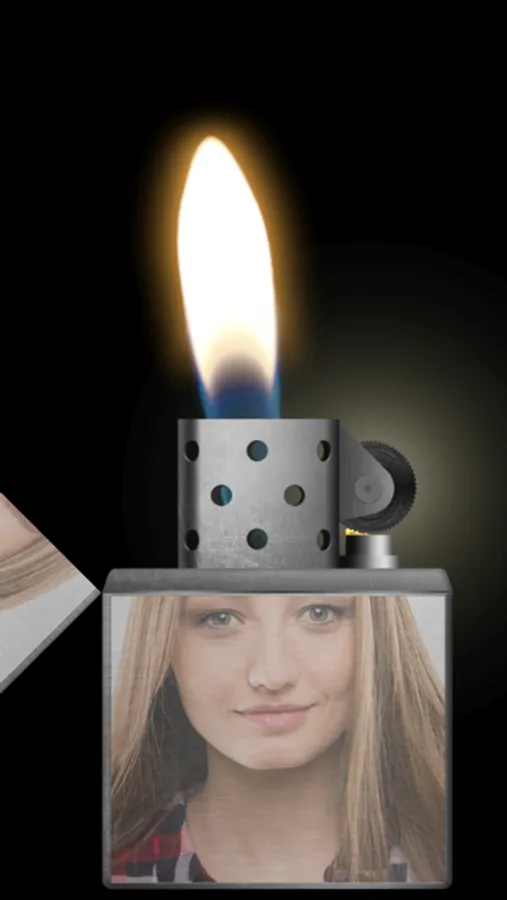
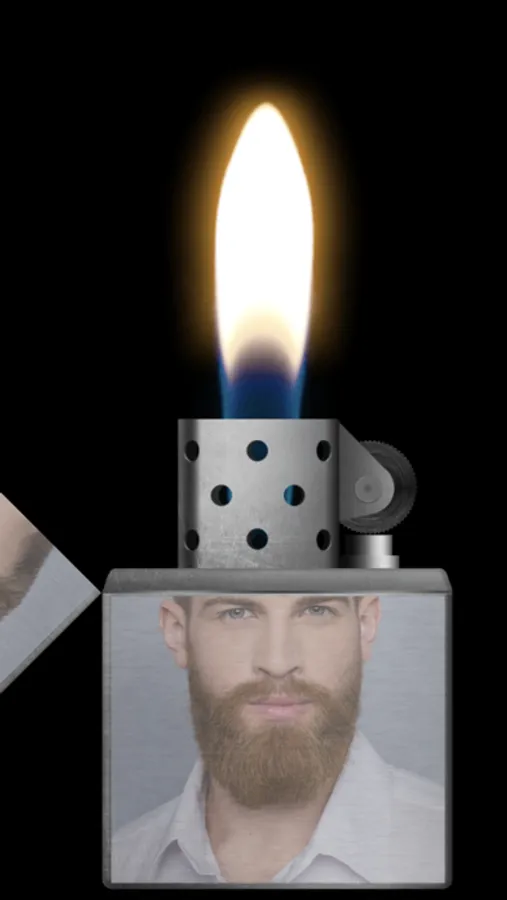
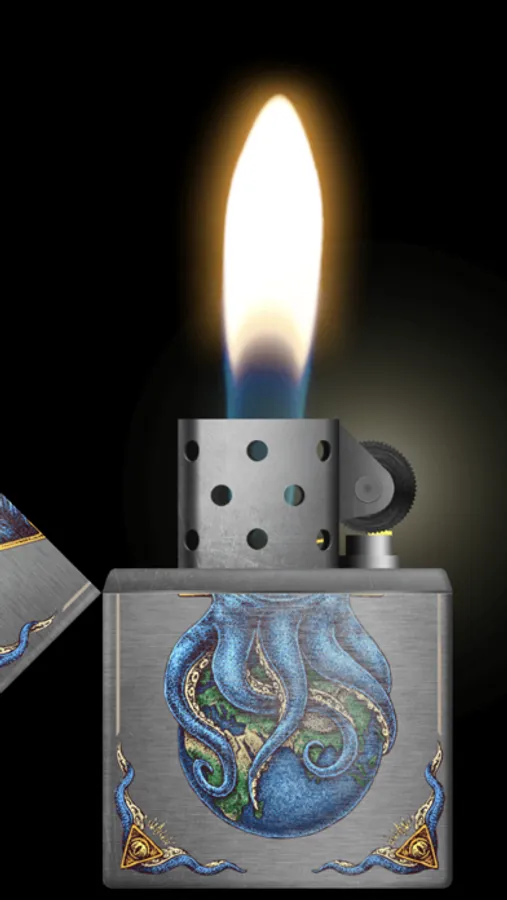
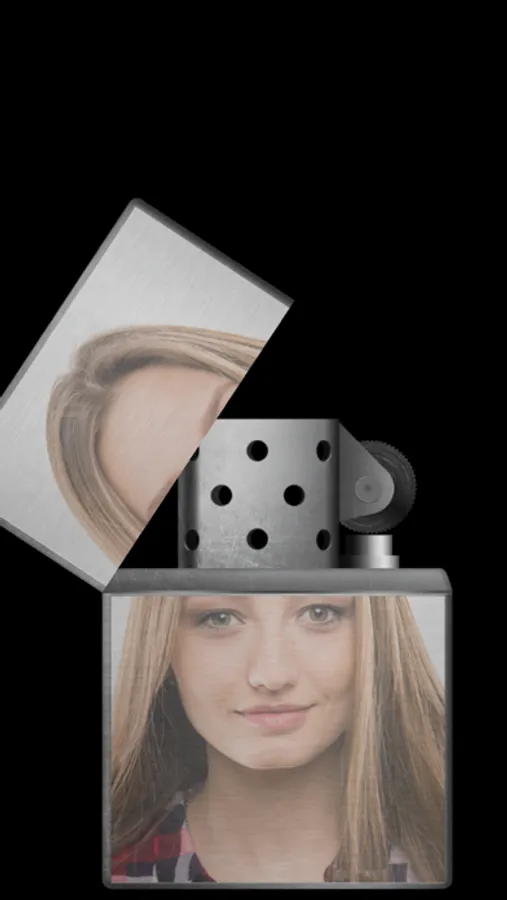
With this lighter simulator app, you can open and close the lighter cap, strike the wheel, and observe realistic flames using your device’s flashlight. Includes customizable themes, color options, flame effects, and a concert mode that keeps the flame burning continuously.
AppRecs review analysis
AppRecs rating 4.4. Trustworthiness 77 out of 100. Review manipulation risk 26 out of 100. Based on a review sample analyzed.
★★★★☆
4.4
AppRecs Rating
Ratings breakdown
5 star
82%
4 star
8%
3 star
4%
2 star
2%
1 star
5%
What to know
✓
Low review manipulation risk
26% review manipulation risk
✓
Credible reviews
77% trustworthiness score from analyzed reviews
✓
High user satisfaction
82% of sampled ratings are 5 stars
About Lighter Simulator Concert Mode
Main advantages of the app:
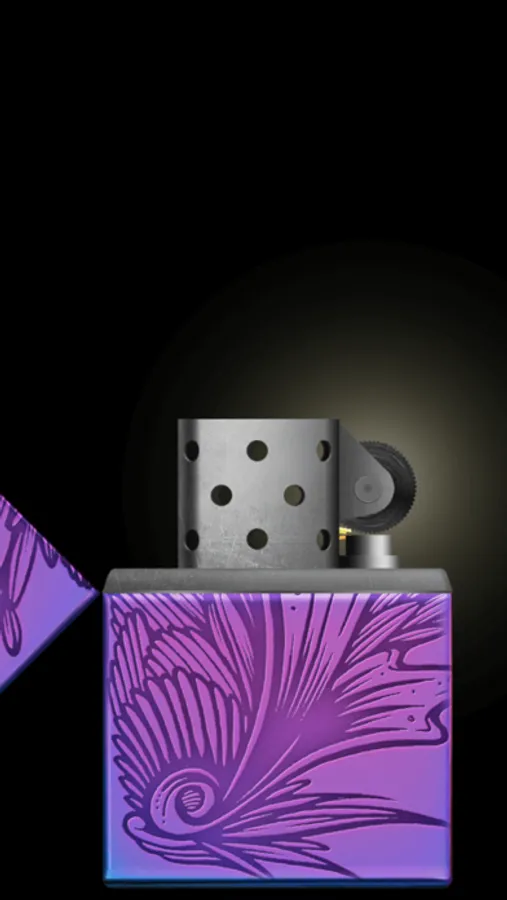
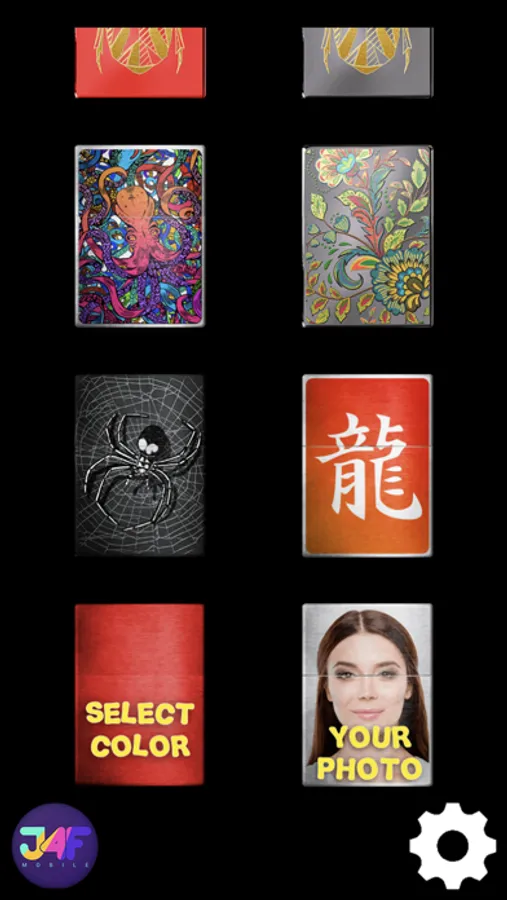
* 60 different lighter themes and 42 colors to choose from + new cool themes to download every month
* 8 colourful flames to choose from
* studio : use your own picture to decorate body, lid or background
* favorites : keep your favorite cigarette lighters in one place
* blow out to stop the fire
* concert mode : use it to keep the flame burning all the time
* use of camera flashlight for a better effect
How to use it?
Use your finger or shake your phone to open cap of the metal lighter. When the top lid is open strike the stone wheel the same way you would do it with a real cigarette lighter. Sparks will appear under the flint and they should light the wick.
As it is a very realistic simulator, it is possible that you will not manage to make a fire for the first time. You have to keep trying to spin the stone wheel until the fire appears (please use "Always light the flame at the first time" feature in settings to change that behavior). When the lighter is on phone's torch will be turn on for a better visual effect.
You can now move / tilt you phone and observe how the flame react. To stop the fire you need to close the top cap. Do it with your finger or shake the phone. You can also blow towards the fire (To stop the flame by blowing, you have to turn on "Blow to put out the flame" in settings).
By using "Lighter Simulator Concert Mode", you are agreeing to our Privacy Policy and Terms of Use:
https://www.just4funmobile.com/tos-lighter-apple-store/
https://www.just4funmobile.com/privacy-policy-lighter-apple-store/
Lighter Simulator Concert Mode Screenshots


Tap to Rate:
Reviews for Lighter Simulator Concert Mode
Lexi-Snep
AI Generated Skins Look Terrible
This app is cute, but I think the AI generated skins are super cheap. If you’re going to charge money for premium skins, commission an artist to make it for your app. Using AI is scummy and cheap.
ST3VI36966
Don’t work right.
Yeah it says to give mic permission to blow out the flame but it doesn’t work right at all. I use to have an app that simulates a lighter that would let you blow out the flame but now I guess it’s not available anymore.