SIMREX FLY
Shenzhen Jiandanzhijie Technology Co., Ltd.
1.7 ★
39 ratings
Free
AppRecs review analysis
AppRecs rating 1.7. Trustworthiness 71 out of 100. Review manipulation risk 29 out of 100. Based on a review sample analyzed.
★☆☆☆☆
1.7
AppRecs Rating
Ratings breakdown
5 star
13%
4 star
3%
3 star
5%
2 star
3%
1 star
77%
What to know
✓
Low review manipulation risk
29% review manipulation risk
✓
Credible reviews
71% trustworthiness score from analyzed reviews
⚠
Mixed user feedback
Average 1.7★ rating suggests room for improvement
About SIMREX FLY
Features
1. GPS status: Take off safely only after 6N stars
2. Latitude and longitude: Real-time display of aircraft coordinates
3. Battery power: Real-time display of the aircraft power percentage, low power automatically return to home
4. Shortcut keys for manual joystick operation: Click the button to unlock the aircraft joystick, which can replace the remote control joystick to operate the aircraft
5. Settings: There are operating joysticks (game mode setting, accelerometer calibration, geomagnetic calibration and beginner mode selection), map, and others (real-time preview pixel selection, device information, data center)
6. Flight mode: Turn on flight mode to choose waypoint planning, follow, point of interest orbit, and exit
7. Map: Click on the map to display the map in full screen, click again to switch to the scene shot by the aircraft
8. One key return to home: Click this function button to automatically return to home and land at short distances
9. One key take-off and landing: Click this function button to conduct take-off and landing
10. High and low speed display: Display the current speed of the aircraft
11. One-key unlock: Click this button to start the aircraft's brushless motor and prepare for take-off
12. Camera parameter setting: you can set the camera for single shooting, continuous shooting, and delayed shooting
13. Shooting: Click this button to directly shoot your favorite scene
14. Recording: Click this button to realize the scene recording function, click this button again to stop recording and save video automatically.
15. Gallery: Click this button to view the captured pictures, videos, and pictures and videos in the SD card (it need to install the SD card )
SIMREX FLY Screenshots
Tap to Rate:
Reviews for SIMREX FLY
Roasting singlet
Try simrex zooms
This app does not let me use my x800 drone. Try this other app called simrex zoomy. When you connect to your drone it connects to the camera
Er!c4321
Agree with others
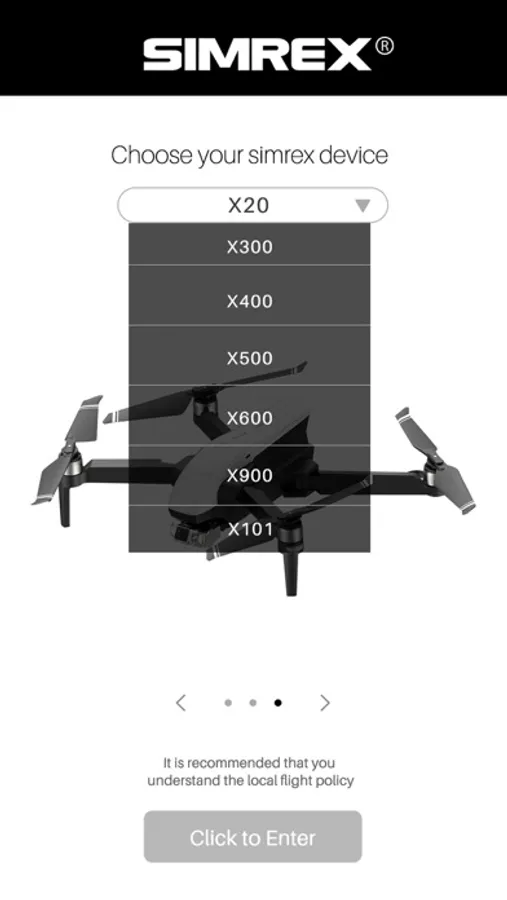
Just like others have experienced, got my son an X800 drone for his birthday and the app clearly shows support for that model in the manual no the app only has two compatible drones.