AppRecs review analysis
AppRecs rating 2.0. Trustworthiness 65 out of 100. Review manipulation risk 22 out of 100. Based on a review sample analyzed.
★★☆☆☆
2.0
AppRecs Rating
Ratings breakdown
5 star
0%
4 star
0%
3 star
0%
2 star
100%
1 star
0%
What to know
✓
Low review manipulation risk
22% review manipulation risk
⚠
Mixed user feedback
Average 2.0★ rating suggests room for improvement
About Custom Running Intervals
Features:
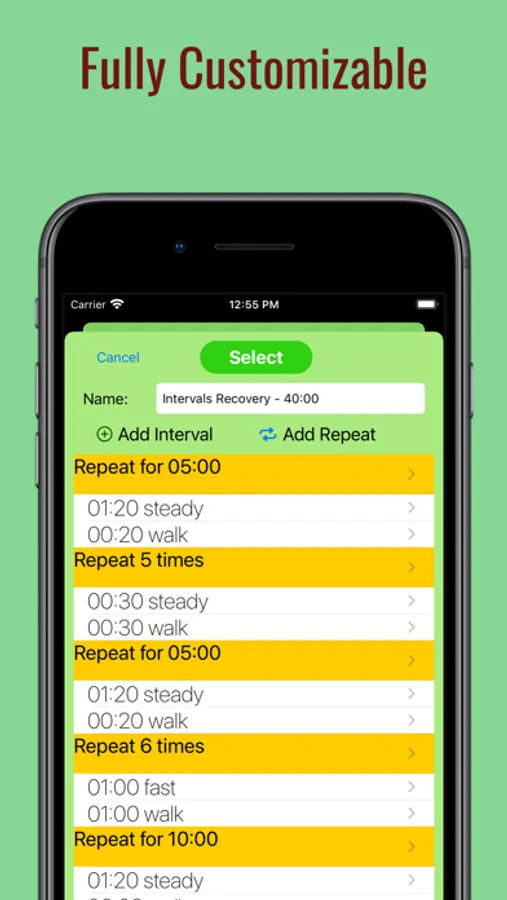
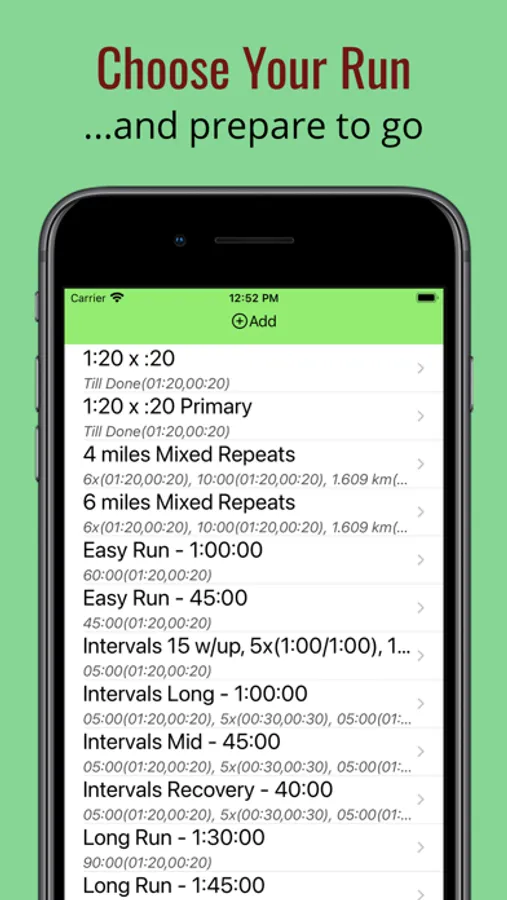
1. Configurable intervals - distance (miles, kilometers), time (hours, minutes, seconds).
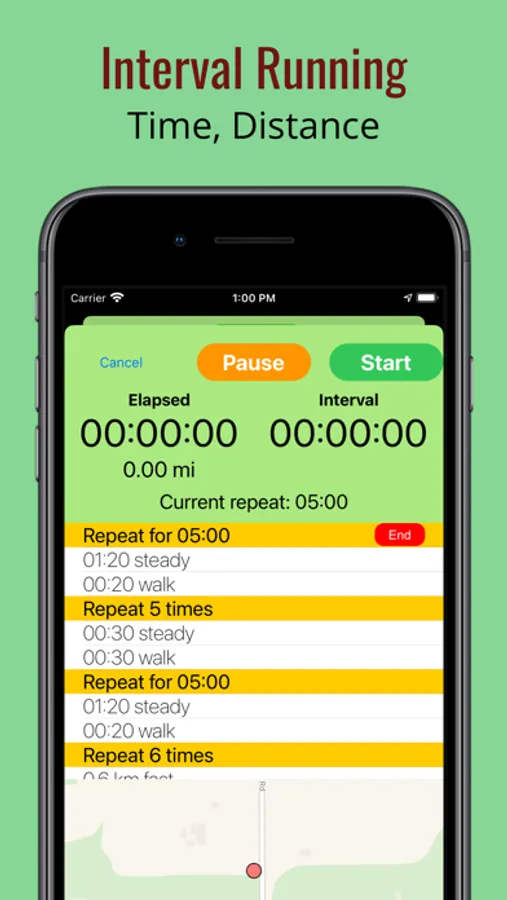
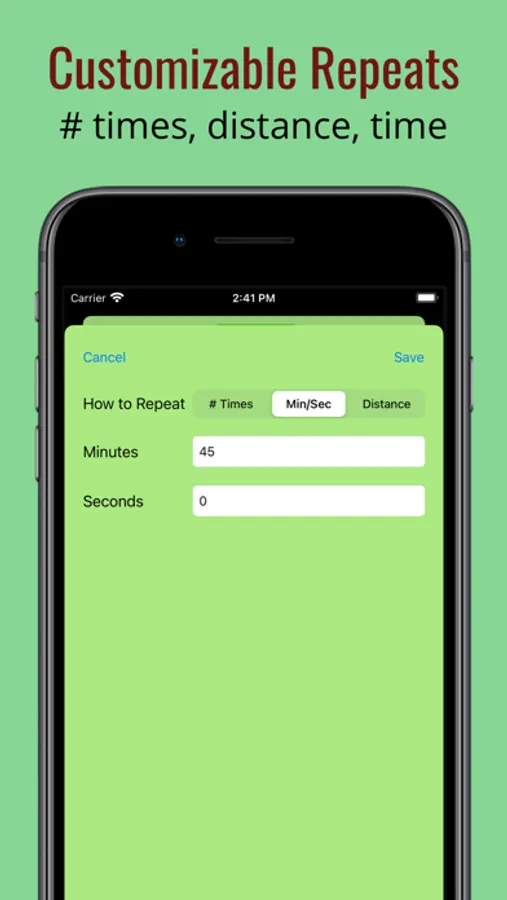
2. Configurable repeat blocks of intervals - # of times (or until stopped), distance, time.
3. Clone activities (use an existing activity - repeats and intervals - as a basis to create a similar activity).
4. Apple Watch monitoring and control and heart rate (iPhone app must be started).
5. Configurable settings.
6. Audio cues by voice, tone, or both (in Settings).
7. Pause, Resume, or Stop an activity, Skip repeat blocks.
8. View current elapsed time, distance, interval progress, overall pace.
9. End an in-progress repeat block (and proceed to the next).
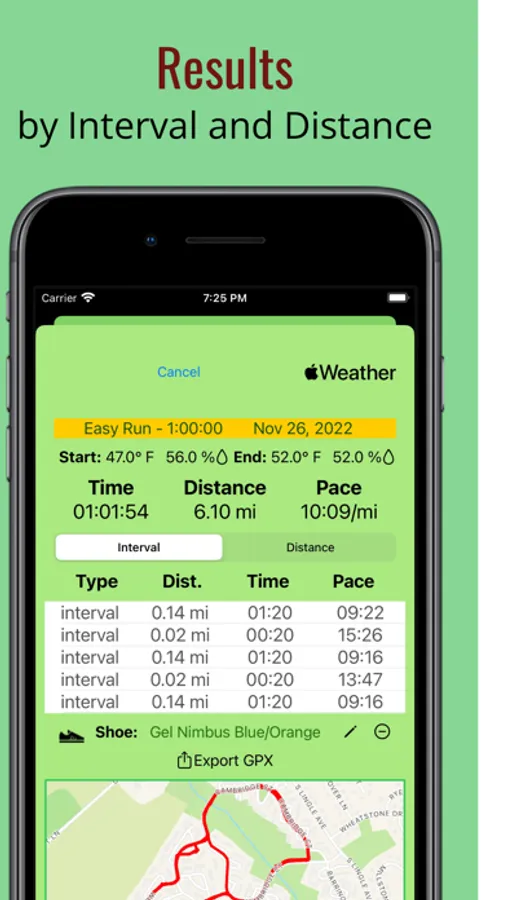
10. Results by interval and repeat block, as well as default distance unit (each mile or kilometer).
11. Results (including steps, time, distance, and pace) available immediately after run.
12. Map view to verify GPS location prior to starting run.
13. Map view of running route in results including markers by mile/kilometer and pauses.
14. Helpful on-screen guide when creating first activity and configuring.
15. Activities and results stored in iCloud for synchronization across devices and data loss prevention.
Apple Watch
If you have an Apple Watch, you can also start, pause, and stop an activity in progress from the watch. NOTE: the Apple Watch app (included with your iPhone download) communicates with the iPhone app, so the app must be started on both the watch and phone to use the watch app.
Apple Watch Features:
1. View existing activity configurations.
2. Start an activity (if iPhone app is started).
3. Pause, Resume, or Stop an activity.
4. View current elapsed time, distance, interval progress, overall pace.
5. End an in-progress repeat block (and proceed to the next).
Available Full Features (In App Purchase)
1. Configure an activity with multiple repeat blocks for more complex intervals (standard version allows one repeat block)
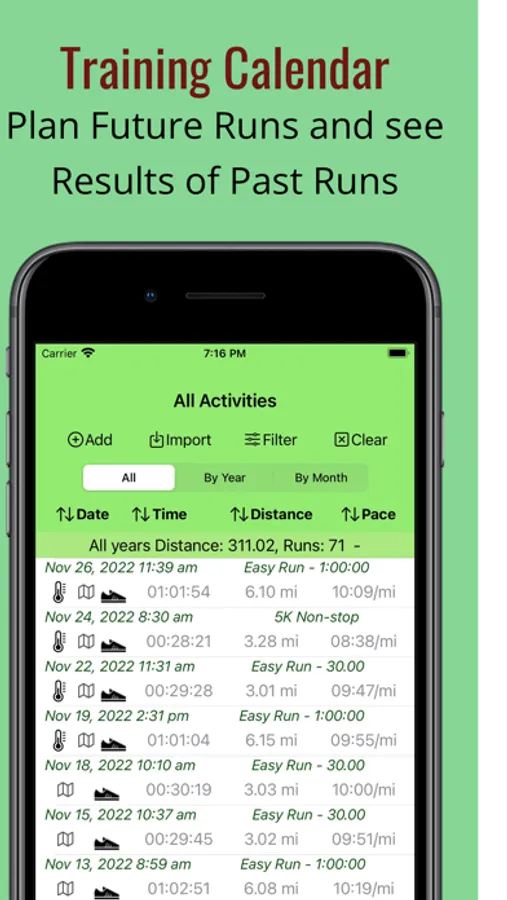
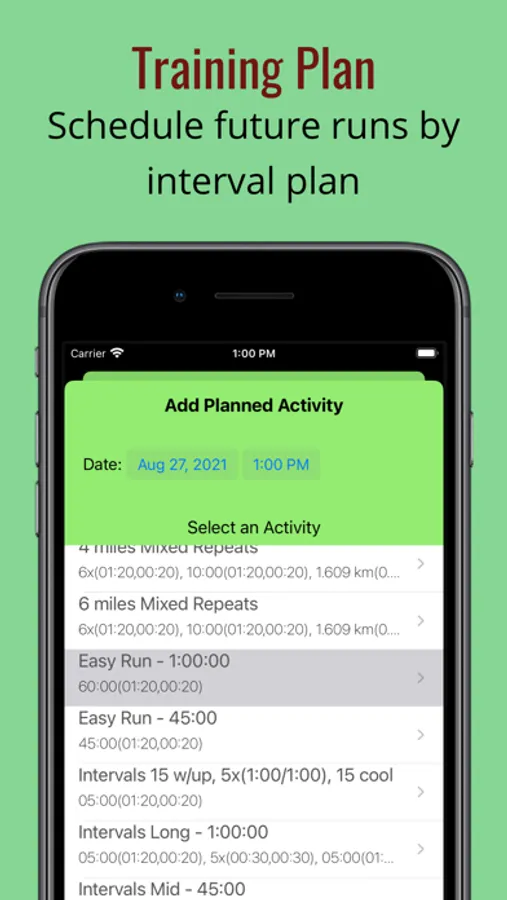
2. Enter and start planned training runs on a Training Calendar for a selected custom interval (free version allows up to 5).
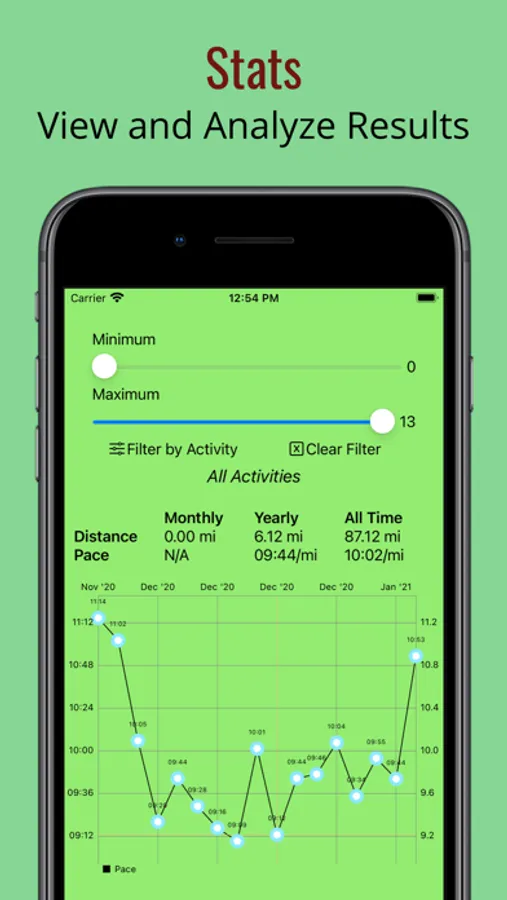
3. View and filter a graph of your pace over time for all activities or a specific activity type (free version allows up to 5 past runs).
4. View the results of your past training runs on the Training Calendar including a map of the route and weather conditions.
5. View pace and elevation by distance charts for any captured run.
6. Sort your past results by date, total time of run, distance, and pack.
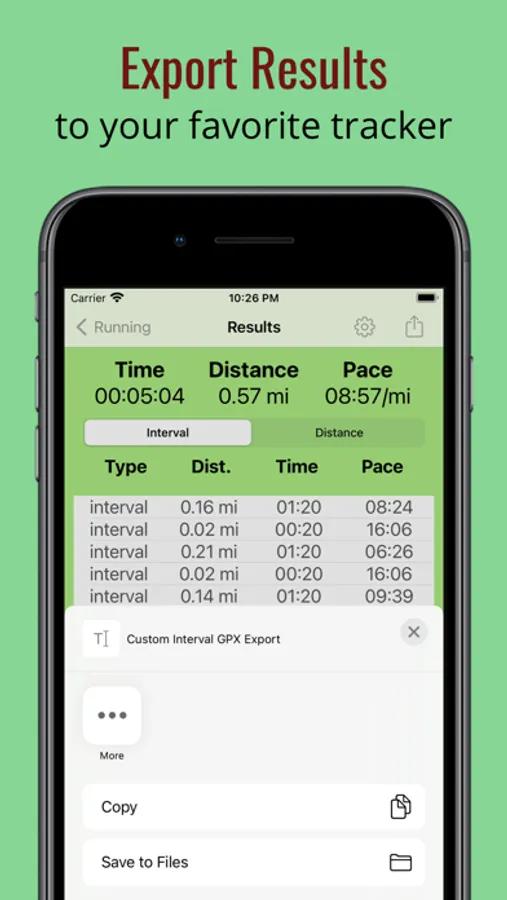
7. Export your results (current or history) in the GPX format for importing to other trackers that support GPX.
8. Fix GPS for anomalies.
9. Import results in GPX format from other tracker apps.
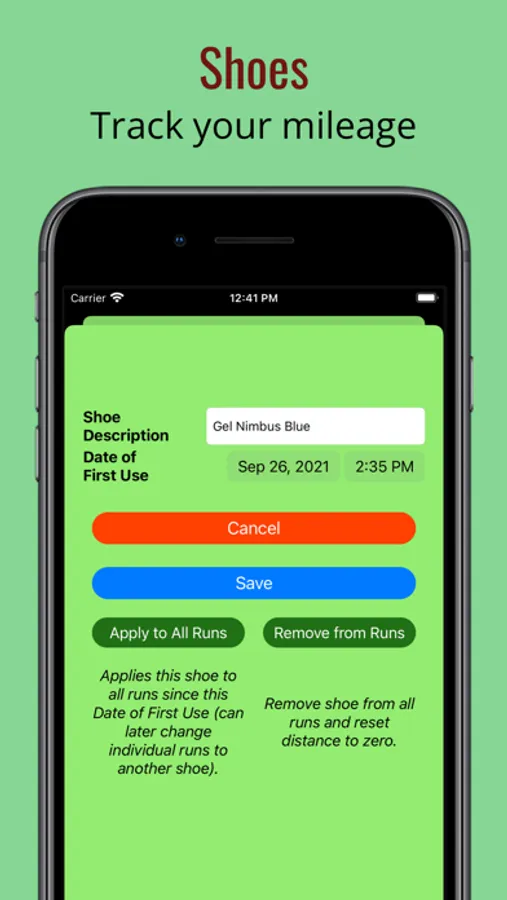
10. Track miles run on your different pairs of shoes.
11. Manually enter results for a run if you forget to record a run.
12. Manually edit the time and distance for a run.
Custom Running Intervals Screenshots
Tap to Rate:
Reviews for Custom Running Intervals
Nivaun
Good ideas but needs work
The customization of intervals is awesome but there are a few issues that need to be fixed. 1. During an activity if you leave the current running activity there is no way to open it again. You are forced to begin a new activity, yet the first one is still running. 2. It is unreliable as to whether or not the interval prompts will work when the screen is off. More times than not, when I closed my screen, the activity paused itself until I opened my screen. 3. When creating intervals the keyboard gets in the way so you can’t see what you are entering.