Dual Messenger - Multi Social
Eyermin Colon Sanchez
4.3 ★
259 ratings
Free
In this app, you can manage multiple social media accounts and access dual messaging features. Includes options for account linking, privacy settings, and social media management tools.
AppRecs review analysis
AppRecs rating 4.3. Trustworthiness 60 out of 100. Review manipulation risk 26 out of 100. Based on a review sample analyzed.
★★★★☆
4.3
AppRecs Rating
Ratings breakdown
5 star
76%
4 star
6%
3 star
4%
2 star
4%
1 star
10%
What to know
✓
High user satisfaction
82% of sampled ratings are 4+ stars (4.3★ average)
✓
Authentic reviews
No red flags detected
About Dual Messenger - Multi Social
The best application for users who are not satisfied with having a social network this app is for those who have multiple social network accounts. You will find a how to do it that contains a WhatsApp guide and many more that consists of several tricks and tips to simplify lovers of this world of social networks.
With this application you will learn to take advantage of 100% of social applications.
* How to do it
* Phone change number without losing messages
* Disable automatic image download WhatsApp
* Hide Your WhatsApp Image
* Hide WhatsApp Last Seen for your WhatsApp
* Change your Friend's Profile Picture
* Some Category
- Dual messeger
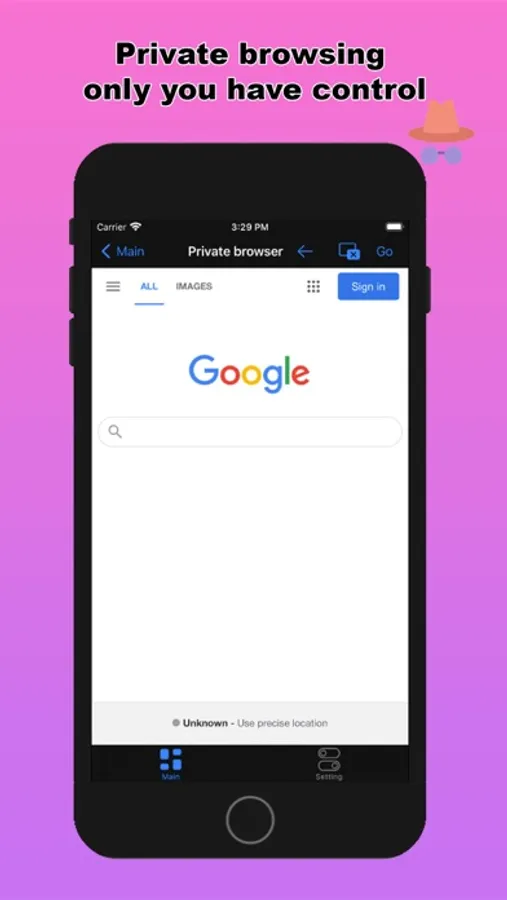
- Private browser
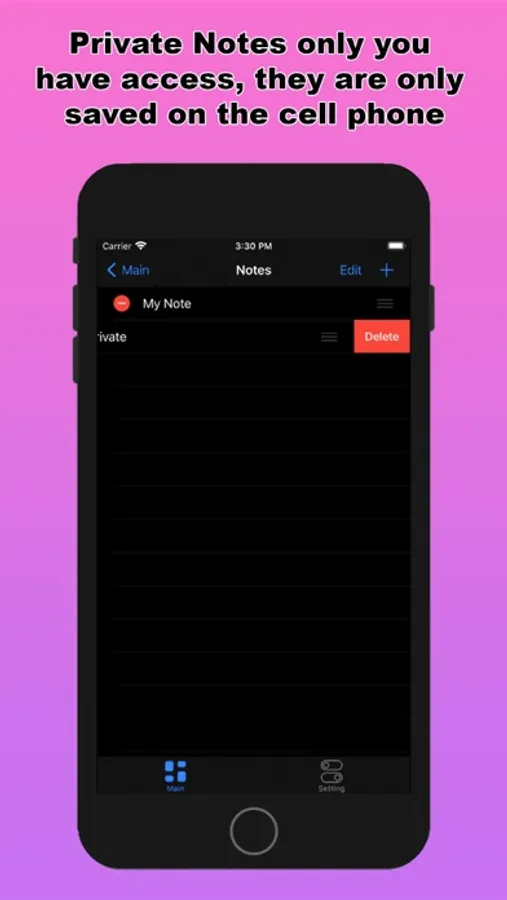
- Private notes
- Reminder to send messages
- Send whatsapp message without saving number
- Ascii Faces Creator
- Text Repeator
- Caption for whatsapp
- Text to Emoji Creator
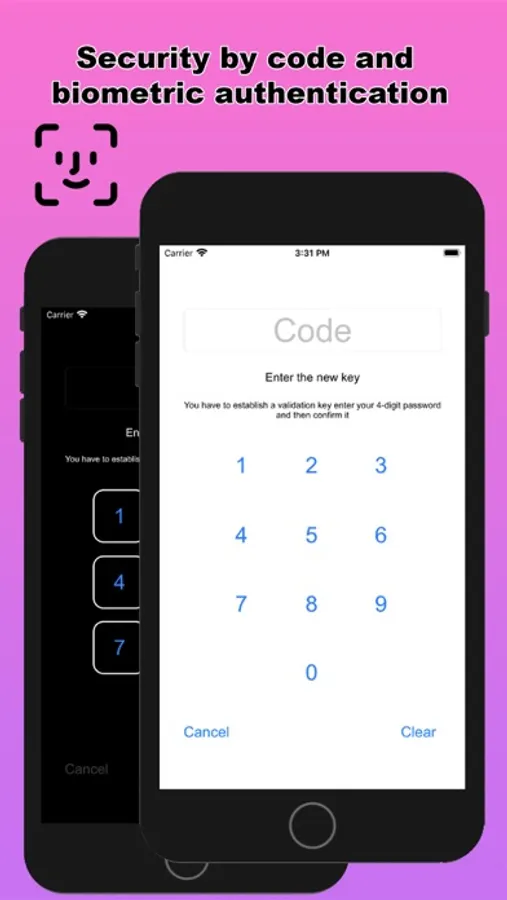
- Security so that you have your information safe
- Among other things
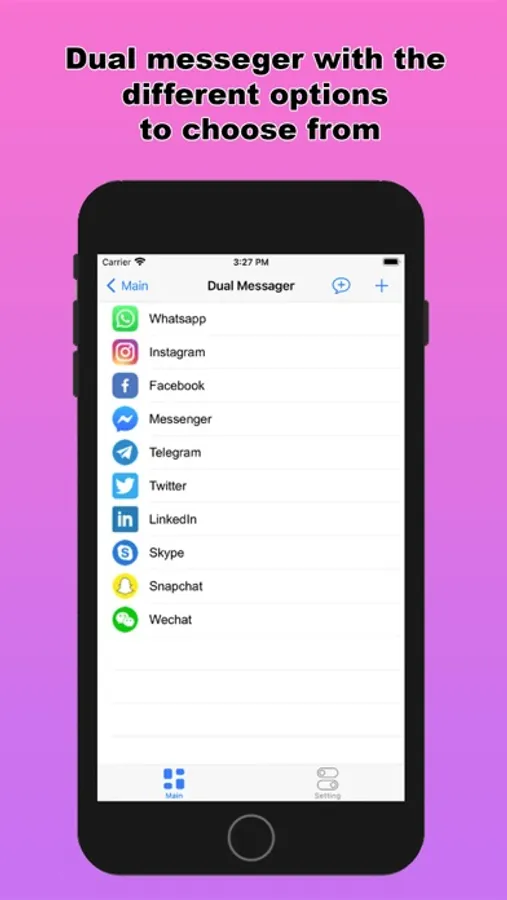
--Dual messenger
* Whatsapp
* Instagram
* Facebook
* Messenger
* Telegram
* Twitter
* LinkedIn
* Skype
* Snapchat
* Wechat
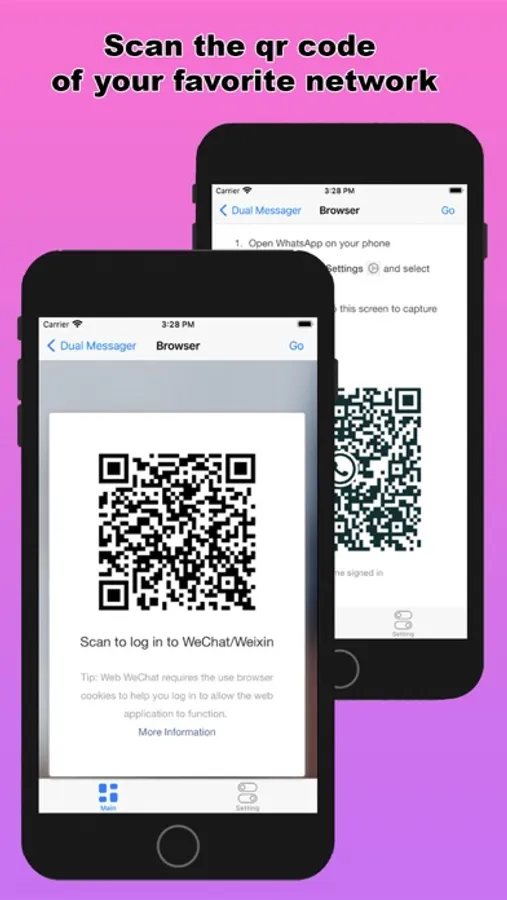
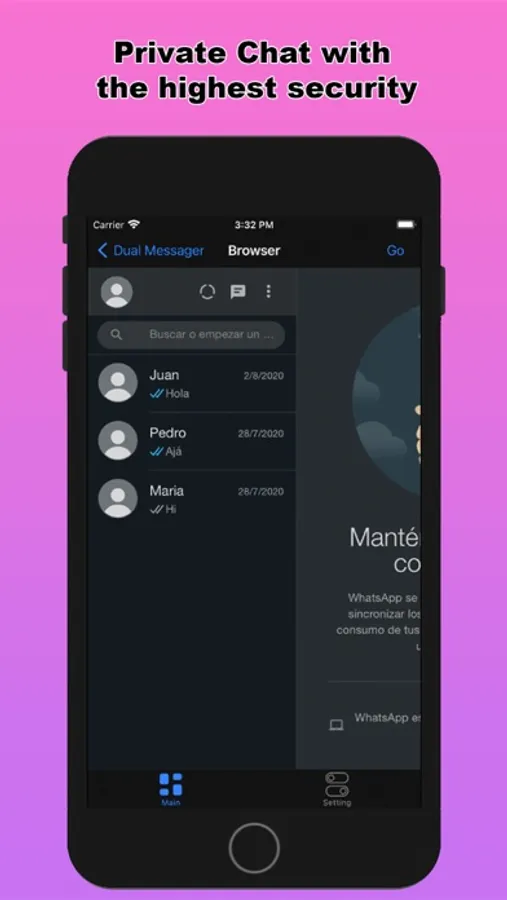
The dual messeger part allows you to open two accounts on the same device or the same account on multiple devices by simply scanning the web QR code of WhatsApp and other applications. Too easy
You just have to open the app and scan the QR code of the other account and now you are done to use the dual chat feature with this web clone app.
Start testing it now:
Follow these three steps and use the dual chat feature.
1) Open Whats web scan app where you get the QR code.
2) Open the Whats application on another mobile device and go to 3 dots in the upper right corner.
3) Open the Whats Web option and point to the previously opened QR code.
Premium users have access to all the features described above.
Once the signature is done, you don't have to worry about the renewal being done automatically. If you change your mind, you can cancel the subscription or turn off auto-renew at any time in your iTunes account (As long as it is done at least 24 hours before the subscription renewal). the value of the current signature cannot be returned and the service cannot be interrupted in case of withdrawal during the validity period.
You can manage your subscription with your iTunes account.
To access your account: iTunes> iTunes Store> Your Account> Settings> Manage Subscriptions.
Terms of use and privacy policy: https://ecapps.info/terms-of-use-and-privacy-policy/
With this application you will learn to take advantage of 100% of social applications.
* How to do it
* Phone change number without losing messages
* Disable automatic image download WhatsApp
* Hide Your WhatsApp Image
* Hide WhatsApp Last Seen for your WhatsApp
* Change your Friend's Profile Picture
* Some Category
- Dual messeger
- Private browser
- Private notes
- Reminder to send messages
- Send whatsapp message without saving number
- Ascii Faces Creator
- Text Repeator
- Caption for whatsapp
- Text to Emoji Creator
- Security so that you have your information safe
- Among other things
--Dual messenger
* Messenger
* Telegram
* Skype
* Snapchat
The dual messeger part allows you to open two accounts on the same device or the same account on multiple devices by simply scanning the web QR code of WhatsApp and other applications. Too easy
You just have to open the app and scan the QR code of the other account and now you are done to use the dual chat feature with this web clone app.
Start testing it now:
Follow these three steps and use the dual chat feature.
1) Open Whats web scan app where you get the QR code.
2) Open the Whats application on another mobile device and go to 3 dots in the upper right corner.
3) Open the Whats Web option and point to the previously opened QR code.
Premium users have access to all the features described above.
Once the signature is done, you don't have to worry about the renewal being done automatically. If you change your mind, you can cancel the subscription or turn off auto-renew at any time in your iTunes account (As long as it is done at least 24 hours before the subscription renewal). the value of the current signature cannot be returned and the service cannot be interrupted in case of withdrawal during the validity period.
You can manage your subscription with your iTunes account.
To access your account: iTunes> iTunes Store> Your Account> Settings> Manage Subscriptions.
Terms of use and privacy policy: https://ecapps.info/terms-of-use-and-privacy-policy/
Dual Messenger - Multi Social Screenshots
Tap to Rate:
Reviews for Dual Messenger - Multi Social
Survey Master Robi
Don’t load onetime code
I was hoping this would work so I can have two messengers, but this app is so old that it says to send a one-time code for recording messages and doesn’t even hawesome-option to tap one-time code.
baboa1988
Ads and paid subscription
It seems like it doesn’t work only ads pop up for every step only maybe paid subscription work maybe