
In this app, you can browse, search, and annotate the FAR AIM documents for aviation regulations. Includes features such as bookmarking, highlighting, note-taking, and syncing annotations across devices.
AppRecs review analysis
AppRecs rating 4.5. Trustworthiness 0 out of 100. Review manipulation risk 0 out of 100. Based on a review sample analyzed.
★★★★☆
4.5
AppRecs Rating
Ratings breakdown
5 star
87%
4 star
6%
3 star
2%
2 star
2%
1 star
3%
What to know
✓
High user satisfaction
87% of sampled ratings are 5 stars
✓
Detailed user feedback
52% of sampled reviews provide substantial detail
✓
Authentic reviews
No red flags detected
About FAR AIM by Flightready
▸ Includes all of Title 14 of the Code of Federal regulations, including Parts 1, 43, 48, 61, 67, 68, 71, 73, 91, 97, 103, 105, 107, 110, 117, 119, 135, 136, 137, 141, and 142.
▸ Includes Title 49 Parts 172 and 175 (HazMat), 830 (NTSB), 1544 and 1552 (TSA).
▸ All sections of the FAA Aeronautical Information Manual (AIM), including the original figures.
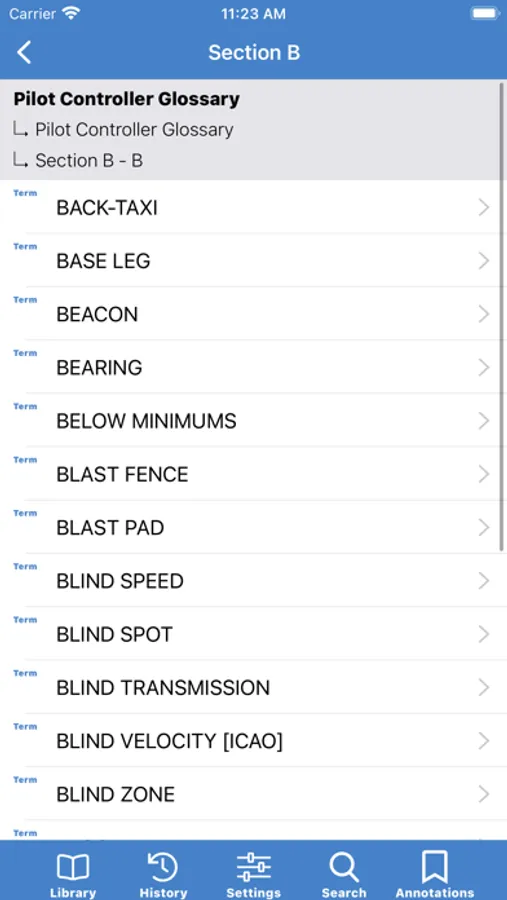
▸ Complete Pilot/Controller Glossary.
▸ Updated regularly to ensure the latest content.
Features
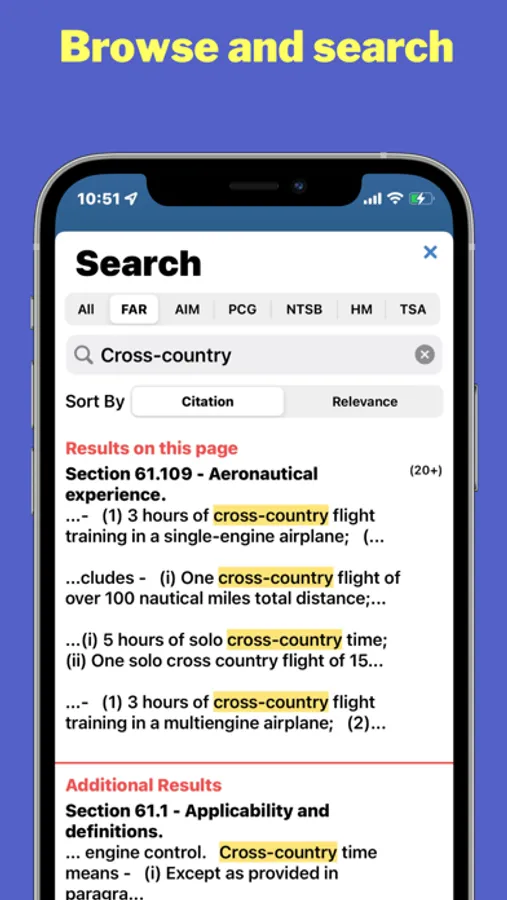
▸ Browse and search the entire text of the FAR AIMs, including the Pilot Controller Glossary.
▸ Filter search results by reference
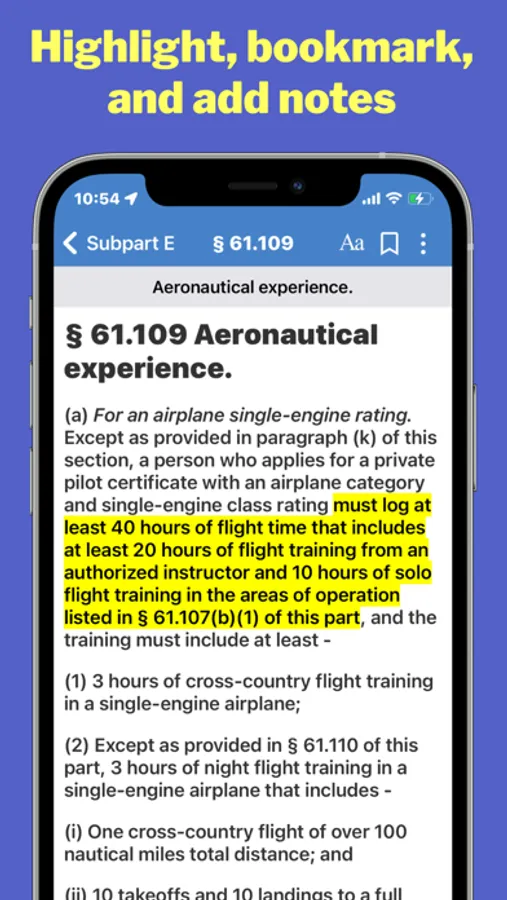
▸ Bookmarks
▸ Add notes
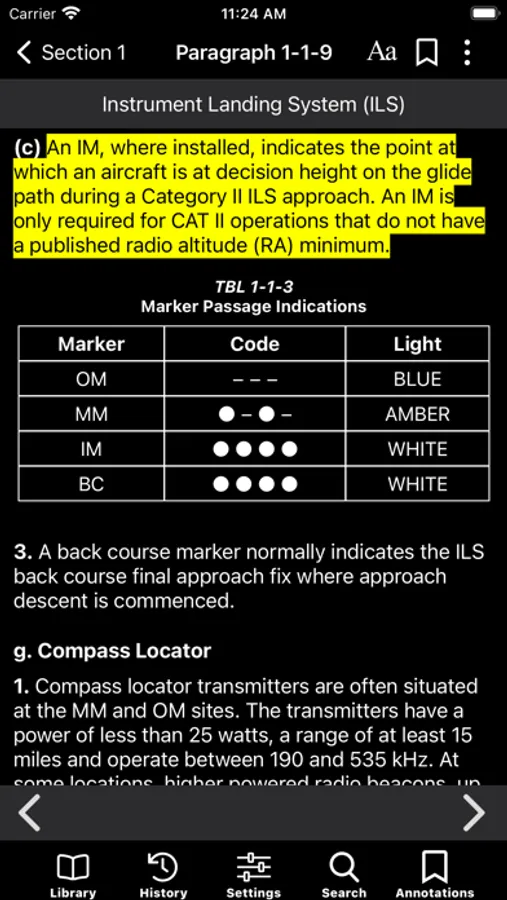
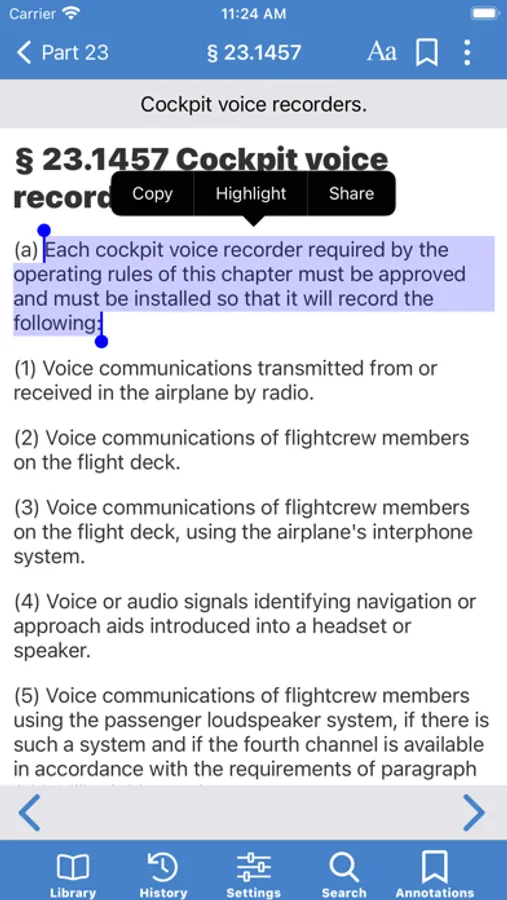
▸ Highlight text
▸ Sort search results by relevance or section number/AIM paragraph.
▸ Search within the current FAR or AIM paragraph.
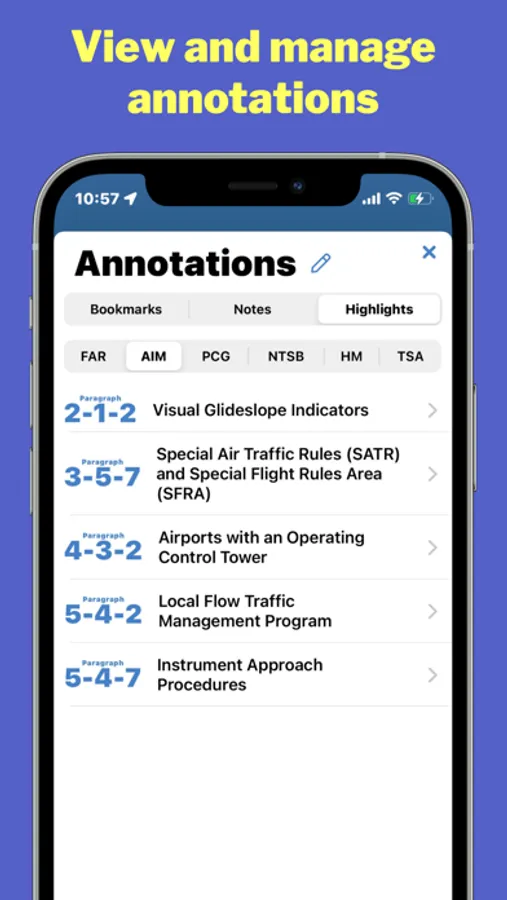
▸ Manage all of your annotations in one place, and filter annotations by type and document.
▸ Annotations are synced across all of your iOS devices.
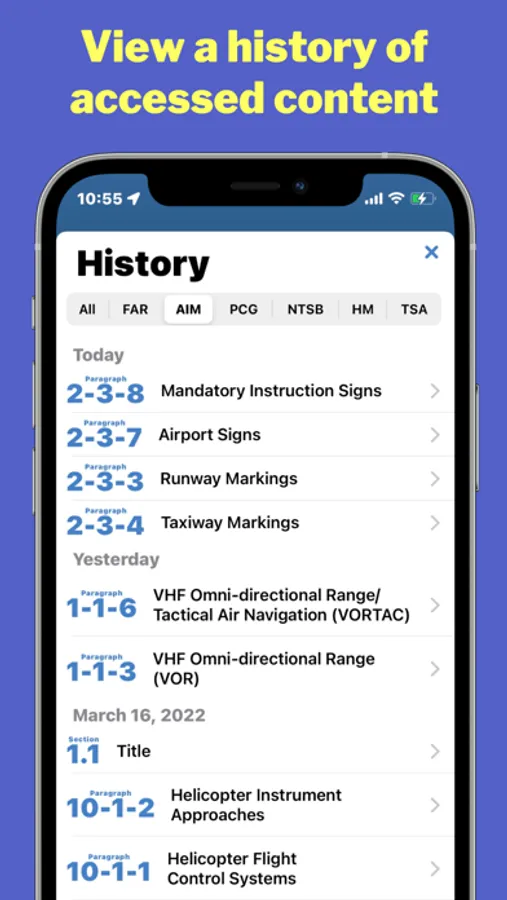
▸ View history of viewed content, categorized by day.
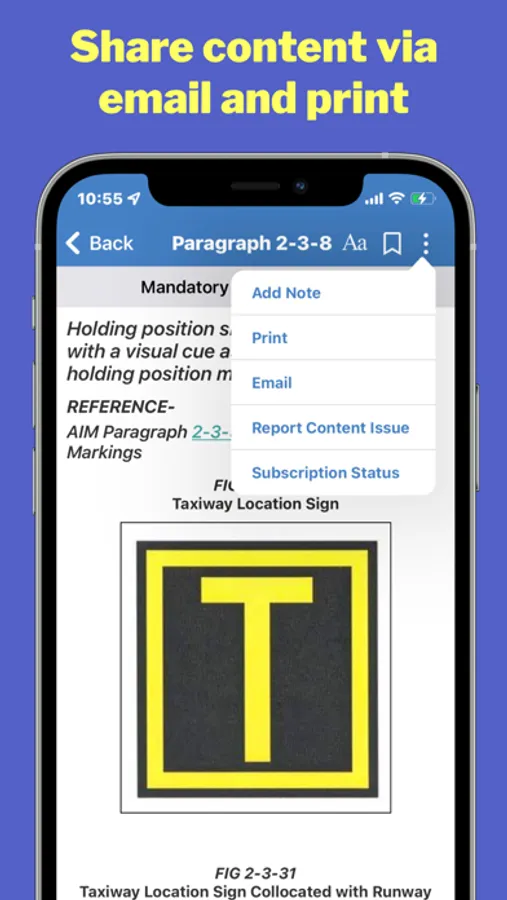
▸ Email, print, and share any FAR, AIM paragraph, or definition.
▸ Set text size (supports iOS Dynamic Type).
▸ Set light or dark theme (supports auto dark mode to match system settings).
▸ Works in profile and landscape mode, and supports multitasking.
▸ Customize the FAR AIMs for your use case (general aviation, drone, flight crew, or maintenance). When a used case is selected, only the FARs relevant to that operation are displayed. Filtering can be removed completely to display all FARs.
To cancel your FAR/AIM trial or subscription do one of the following:
▸ Delete the app, and then select manage subscription when prompted.
▸ Open the App Store app, then tap Subscriptions.
▸ Open Settings app, then tap your name, then Subscriptions.
All FAR AIM content in this app is sourced from public sources, including the Federal Aviation Administration and Government Printing Office.
Terms of Service: https://www.flightready.net/terms-of-service/
Privacy Policy: https://www.flightready.net/privacy-policy/
Customer Service: https://www.flightready.net
FAR AIM by Flightready Screenshots
Tap to Rate:
Reviews for FAR AIM by Flightready
Nxbcdhkbsbejjhfrbs
Good, but room to improve
I like the sync between devices. I don’t like the layout of the FARs though. It’s too divided up. It takes too many clicks to get from one area to another. For example I would like all the sections of part 91 to be in one tab, not broken up into multiple sections that you have to click on. Sections is good, but they should all be in one scroll. The Sporty’s app was a better layout. It’s obsolete now. It also didn’t sync. Just a suggestion for the developers.
Nyquil98
No part 135
It's an electronic book, there's no reason not to include every part of the FAR. It's not like you're gonna make the app thicker.