In this memo app, you can create and organize notes for easy access on your iOS14 home screen. Includes customizable widget sizes and multiple memo display options.
AppRecs review analysis
AppRecs rating 4.7. Trustworthiness 63 out of 100. Review manipulation risk 35 out of 100. Based on a review sample analyzed.
★★★★☆
4.7
AppRecs Rating
Ratings breakdown
5 star
82%
4 star
11%
3 star
4%
2 star
0%
1 star
2%
What to know
✓
High user satisfaction
82% of sampled ratings are 5 stars
✓
Authentic reviews
Natural distribution, no red flags
About Widgets Sticky Note
A simple memo app designed specifically for widgets (supports a wide range of widgets).
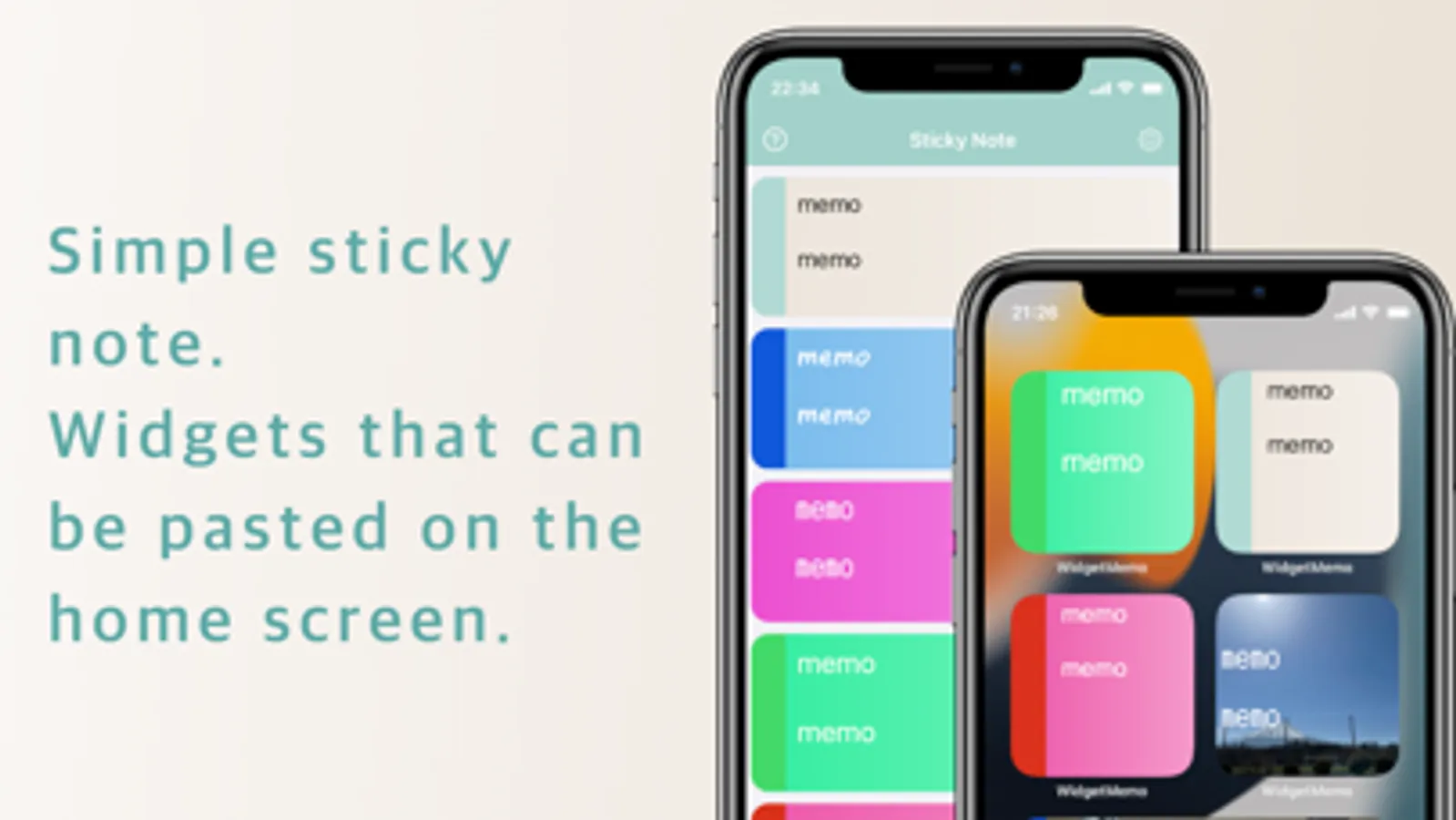
You can display as many created memos as widgets on your home screen as you like.
You can set a background image for each widget.
With simple controls, you can apply gradient backgrounds or choose a handwritten-style font.
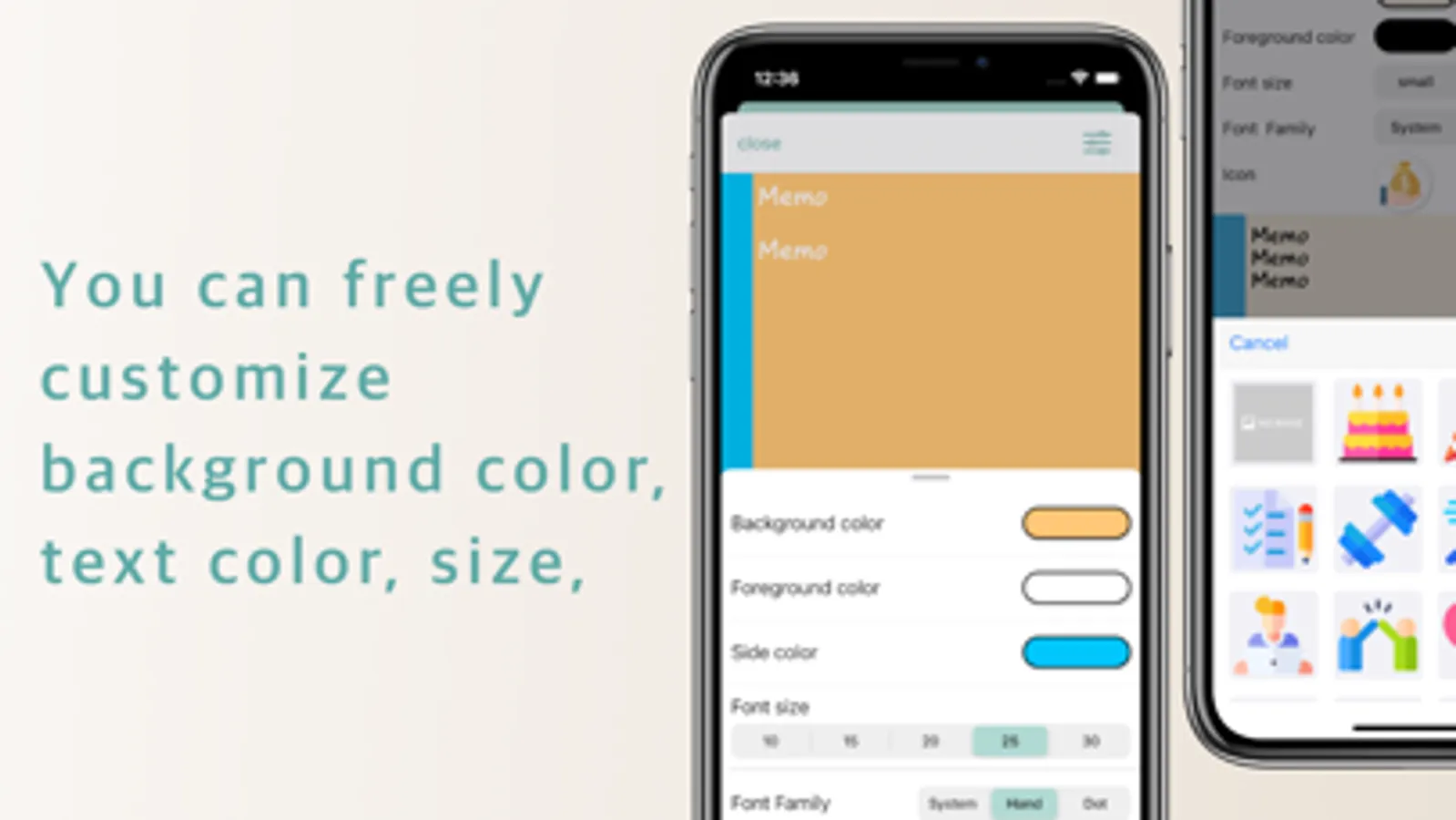
Customization is fully flexible.
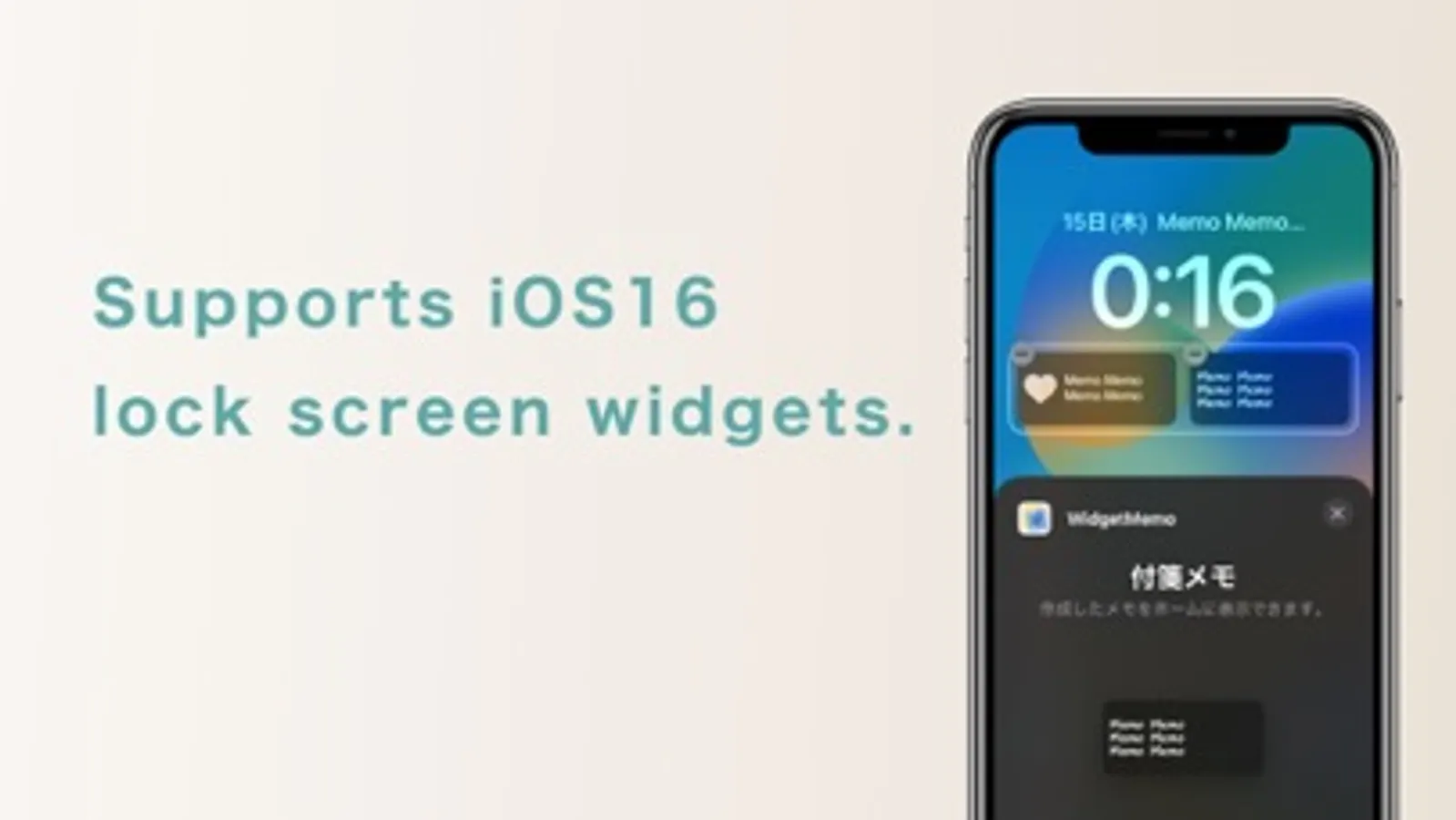
Supports iOS 18 control widgets.
You can also adjust background color, text color, and text size.
Rearranging is easy—just drag and move.
By backing up to iCloud, you can sync your data across other devices.
■ How to set up a widget
Create a memo in the Sticky Memo app
Add a Sticky Memo widget to your home screen
Select the memo you created from the widget edit screen
■ If the widget does not update
Open the Sticky Memo app → Settings → Tap “Update Widgets”
■ How to use
You can delete memos by swiping from the list
Tap a memo in the list to edit it
Drag from the list to reorder your memos
You can display as many created memos as widgets on your home screen as you like.
You can set a background image for each widget.
With simple controls, you can apply gradient backgrounds or choose a handwritten-style font.
Customization is fully flexible.
Supports iOS 18 control widgets.
You can also adjust background color, text color, and text size.
Rearranging is easy—just drag and move.
By backing up to iCloud, you can sync your data across other devices.
■ How to set up a widget
Create a memo in the Sticky Memo app
Add a Sticky Memo widget to your home screen
Select the memo you created from the widget edit screen
■ If the widget does not update
Open the Sticky Memo app → Settings → Tap “Update Widgets”
■ How to use
You can delete memos by swiping from the list
Tap a memo in the list to edit it
Drag from the list to reorder your memos
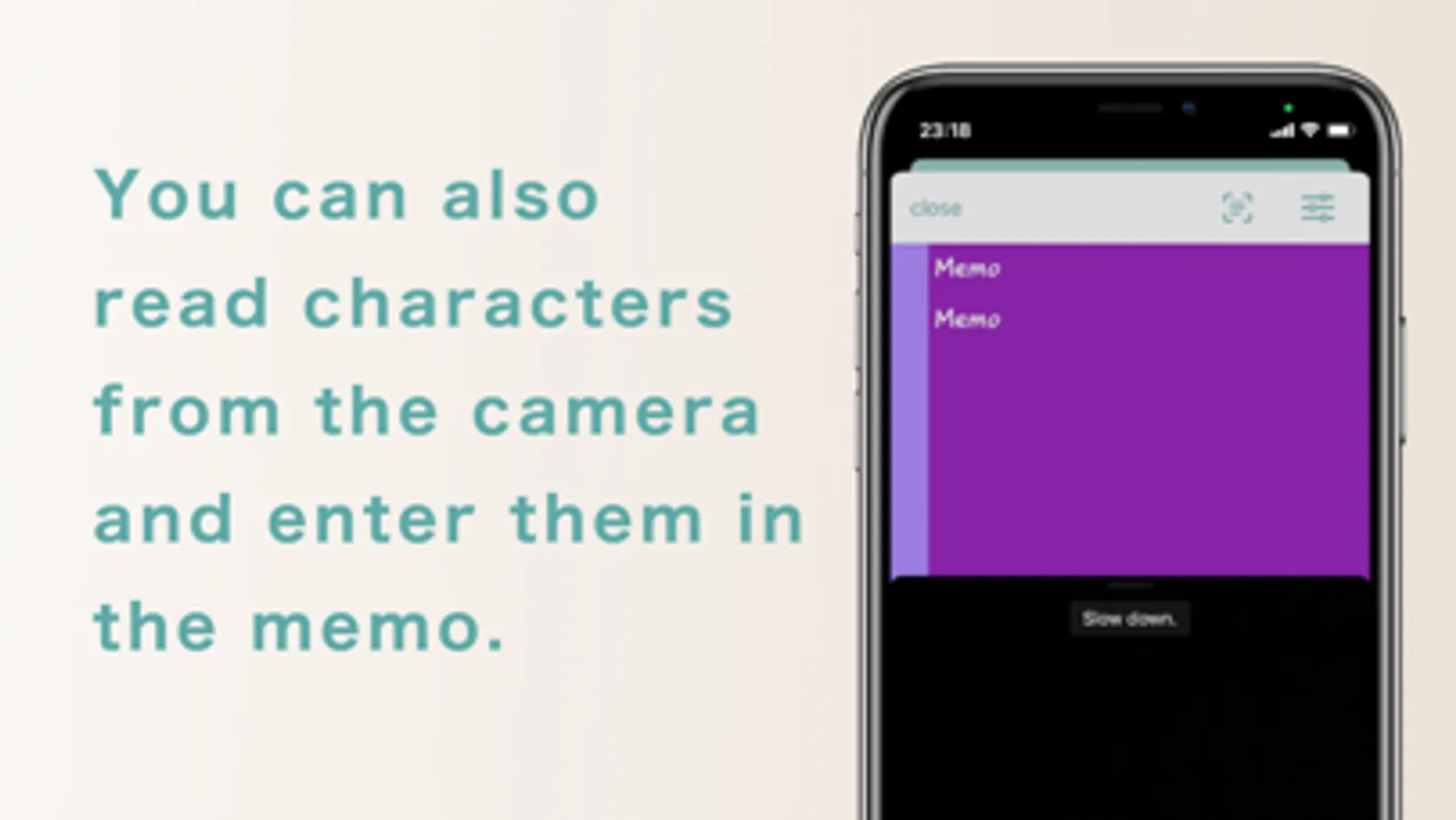
Widgets Sticky Note Screenshots
Tap to Rate:
Reviews for Widgets Sticky Note
Kittin 13
Great reminder!!!
I’ve been using this app for a long time and I absolutely love it… I struggle with memory issues so being able to have a sticky note on my screen helps so much and it’s easy to use… Memory issues or not this app is a must have for everyone!!!
Bjbudd
I’ve had a few….
This one is the best? I love how you’re able to move the notes to a different order (although it needs some work).