
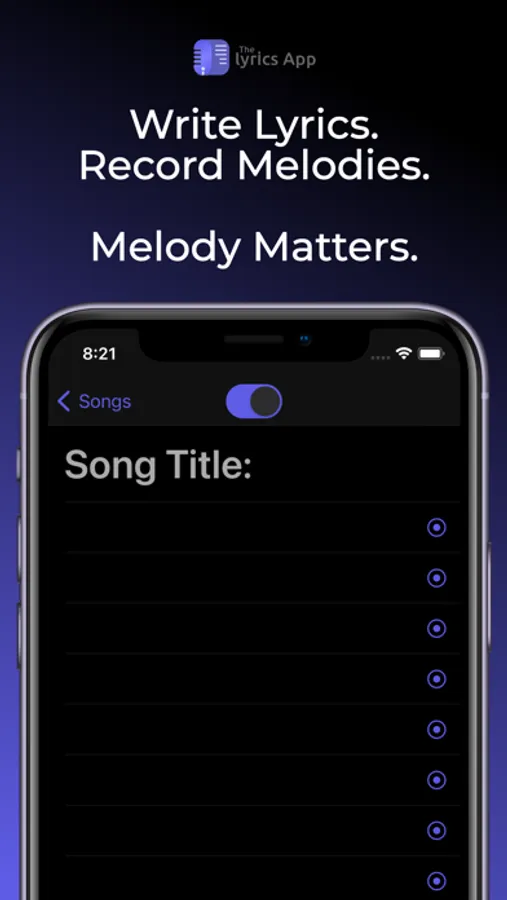
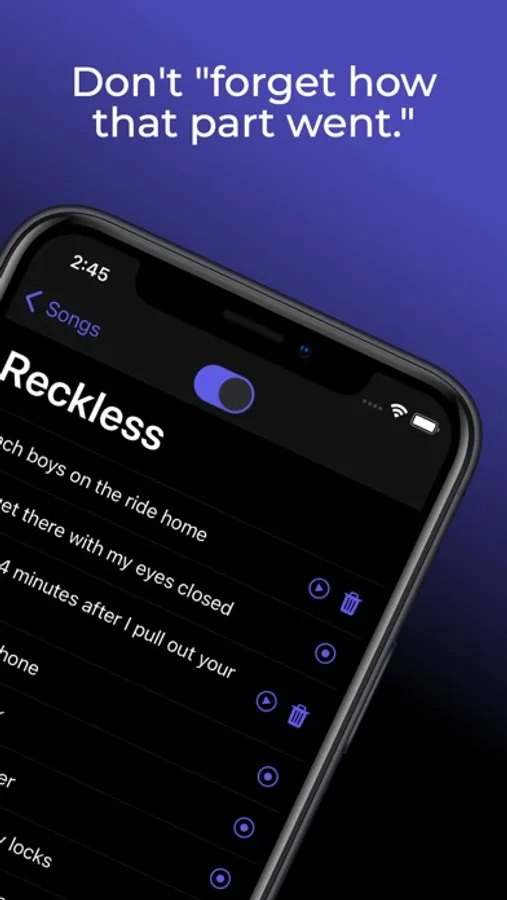
In this songwriting app, you can write lyrics and record melodies without switching between apps. Includes a rhyming word generator, a thesaurus, and iCloud backup.
AppRecs review analysis
AppRecs rating 4.7. Trustworthiness 71 out of 100. Review manipulation risk 24 out of 100. Based on a review sample analyzed.
★★★★☆
4.7
AppRecs Rating
Ratings breakdown
5 star
82%
4 star
12%
3 star
3%
2 star
1%
1 star
2%
What to know
✓
Low review manipulation risk
24% review manipulation risk
✓
Credible reviews
71% trustworthiness score from analyzed reviews
✓
High user satisfaction
82% of sampled ratings are 5 stars
About The Lyrics App
Rhyme Generator: The Rhyme Generator provides seamless access to thousands of rhyming words and phrases at your finger tips. To use the generator, simply highlight the word you'd like to see rhymes for (which you can do quickly by double tapping the word), then tap the Rhymes button that appears just above your keyboard. A list of up to 1,000 rhyming words and phrases will then be displayed on a scrollable bar on top of your device's keyboard. Tap one of the rhyme options to replace your highlighted word with the selected option.
Thesaurus: Use the Thesaurus to gain instant access to thousands of synonyms for your lyrics. To use the Thesaurus, highlight the word you'd like to see synonyms for (which you can do quickly by double tapping a word), then tap the Thesaurus button that appears just above your keyboard. A list of up to 1,000 synonyms will then be displayed on a scrollable bar on top of your device's keyboard. Tap one of the options to replace your highlighted text with the selected option.
iCloud Backup: All of your songs, lyrics, and melodies will now be safely backed up to your iCloud (as long as you have storage available, of course). If you lose your phone or have to redownload The Lyrics App for any reason, rest assured that all of the songs you've written will still be available and will automatically be synced to your device after you open the app while you are logged in to your iCloud account on your device. This feature will also keep The Lyrics App synchronized across all of your devices that are logged in to the same iCloud account.
iCloud Drive: All of your songs, lyrics, and melody recordings will now be backed up to your iCloud Drive. If you've ever wanted to export any of your recordings, this is the solution. From your iOS device, go to the Files app on your phone. From there, tap browse, then select iCloud Drive (if it isn't already selected). In that folder you will see a folder for The Lyrics App, which contains folders for each of your songs. Each song folder contains a text file with the lyrics of the song, as well as a folder containing all of the recordings for that song. You will also be able to access these folders from the Finder on your Mac. In order to utilize this new feature, make sure that iCloud Drive is enabled on your device.
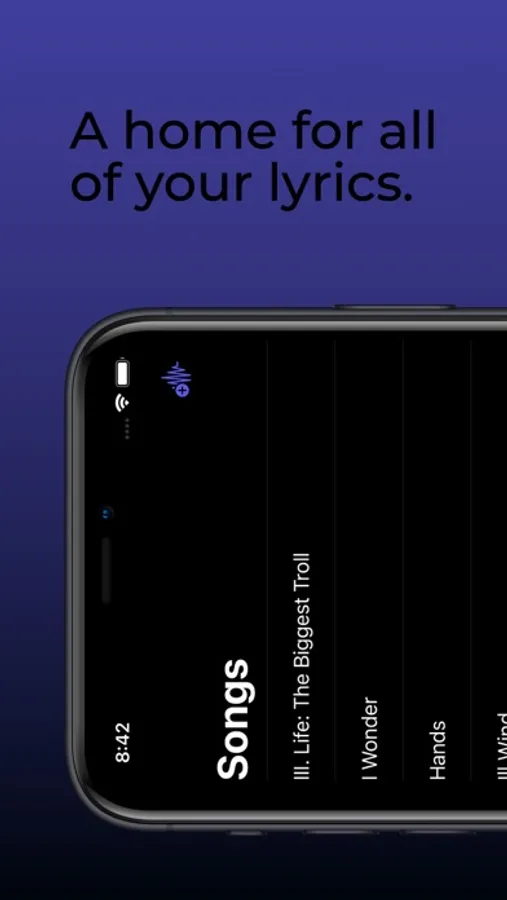
The Lyrics App Screenshots
Tap to Rate:
Reviews for The Lyrics App
TontoGoldstein
Simple. Intuitive. Works. This removes the friction in the moment of inspiration.
I’m glad I checked the settings, because that option to write in lines or sections is key- you need both. I haven’t tried copying yet, but if there’s no space between sections when pasted, I would agree with the other reviewer… there should be. As a pure capture tool, nothing more is needed. The other features like finding rhymes are part of a larger writing process, for which there could be a lot more support. For instance, instead of lines and sections being a toggle, they should coexist. Inserting, comments or notes, drag and drop would be some good additions. Also could add a way to tag entries as ideas for the note jar or as a song draft. Going beyond that (mapping, syllable and meter counts, notation or chords, verse template placeholders) would change the scope from being a pure capture tool.
AllTruth707
SIMPLE & INTUITIVE
It’s just like notes, but for lyrics! Lovely interface that simple. No fancy gears or buttons to over complicate things, just… lyrics! For the poet’s prose or the singer’s song, this app is wonderful for it all! The only suggestion I have is when copying finished lyrics, I wish it would automatically put space in between sections, instead of squishing them all together. That said, it’s a lovely app! ⭐️⭐️⭐️⭐️⭐️ (Five Stars!)