Custom App Icon Maker: IconKit
MasterMind Software LLC
4.5 ★
96 ratings
Free
With this app, you can create and customize app icons and widgets using various templates and editing tools. Includes layering, cropping, color adjustment, and seamless iOS integration.
AppRecs review analysis
AppRecs rating 4.5. Trustworthiness 81 out of 100. Review manipulation risk 15 out of 100. Based on a review sample analyzed.
★★★★☆
4.5
AppRecs Rating
Ratings breakdown
5 star
76%
4 star
10%
3 star
5%
2 star
2%
1 star
6%
What to know
✓
Low review manipulation risk
15% review manipulation risk
✓
Credible reviews
81% trustworthiness score from analyzed reviews
✓
High user satisfaction
86% of sampled ratings are 4+ stars (4.5★ average)
About Custom App Icon Maker: IconKit
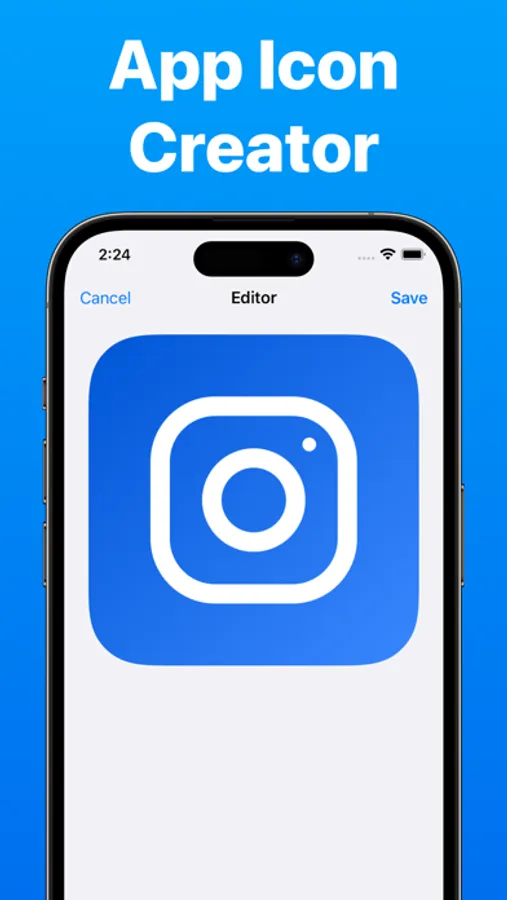
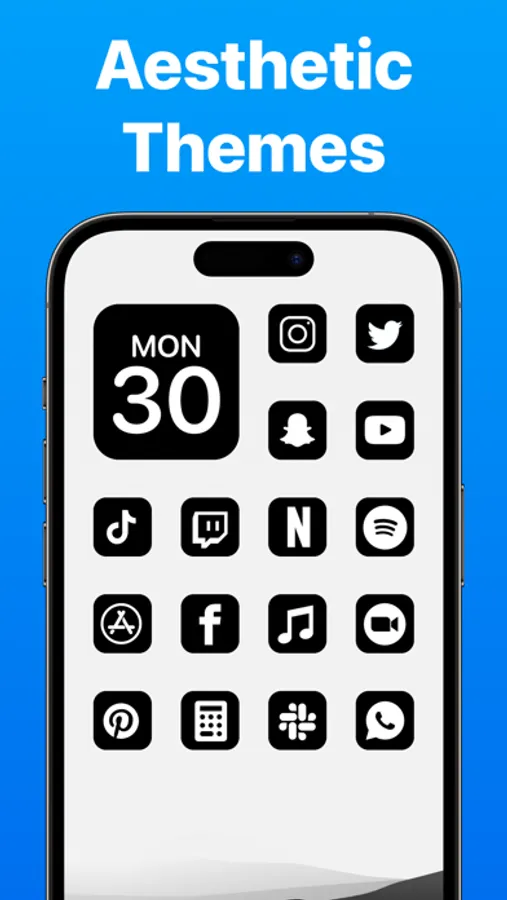
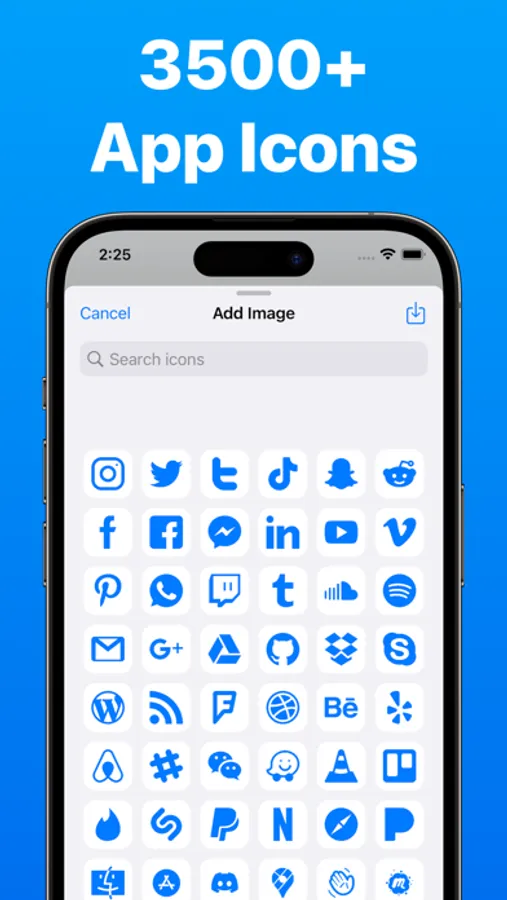
Creating custom icons and widgets with IconKit is easy and intuitive. Users can choose from a wide range of pre-made templates and designs, or create their own from scratch using the app's powerful editing tools. With features like layering, cropping, and color adjustment, users have complete control over every aspect of their custom icons and widgets.
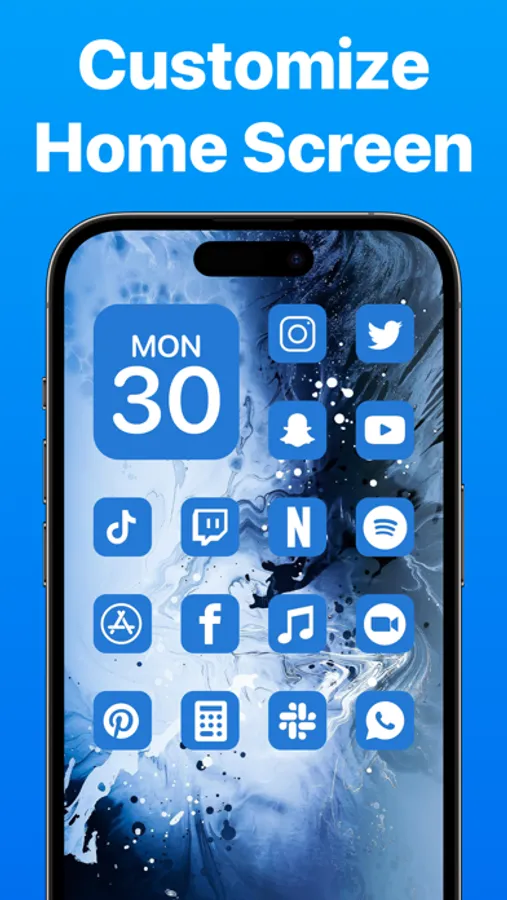
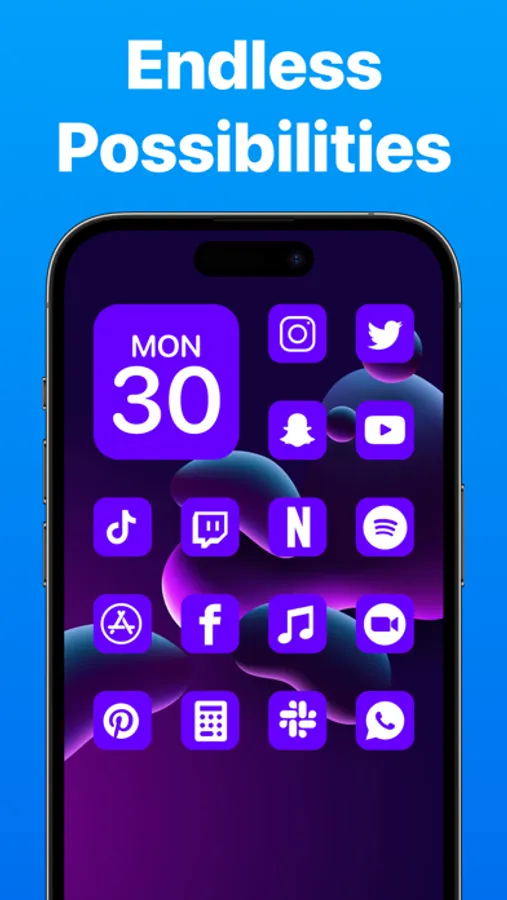
Once users have created their custom icons and widgets, they can easily apply them to their home screen. IconKit integrates seamlessly with iOS, allowing users to replace the default icons and widgets for their favorite apps and features with their own custom designs. This means that users can completely personalize their home screen and create a look that is entirely their own.
In addition to its powerful customization features, IconKit also offers a range of useful tools and resources to help users get the most out of their home screen.
Overall, IconKit is the perfect app for anyone who wants to take their home screen to the next level. With its easy-to-use interface, powerful customization tools, and vibrant community, IconKit is the ultimate tool for creating a home screen that is truly personalized and unique.
Custom App Icon Maker: IconKit Screenshots
Tap to Rate:
Reviews for Custom App Icon Maker: IconKit
Slushi◡̈☆
Not so good…
When I got this app I made Only 1 Icon and it said I could only do one more 😒 Before having to pay a subscription. I wish this had been clearer in the app's description, And it didnt give clear instrutions on how to set the Icons on my app screen.
Beba Elizabeth
I can’t make it work. How do I get a refund?
How do I get a refund? It’s useless!