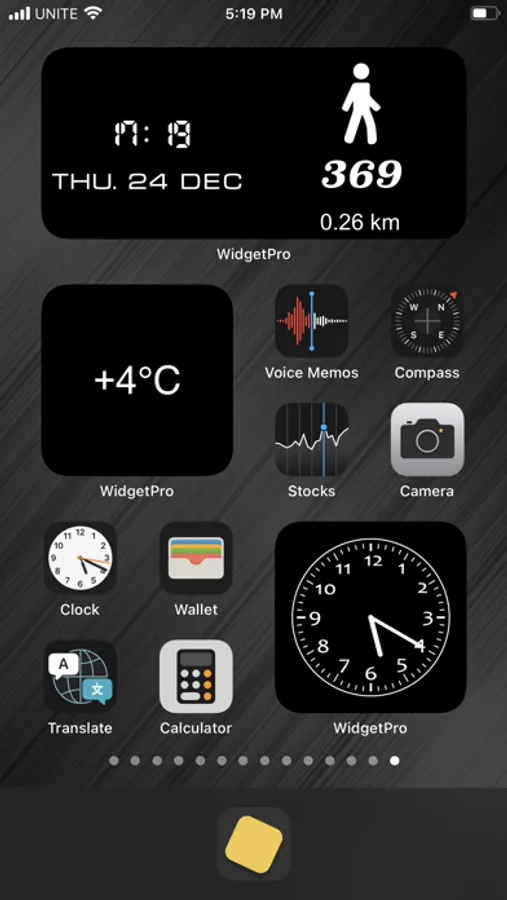
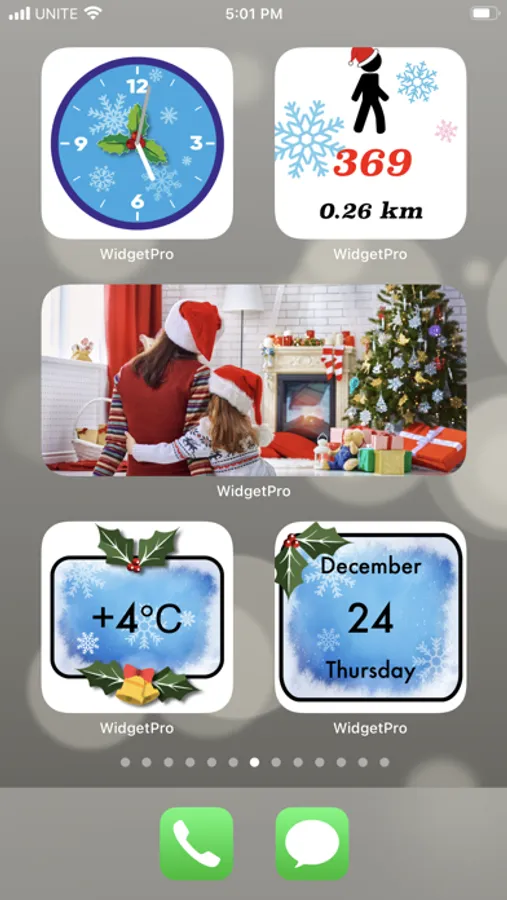
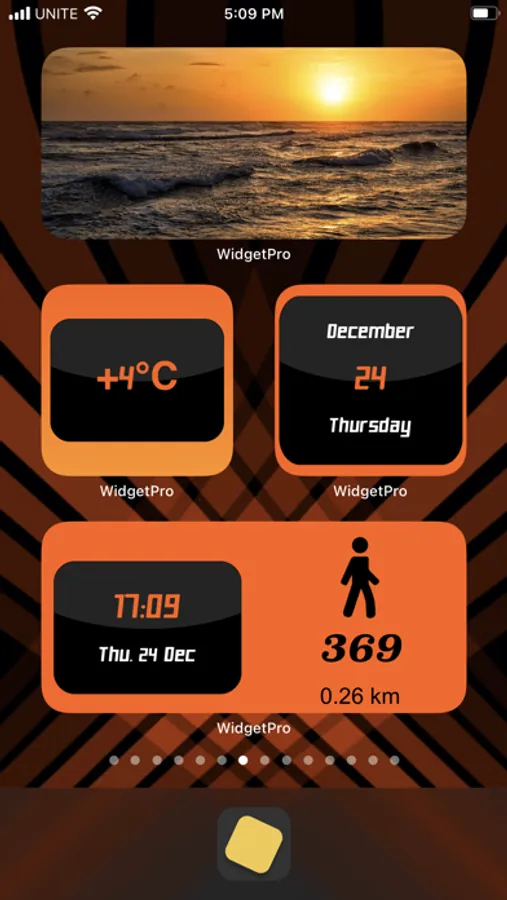
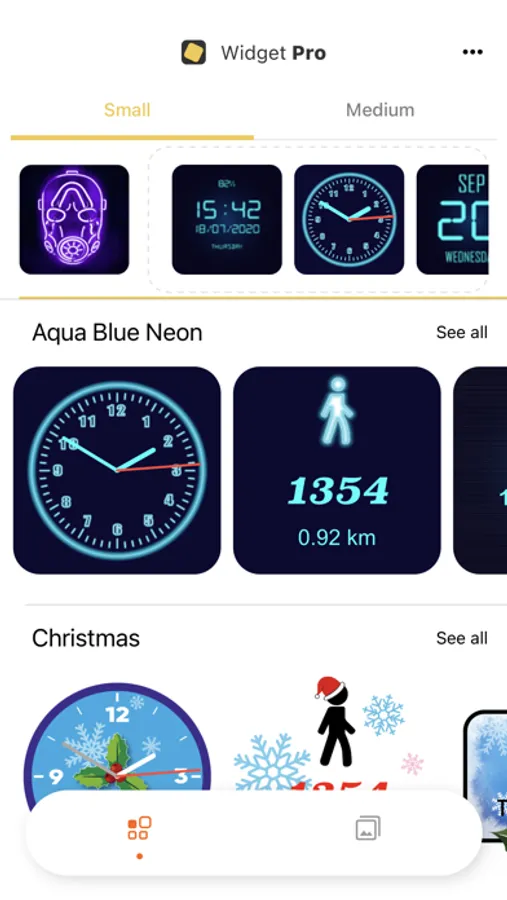
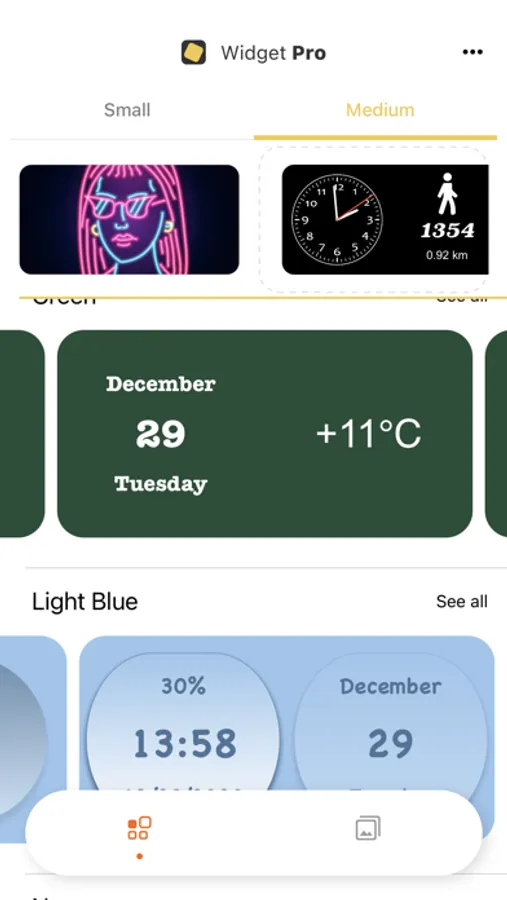
With this app, you can customize your home screen with widgets and wallpapers, select from themes, and arrange them as desired. Includes photo widgets, clock and weather modules, pedometer, calendar, and thematic images.
AppRecs review analysis
AppRecs rating 3.9. Trustworthiness 80 out of 100. Review manipulation risk 26 out of 100. Based on a review sample analyzed.
★★★☆☆
3.9
AppRecs Rating
Ratings breakdown
5 star
63%
4 star
6%
3 star
9%
2 star
7%
1 star
15%
What to know
✓
Low review manipulation risk
26% review manipulation risk
✓
Credible reviews
80% trustworthiness score from analyzed reviews
✓
Good user ratings
69% positive sampled reviews
About Widget Pro: Custom Widgets
Photo widgets, clock and weather widgets, pedometer, calendar, and best thematic images.
Widget Pro: Custom Widgets Screenshots
Tap to Rate:
Reviews for Widget Pro: Custom Widgets
MacDelta
OBSOLETE. Doesn’t work with iOS 16+
Many laud the new iOS 16 Lock Screen custom design tools as a great advantage — and isn’t it fun!. Unfortunately, not all widget wizardry apps are iOS 16 compatible. Enter WidgetPro, a FREE widget design tool, with a somewhat limited, but well-designed selection of widgets. FREE is emphasized, as some widget creation and/or design apps cost as much as $89/year (or $9.99/month)! That’s ridiculous on many levels. You might think the, “Not Ready for Prime Time,” WidgetPro is still a great investment for fancying up those Home Page widgets. It’s a fair thought, as other paid versions ate promising that, while an iOS 16 update is just around the corner, the amazing, gorgeous and costly existing widgets and other features are still yours to use on your Home Screen. Why would Widget Pro be any different? Hint One: It’s free Hint Two: The last update from version 1.0 to version 1.0.2 was over a year ago The only things included in said update were two, maybe three, widgets. Can you use the available WidgetPro widgets on iOS 16? As it says in the title. The developers had their fun, but now they’re done. Okay, I did get it to function marginally, but after a few freezes, the inconsistent ability to install widgets that remain after a restart, and frequently seeing a compatibility error code, I can assure you that WidgetPro in no mo’ Enjoy the widgets that are included. Maybe a few third party fitness widgets are cool, but sticking with what you have saves you from downtime. Third party apps that install system modifications for solely cosmetic purposes don’t age well, as each system update can come with major kernel and system upgrades and modifications, man of which will replace the modified system files with patched newer files. replacing the cosmetic widget and app icon design info with the default Apple widgets and app icons. I guess if you’re paying $89.99/month for “pretty,” then it is likely the widget design developer will be prepared with an update shortly after the iOS upgrade has been released into the wild. Bling ain’t cheap, bro WidgetPro’s gotta go! Two stars. To be fair, when it worked, the price was right, and all was swell. No stars for the 16.0 version, because there isn’t one. See you, around!. *All typos and grammar errors are intentionally included for your amusement.
jujackflash
Military time
There isn’t the option to change it into nonmilitary time‼️Otherwise best time battery date widget going. Why oh why do I have to subtract all PM⁉️