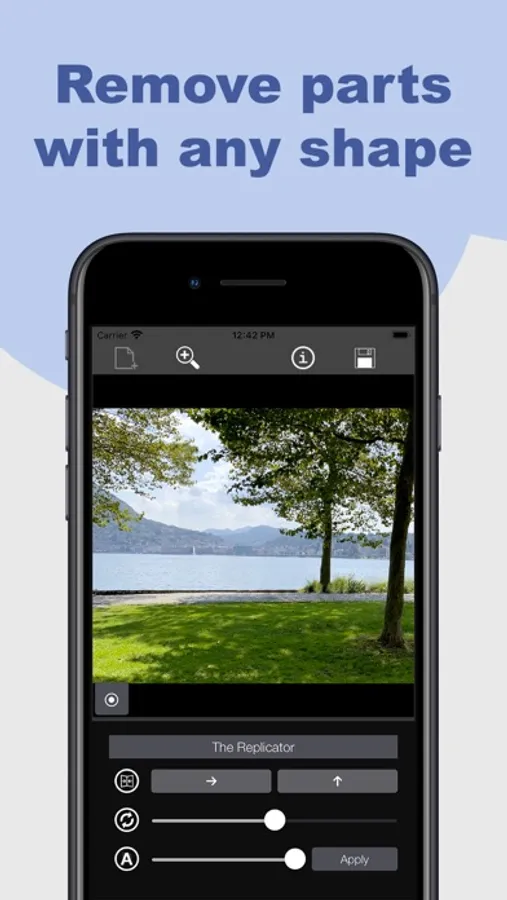
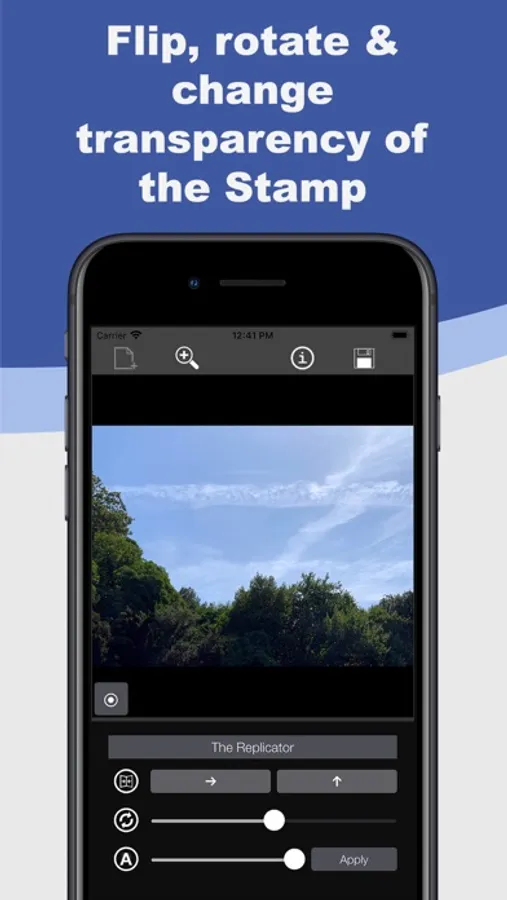
With this clone stamp tool, you can copy specific parts of an image and paste them elsewhere, adjusting settings for seamless blending. Includes shape selection, rotation, flipping, and Apple Pencil compatibility.
AppRecs review analysis
AppRecs rating 4.6. Trustworthiness 82 out of 100. Review manipulation risk 18 out of 100. Based on a review sample analyzed.
★★★★☆
4.6
AppRecs Rating
Ratings breakdown
5 star
75%
4 star
3%
3 star
3%
2 star
3%
1 star
16%
What to know
✓
Low review manipulation risk
18% review manipulation risk
✓
Credible reviews
82% trustworthiness score from analyzed reviews
✓
High user satisfaction
78% of sampled ratings are 4+ stars (4.2★ average)
About Replicator Tool - Clone Stamp
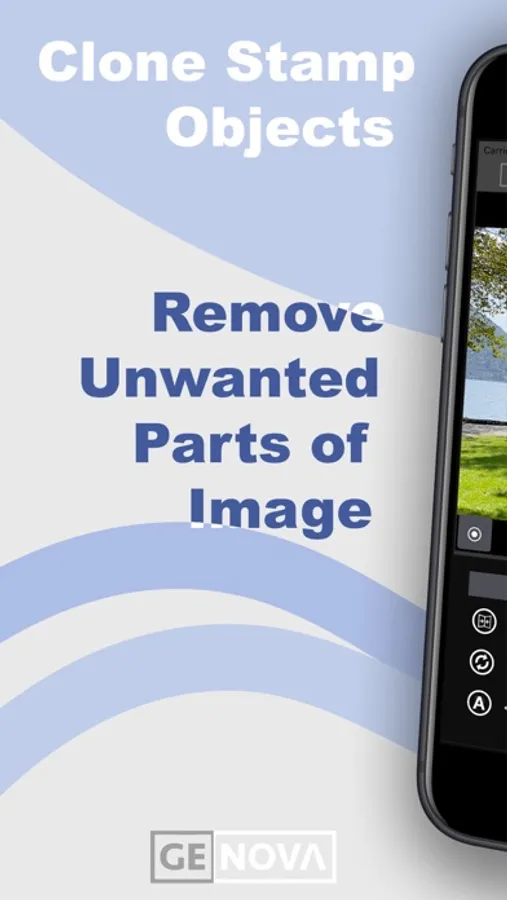
This is the most advanced version of it and it lets you copy any parts of an image and paste them wherever you want.
What can you achieve with this tool?
You can:
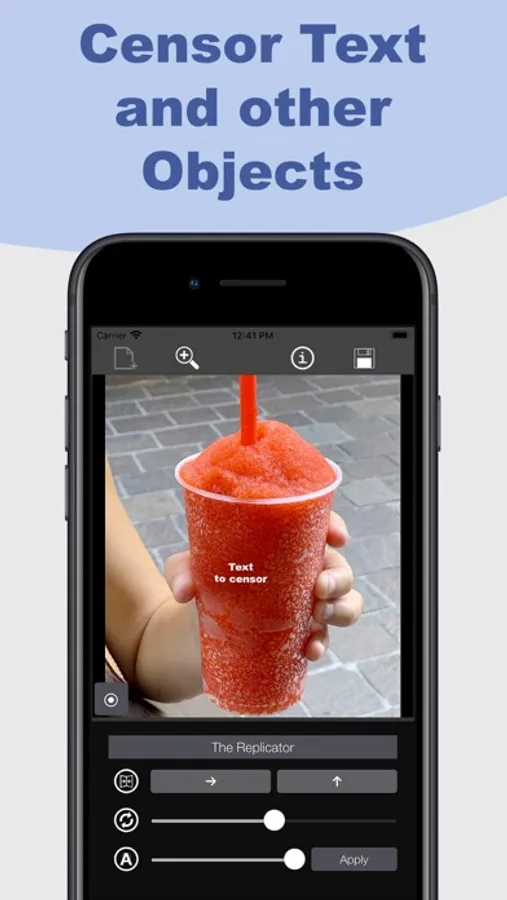
- Censor text, objects, etc;
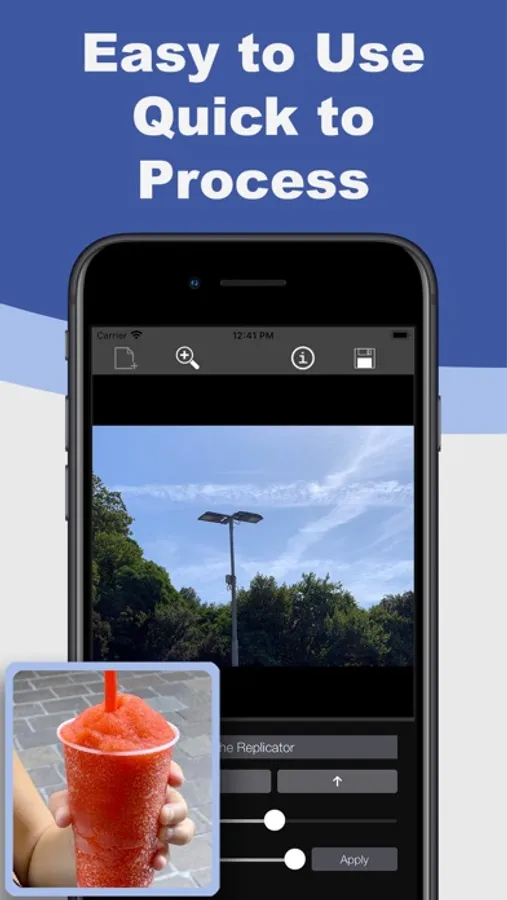
- Hide and completely remove objects, people, etc;
- Fill in the gaps in images, such as missing parts;
- Clone objects and paste them wherever you want.
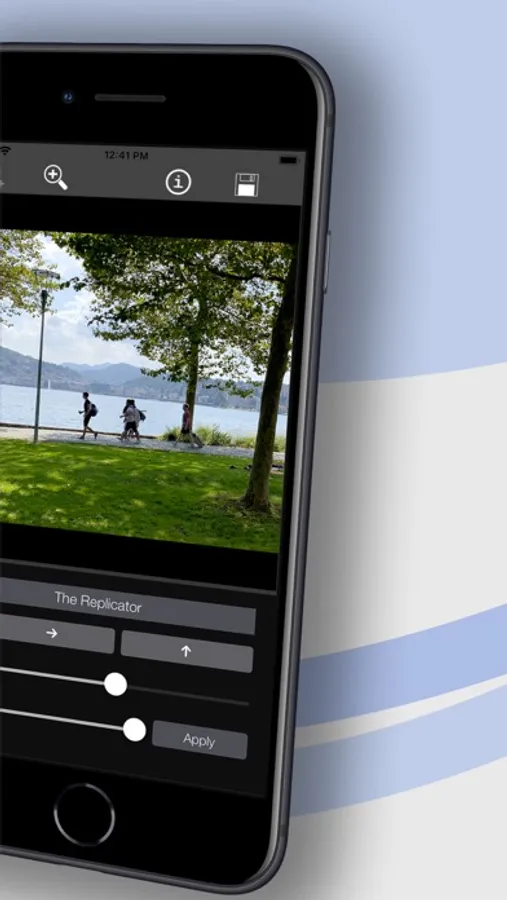
You can define the part to copy just by drawing on the image and you can adjust the settings in order to better melt it with the photo, you can also rotate and flip it.
Why is it special?
Its particular feature to draw the part to copy lets you copy any shaped part of image.
If you want to copy an object with a particular shape you can do it, with the precision you need.
Compatible with Apple Pencil.
You can also find The Replicator Tool in Damaged Photo Restore 2 and in Photo Declutter.
Replicator Tool - Clone Stamp Screenshots
Tap to Rate:
Reviews for Replicator Tool - Clone Stamp
Wisusa
BEWARE…READ BEFORE YOU SPEND THE MONEY.
Dec 2026 Review. Not worth $2.99 for this app unless you want simplicity at its finest with glitches. I just downloaded it and found many issues in less than 10 minutes.. Yes, it is usable sometimes, and very basic/limited. Issue #1: The app glitches and you cannot do anything; tools don’t work correctly. Beware because you may lose your progress. Issue #2: The app darkens the screen when using the copy marker, so you cannot see some of the details, especially on darker areas. An indicator on the bottom panel would be better. Issue #3: There is no “undo” if you make a mistake when copying, so a fix: just don’t move that piece and apply. Issue #4: You must copy each time. You cannot repeat the same copy. I could not copy one area and repeat pasting it. If you have a smaller pattern or area you want repeated in a larger area, it will take a serious amount of time to replicate it…especially on an iPad screen. Issue #5: You cannot lighten or darken the copy, so you cannot blend in shadows. Issue #6: The only tool you get is a round one. So no straight edges. I’m done. Waste of time and money IMHO. Learned my lesson.
Willow Wilde
Total Scam, Don’t waste your Money
This app is a complete joke. The clone stamp tool doesn’t even work as advertised. It's glitchy, unreliable, and overall a waste of your time. I paid $2.99 for an app that doesn't do anything it promises. Do yourself a favor and don’t waste your money—it’s not worth a cent. Avoid this app at all costs!