
About ByteMarker
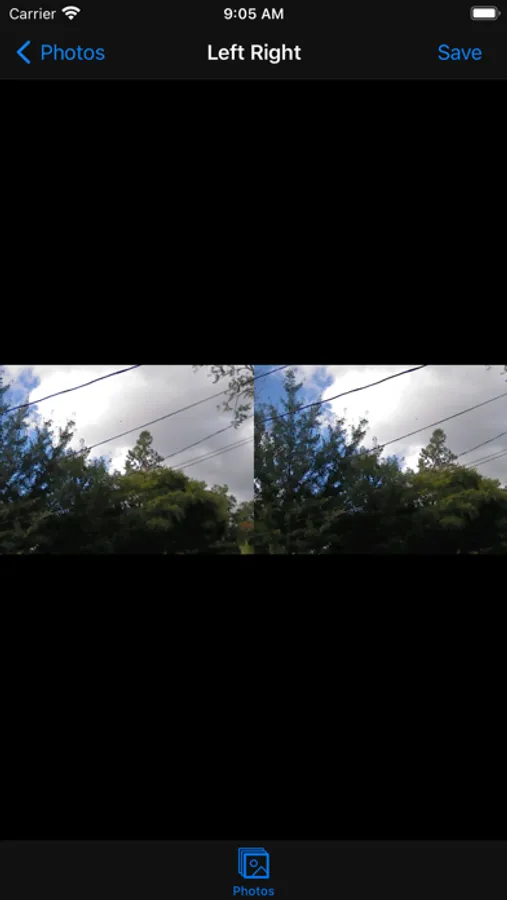
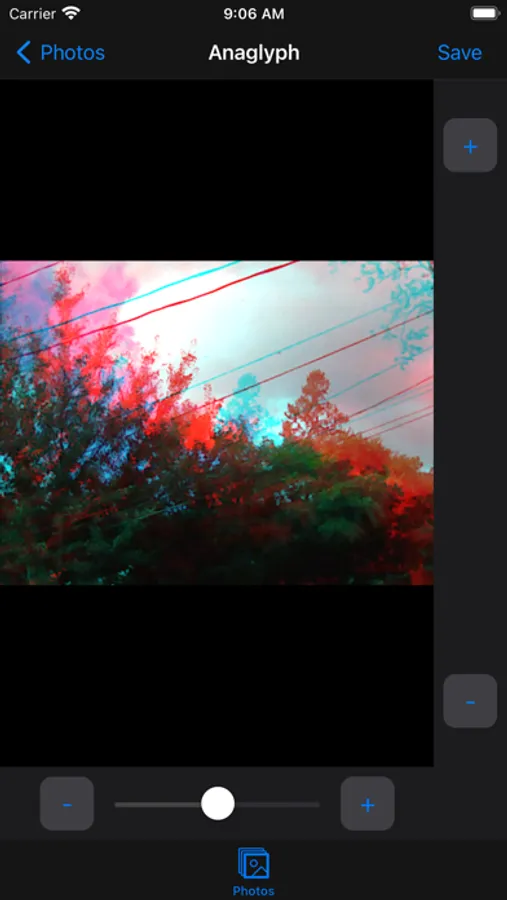
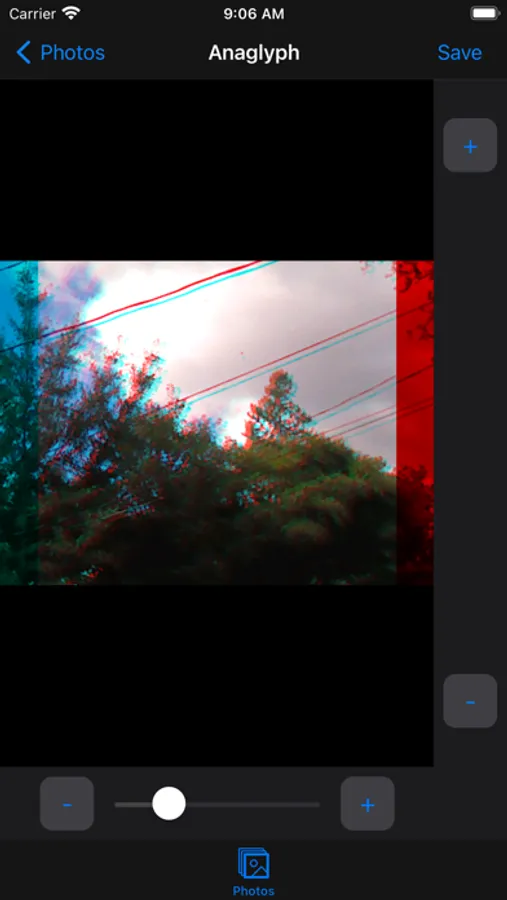
Convert .MPO 3D files and 3D .AVI files into anaglyph (red / cyan) and Left / Right stitched images.
Note: This app only works with the .mpo or 3D .avi file format.
Directions:
1. Save the original .MPO or 3D .avi file to your device or iCloud account
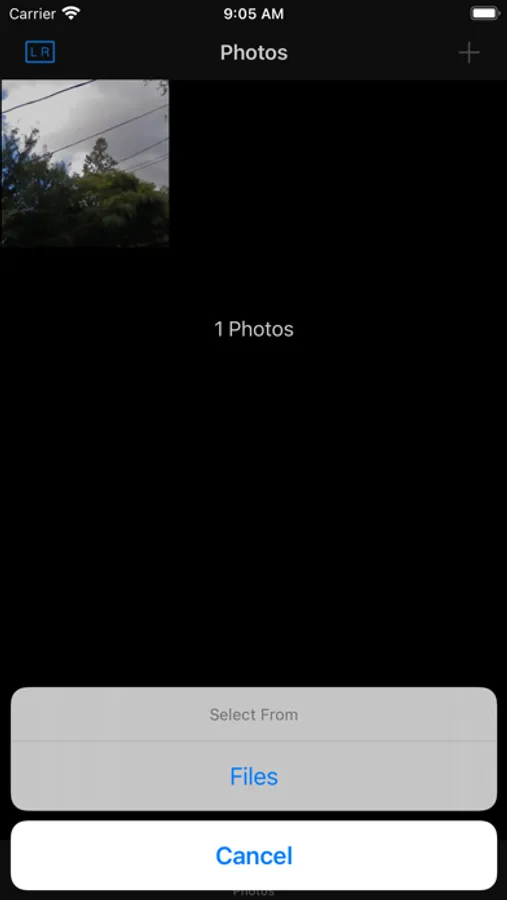
2. From the ByteMarker app, click the + icon
3. Import the original .MPO or 3D .avi file using the Files browser
4. Tap the image cell to view the photo or video
5. Tap the Save button to save the photo or video to your library
6. Tap the L R / Anaglyph icon on the top left of the Photos view to switch between export formats
Note: This app only works with the .mpo or 3D .avi file format.
Directions:
1. Save the original .MPO or 3D .avi file to your device or iCloud account
2. From the ByteMarker app, click the + icon
3. Import the original .MPO or 3D .avi file using the Files browser
4. Tap the image cell to view the photo or video
5. Tap the Save button to save the photo or video to your library
6. Tap the L R / Anaglyph icon on the top left of the Photos view to switch between export formats
ByteMarker Screenshots
Tap to Rate: