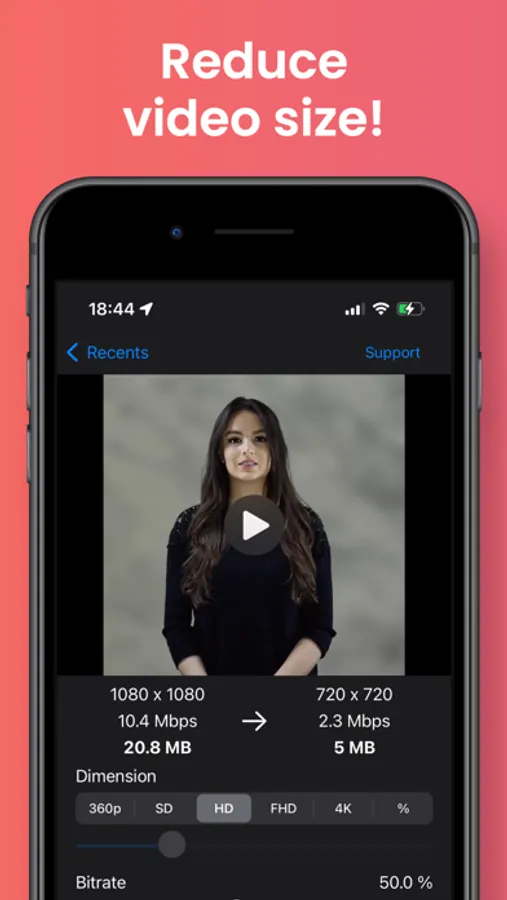
With this app, you can compress videos to free up storage space, adjust dimensions and bitrate, and compare quality before deleting. Includes options for file format conversion, codec adjustments, and video information display.
AppRecs review analysis
AppRecs rating 4.4. Trustworthiness 70 out of 100. Review manipulation risk 22 out of 100. Based on a review sample analyzed.
★★★★☆
4.4
AppRecs Rating
Ratings breakdown
5 star
89%
4 star
6%
3 star
3%
2 star
1%
1 star
1%
What to know
✓
Low review manipulation risk
22% review manipulation risk
✓
Credible reviews
70% trustworthiness score from analyzed reviews
✓
High user satisfaction
89% of sampled ratings are 5 stars
About Easy Video Compressor
With this app, you can easily compress your videos to increase the free storage space on your device.
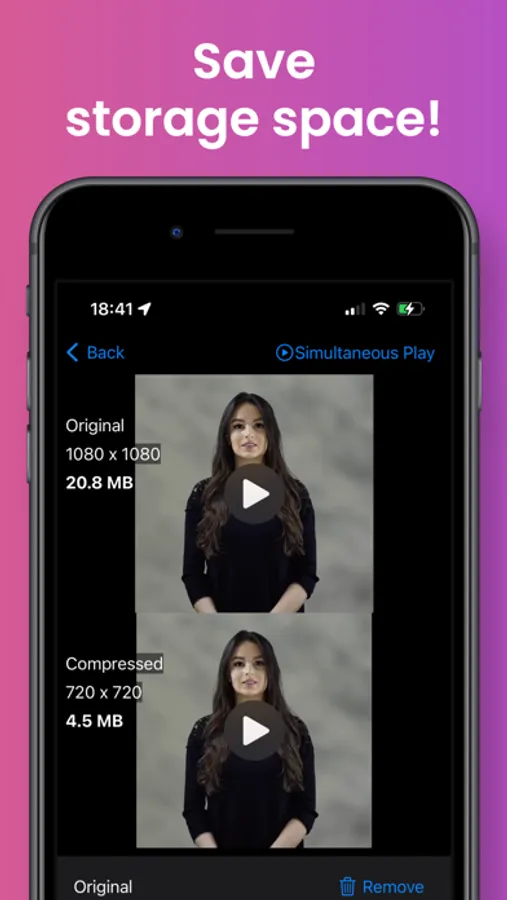
You can compare the videos before and after compression, delete the videos before compression, save and share the videos after compression.
You can set the dimension and bitrate for compression.
You can compare the pre- and post-compression videos on a single screen, so you can check the video's quality before deleting it without any worries.
Audio can also be turned off.
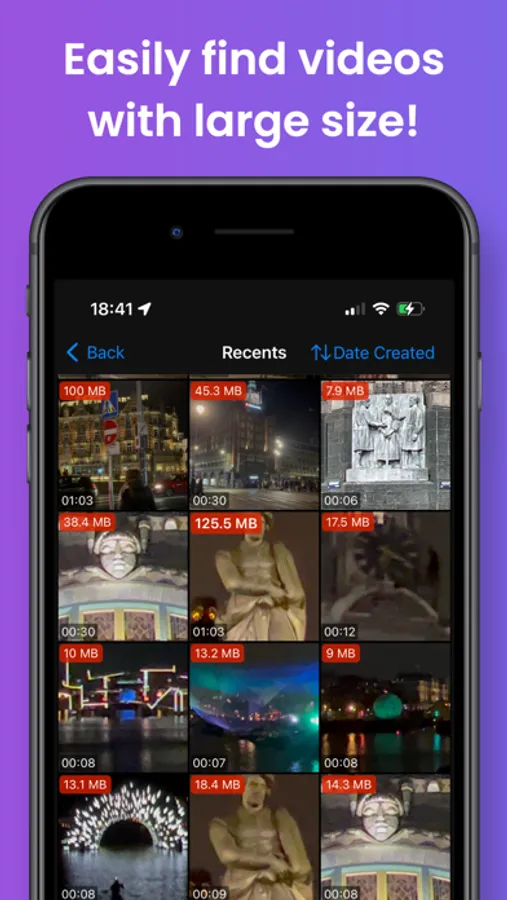
Thumbnails in the video list display file size, resolution, playback time, file format, codec, and bit rate, so you can find the desired video efficiently.
File formats can be converted to MOV and MP4.
Codecs can be converted to H.264 and HEVC (H.265).
And with the Pro version, you can also use the following features
- Sort the videos by duration, width and height.
→ Easier to find larger videos!
- Simultaneous playback of pre- and post-compression videos
→ Easy to compare videos!
It is also possible to retain the location, date and time, and camera information of the video before compression in the compressed video.
You can compare the videos before and after compression, delete the videos before compression, save and share the videos after compression.
You can set the dimension and bitrate for compression.
You can compare the pre- and post-compression videos on a single screen, so you can check the video's quality before deleting it without any worries.
Audio can also be turned off.
Thumbnails in the video list display file size, resolution, playback time, file format, codec, and bit rate, so you can find the desired video efficiently.
File formats can be converted to MOV and MP4.
Codecs can be converted to H.264 and HEVC (H.265).
And with the Pro version, you can also use the following features
- Sort the videos by duration, width and height.
→ Easier to find larger videos!
- Simultaneous playback of pre- and post-compression videos
→ Easy to compare videos!
It is also possible to retain the location, date and time, and camera information of the video before compression in the compressed video.