
With this app, you can resize, crop, rotate, and remove metadata from your photos and images. It also allows you to view and edit large images with full resolution zoom and pixel-level detail. Includes batch resizing, EXIF data viewing, and quality enhancement features.
AppRecs review analysis
AppRecs rating 4.2. Trustworthiness 79 out of 100. Review manipulation risk 22 out of 100. Based on a review sample analyzed.
★★★★☆
4.2
AppRecs Rating
Ratings breakdown
5 star
69%
4 star
4%
3 star
4%
2 star
7%
1 star
17%
What to know
✓
Low review manipulation risk
22% review manipulation risk
✓
Credible reviews
79% trustworthiness score from analyzed reviews
✓
High user satisfaction
72% of sampled ratings are 4+ stars (4.0★ average)
About Big Photos
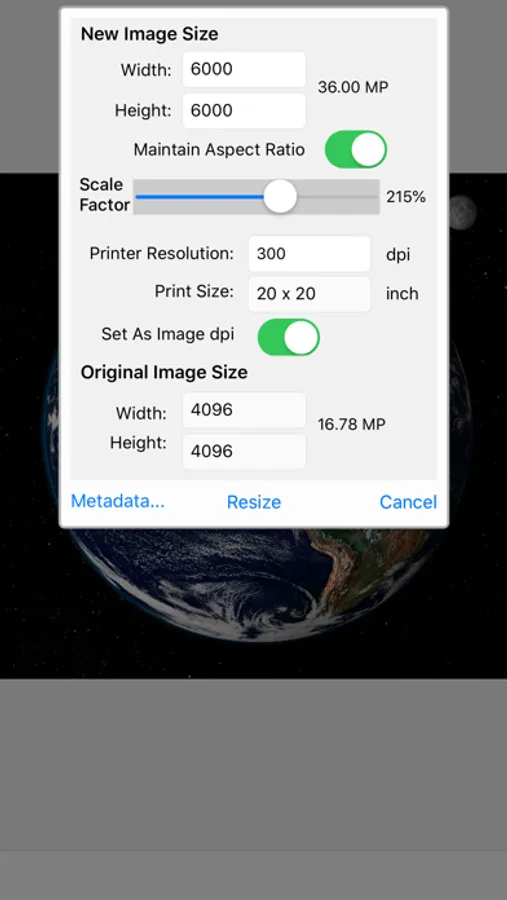
1. Big Photos provides multiple options to enlarge or down size your photos or images to any custom sizes, set metadata options - set or update copyright and author information, remove GPS and privacy related information
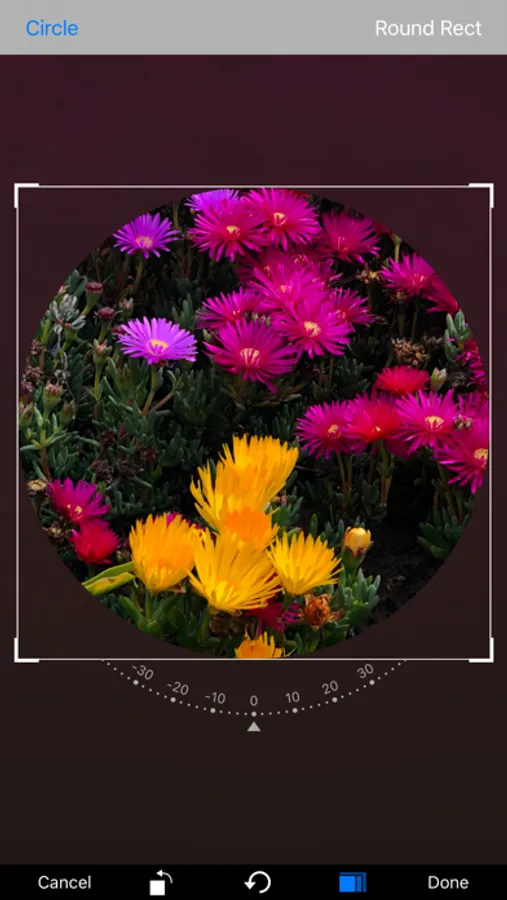
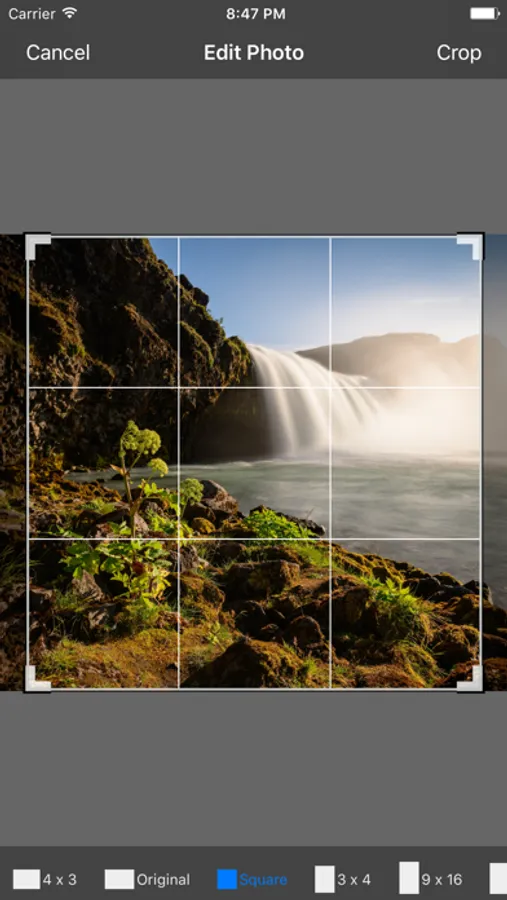
2. Big Photos provides crop tool to crop a "small" portion out of your full resolution photos/images, and produce high quality "blow up" results.
3. Big Photos provides full resolution viewer with unlimited zooming capability to view large images or photos over 45MPs (like panoramas) up to 115MP for latest iPhone/iPad, as well as small icons, all in full resolution, and zoom into pixel level.
4. Big Photos provides Rotate/Flip at any angle, support alpha channel (transparent region)
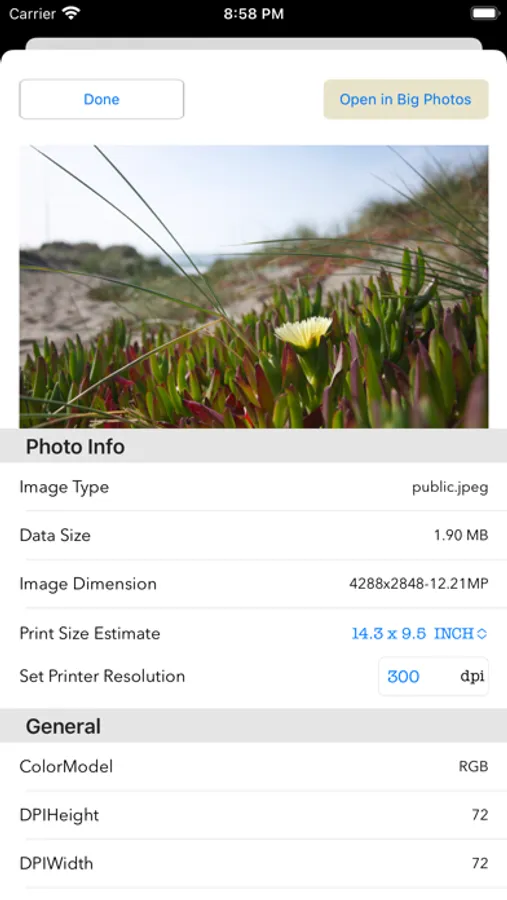
5. View EXIF data and estimate print size with the extension "Info By Big Photos"
6. Pick picture from video for editing/saving
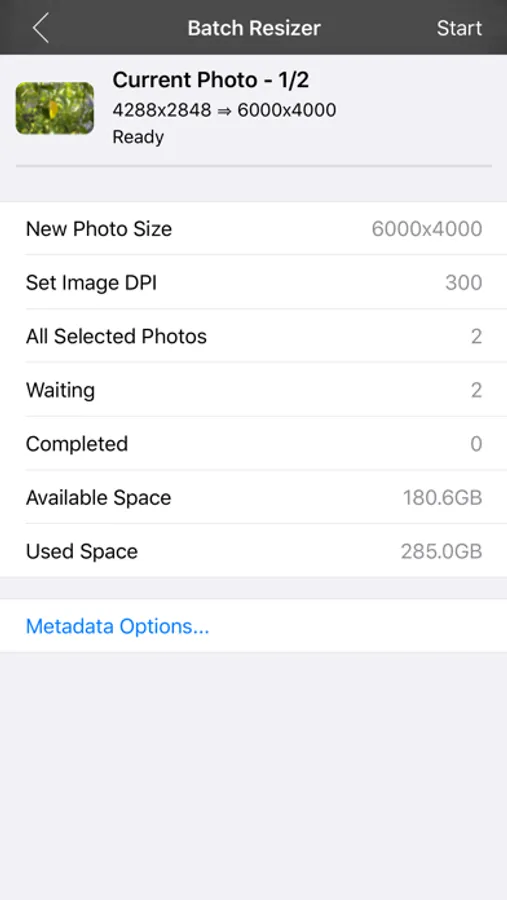
7. Unlimited batch resizing of same sized photos, or freely select any number of photos to share with preprocessing - auto crop to square, downsize to certain dimension, export to JPG/PNG/TIFF.
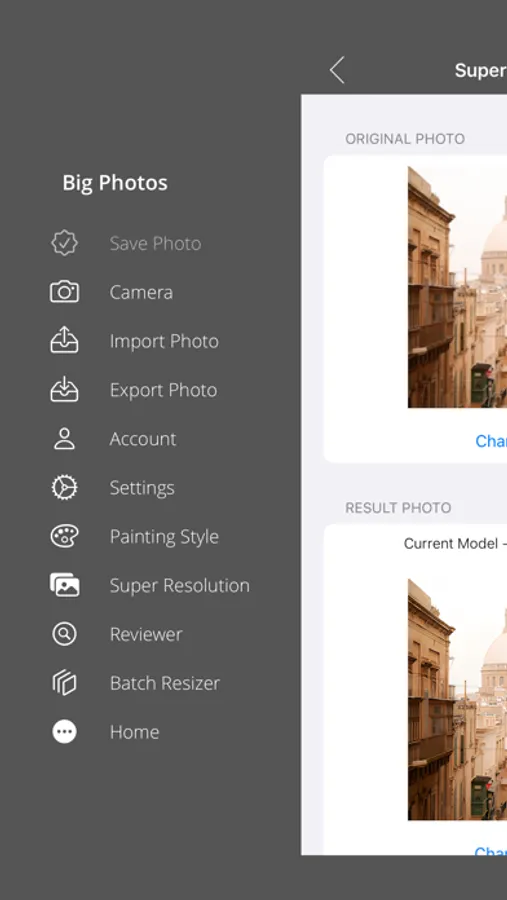
8. Photo reviewer - excellent support for painting from photos - configurable zoom scale or display size, viewports saved for continuous views. Also a great tool for examining image details for large photos.
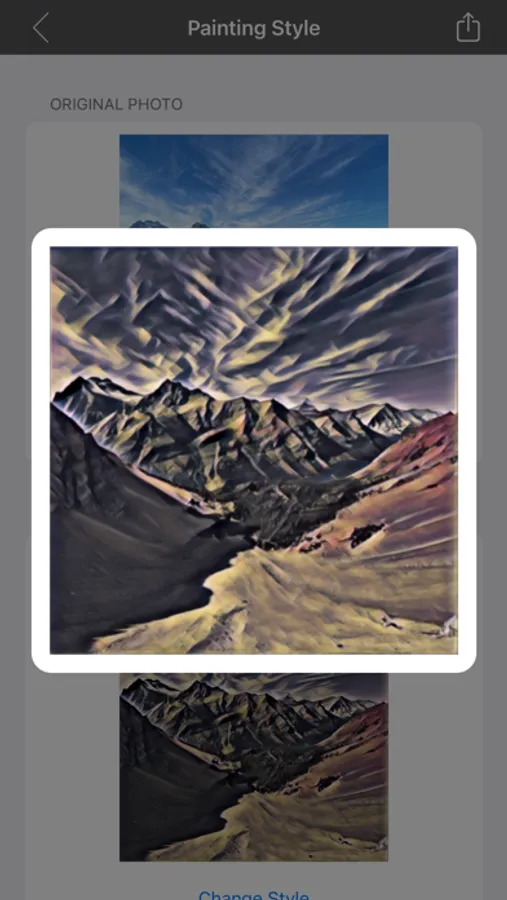
9. Photo to styled painting.
10. Super resolution - improve quality where size up.
In-App purchase required except the extension "Info By Big Photos"
For user terms and conditions, please visit:
https://zynsoft.net/user-terms-and-conditions/
For privacy policy, please visit:
https://zynsoft.net/privacy-policy/
(Keywords: full resolution, digital zoom, photo viewer, photo reviewer, crop, resize, scale, rotate, flip, very large photo, very big picture, very large image, huge image, huge picture, huge photo, iTunes File Sharing, photo import, photo export)
Big Photos Screenshots
Tap to Rate:
Reviews for Big Photos
WINurse84
How Much $$?
I’ve been using Big Photos for many years. It’s been my go-to app for cropping and resizing. Now I had to get a new iPad. This version looks even better, but I can’t find the cost or how to set up a new account.
JuanLopezJuanLopez
Money grab
App was great. I purchased it and used it frequently. When I moved to a new device the app stopped working. Now they require me to get a subscription and pay them again every year. I understand people need to make a living, but breaking what was working and requiring purchasing it again every year is a money grab. There is no new functionality. They are just re-selling the same thing for much more.