
AppRecs review analysis
AppRecs rating 3.5. Trustworthiness 71 out of 100. Review manipulation risk 26 out of 100. Based on a review sample analyzed.
★★★☆☆
3.5
AppRecs Rating
Ratings breakdown
5 star
0%
4 star
50%
3 star
50%
2 star
0%
1 star
0%
What to know
✓
Low review manipulation risk
26% review manipulation risk
✓
Credible reviews
71% trustworthiness score from analyzed reviews
About FlashCard-Chinese,English,Thai
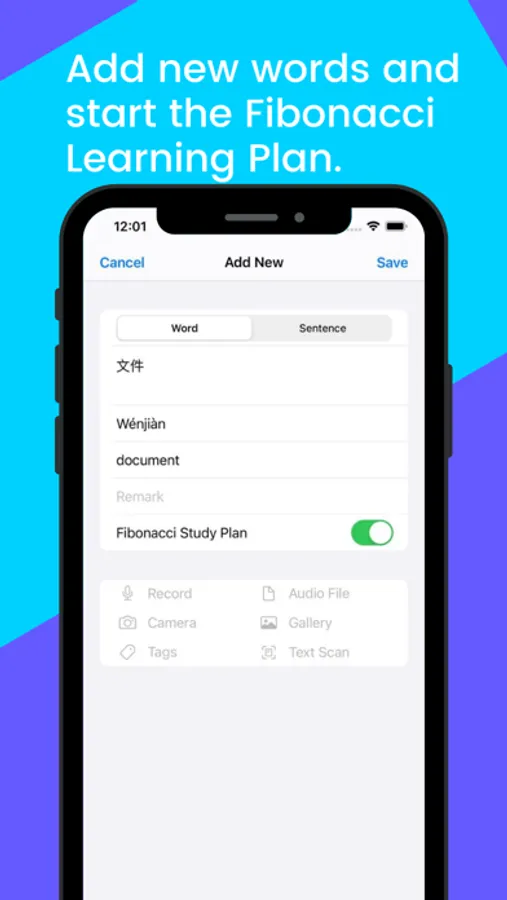
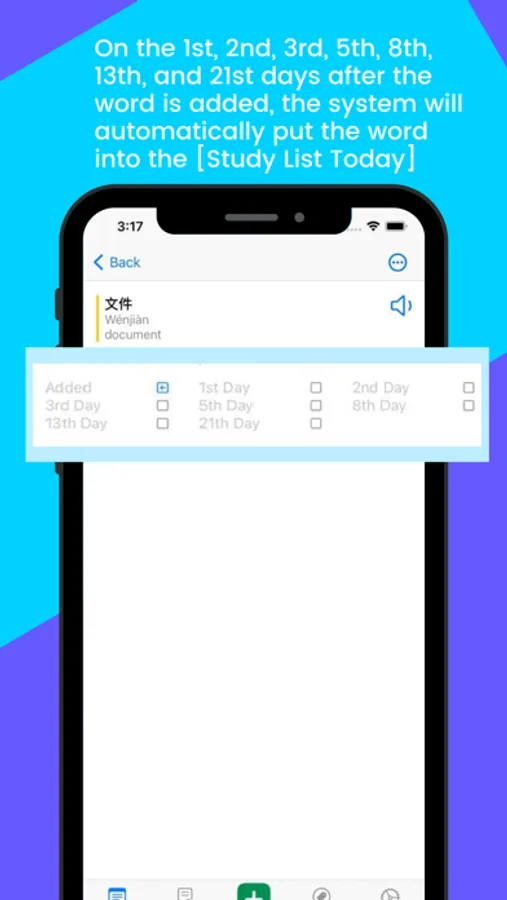
1. Fibonacci Study Plan:
App automatically add the word into today's study list at the 1st, 2nd, 3rd, 5th, 8th, 13th, and 21st day after you created it.
2. Resources Center
We have prepared a lot of English, Japanese, French, German, Thai, Spanish, Korean, Russian, Arabic, Hebrew, Portuguese learning resources for you, you can download the word library from the resource center to your mobile phone , and can sync with iCloud.
for example:
Simple Chinese HSK Level 1 - 9 Words
Simple Chinese 13000 Words
Tradition Chinese HSK Level 1 - 9 Words
Tradition Chinese 13000 Words
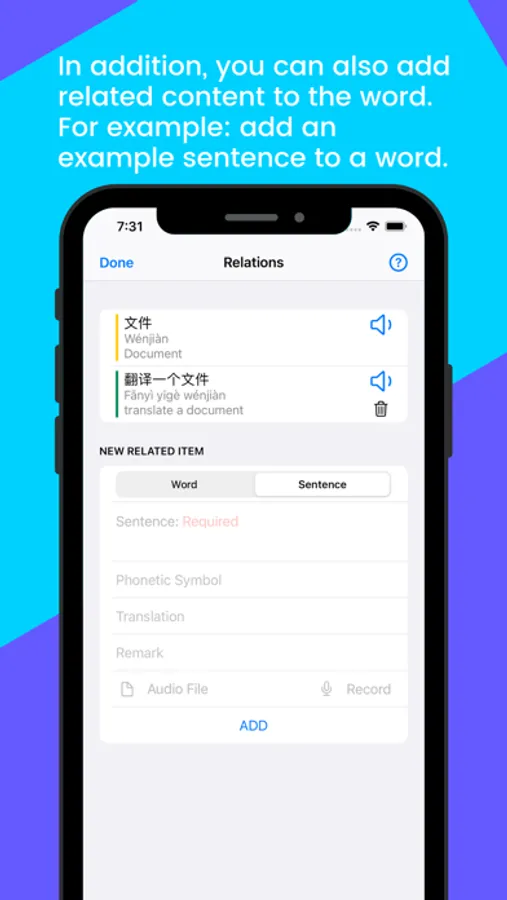
3. Related contents:
You can add multiple [example sentences] to a new word or list [new words] in the sentence. Words have examples, sentences have new words!
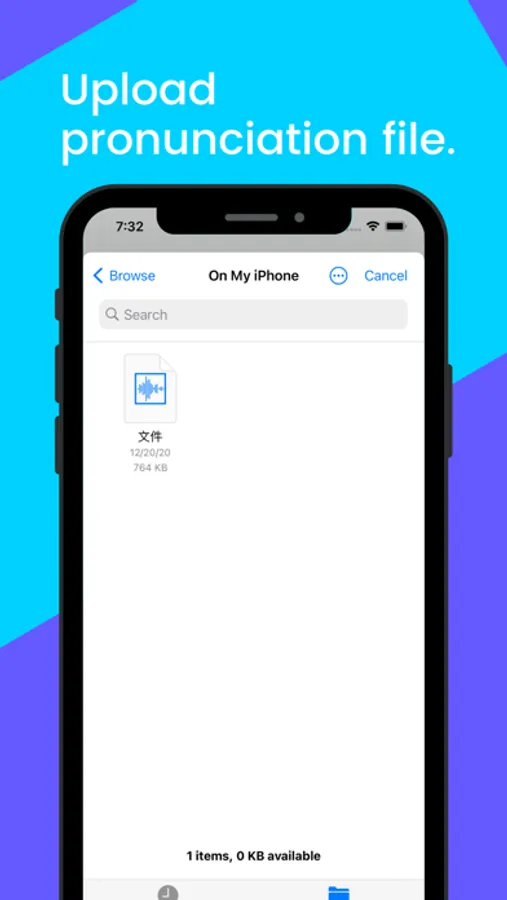
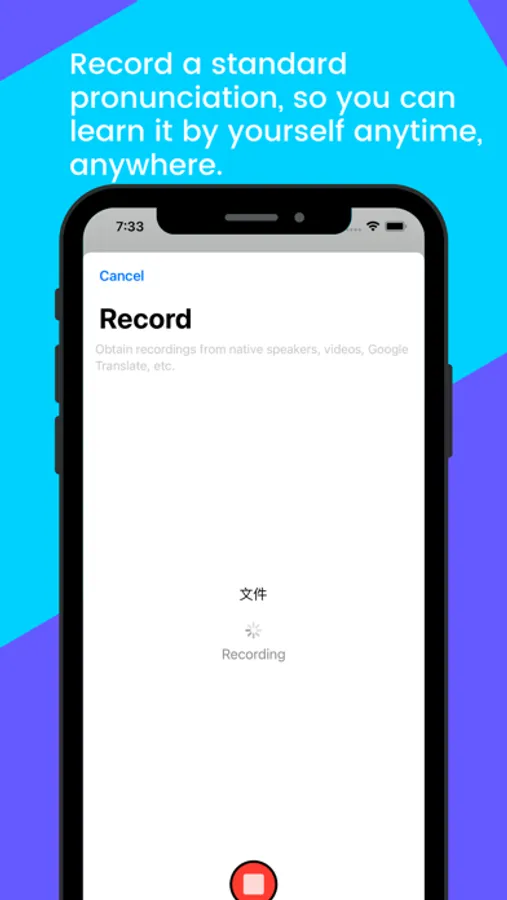
4. Customize pronunciation
You can upload a recording file or recording for a word.
5. Text to speech:
App has text to speech feature and supports multiple languages.
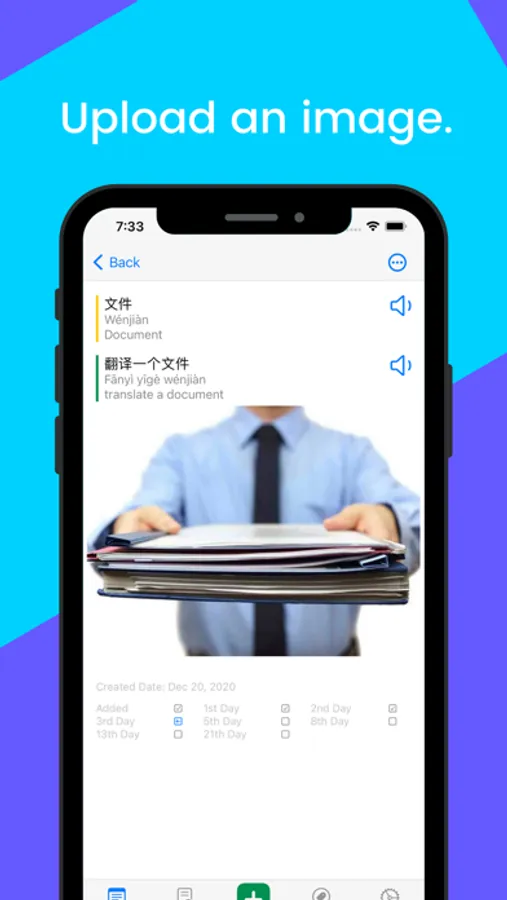
6. Image attachable
You can add picture to a word to solve the problem that some words have no translation for the time being. For example: a foreign food that has never been seen before?
7. Tag system:
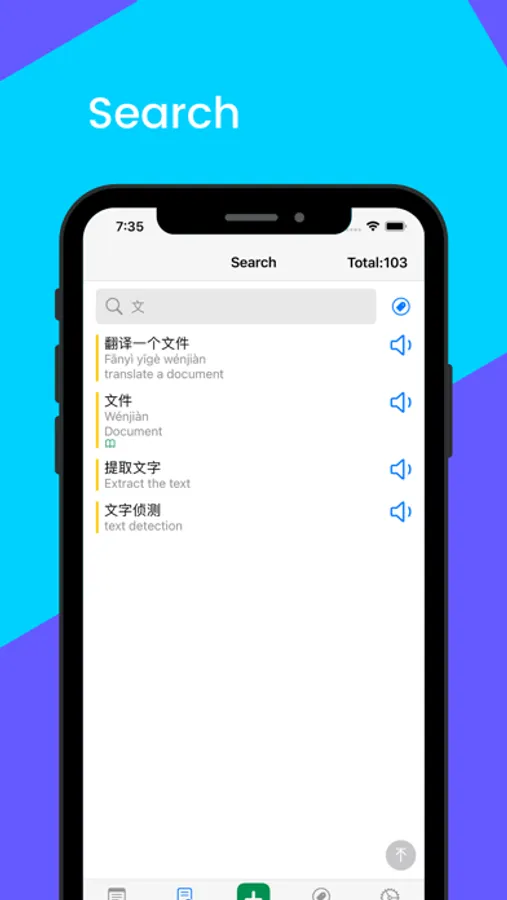
Assign one or more tags to a word to facilitate management and search.
8. Data Safety And Synchronization with iCloud
Your data will be safely stored in iCloud and synchronized between multiple devices.
9. App is easy to use and effective:
5 minutes a day, never forget the words~
FlashCard-Chinese,English,Thai Screenshots
Tap to Rate:
Reviews for FlashCard-Chinese,English,Thai
irene23071048749274
Useful app for learning languages
I like this app! But the TAG section needs to improve, it is not editable after I add the tag. Now if I would like to modify the tag, I need to delete it and add a new one. Another one is that we couldn’t change the order of the word. When I open one of my tags, brunch of words come out, they listed in chronological order, but sometimes I would like to change the order, there’s no way to do it. The tags is no way to change the order, too.
huilan 2
Request
I hope you can add import/export in csv function , it will make the app perfect for me plus saving me a-lot of time