
With this wallpaper customization app, you can select and apply 4K wallpapers and camouflage options for your device's screens. Includes over 50 wallpapers, customization tools, and the ability to use personal photos.
AppRecs review analysis
AppRecs rating 4.3. Trustworthiness 80 out of 100. Review manipulation risk 23 out of 100. Based on a review sample analyzed.
★★★★☆
4.3
AppRecs Rating
Ratings breakdown
5 star
74%
4 star
6%
3 star
6%
2 star
5%
1 star
9%
What to know
✓
Low review manipulation risk
23% review manipulation risk
✓
Credible reviews
80% trustworthiness score from analyzed reviews
✓
High user satisfaction
80% of sampled ratings are 4+ stars (4.3★ average)
About Xmas Wallpapers 4K HQ Notch
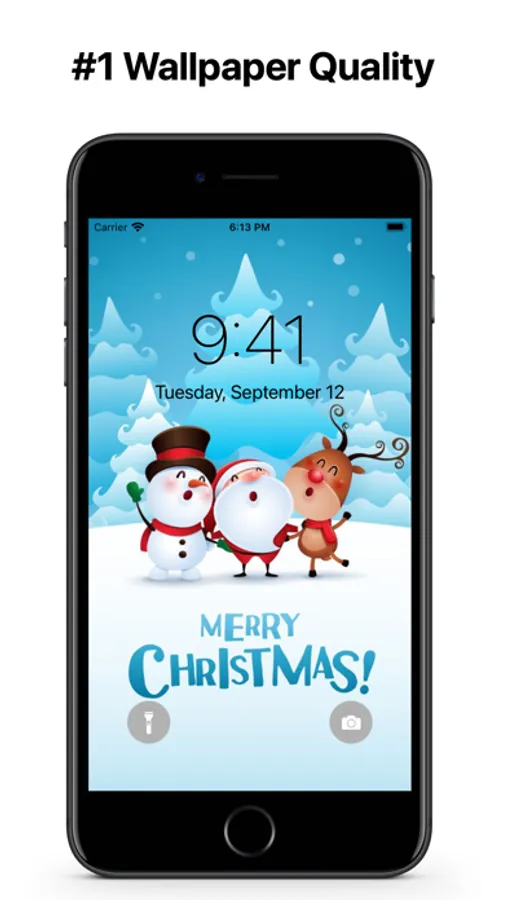
Looking for a way to make your iPhone or iPad's lock screen and home screen look even more stylish? Look no further than Xmas Wallpapers!
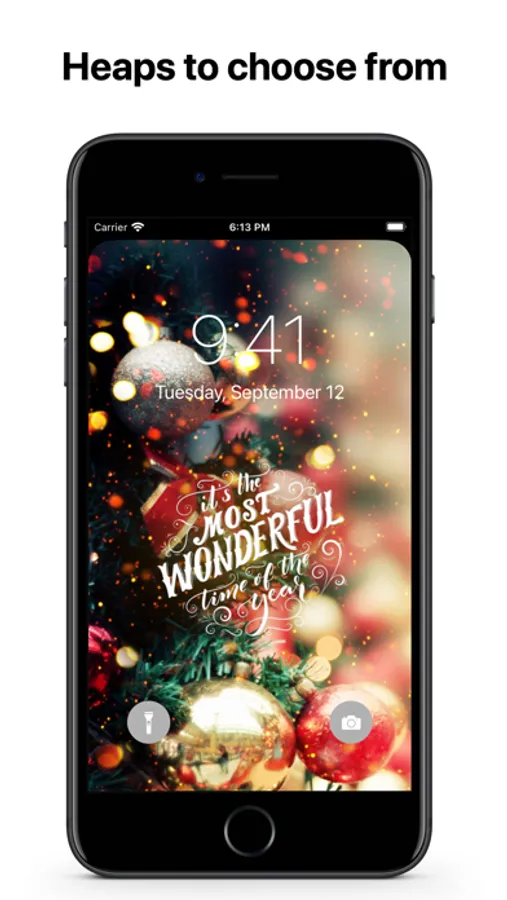
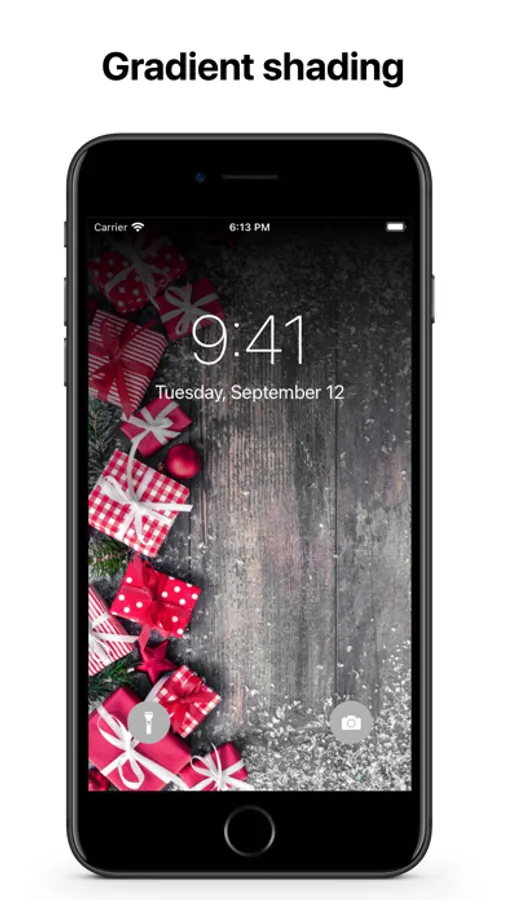
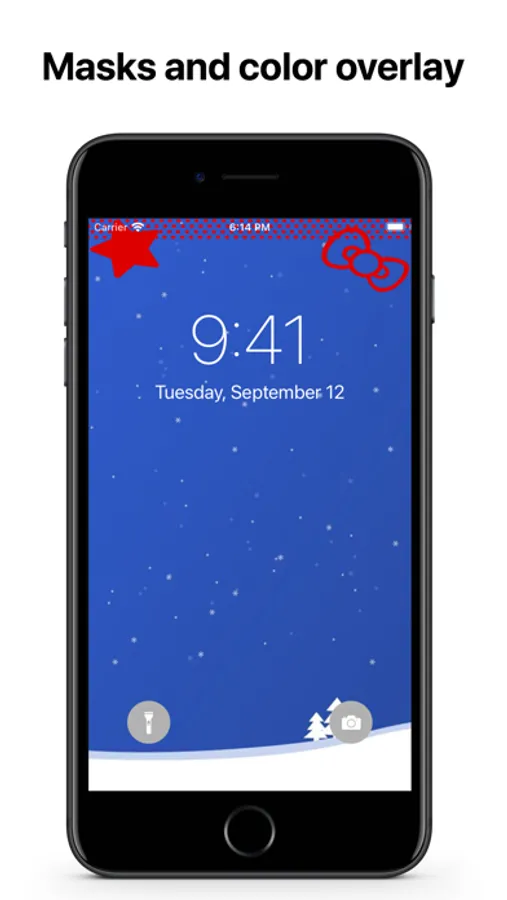
This app comes with 50+ stunning wallpapers that are sure to make your device stand out. But that's not all – our app also offers multiple ways to camouflage the notch or dynamic island on your device's screen. With gradient shading, top rounding, and custom static masks and colours, you can choose the perfect look to match your style.
And the best part? You can even use your own photos (paid option) to create a completely custom look. With this app, you can finally have a lock screen and home screen that truly reflect who you are.
This app is easy to use and offers multiple ways of customisation. Plus, it's free to download and use, with the option to remove ads and the watermark for a small fee.
So why wait? Download Xmas Wallpapers today and take your iPhone or iPad to the next level!
Xmas Wallpapers 4K HQ Notch Screenshots
Tap to Rate:
Reviews for Xmas Wallpapers 4K HQ Notch
Mom’s number
Fun holiday app!!!!
I was looking for a fun holiday wallpaper app and this one is easy to use and not for corporate funds!! I love giving to the small guy.
Margie Backes
Can’t get it to work
I downloaded the app cuz it looked like really nice photos. Then it says Face ID is required to use. Ok. Then it said that this only works if you hide the app. ( never done that before) but again ok, then where do I go to find it, since it’s hidden. Found it in setting, but it wouldn’t let me access it. What am I doing wrong? Help me please!