
In this PDF scanner app, users can automatically recognize document borders, capture images without manual input, and straighten curved pages. Includes auto-recognition of scan area, automatic capturing, and export options like PDF and text files.
AppRecs review analysis
AppRecs rating 3.9. Trustworthiness 79 out of 100. Review manipulation risk 23 out of 100. Based on a review sample analyzed.
★★★☆☆
3.9
AppRecs Rating
Ratings breakdown
5 star
91%
4 star
5%
3 star
1%
2 star
1%
1 star
1%
What to know
✓
Low review manipulation risk
23% review manipulation risk
✓
Credible reviews
79% trustworthiness score from analyzed reviews
⚠
Pricing complaints
Many low ratings mention paywalls or pricing
About vFlat Scan - PDF Scanner, OCR
Main features of vFlat
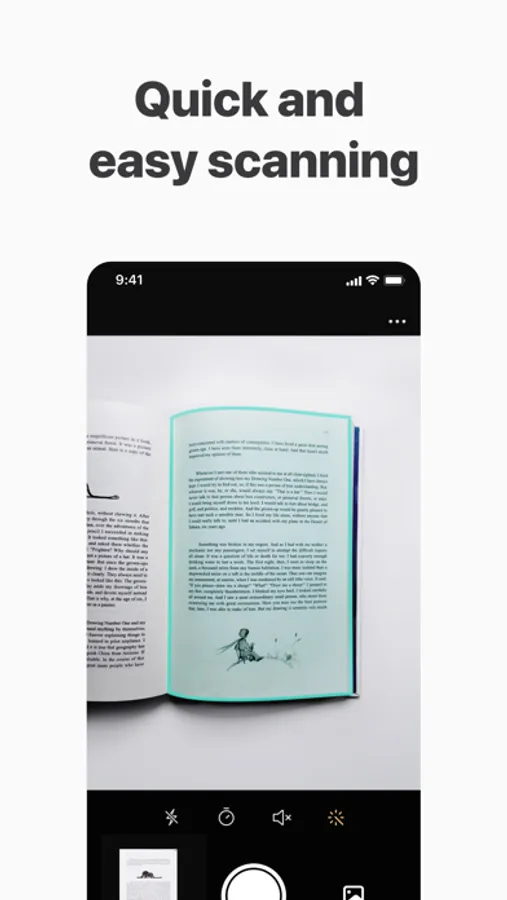
Auto-Recognizing of Scan Area
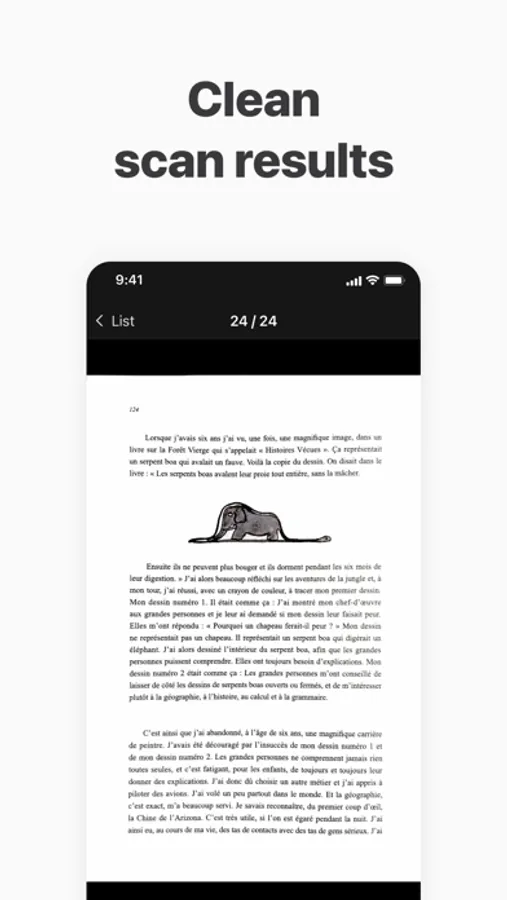
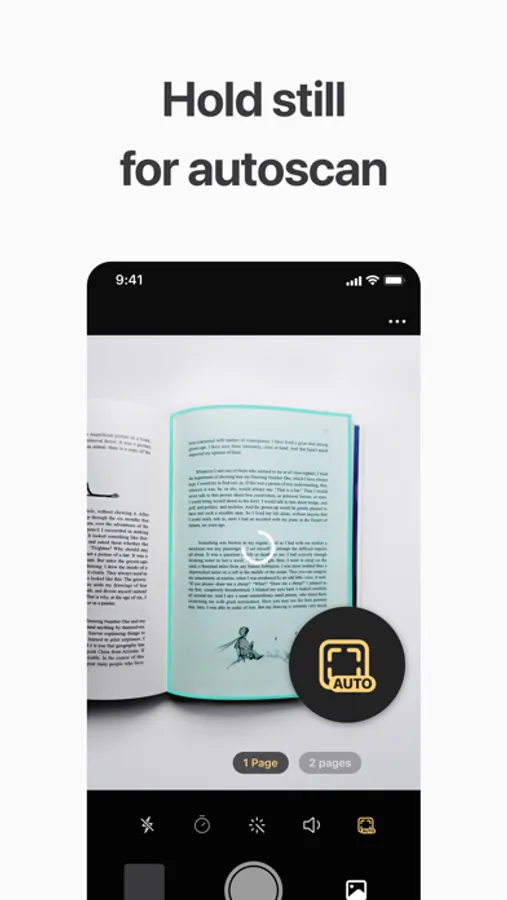
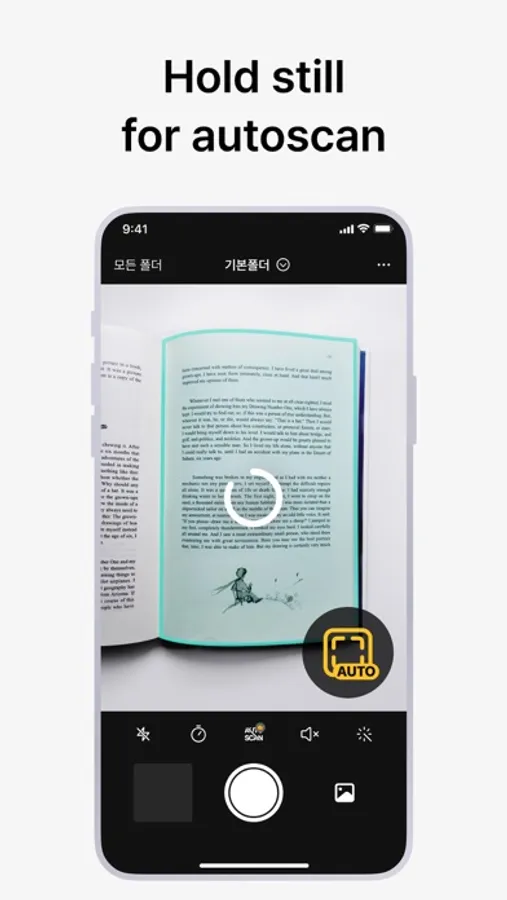
vFlat automatically recognizes borders of documents or book pages to scan. You can get clear-cut scan results from any angle without manual cropping.
Automatic Capturing
It recognizes the scan target and captures automatically without having to press the button repeatedly. Scanning is quicker and easier when capturing hundreds of book pages or a lot of paperwork.
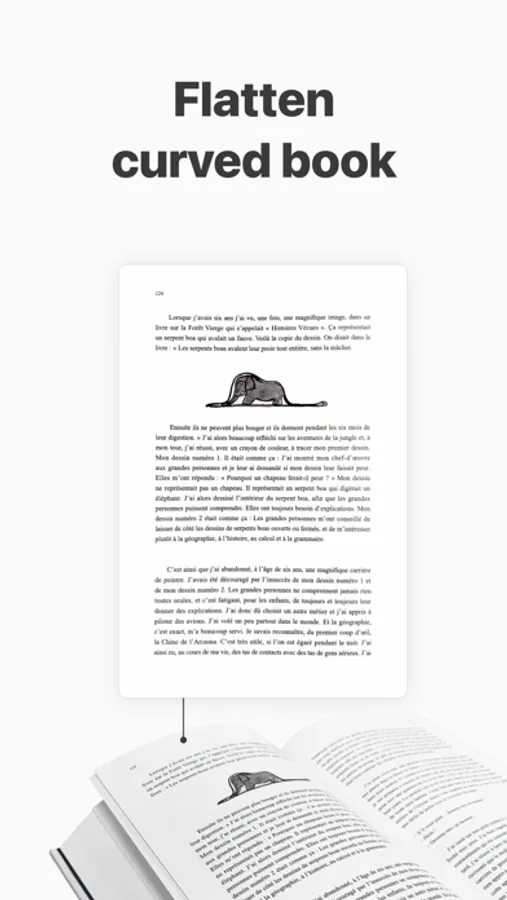
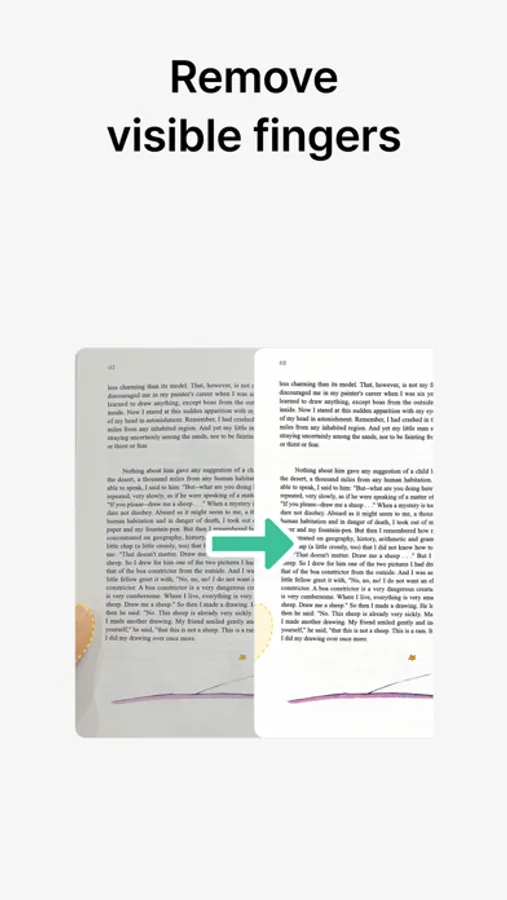
Flattening Curved Pages
It automatically straightens the curved surface of book pages. vFlat Scans as if they were captured with a professional book scanner, without having to taking pieces of the book.
Two-page Capturing
The left and right pages of a book are captured with a single click and they are automatically divided and saved. Get fast results, even when scanning thick books.
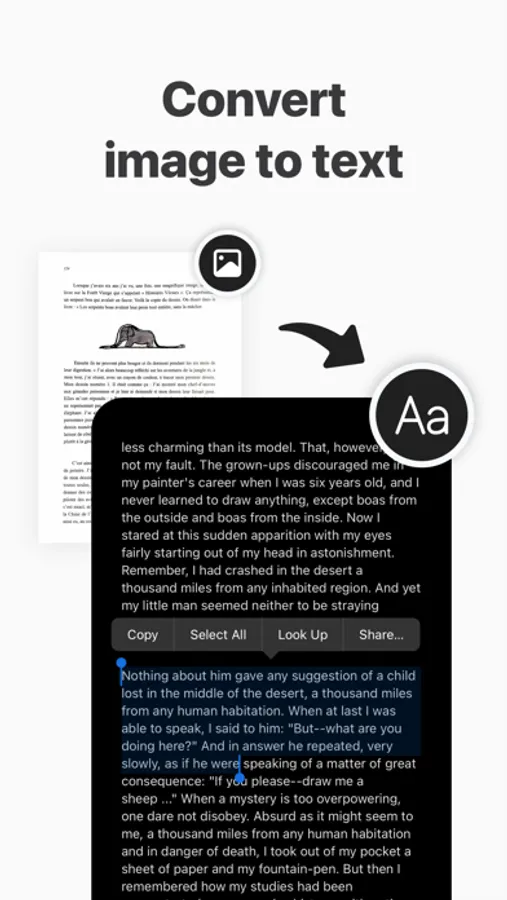
Free Text Recognition (OCR)
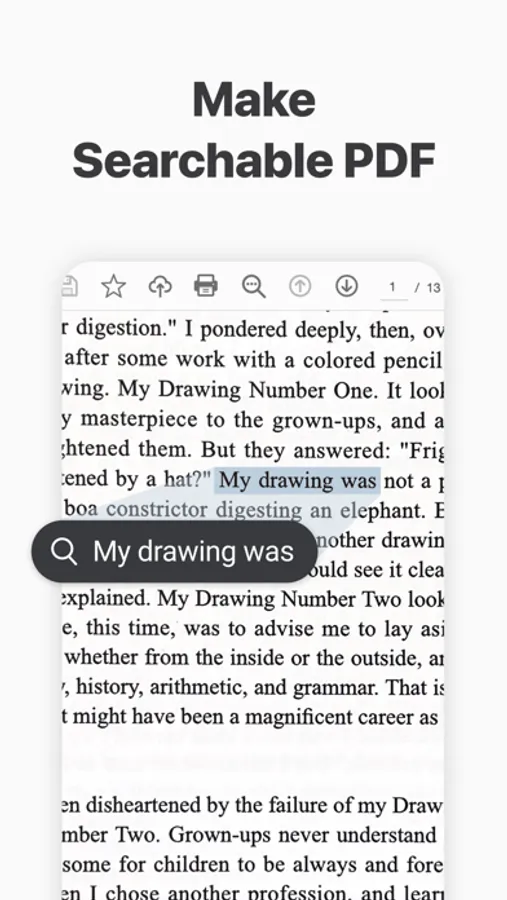
It converts scanned images to text for free through text recognition. You can copy the converted text and easily share it with friends or colleagues.
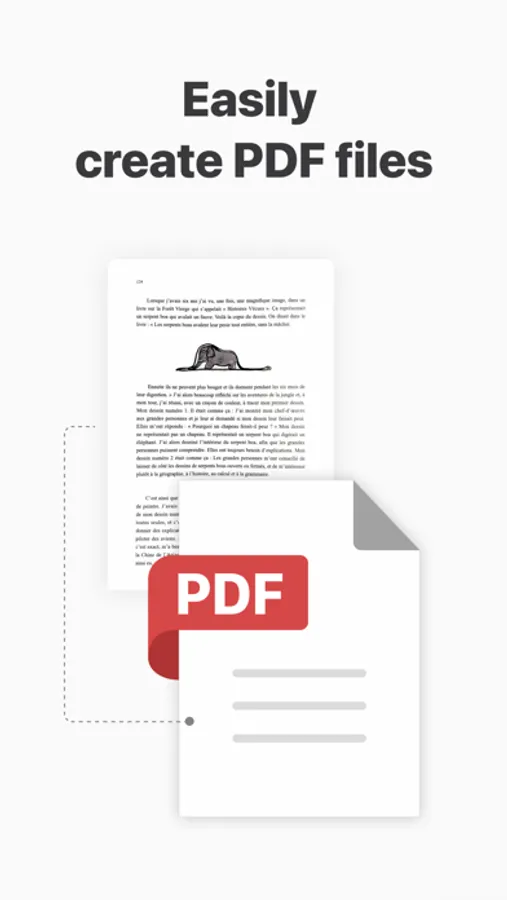
Exporting to various formats (PDF, JPG, TXT)
You can convert scanned images into PDF files and image files(JPG) and text files(TXT). You can convert the file into a format suitable for your purpose.
Terms of Use and Privacy Policy
vFlat does not collect your personal information and scan data without your explicit consent.
· Terms of Use https://vflat.page.link/terms_en
· Privacy Policy https://vflat.page.link/privacy_en
Information on access rights
· Camera: Camera access is required to take a document.
· Photo Library: Access permission is required to save captured images to the photo library. (Optional)
We look forward to hearing from you!
If you like vFlat, please leave a review.
Please send your comments and suggestions about vFlat to the channels below.
· Email: support@vflat.com
vFlat Scan - PDF Scanner, OCR Screenshots
Tap to Rate:
Reviews for vFlat Scan - PDF Scanner, OCR
Chris buz
Feature Request: Use native Apple Photo Picker for imports!!!!!
vFlat Scan is an incredible tool for scanning, but the current photo import interface is a major bottleneck for power users. Currently, the app uses a custom wrapper for the photo library that is significantly less functional than the standard iOS implementation. If you import photos from an external camera (which many of us do for high-quality scans), the app forces a "Recents" view that sorts by "date added" rather than "date taken," leading to a completely scrambled order. I currently wasted a ton of credits before i realized it was importing them all in the wrong order and wasted 2 hours finding a workaround to keep them in order by creating manual albums in the native Photos app just to get vFlat to recognize the correct chronological order. Also pretty silly it doesn’t let me import jpg scans from Files app either :/. PLEASE PLEASE update the app to use the official Apple PHPicker API or add the following features: Native 'Photo Library' View: Allow us to view the full library sorted by original metadata (Date Taken). Album Search Bar: For users with hundreds of albums, scrolling through a random list is impossible. We need a way to filter/search for specific albums. Standard Sorting: Ensure albums and photos follow the system-default sorting logic rather than the current disorganized layout. Implementing the native Apple Photo Library UI would solve all of these issues instantly, as it already includes search, proper sorting, and a familiar interface that every other major iOS app uses. This one change would make this a 5-star app for professional and high-volume workflows!
rayban2014
Wonderful app
Two pages mode is a wonderful tool when capturing my notebook