
Collage - photo montage editor
Sergio Musoles Tornador
4.4 ★
34 ratings
Free
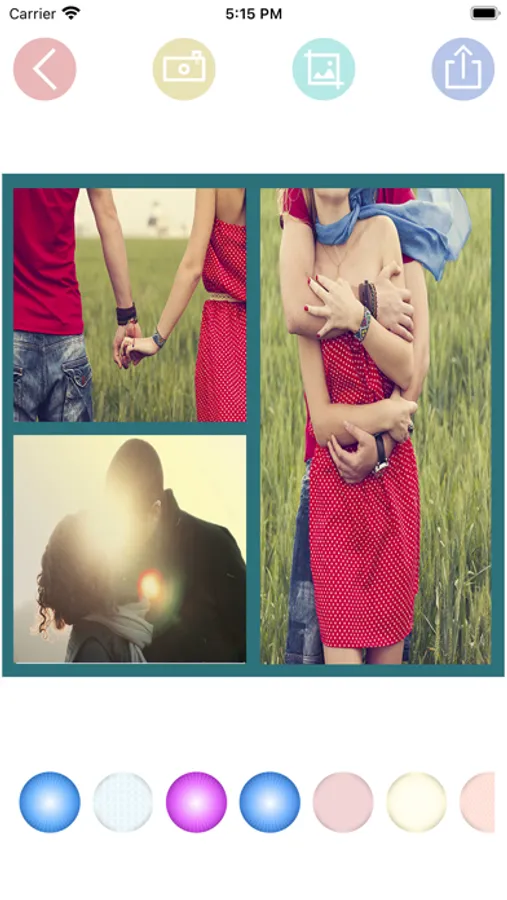
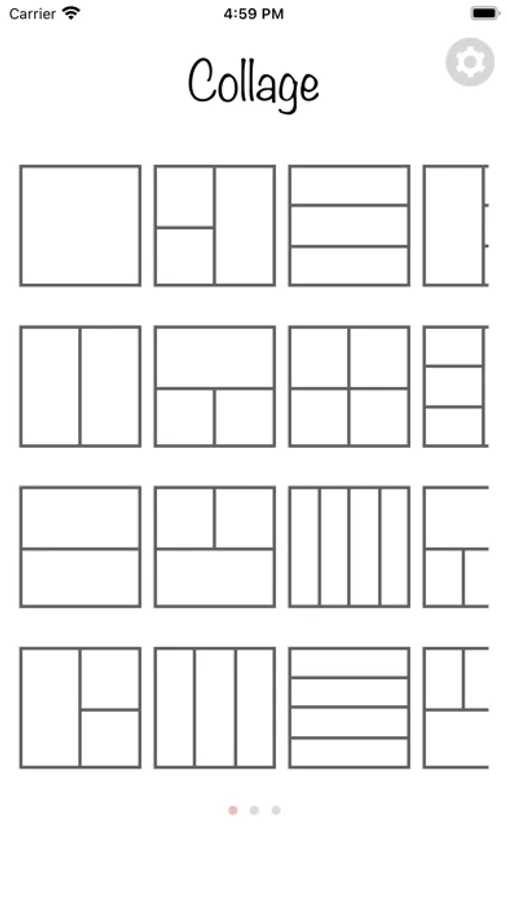
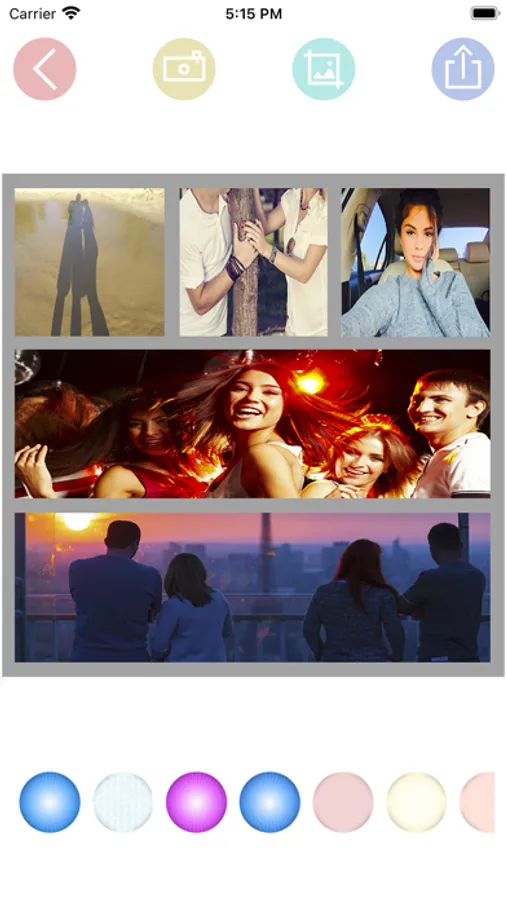
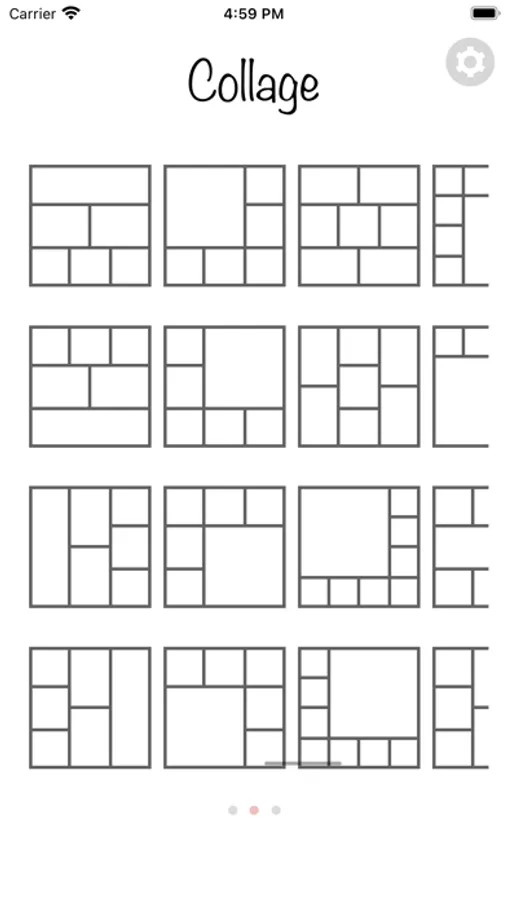
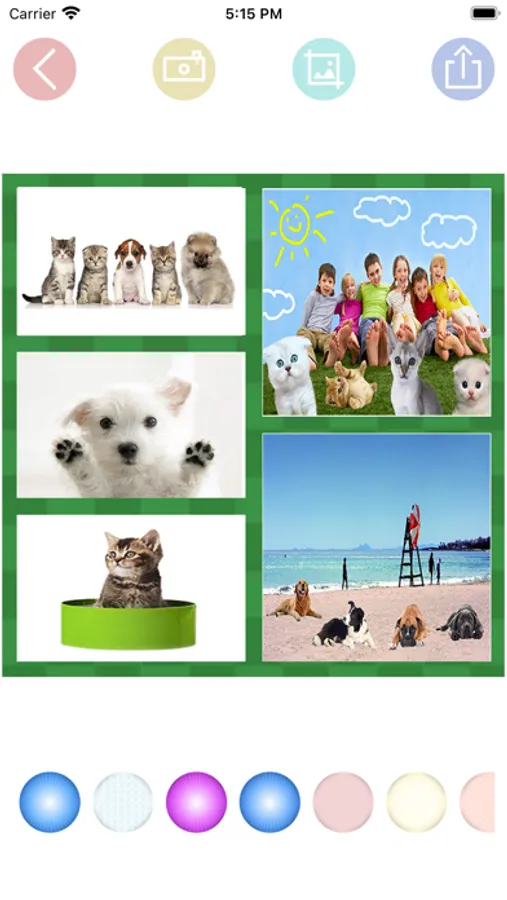
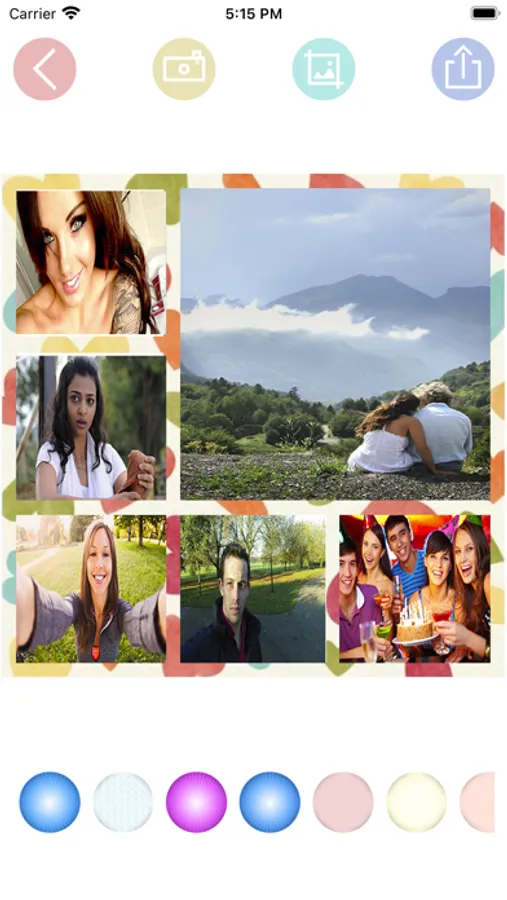
In this photo montage editor, you can select templates, add photos from camera or gallery, and adjust images within frames. Includes options for background colors, themes, and sharing collages easily.
AppRecs review analysis
AppRecs rating 4.4. Trustworthiness 0 out of 100. Review manipulation risk 0 out of 100. Based on a review sample analyzed.
★★★★☆
4.4
AppRecs Rating
Ratings breakdown
5 star
76%
4 star
9%
3 star
0%
2 star
6%
1 star
9%
What to know
✓
High user satisfaction
85% of sampled ratings are 4+ stars (4.4★ average)
About Collage - photo montage editor
EASY TO USE:
• Choose your favorite collage, you have many options with different grids.
• Choose in which place you want to add a picture, and then press camera or gallery button.
• Photos can be adjusted to frames by zoom in, zoom out, and move with your fingers
• You can change your background color or theme pressing different options located below.
• You can save or share collages with your mobile's social networking apps.
• Choose your favorite collage, you have many options with different grids.
• Choose in which place you want to add a picture, and then press camera or gallery button.
• Photos can be adjusted to frames by zoom in, zoom out, and move with your fingers
• You can change your background color or theme pressing different options located below.
• You can save or share collages with your mobile's social networking apps.
Collage - photo montage editor Screenshots
Tap to Rate: