AppRecs review analysis
AppRecs rating 2.6. Trustworthiness 45 out of 100. Review manipulation risk 21 out of 100. Based on a review sample analyzed.
★★☆☆☆
2.6
AppRecs Rating
Ratings breakdown
5 star
29%
4 star
14%
3 star
0%
2 star
0%
1 star
57%
What to know
⚠
Mixed user feedback
Average 2.6★ rating suggests room for improvement
About Smart Car Key
Once you download the SmartCarKey app to your smartphone and pair the phone to a device installed in your car, the smartphone becomes your car key. For the ultimate connected-car experience, our device, app, and sleek, modern dashboard give you fingertip control of the following features:
- Lock/ Unlock
- Start/ Stop
- Remote start
- Unlock Trunk
- Last parked location
- Auto security
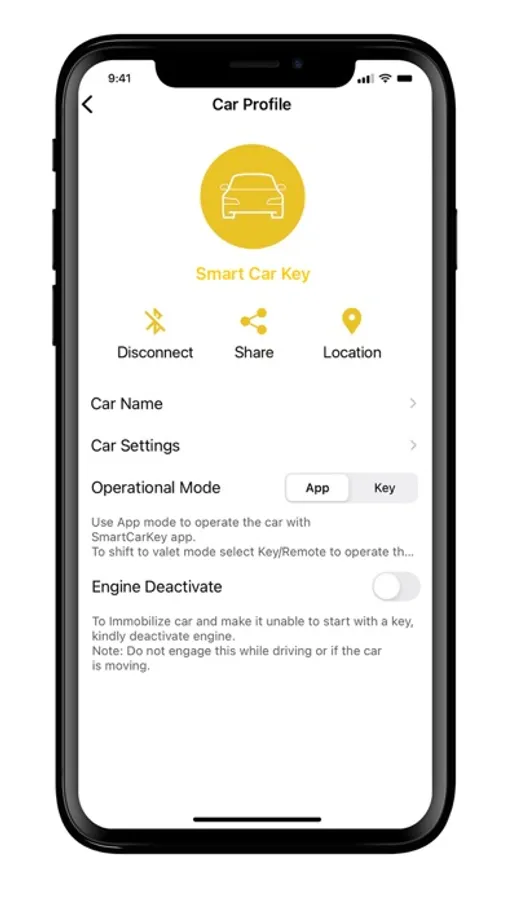
- Engine deactivate
- Car sharing
Your car can now become smart... and use a digital car key!!!
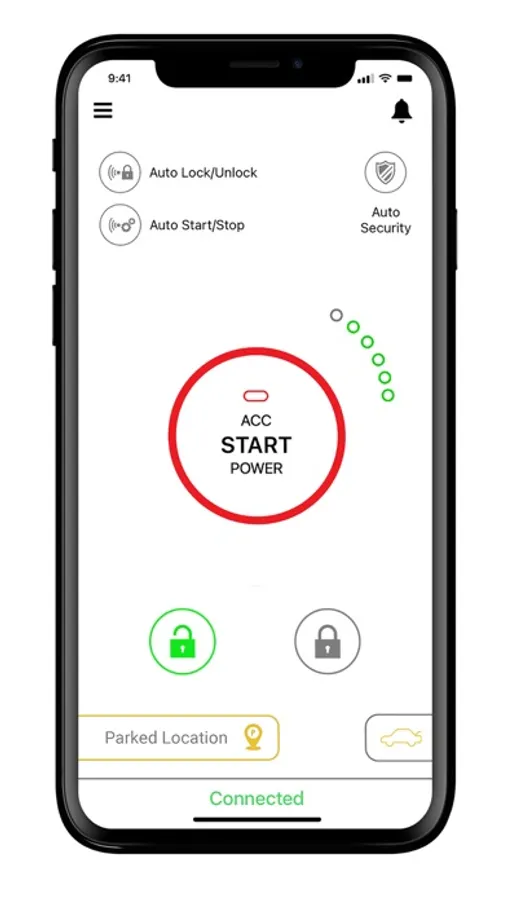
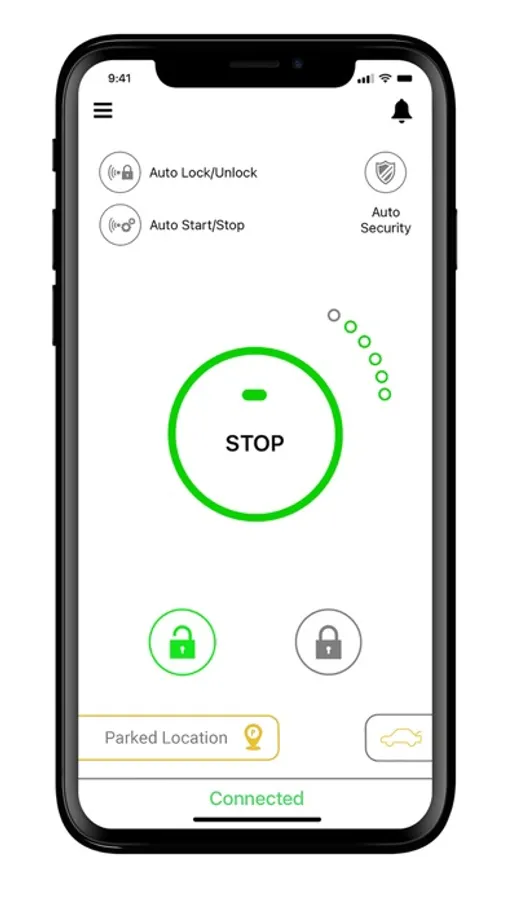
Using Bluetooth technology to wirelessly send data to the car, drivers also have the option to turn on the auto-lock/unlock and the auto start/stop option and won’t even need to remove the phone from their bag or pocket to start the car. Once the driver is within range the door automatically unlocks and then the vehicle automatically starts, just put it into gear, and away you go.
Forgot whether you locked your car? No problem! The auto security feature automatically locks the car for you when you move a certain distance away from the car ensuring your car is always secure
Another great feature of SmartCarKey is the ‘last parked location’. This feature allows you to use the map on your phone to locate where you parked the car last and allows you to navigate to it quickly and easily. Never lose your car again.
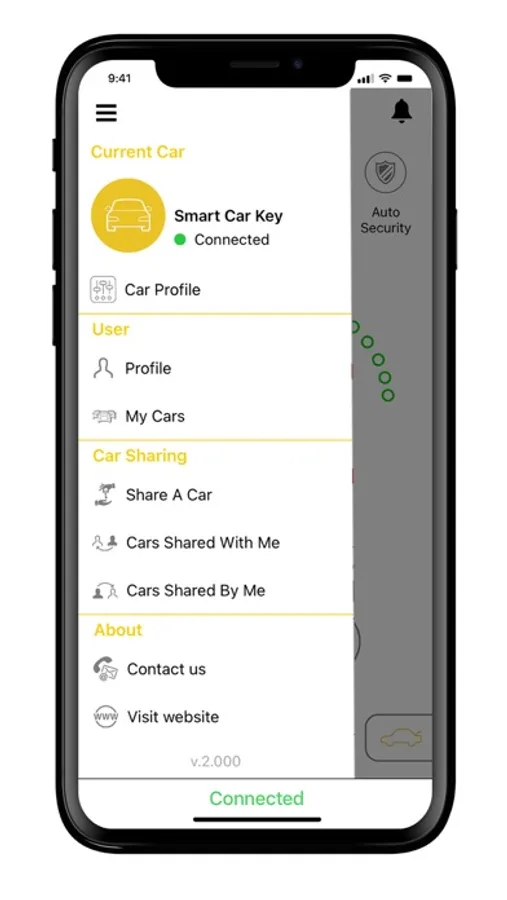
Owners can share the Smart Key to family and friends via the app from anywhere in the world allowing them to use the car. The owner can also include time limits on how long the users can operate the vehicle.
Fleet owners can also use smartcarkey to their advantage. Our sharing platform allows operators to send out multiple digital keys to multiple drivers for designated time slots and also set time limits ensuring maximum utilization of the fleet.
Follow these three steps to get your car converted to use a smart digital key
1. Download the SmartCarKey App
2. Get the SmartCarKey device installed in your vehicle
3. Set up your account, leave your keys at home and start using a digital car key.
You don't have to have the latest car to have the latest technology!!!!!
- Lock/ Unlock
- Start/ Stop
- Remote start
- Unlock Trunk
- Last parked location
- Auto security
- Engine deactivate
- Car sharing
Your car can now become smart... and use a digital car key!!!
Using Bluetooth technology to wirelessly send data to the car, drivers also have the option to turn on the auto-lock/unlock and the auto start/stop option and won’t even need to remove the phone from their bag or pocket to start the car. Once the driver is within range the door automatically unlocks and then the vehicle automatically starts, just put it into gear, and away you go.
Forgot whether you locked your car? No problem! The auto security feature automatically locks the car for you when you move a certain distance away from the car ensuring your car is always secure
Another great feature of SmartCarKey is the ‘last parked location’. This feature allows you to use the map on your phone to locate where you parked the car last and allows you to navigate to it quickly and easily. Never lose your car again.
Owners can share the Smart Key to family and friends via the app from anywhere in the world allowing them to use the car. The owner can also include time limits on how long the users can operate the vehicle.
Fleet owners can also use smartcarkey to their advantage. Our sharing platform allows operators to send out multiple digital keys to multiple drivers for designated time slots and also set time limits ensuring maximum utilization of the fleet.
Follow these three steps to get your car converted to use a smart digital key
1. Download the SmartCarKey App
2. Get the SmartCarKey device installed in your vehicle
3. Set up your account, leave your keys at home and start using a digital car key.
You don't have to have the latest car to have the latest technology!!!!!
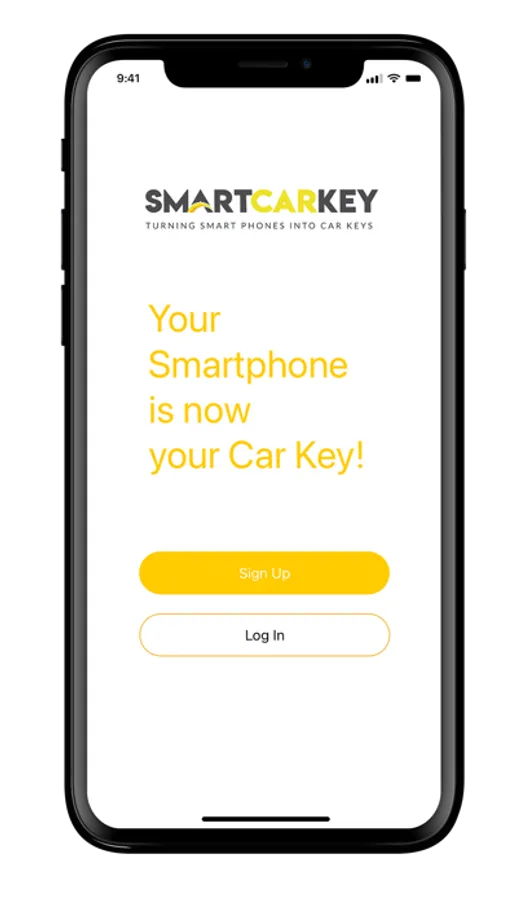
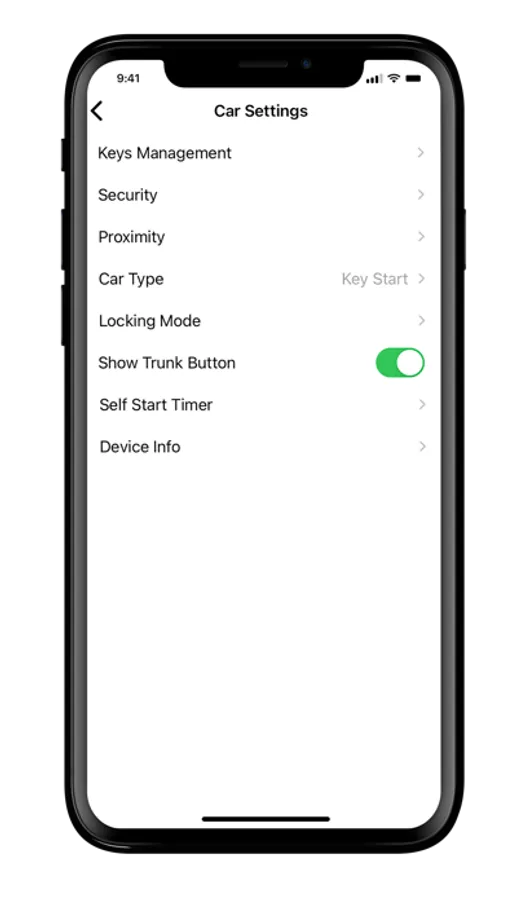
Smart Car Key Screenshots
Tap to Rate:
Reviews for Smart Car Key
Raymundo manly
Does not work
I down loaded it for my 24 GR 86 and turned on Bluetooth it could not locate my car