
With this screen time control app, you can set delays, block apps, and monitor usage to reduce screen time. Includes configurable schedules, strict blocks, and motivational streaks.
AppRecs review analysis
AppRecs rating 4.4. Trustworthiness 75 out of 100. Review manipulation risk 27 out of 100. Based on a review sample analyzed.
★★★★☆
4.4
AppRecs Rating
Ratings breakdown
5 star
91%
4 star
5%
3 star
1%
2 star
1%
1 star
1%
What to know
✓
Low review manipulation risk
27% review manipulation risk
✓
Credible reviews
75% trustworthiness score from analyzed reviews
✓
High user satisfaction
91% of sampled ratings are 5 stars
About ScreenZen- Screen Time Control
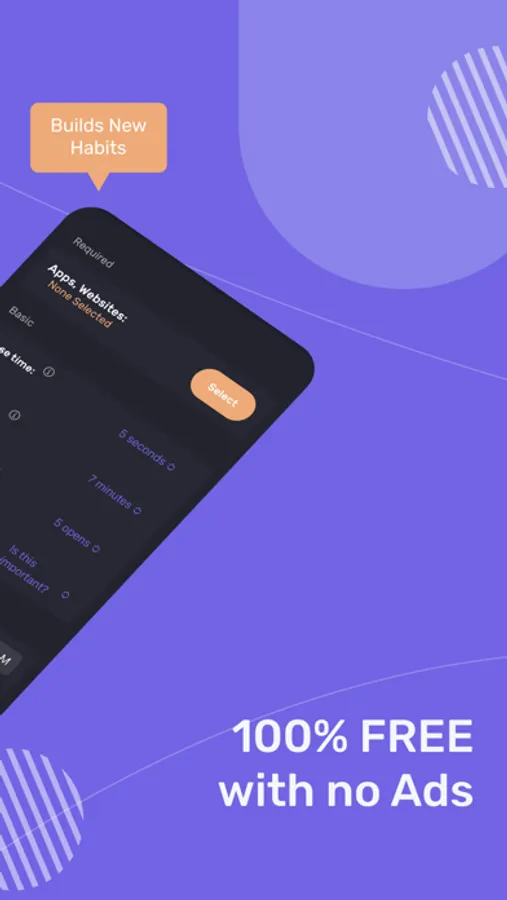
1. Delay before opening your app: A bit of time before choosing if you need to open your distracting app. You can have the wait time increase each time you open your app.
2. Interrupt your scrolling: Check your distracting apps for short periods of time so you don't get sucked in.
3. Set an app goal and optionally block when you reach your limit.
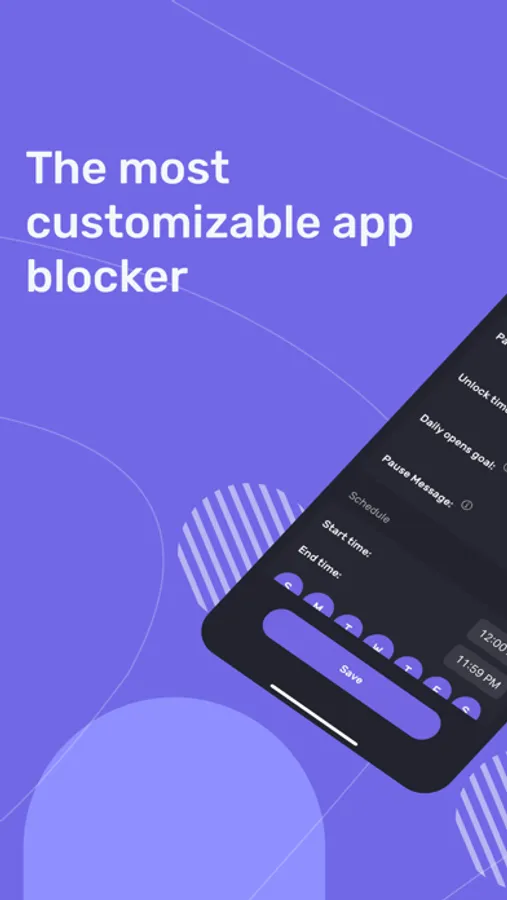
4. Configurable for different days of the week and time by app.
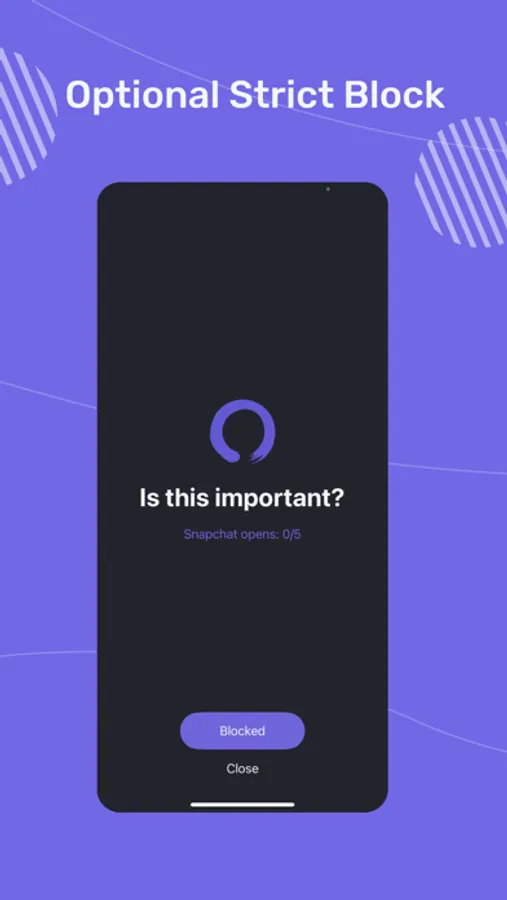
5. Messages like "Is this important" before opening your app.
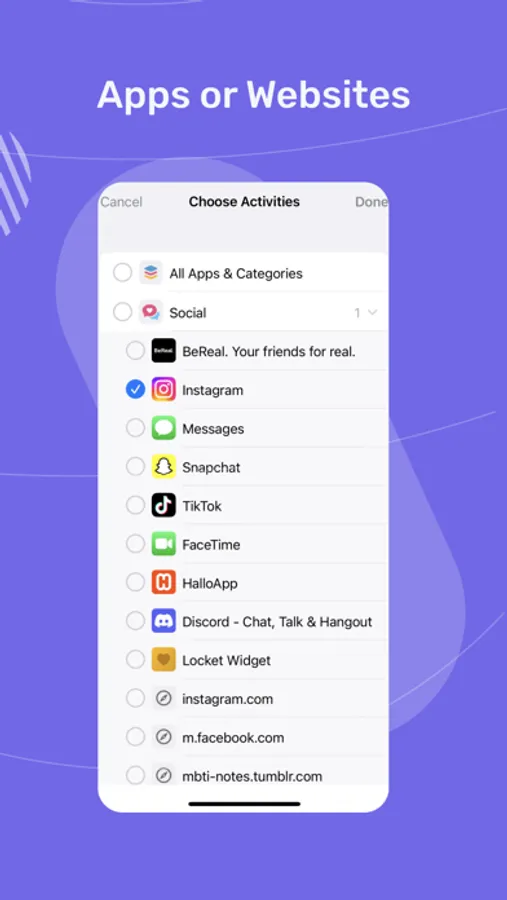
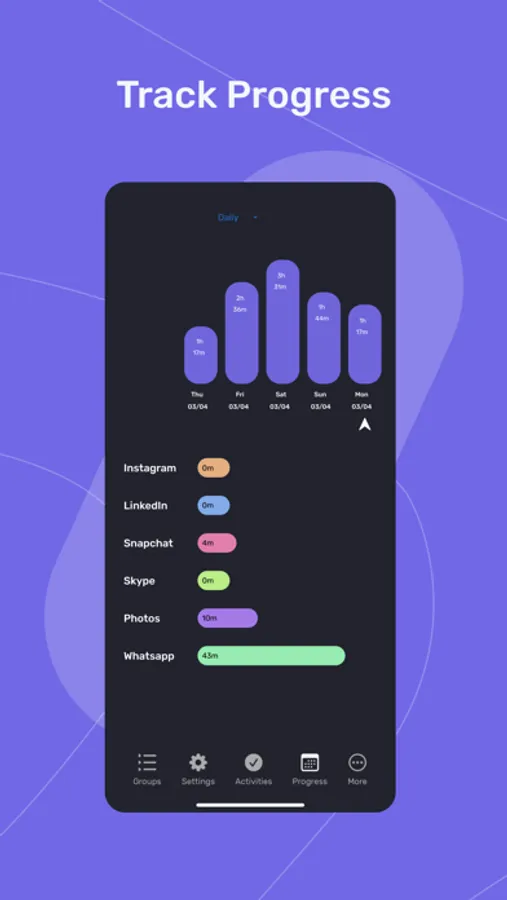
6. See your screen time for only your distracting apps. Don't worry about Google Maps bloating up your time.
7. Strict block your apps: Either for time ranges, after a certain number of opens or ScreenTime. Strict blocked apps can be hidden from the home screen.
8. Locks on Settings to prevent you from changing your settings when you want to open an app.
9. Breathing and other activities to encourage you not to need to open the app while waiting for it to unlock.
10. Streaks to encourage you not to exceed your limits or override your settings.
ScreenZen- Screen Time Control Screenshots
Tap to Rate:
Reviews for ScreenZen- Screen Time Control
Jamie M C.
Amazing app!
Since I got this app, I've reduced my screen time from like 8+ hours to less than 3! I'm impressed by how well this app works. Keep up the great work!
ezsoccer94
Works perfectly
The app works perfectly and is easy to use and setup. I like that users can create different groups based on app usage needs. It’s helped me a lot with reducing my screen time.