
AppRecs review analysis
AppRecs rating 4.1. Trustworthiness 0 out of 100. Review manipulation risk 0 out of 100. Based on a review sample analyzed.
★★★★☆
4.1
AppRecs Rating
Ratings breakdown
5 star
71%
4 star
0%
3 star
14%
2 star
0%
1 star
14%
What to know
✓
High user satisfaction
71% of sampled ratings are 4+ stars (4.1★ average)
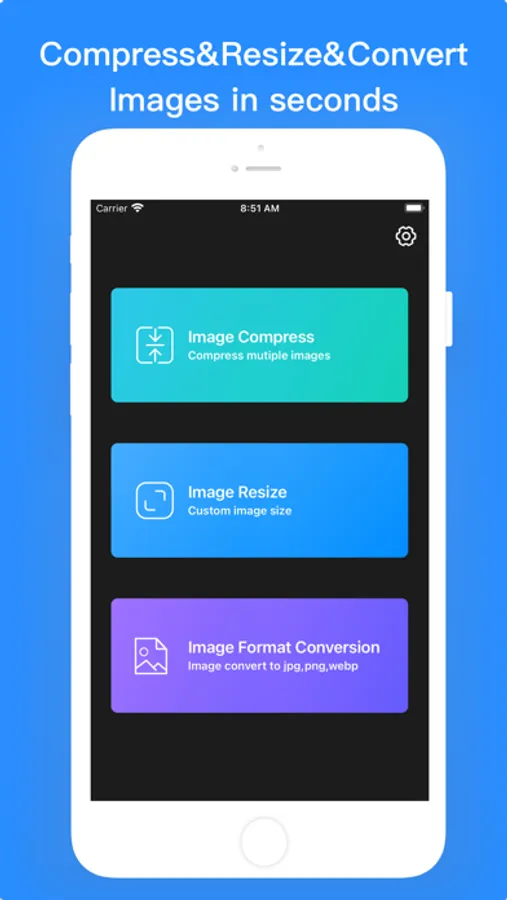
About Photo Compress - Resize Image
Features:
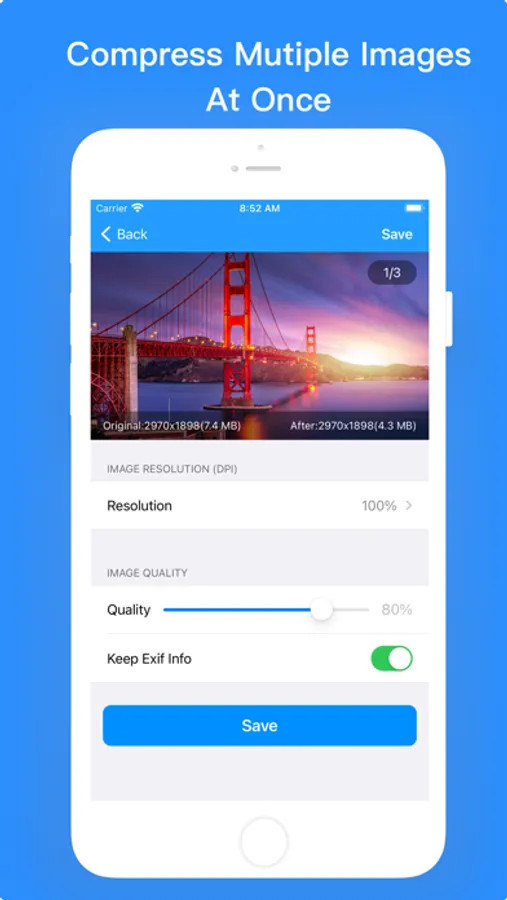
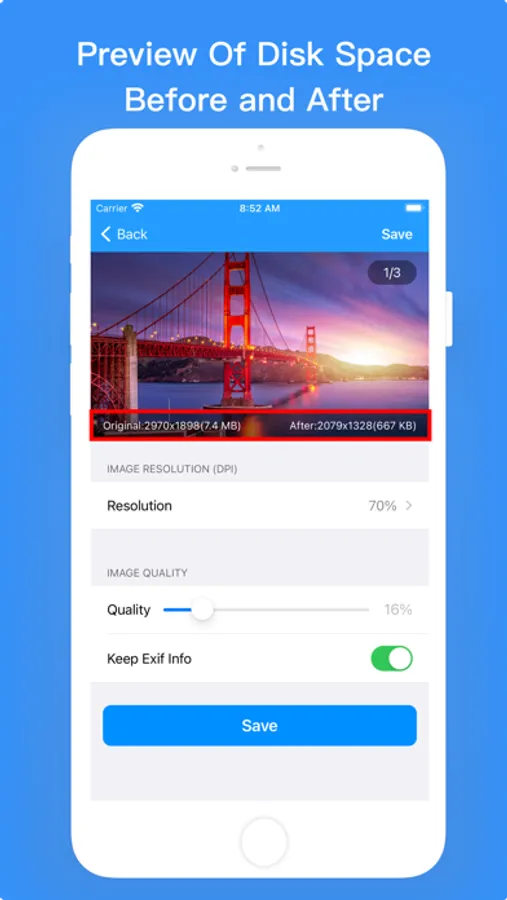
Image Compress
- Compress single or multiple images at once to save storage
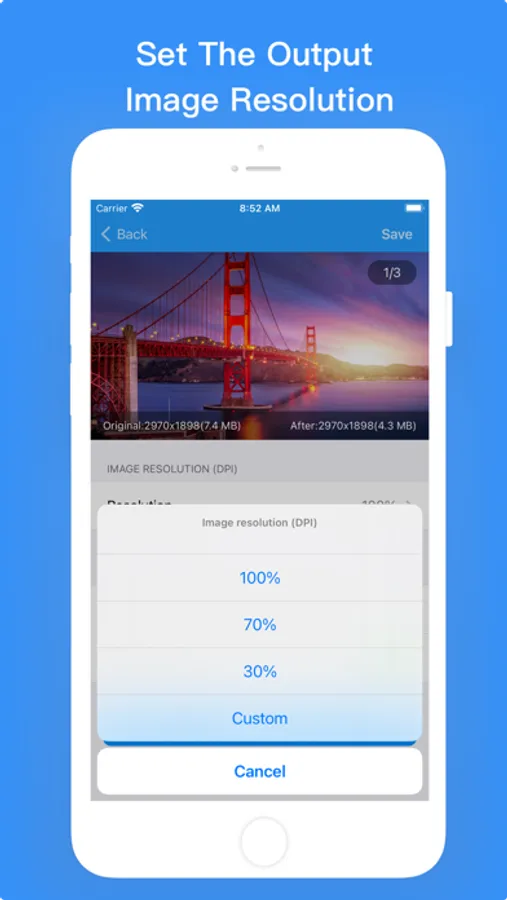
- Set the output image resolution(DPI)
- Set output image quanlity
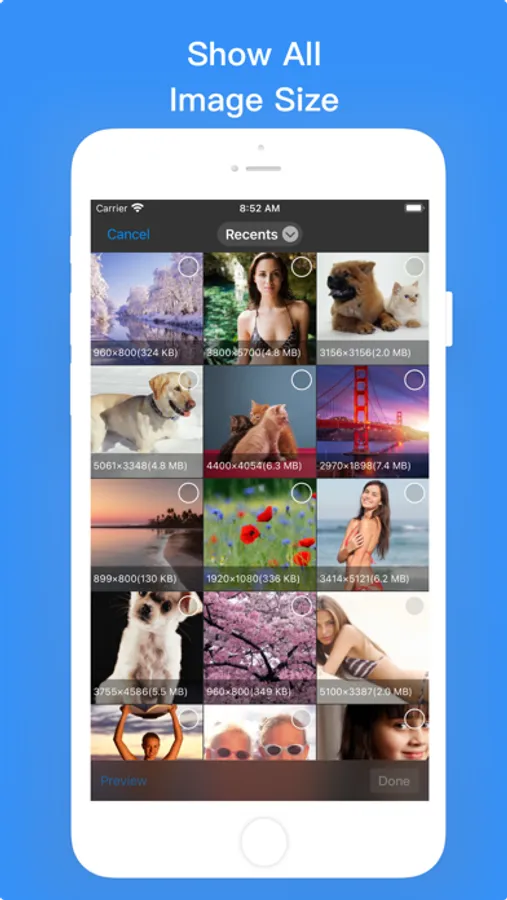
- Preview of disk space before and after compression
- You can choose whether to keep EXIF information
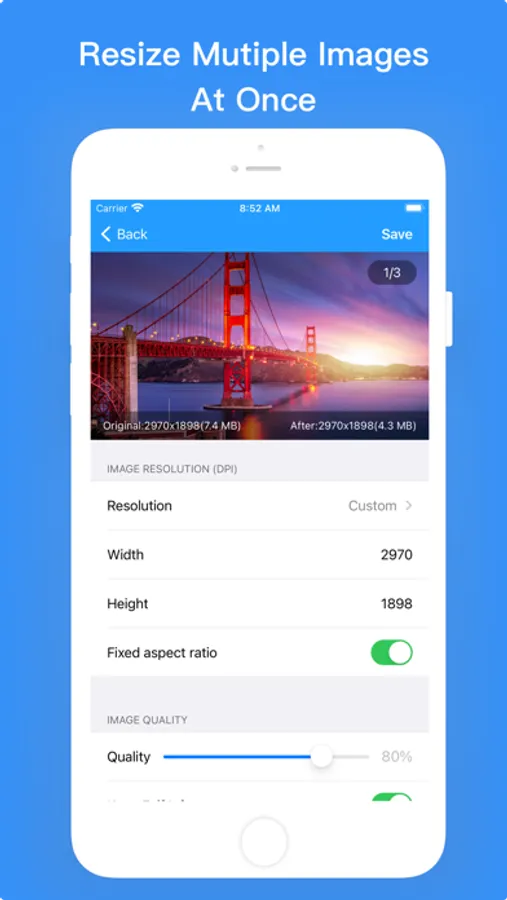
Image Resize
- Resize single or multiple images at once
- Set the output image resolution(DPI),you can modify by percentage or customize image height and width
- Set output image quanlity
- Unlock or lock the width to height ratio
- Preview of disk space before and after resize
- You can choose whether to keep EXIF information
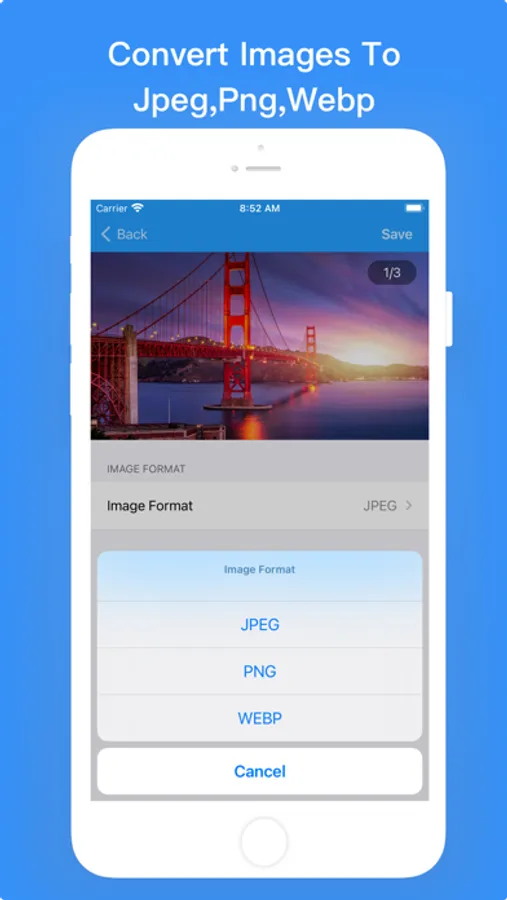
Image Format Conversion
- Convert images to jpeg,png,webp format
- Convert single or multiple images at once
If you have any questions or suggestions about our app, please e-mail lilliancream@163.com.We are looking forward to your feedbacks.
Photo Compress - Resize Image Screenshots
Tap to Rate:
Reviews for Photo Compress - Resize Image
ZarBluestar
Pretty good but…
For my usage, I only work with the compression and file type conversion features. I’m extremely happy with the compression functionality. The output size preview is a nice touch. The only thing keeping this from being 5 stars is the problems I have with file type conversion. There is no way to specify the output dimensions when changing the file type. I’ve found that these conversations also greatly reduce picture quality. I assume the app is using lossy conversion. I would like the ability to control the output dimensions when changing file type and the retained quality. It would also be nice when compressing images to choose the output file type. I also noticed that in one instance, the app overwrote the original photo. I think the top and bottom save buttons act differently here. If a future update fixed these issues, I would gladly increase my rating.
Scott1155
Very Useful App That Works Well
iPhone 12 Pro, iOS 14.4.2 - This app has many useful features and works well. This app is easy to use with excellent results from all functions. My thanks to the developers for an easy to use app that works great. Job well done!