About BudgetKaki
Make effective annual plans for any duration of months in a year. A keep to the basics app that doesn't take your personal data and keeps everything on device.
BudgetKaki
-----------
Plan
----
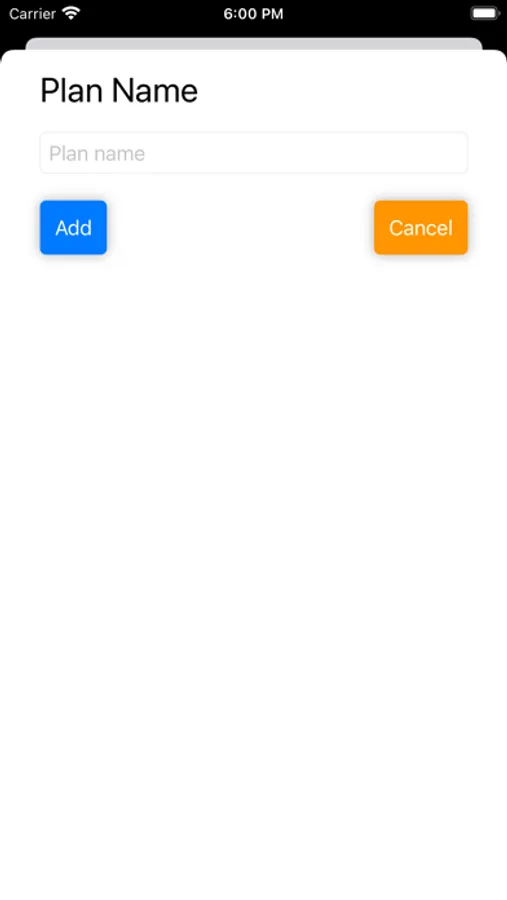
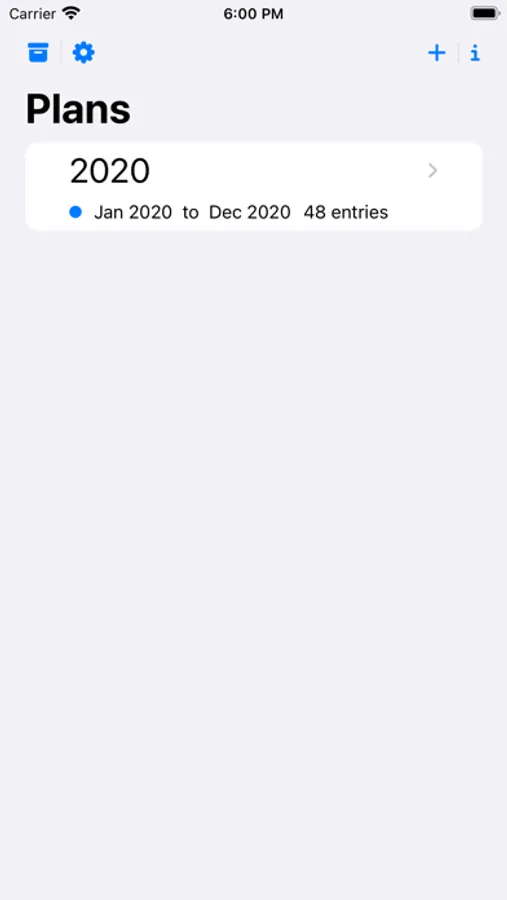
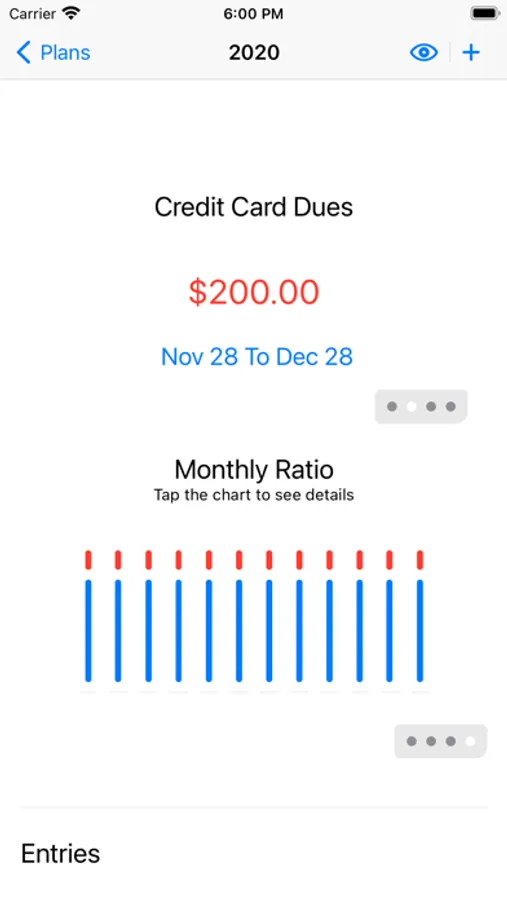
Start yout budget by adding a plan. A plan can be for any time period, but typically it will be for one calendar year. Once you have a plan you can start adding entries in the plan to manage your budget.
Entries
-------
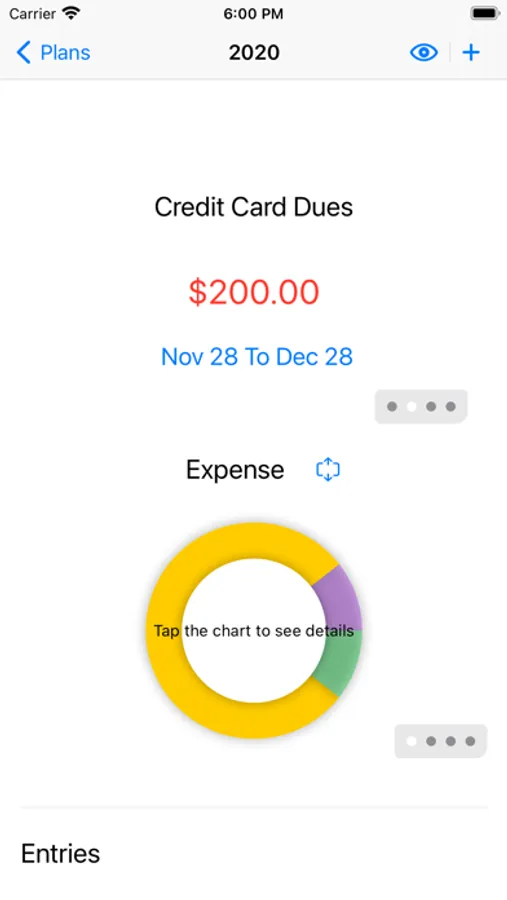
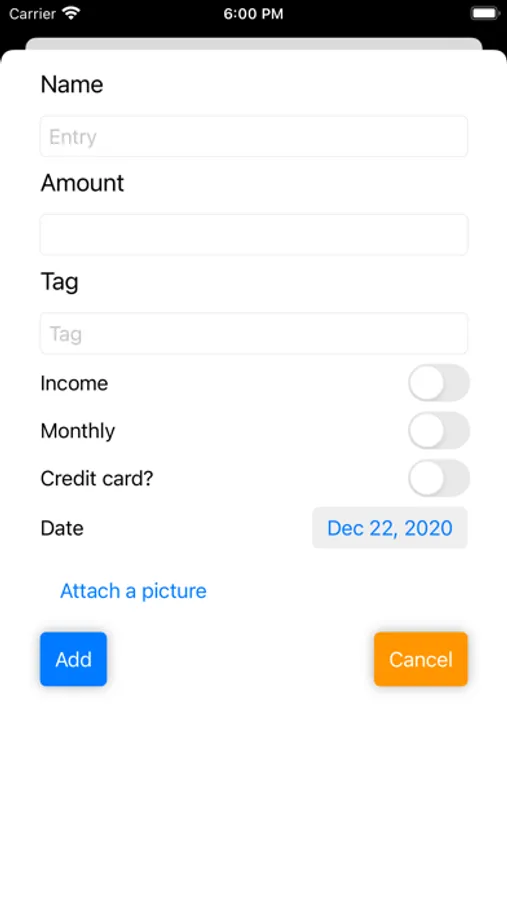
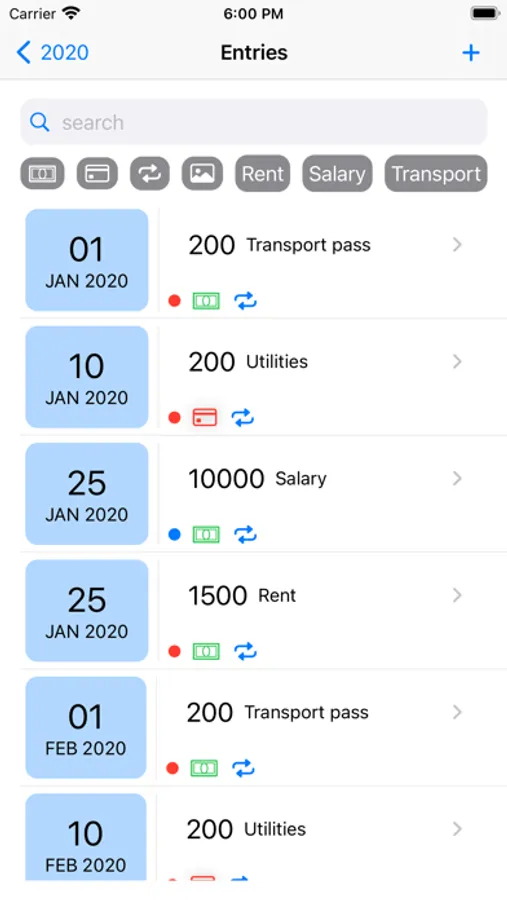
You can add income or expense entry in a plan. Assign a tag to the entry for convenient charting. There is an option to add a monthly entry which repeats on the same date every month
Export entries
--------------
Once you have a plan with some entries, if you wish to export the data, you can export it into a CSV file. This file can then be opened in a spreadsheet application
Import entries
--------------
If you can create a CSV file with the columns in the following order - name,amount,date(example 20201111),amount,income(true/false),tag name - then that can be used to import data into a plan. Simply save it to the Files app with the filename set to the plan name. Open the file and select BudgetKaki in the share menu
BudgetKaki
-----------
Plan
----
Start yout budget by adding a plan. A plan can be for any time period, but typically it will be for one calendar year. Once you have a plan you can start adding entries in the plan to manage your budget.
Entries
-------
You can add income or expense entry in a plan. Assign a tag to the entry for convenient charting. There is an option to add a monthly entry which repeats on the same date every month
Export entries
--------------
Once you have a plan with some entries, if you wish to export the data, you can export it into a CSV file. This file can then be opened in a spreadsheet application
Import entries
--------------
If you can create a CSV file with the columns in the following order - name,amount,date(example 20201111),amount,income(true/false),tag name - then that can be used to import data into a plan. Simply save it to the Files app with the filename set to the plan name. Open the file and select BudgetKaki in the share menu
BudgetKaki Screenshots
Tap to Rate: