
With this online ordering app, you can browse menus, place orders, and review your order history. Includes features for order tracking, notifications about promotions, and restaurant partnership management.
AppRecs review analysis
AppRecs rating 2.3. Trustworthiness 79 out of 100. Review manipulation risk 25 out of 100. Based on a review sample analyzed.
★★☆☆☆
2.3
AppRecs Rating
Ratings breakdown
5 star
32%
4 star
5%
3 star
4%
2 star
5%
1 star
53%
What to know
⚠
Pricing complaints
Many low ratings mention paywalls or pricing
⚠
Mixed user feedback
Average 2.6★ rating suggests room for improvement
⚠
High negative review ratio
58% of sampled ratings are 1–2 stars
About MealKeyway
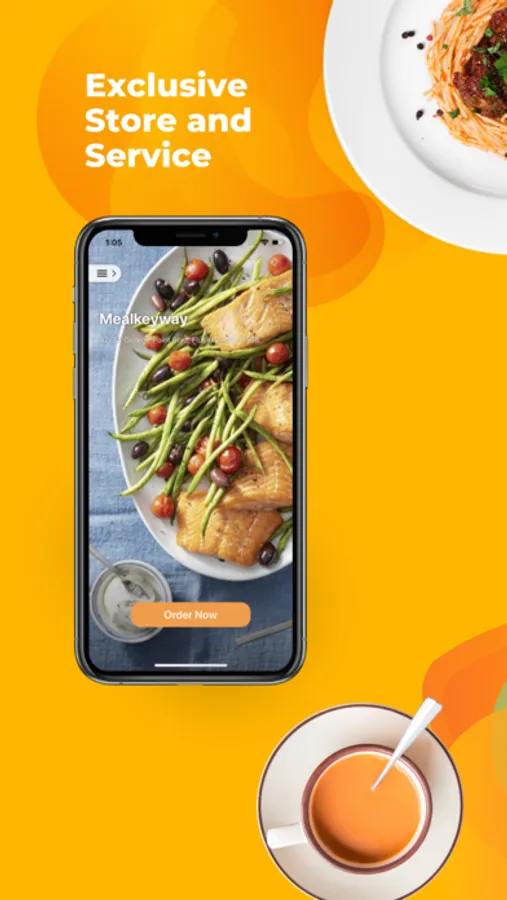
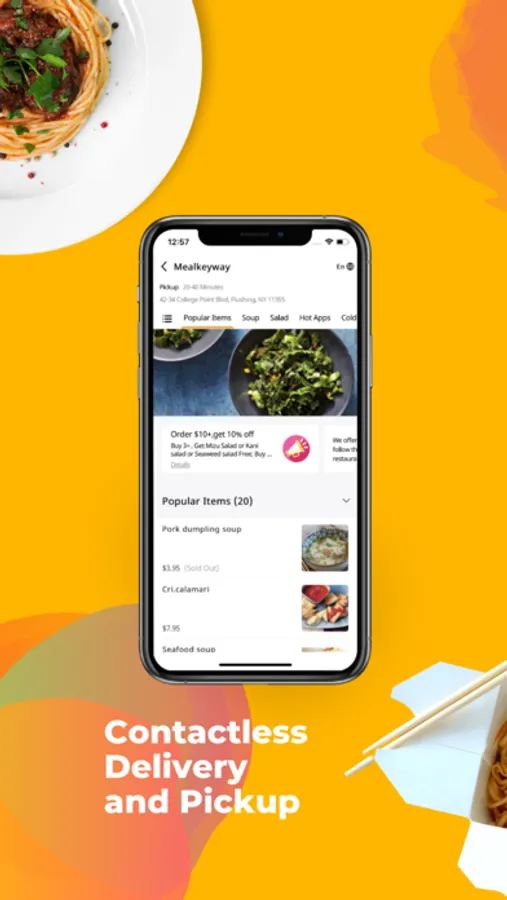
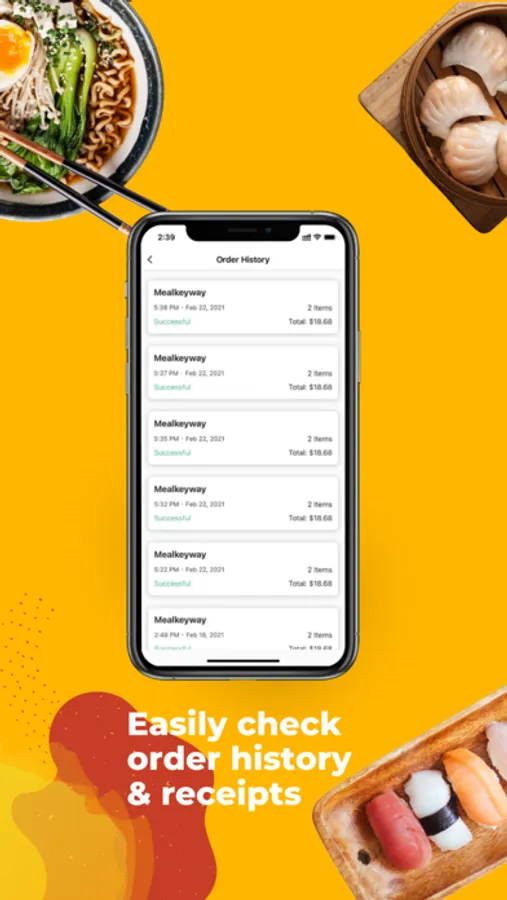
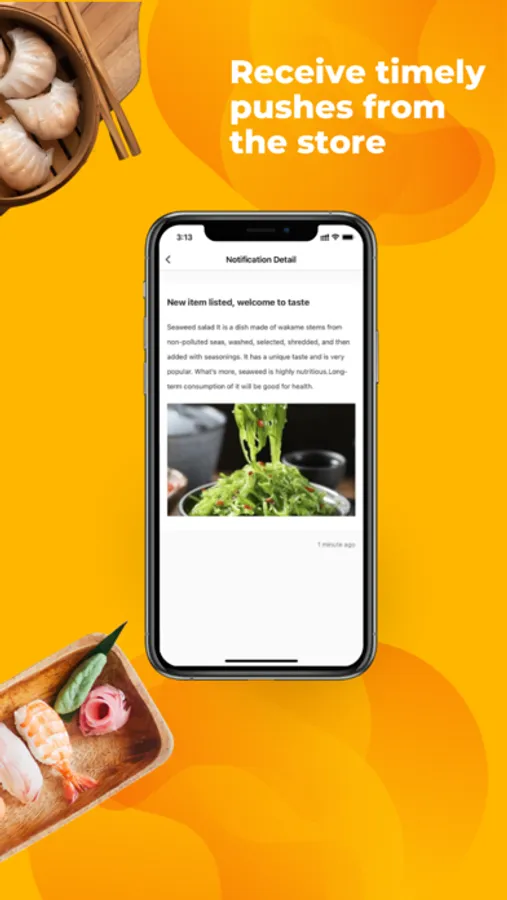
FEATURES: Effortlessly discover the menu, place orders, and review your order history and receipts. Receive timely notifications to keep up with your favorite restaurants' latest trends and promotions from your favorite restaurants. Choose between delivery and pickup for the service that suits you best.
HOW IT WORKS: To get started, simply scan the MealKeyway app QR code provided by the restaurant. You'll typically find this QR code on restaurant posters, menus, flyers, or banners. It may also be available on the restaurant's website or social media profiles.
NOTES: MealKeyway is not your typical food-ordering marketplace app. We prioritize specific restaurants that have chosen to participate in our rewards program. For the app to work correctly, it is imperative that restaurants partner with MealKeyway. Additionally, users must link their app to the unique QR code provided by the restaurant to ensure proper functionality.
If you have any questions, please contact our customer support team at 212-898-0888 or assist@menusifu.com
MealKeyway Screenshots
Tap to Rate:
Reviews for MealKeyway
MarcusAurelius09
Issue with Promo and Verification
I use this online (web) version and it’s been good. It offered me 10% to download the app and the app doesn’t work. It fails and goes blank when I go to do the verification of my phone number
H. Cheggan
Scanning QR code to add points
The QR code is only to open the the website and not to add points to the app account. If I could give zero stars for this, I would give negative stars. How do I add the points for a $89.76 order in restaurant to my account?