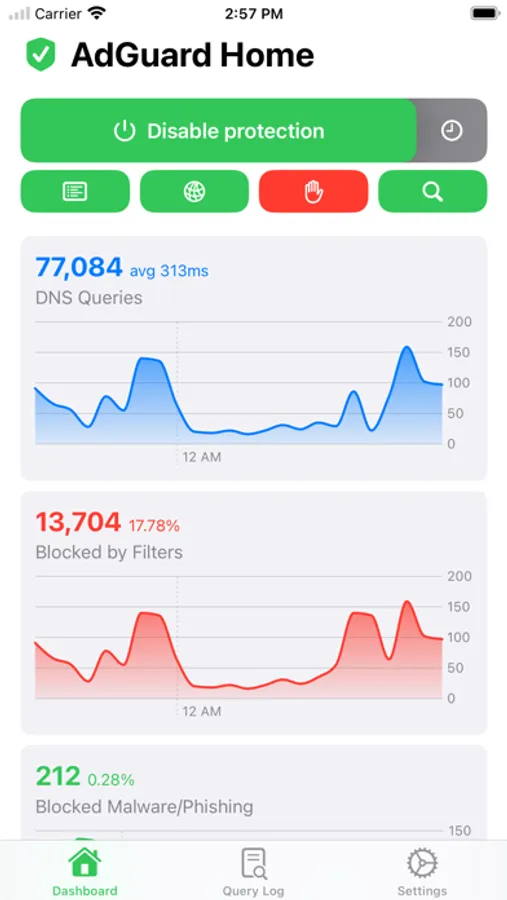
With this app, you can manage your AdGuard Home settings, toggle filtering features, and view real-time statistics. Includes client management, filter adjustments, query logs, and widget support.
AppRecs review analysis
AppRecs rating 4.4. Trustworthiness 77 out of 100. Review manipulation risk 26 out of 100. Based on a review sample analyzed.
★★★★☆
4.4
AppRecs Rating
Ratings breakdown
5 star
88%
4 star
5%
3 star
3%
2 star
1%
1 star
3%
What to know
✓
Low review manipulation risk
26% review manipulation risk
✓
Credible reviews
77% trustworthiness score from analyzed reviews
✓
High user satisfaction
88% of sampled ratings are 5 stars
About AdGuard Home Remote
*Control Blocking*
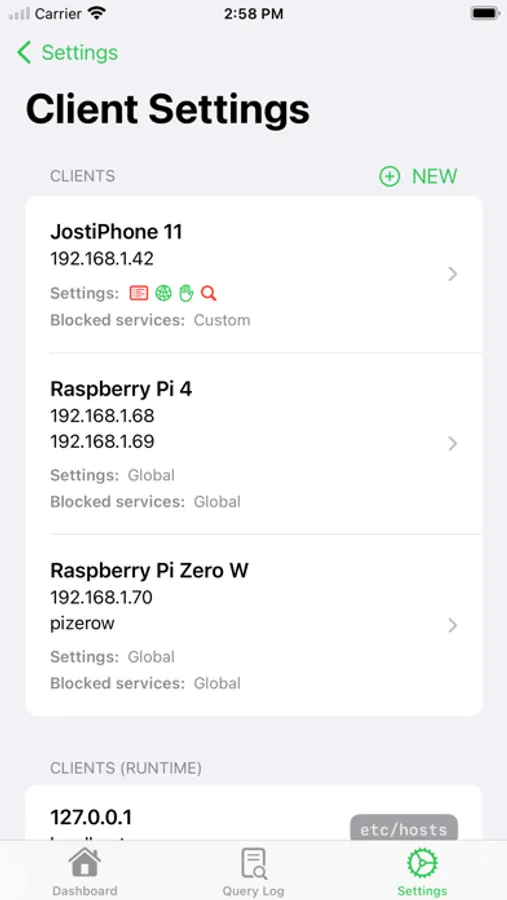
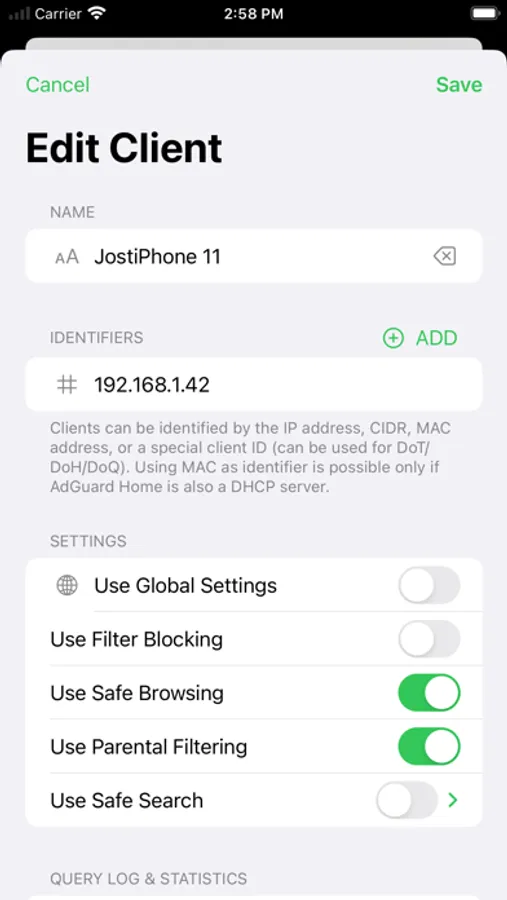
You can quickly enable or disable filtering & safe browsing/search. You can even manage specific settings for your clients!
*Statistics*
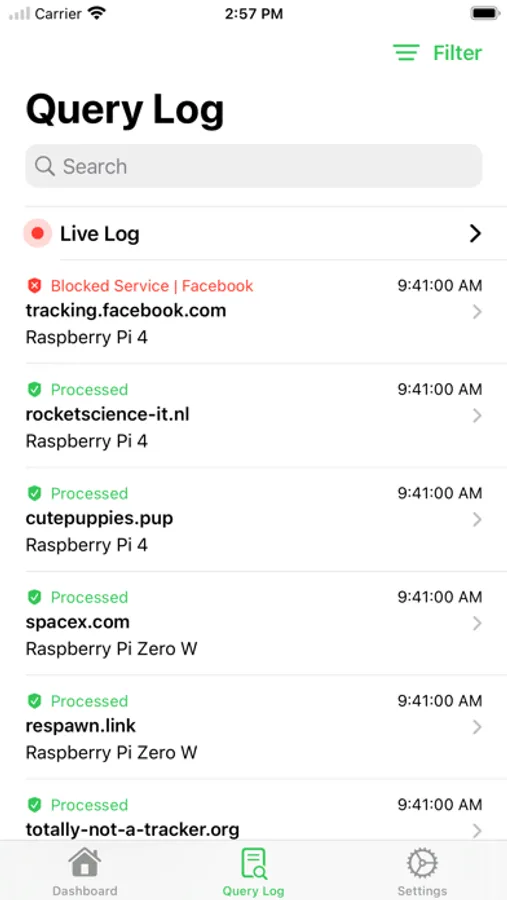
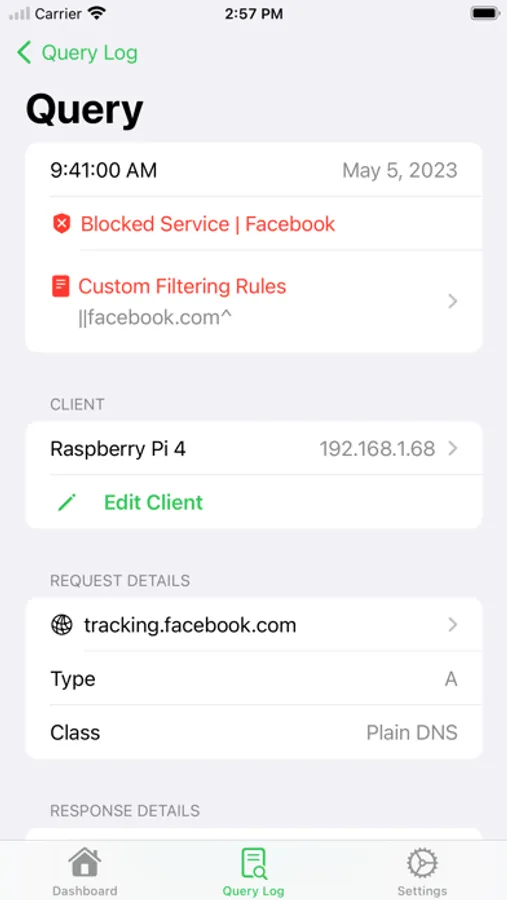
View graphs of your queries as well as top clients and domains. Search through your queries in the Query Log with detailed request and response info.
*Manage Settings*
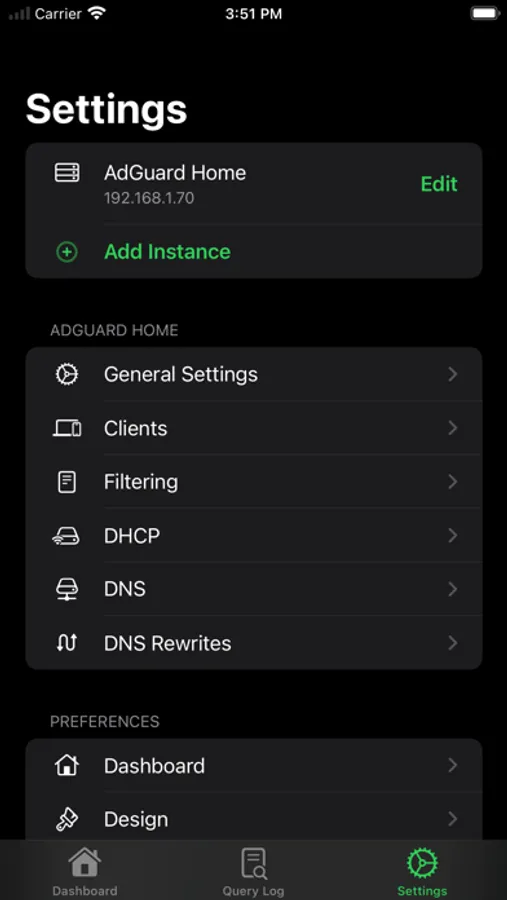
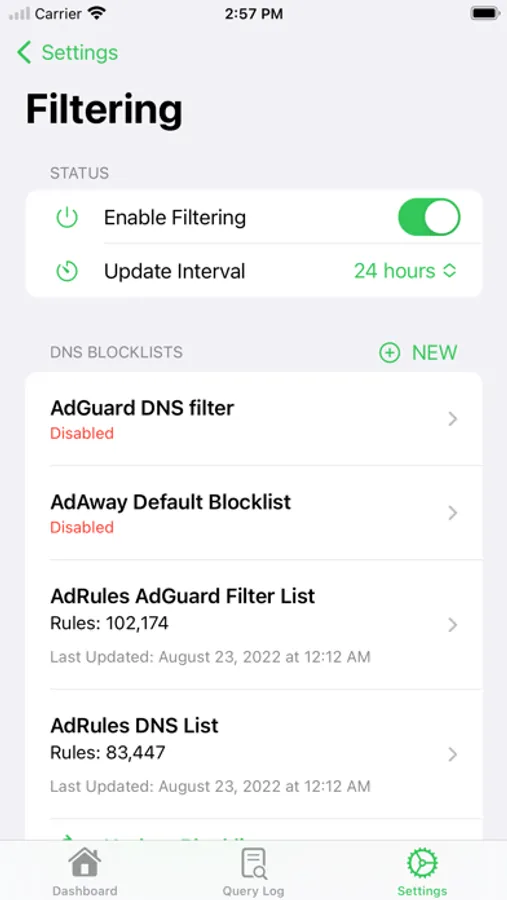
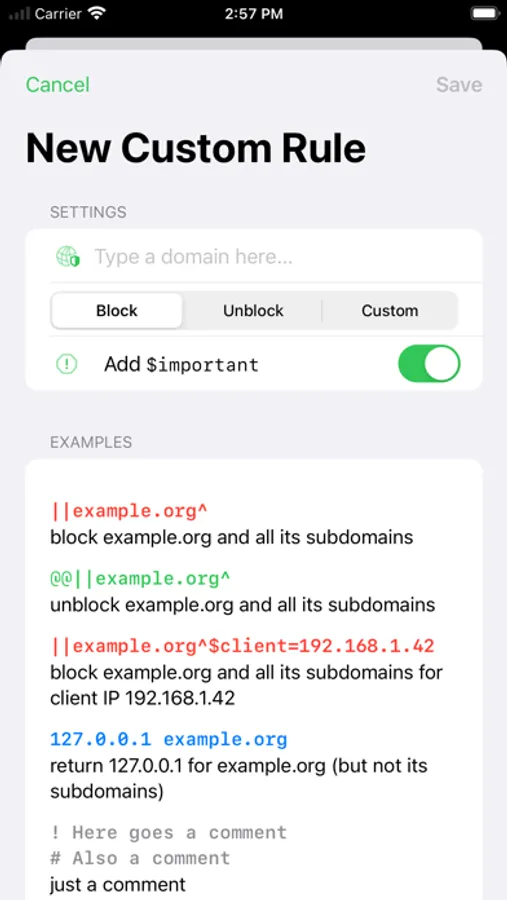
Add or edit your clients, add some new filters or maybe disable them for a while, update your filters, edit blocked services, manage DHCP and DNS settings, create new DNS rules, or edit your Query Log settings.
*Live Activity & Interactive Widgets*
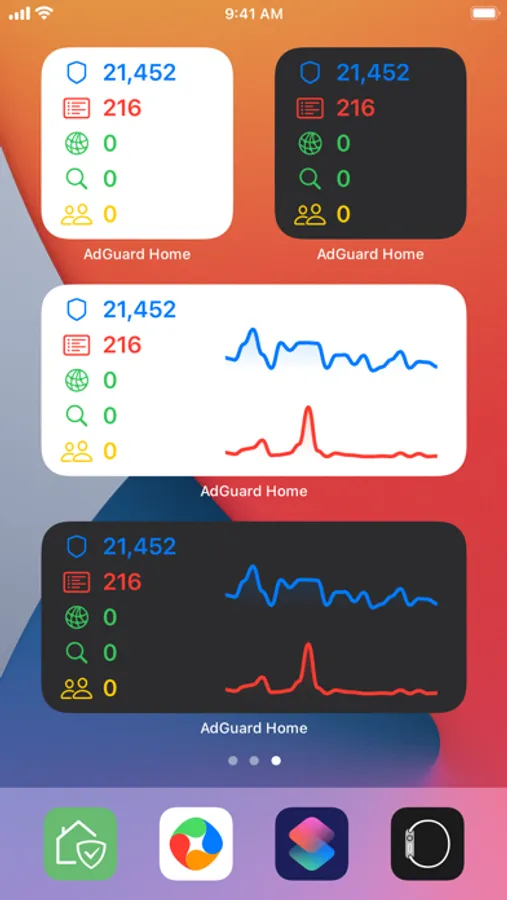
The Live Activity as well as extensive support for Home Screen & Lock Screen widgets make controlling your AdGuard Home nice and easy!
*iPhone, iPad, Mac, Watch*
Specifically crafted to be the best app on every platform.
==
Features:
- Control Filtering & Safe Browsing/Search
- View basic & advanced statistics
- Query Log with search and filters
- Live Log showing a log of queries while they happen in real-time (requires Pro)
- Manage Clients, including filtering settings, blocked services, and tags (requires Pro)
- Manage Filters, including block- & allowlists and custom filtering rules (requires Pro)
- Manage DHCP settings, including static leases (requires Pro)
- Manage DNS settings (requires Pro)
- Manage DNS Rewrites (requires Pro)
- Support for multiple instances (requires Pro)
- Interactive Widgets
- Live Activity
- Siri Shortcuts
- iCloud sync between iPhone, iPad, and Apple Watch
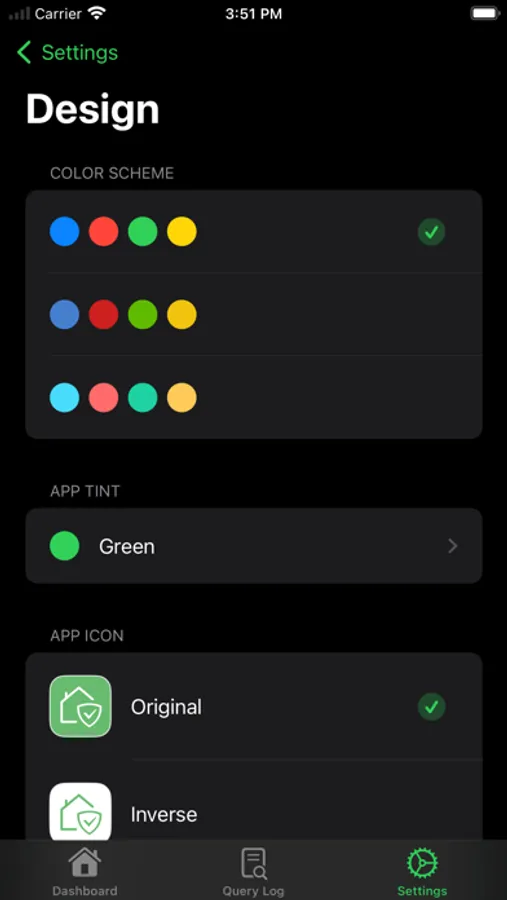
- Customisable color schemes and app icons
- Support for iOS, iPadOS, macOS, watchOS
- Clean and modern 100% SwiftUI design
* AdGuard Home Remote Pro:
Additional features are unlocked with a one-time purchase which will also support future development.
==
Note:
AdGuard Home Remote is a third-party app and is not directly affiliated to AdGuard. For more information about AdGuard Home, visit https://adguard.com/adguard-home/overview.html.
AdGuard Home Remote Screenshots
Tap to Rate:
Reviews for AdGuard Home Remote
thelastjedi07
Could be improved
There are few key features that are missing from the app: - Option to see add from the available list of block lists that one can otherwise see on the web portal - I can’t click on a log inside “Live Log” screen to see the details of that particular query to unblock/block it.
fstropii
Fantastic Product
This is the best app for managing home instances I have ever used. I use many apps to control my PVE environment, my Portainer environment, etc. I have never come across such a clean, simple, and intuitive interface such as this app. I wanted to pay for the Pro upgrade as I believed it was a great deal for me and I got to support the team behind this app. 10/10 would recommend for anyone who uses AdGuard Home and want to control it from your mobile device.