AppRecs review analysis
AppRecs rating 4.5. Trustworthiness 80 out of 100. Review manipulation risk 23 out of 100. Based on a review sample analyzed.
★★★★☆
4.5
AppRecs Rating
Ratings breakdown
5 star
76%
4 star
0%
3 star
18%
2 star
6%
1 star
0%
What to know
✓
Low review manipulation risk
23% review manipulation risk
✓
Credible reviews
80% trustworthiness score from analyzed reviews
✓
High user satisfaction
76% of sampled ratings are 4+ stars (4.5★ average)
About iLabel.
I. Graphic editing
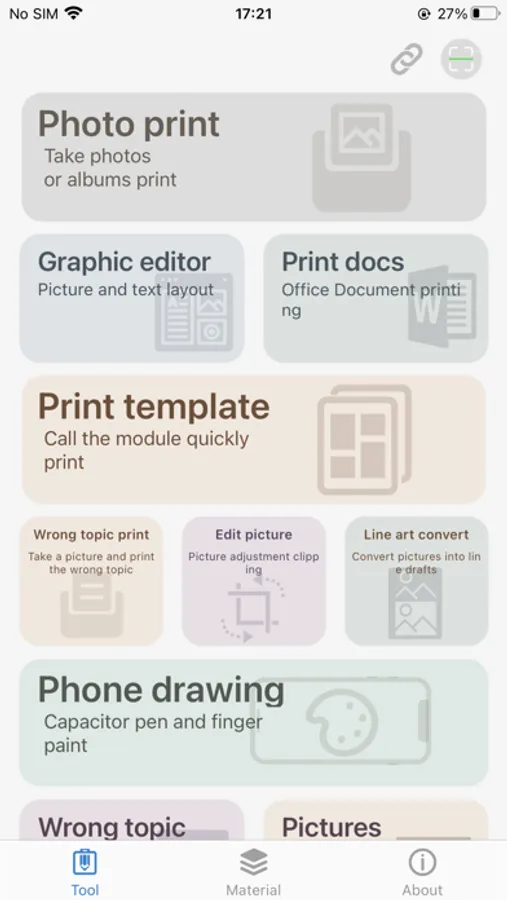
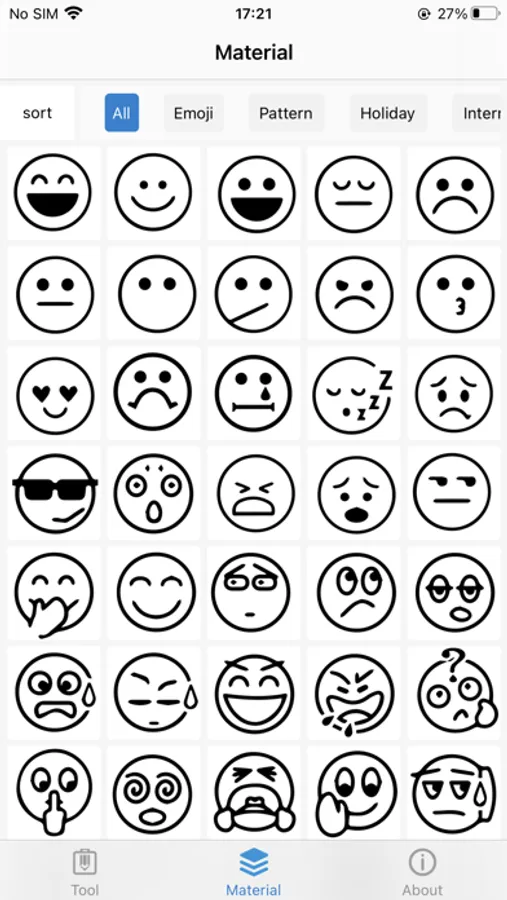
Mobile version of word editor, text and text can be mixed, a variety of fonts, templates, emojis optional, everything is available;
II. Document printing
Browse, edit and print documents such as Word, PPT and PDF;
III. Label printing
Data classification, stationery signature, bar code label, object distinction, convenient and good-looking;
IV. Photo editor
Brightness, contrast, saturation adjustment, various shapes cut out beautiful photos, expert artifact;
V. Wrong problem print
Copy the questions by hand for 5 minutes and print them for 5 seconds.
VI. Share with one click
The process of writing and drawing can be shared with one click.
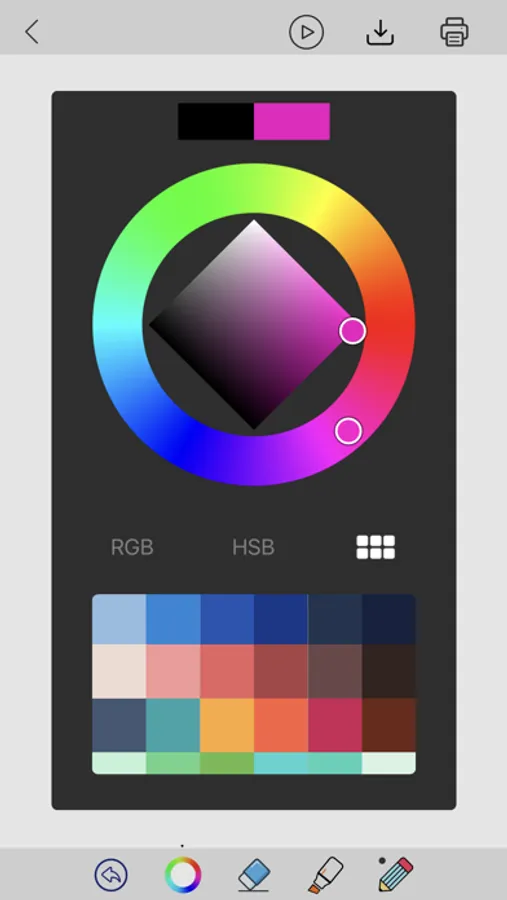
iLabel. Screenshots
Tap to Rate:
Reviews for iLabel.
Jesus lives you
Used it for years but…
Straightforward good app and have used for years BUT ALL OF A SUDDEN WITH MOST RECENT UPDATE … I can no longer print “selected images” from my library and I would not like to give full access to my picture and video data. .. Maybe it works by forcing you to give all data … but it doesn’t work anymore for just “limit access” photo print . Hope they fix it soon otherwise I would have given 5 stars
Angel Villers
Needs a few upgrades.
So, I can’t figure out how to change the language settings in the app to English and so every time a pop up or warning msg comes up I have no clue what it says cause it’s in Chinese. I can’t tell what the problem is or when there’s something not working and have looked all over the app for a language setting like other mini printer apps have a setting to change region and language to English from Chinese. And, another thing I’d like to have is the ability to use my own fonts or if that’s not possible at least then take a few moments and update the app and freshen it up a bit with some more options for fonts and new materials. There is no font option for any script font at all which is kinda bland when u wanna make a fancier label or design. There’s a few other quirks that I keep getting frustrated with like changing the size or shape of a text box how it changes your font back to default and how easily it does that. If you change the size or shape of a text box it will revert back to default font and you have to change it back and when it changes the whole thing is out of whack and alignment is not right and defaults back to left side alignment from center. You can’t edit the style or alignment or size or anything about the text unless you do it first in the text editor first then if you wanna change fonts for one part of the design it won’t let you use two fonts in the same design. Please please upgrade this app.