In this grocery management app, you can generate shopping lists, manage inventory, and discover recipes using AI features. Includes photo to list conversion, receipt scanning, and meal planning tools.
AppRecs review analysis
AppRecs rating 4.3. Trustworthiness 81 out of 100. Review manipulation risk 25 out of 100. Based on a review sample analyzed.
★★★★☆
4.3
AppRecs Rating
Ratings breakdown
5 star
71%
4 star
8%
3 star
7%
2 star
2%
1 star
12%
What to know
✓
Low review manipulation risk
25% review manipulation risk
✓
Credible reviews
81% trustworthiness score from analyzed reviews
✓
High user satisfaction
79% of sampled ratings are 4+ stars (4.2★ average)
About Grocery AI
=== AI-Powered Innovation:
◆ Next-Gen AI Features: Our AI technology revolutionizes your shopping by auto-generating lists, managing inventory, and creating unique recipes.
◆ Photo to List Conversion: Convert photos directly into detailed lists, making shopping and inventory updates a breeze.
◆ Automatic Category Creation: Let AI intelligently categorize new items, streamlining your organizational tasks.
◆ AI-Powered Receipt Scanning: Transform your receipts into digital data with our smart AI scanner, organizing products, quantities, and prices effortlessly.
◆ Dish Photo to Recipe & Cookbook Scanner: Turn any food photo or physical cookbook recipe into a digital format, complete with ingredients and cooking instructions.
◆ Instant Recipe Generation & Ingredients-to-Recipe Generator: Input a dish name or your available ingredients, and our AI will craft custom recipes for you.
◆ Dish Nutrition Analysis: Quickly analyze the nutritional content of any dish with a simple photo.
=== List Management:
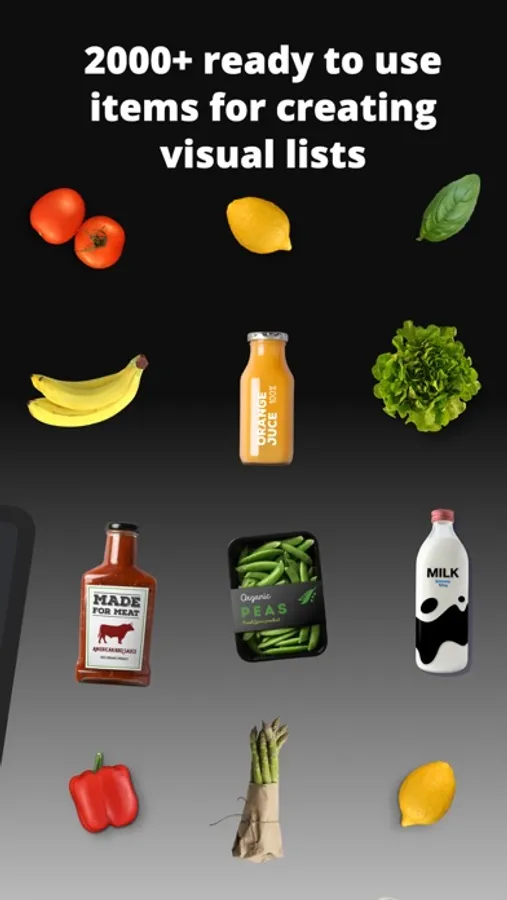
◆ Smart Shopping Lists: Build lists with over 2000+ categorized grocery items. Expand your item catalog by searching millions of everyday items.
◆ Barcode Scanning - Access 150 Million items from your fav retailers: Scan and lookup product prices and information easily.
◆ Budget-Friendly Shopping: Track your spending with item prices, coupons, and taxes for a clear view of your checkout total.
◆ Favorites and History: Save favorites and access past shopping history for quick list creation.
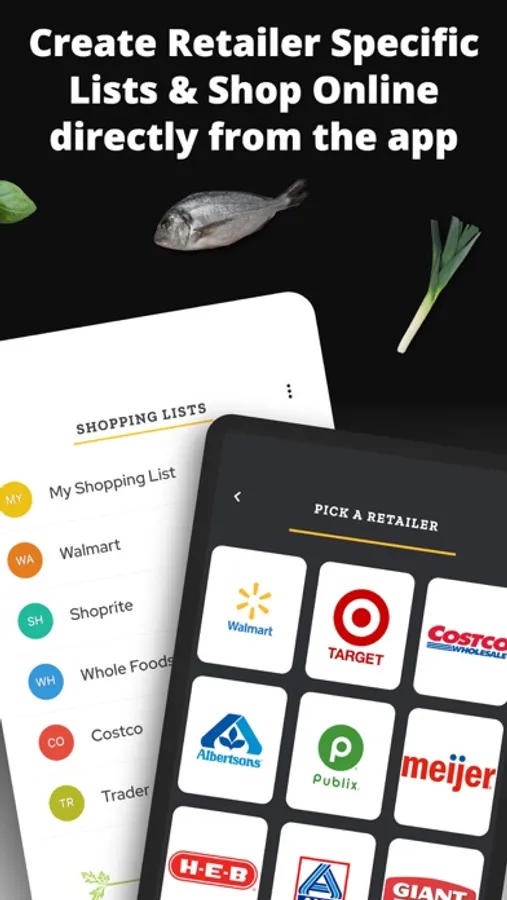
◆ Shopping Assistant & Smart Sorting: Shop with ease at major Retailers, converting lists to cart items for delivery or curbside pickup.
◆ Receipt Management: Attach and save grocery receipts for convenient future returns.
=== Inventory Organization:
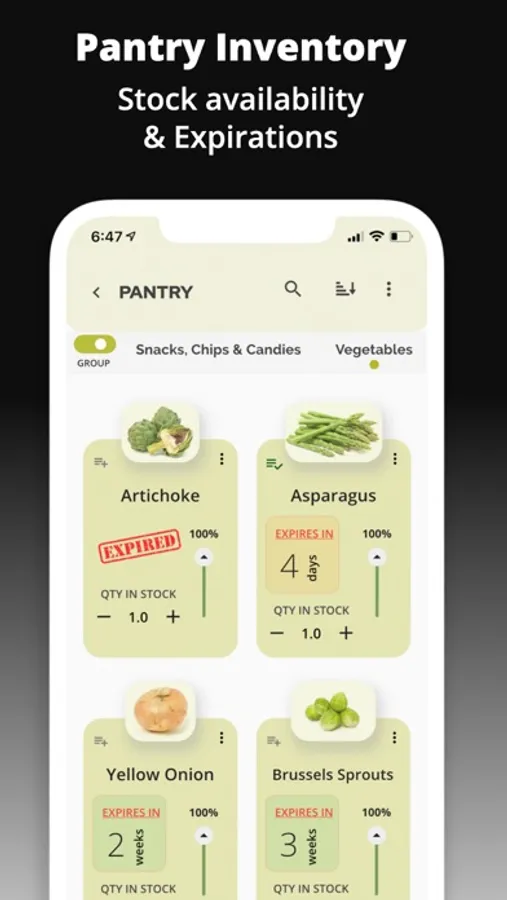
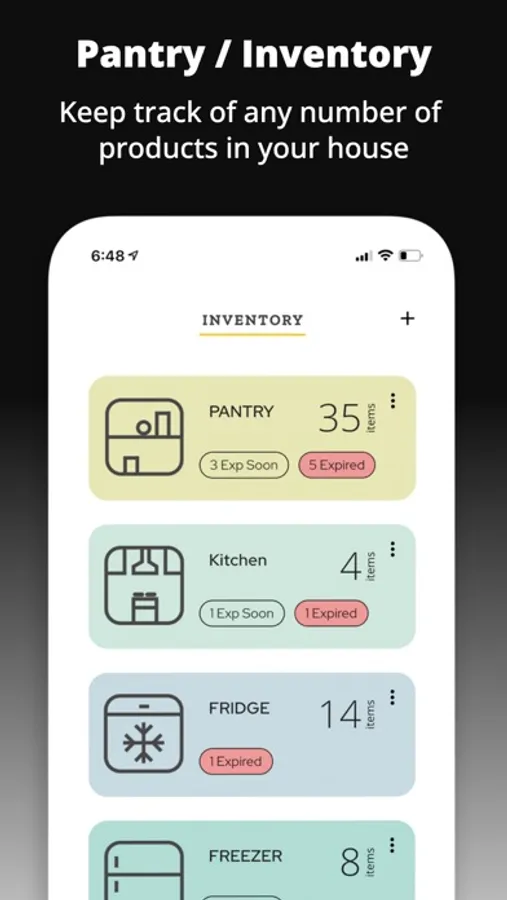
◆ Sophisticated Inventory Management: Effortlessly move list items to inventory post-checkout. Enable expiry alerts for perishable items.
◆ Quick Inventory Shortcuts: Directly access key inventory categories like 'Expired', 'No Stock', and 'Low Stock'.
◆ Final Discount Feature: Apply additional discounts at checkout for accurate expense tracking.
=== Recipes & Meal Planning:
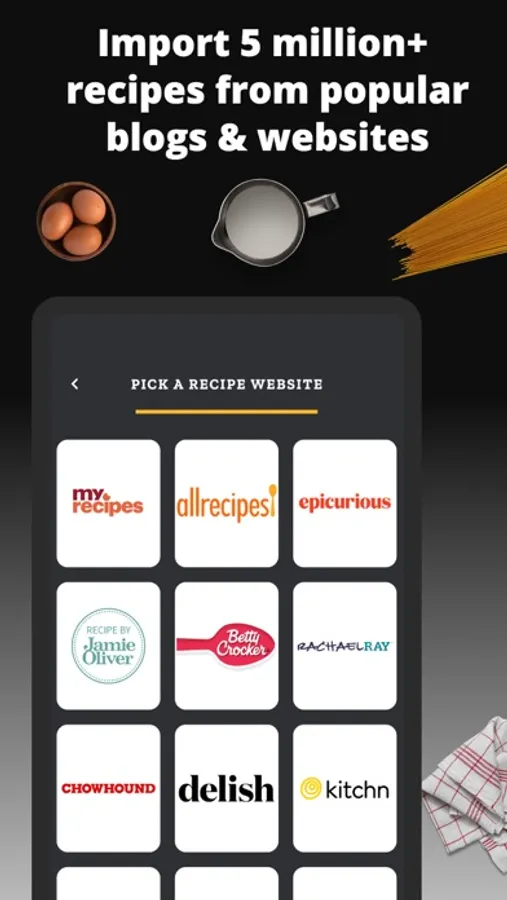
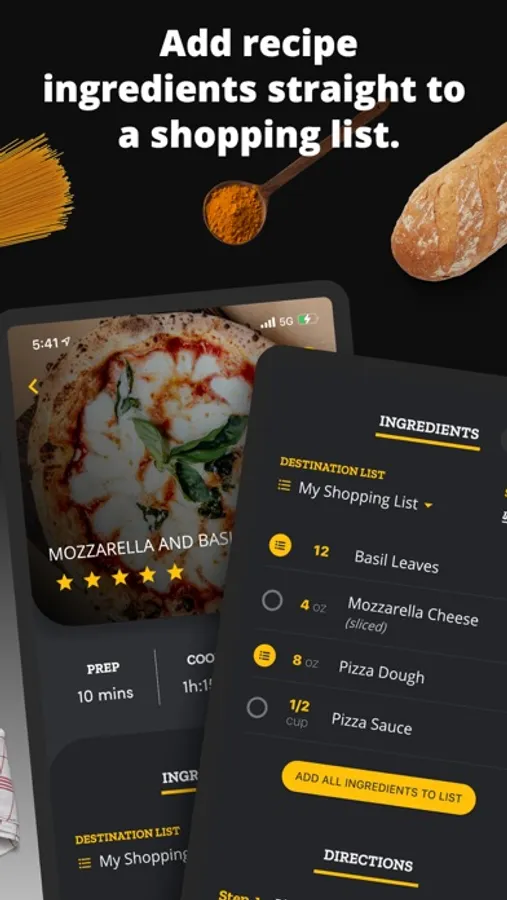
◆ Rich Recipe Collection: Import millions of recipes with complete information and offline access.
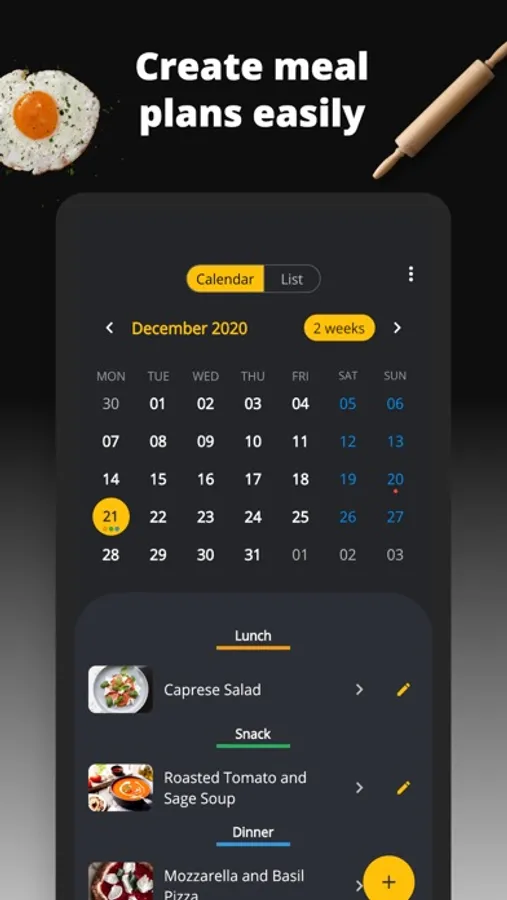
◆ Meal Planning Made Easy: Add recipes to your weekly meal plan with a single tap. Automatically deduct ingredient quantities from inventory when a meal is prepared.
◆ Custom Recipe Creation: Add your personal recipes with an intuitive interface, including photos, ingredients, and directions.
◆ Recipe Search: Find recipes by name, ingredient, or category.
=== Family Sharing & Syncing:
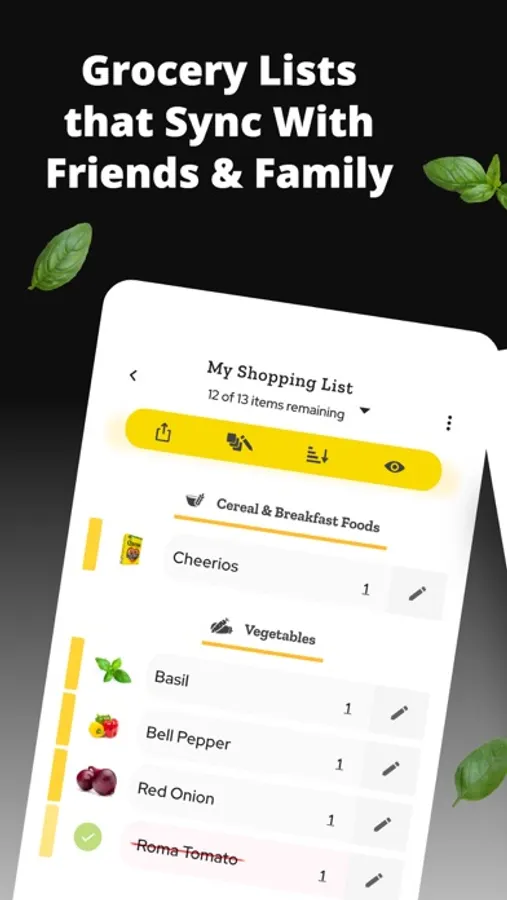
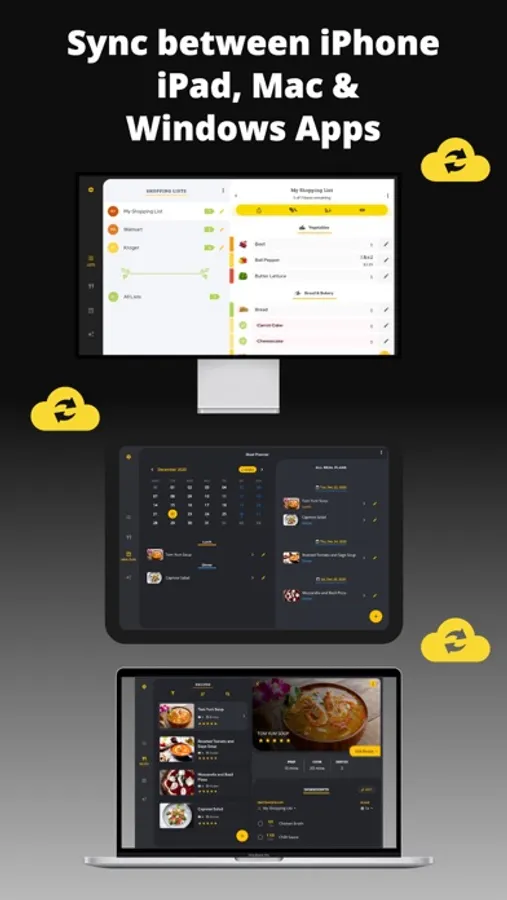
◆ Real-Time Syncing: Share and sync your lists, recipes, and meal plans with family members instantly.
◆ Premium Connectivity: Ensure everyone in the family is on the same page with Grocery AI's premium syncing capabilities.
=== Additional Features:
◆ Location Alerts: Receive notifications for list items when near a retailer.
◆ App Shortcuts Menu: Quickly navigate to Lists, Inventory, Recipes, and Meal Planning from the home screen.
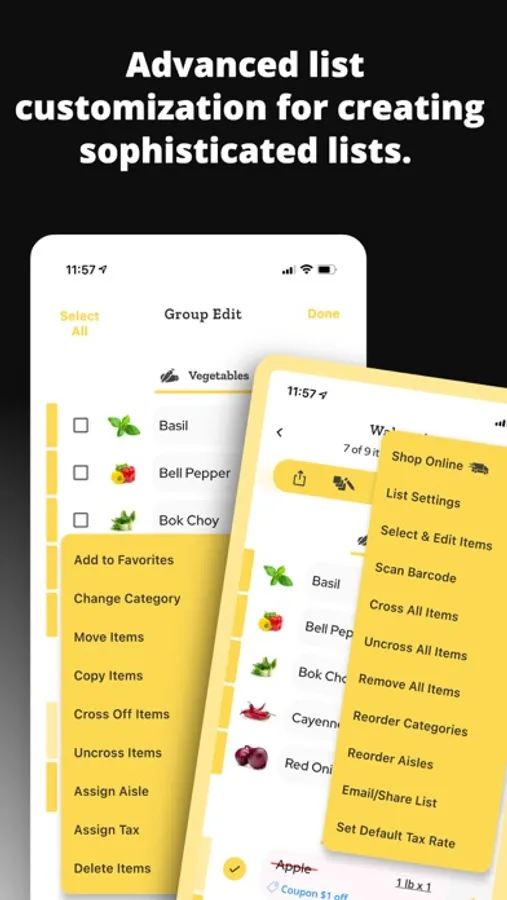
◆ #tag: Organize and search items in your shopping list with #tags.
◆ Universal Search: Find any item across Lists, Inventory, or Recipes swiftly.
◆ Print Feature: Print shopping lists, recipes, and meal plans directly from the app.
*Upgrade to Premium, and your iTunes account will be charged. Choose monthly or yearly billing. Disable auto-renew anytime after purchase in your Apple ID Account Settings.
Terms Of Use: https://www.groceryking.com/terms-of-service
Privacy Policy: https://www.groceryking.com/privacy-policy
Grocery AI Screenshots
Tap to Rate:
Reviews for Grocery AI
PaulAchuffSr
UPDATE: They promised “fast updates” 8 months ago. What a joke! Get with the program developers!!
UI emailed them today for the 3rd time…Lets see if they answer. I have emailed you 3 times and have not gotten a response yet. I paid good money for this app and at least deserve the courtesy of a response. This app is a very good attempt, but you have a myriad of bugs in it. I switched to your app from the best cooking/recipe app ever Paprika 3 because of your AI use. Let’s get it right people. 1. Whenever you scale a recipe, the amounts it scales to are often incorrectly applied. 2. When a recipe is scaled, it should also scale the ingredients in the directions! 3. The way this application syncs between devices is often confusing. It should let you know when it is synching. OH, and don’t have the “synch” button buried all the way at the bottom of the settings menu. 4. Quite often whenever you apply a scale (2x, 3x, 4x. Etc) you have to take the focus off of the page you're looking at and come back for it to be applied. 5. And PLEASE provide a setting option for IMPERIAL measurements!!!!! We are American and aren't in England. 6. And finally (for now) PLEASE ANSWER YOUR SUPPORT EMAILS!!!!!! OMG!! I just changed my password on macOS Sequoia 15.5 and ALL of my RECIPES except the ones that came with the app DISAPPEARED! That along with all my shopping lists, HUNDREDS of list ITEMS and list CATEGORIES, and EVERYTHING in my store shopping lists, including all of the stores that I had lists for. ARGHHHH. The good news is that I found a setting buried in the gear > Sync Settings > Push All Data On This Device and it restored everything, but I had to spend a half hour arranging everything back to where I had it before I changed my password. Save yourself some grief and not a little bit of panic and don’t change your password.
Sharzy720
Useless without subscription
All I wanted to do was test the price comparing features to see if it is worth subscribing and can’t even do that. I would skip this app and go somewhere else, completely useless