In this music effect app, users manipulate audio signals by slowing down, stopping time, or applying tape stop effects. Includes manual controls, automations, and multiple time manipulation modes.
AppRecs review analysis
AppRecs rating 5.0. Trustworthiness 88 out of 100. Review manipulation risk 23 out of 100. Based on a review sample analyzed.
★★★★★
5.0
AppRecs Rating
Ratings breakdown
5 star
90%
4 star
5%
3 star
0%
2 star
0%
1 star
5%
What to know
✓
Low review manipulation risk
23% review manipulation risk
✓
Credible reviews
88% trustworthiness score from analyzed reviews
✓
High user satisfaction
90% of sampled ratings are 5 stars
About BLEASS Slow Machine
TECHNICAL DESCRIPTION:
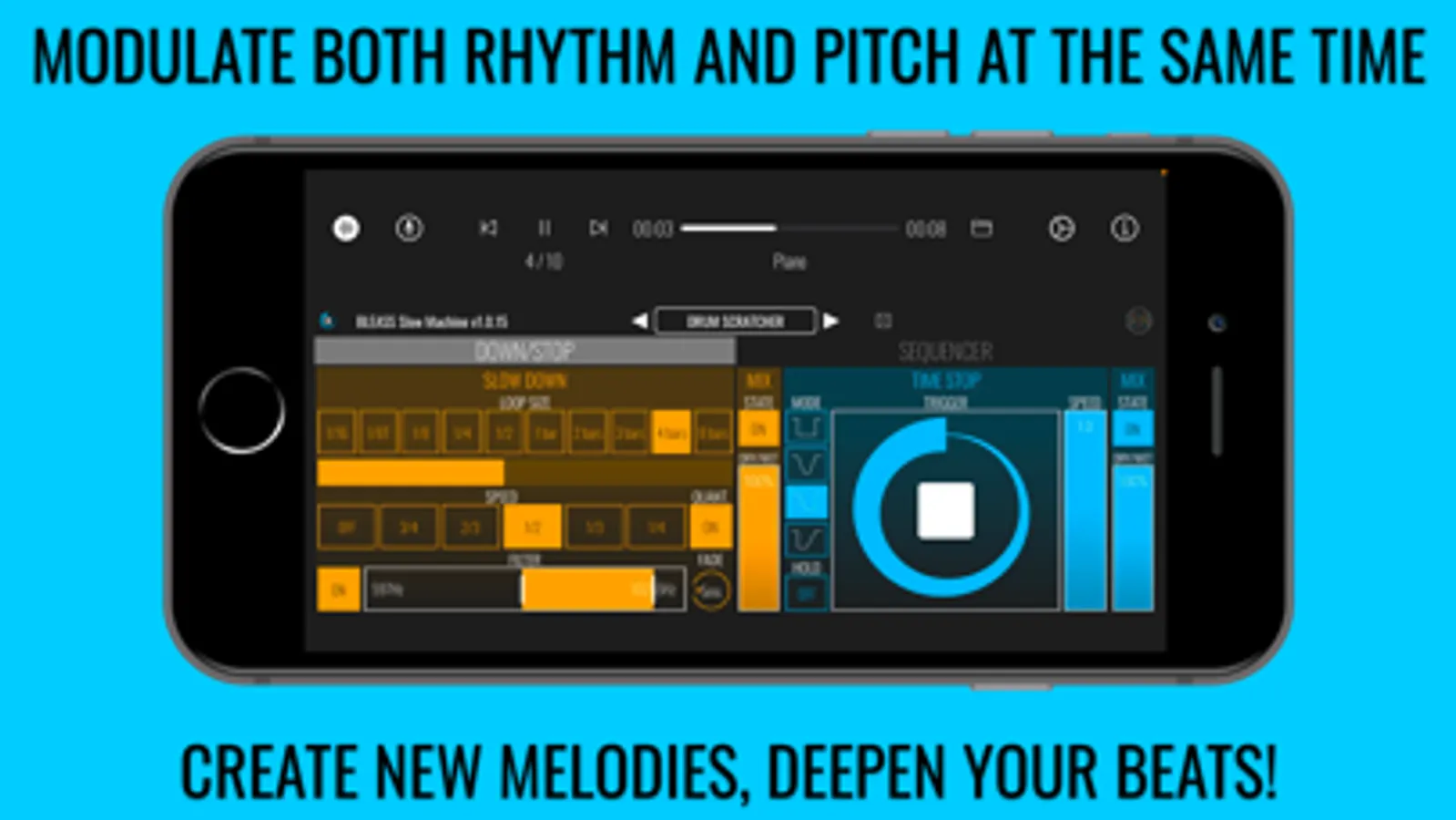
BLEASS Slow Machine offers both sequenced and live ways to manipulate time thanks to 3 stages:
____ SLOW DOWN stage:
Creative and straightforward slow down effect that modulates both rhythm and pitch.
- Loop Size: Slow Down resets its reading position according to the Loop Size. A Loop Size of ‘1 bar’ means that the reading position is resynced with the host reading position every 1 bar.
- Speed: controls the speed of the played loop relative to the default speed. (For example ‘½’ means that audio is played back at half its original speed, which means one octave lower).
- Quantization: When this option is ON, every change in Loop Size and in Speed will wait until the end of the current loop to be effective. When it is set to OFF, the change is immediate.
- Filter: keep a selected frequency band of the slowed signal. When the filter is ON, the middle colored band is processed by the effect while the low and high bands remain unchanged.
- Fade: Sets the duration of the crossfade between loops.
- State: Activates or deactivates the SLOW DOWN stage
- Dry/Wet: mixes the dry and wet signals
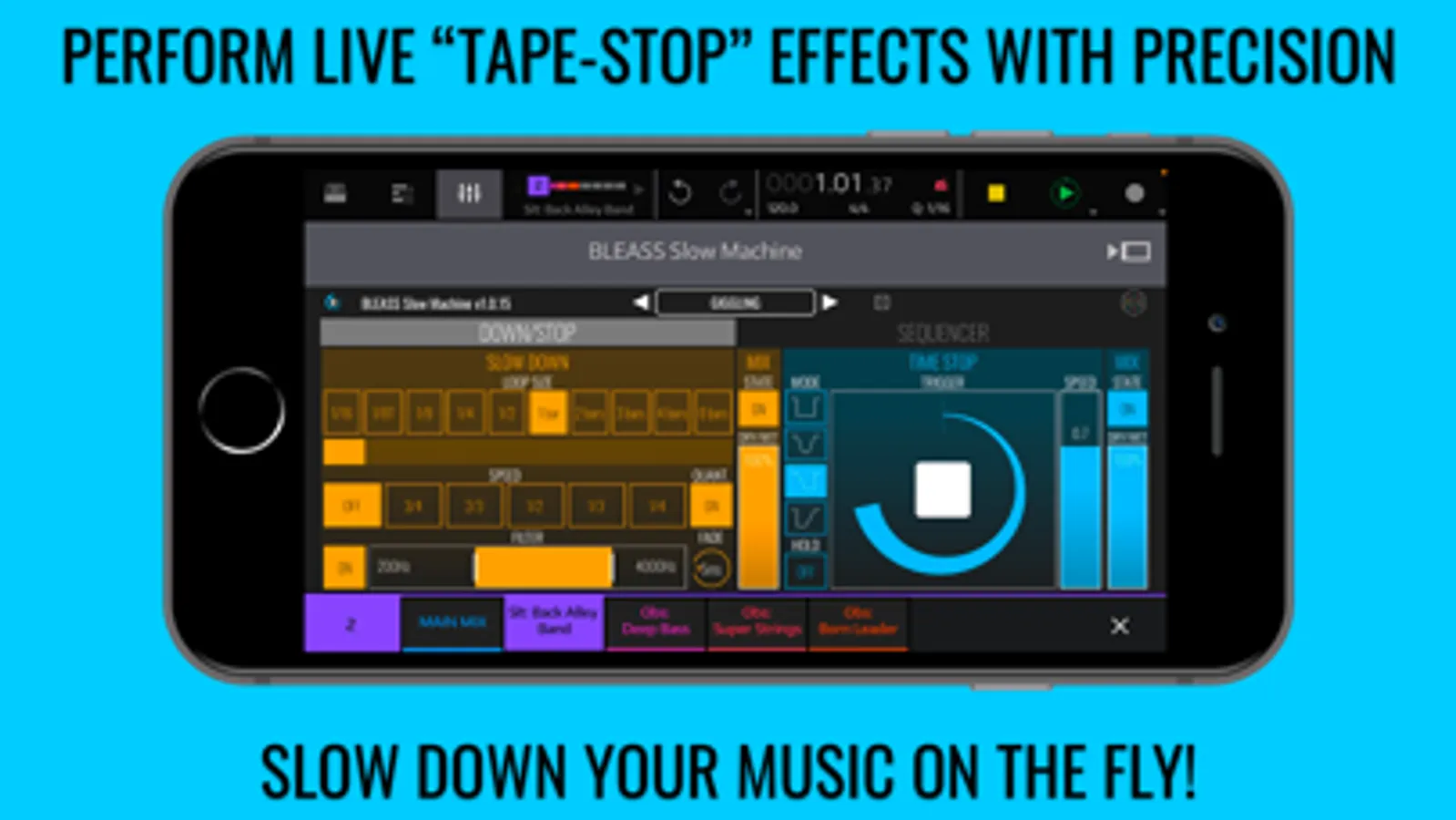
____ TIME STOP stage:
Especially made for performance, TIME STOP gives an intuitive and visual way to instantly create a classic tape stop effect.
- Trigger: the “Stop” button triggers the time stop effect within a given duration (set by the position of your finger along the Y-axis) and following a curve (set by the position of your finger along the X-axis).
- Mode: choose between 4 time stop modes: ‘Step’, ‘Ramp Up & Down, ‘Ramp Down’ and ‘Ramp Up’.
_ In ‘Step’ mode, the speed instantly goes to 0 when the trigger is hit and goes back to 1 when the trigger is released.
_ In ‘Ramp Up & Down’ mode the speed is ramped down to 0 when the trigger is hit and ramped up to 1 when it is released. The duration and curve of the ramp is set by the position of your finger on the control.
_ In ‘Ramp Down’ mode, the speed is ramped down to 0 when the trigger is hit and instantly goes back to 1 when released.
_ In ‘Ramp Up’ mode the speed instantly goes to 0 when the trigger is hit and is ramped up to 1 when released.
- Hold: when Hold is ON, the trigger is not released until Hold is turned OFF.
- Speed: precise control of the play speed.
- State: Activates or deactivates the TIME STOP stage
- Dry/Wet: mixes the dry and wet audio signals
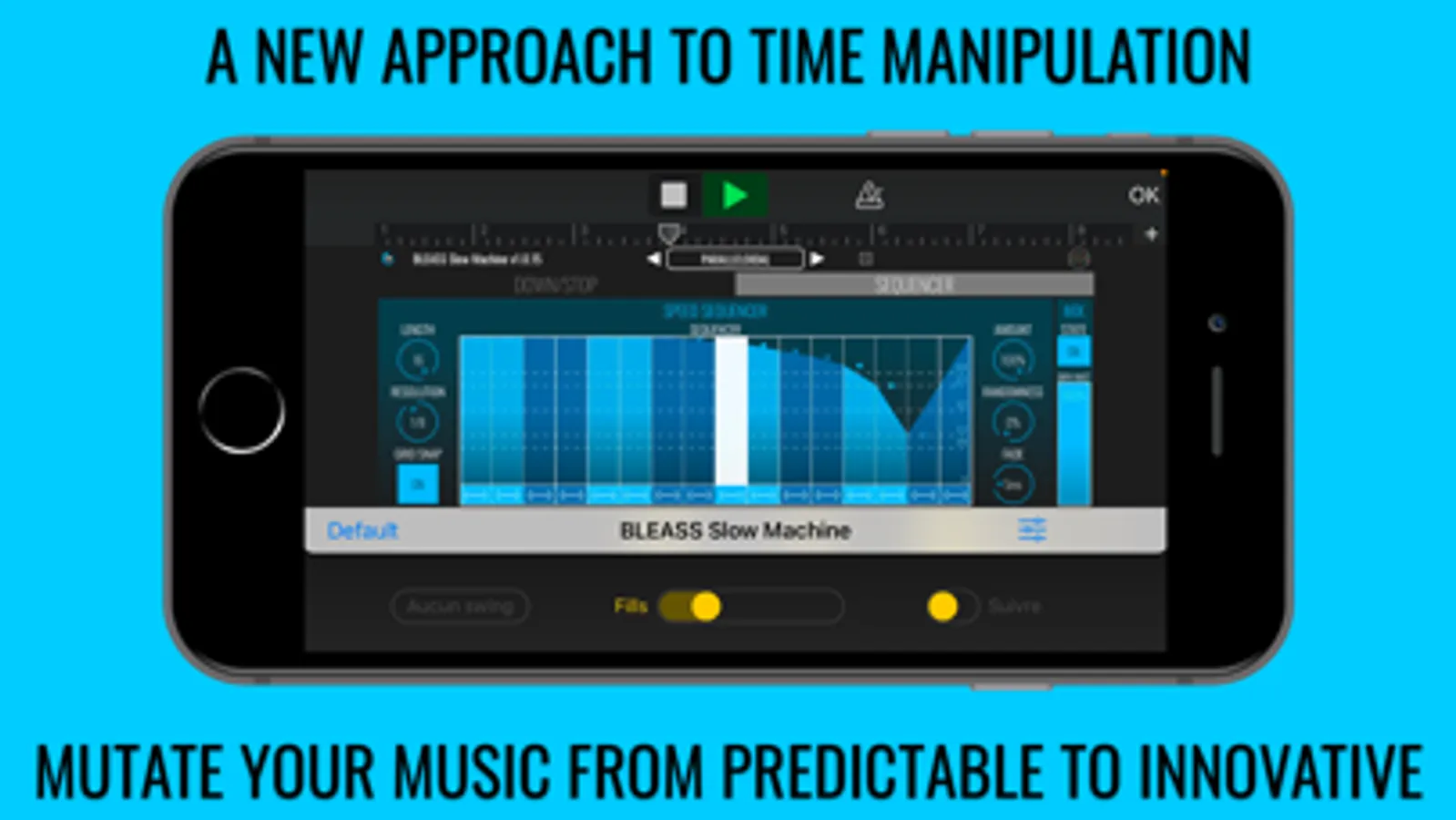
____ SPEED SEQUENCER stage:
The speed sequencer stage offers a unique way to program speed variations in your music.
- Length: sets the number of steps in the sequencer.
- Resolution: sets the duration of a sequencer step.
- Grid Snap: when ON, steps snap to the grid allowing a precise rhythmic and harmonic editing.
- Sequencer: sets a playing speed per step. Each step has 4 different curve modes: ‘Step’, ‘Link’, ‘Ramp Up’ and ‘Ramp Down’. Change the curve mode by tapping the curve icon at the bottom of each step.
- Amount: controls the amount of sequencer speed modulation. 100% means that speed can go from 1 to 0 (50% means that speed can go from 1 to 0.5).
- Randomness: sets the amount of randomness of the sequencer. If randomness is 50%, a step value will be a random value between stepValue +/- 0.5
- Fade: controls the crossfade duration between each step.
- State: Activates or deactivates the Speed Sequencer stage
- Dry/Wet: mixes the proportion of dry and wet signals
Check out www.bleass.com for video tutorials and more info!
* PLEASE NOTE: this is an Audio Unit Effect plugin (AUv3) which requires a compatible host such as AUM, GarageBand, Cubasis, BM3 or Auria. Standalone mode also available for demo purposes.
BLEASS Slow Machine Screenshots
Tap to Rate:
Reviews for BLEASS Slow Machine
TheOneIronHorse
How much fun can you have with music???
BLEASS says, “Here, hold my DAW!” BLEASS simply has some of THE BEST plugins out there, and this is no exception. The value of every plugin they make just causes one to say, “Take my money! Please!” And I happily support companies that support me and my creativity. I have much to learn about this app, but I can tell you that this one will add just a touch of spice, or will completely mangle your audio. Add all of the parameters that you can adjust, such as blending the effect with your original, and you have yet another winner! Thanks again for giving me another reason to compliment my analog gear!
Ronzlo
I think I’m in love…. 😍
This is the effect I’ve been looking for, the one I could use for a whole project of its own to showcase what it can do. It lends a tremendous amount of character to basic boring sounds, almost more than should be possible for the price. And mind you, I’m not easily impressed w most iOS music apps lately. I’d passed on this one before (despite having good experiences with BLEASS gear, esp. Monolit & Granulizer) - but now I wish I’d bought it sooner.