
With this scheduling app, you can manage work shifts, track days off, and monitor holidays. Includes customizable shift patterns, shift notes, and holiday integration.
AppRecs review analysis
AppRecs rating 4.3. Trustworthiness 60 out of 100. Review manipulation risk 28 out of 100. Based on a review sample analyzed.
★★★★☆
4.3
AppRecs Rating
Ratings breakdown
5 star
72%
4 star
12%
3 star
3%
2 star
2%
1 star
11%
What to know
✓
High user satisfaction
84% of sampled ratings are 4+ stars (4.3★ average)
✓
Authentic reviews
Natural distribution, no red flags
About ShiftPro
Use ShiftPro Calendar today
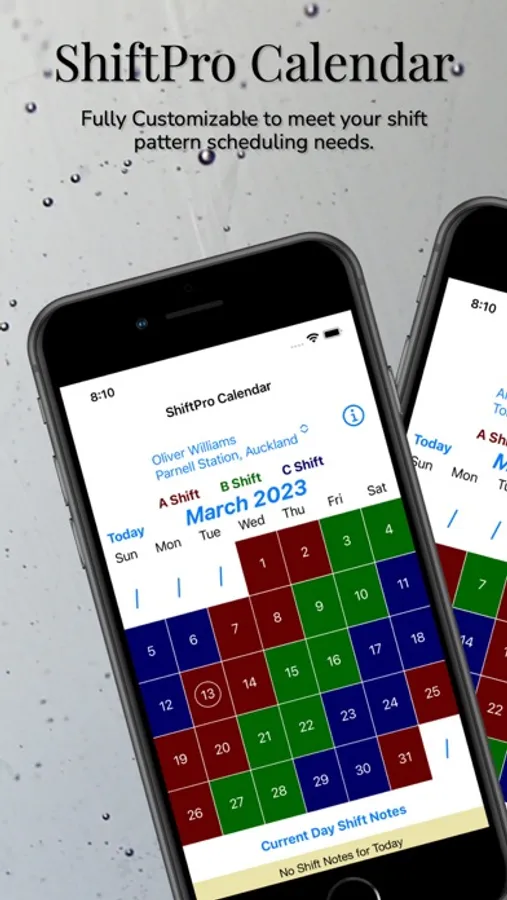
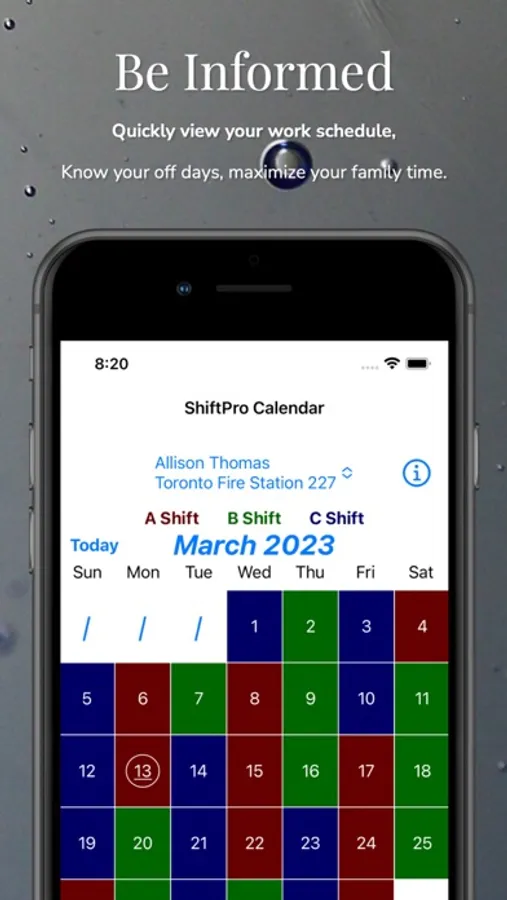
Projecting your work schedule, managing shift swaps, shift notes, holidays and the like can be complex, but no more. With ShiftPro Calendar, you can quickly view your work schedule for years to come.
ShiftPro Calendar easily handles the needs of first responders including:
* Firefighter
* EMS
* Paramedic
* Other shift work professionals
ShiftPro Calendar provides (without subscription)
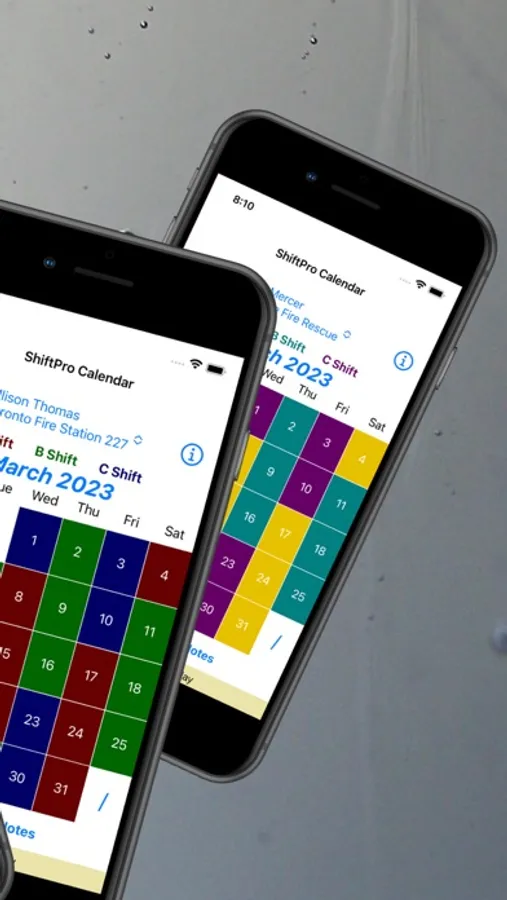
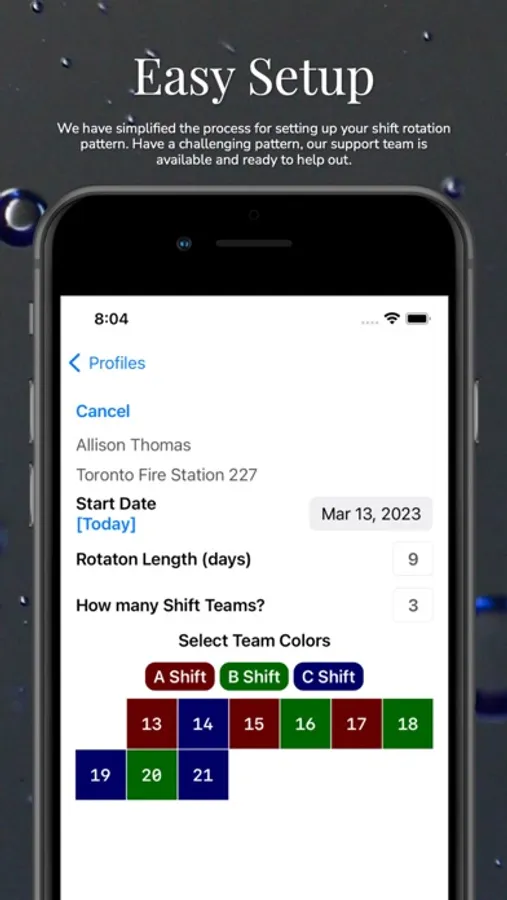
* Fully customizable shift configuration
* 1 to 4 shift teams
* National and Religious Holidays
* Up to 70 day shift rotation patterns
* 12 colors for Shift color assignment
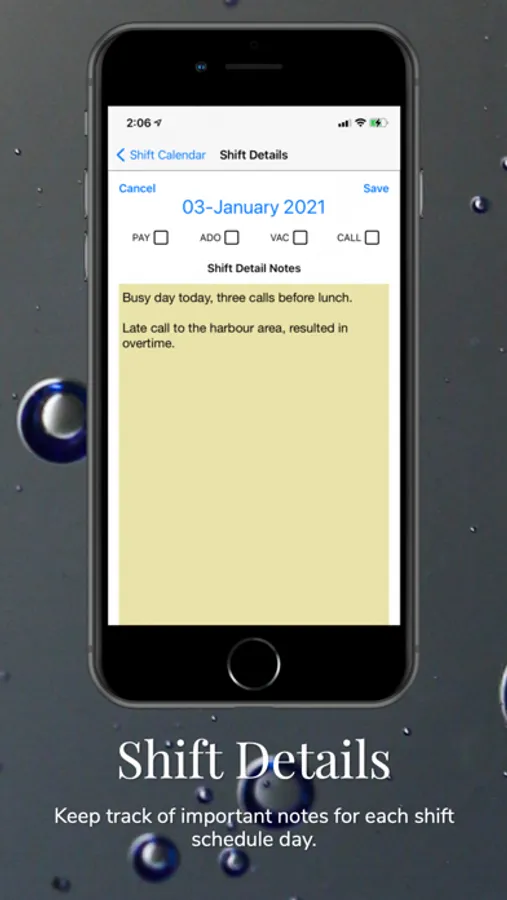
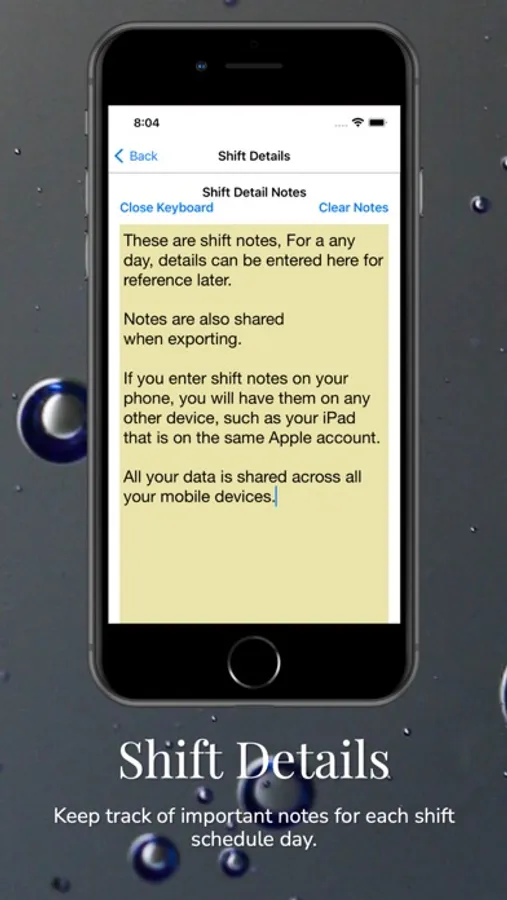
* Shift Detail Notes for each shift day
* Track:
* ADO - Authorized Day Off
* Pay Day scheduling
* On Call days
* Vacation days
With a PREMIUM subscription, you also get:
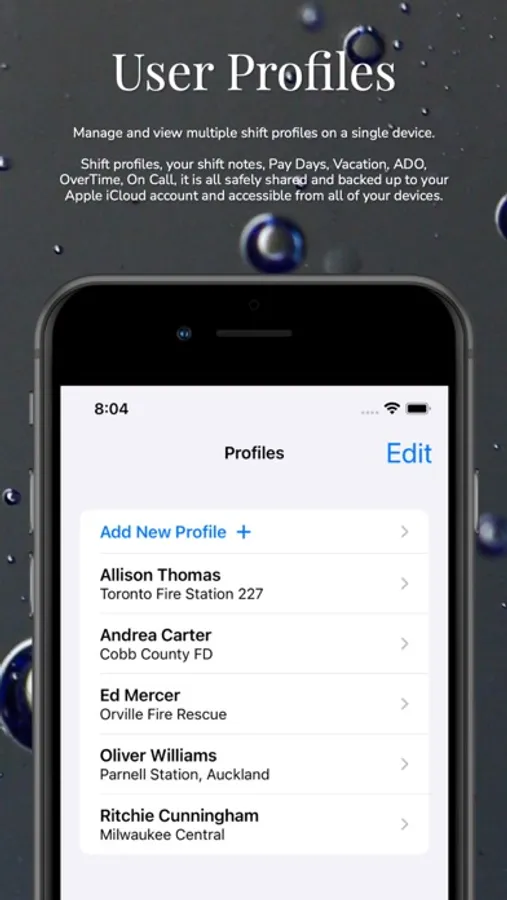
* Multiple profiles shared across all devices
* Shift Swaps
* Overtime Tracking
* Export shift detail data by month or year
* Unique, custom shift color assignment
* All future feature enhancements will be included.
A Shift Calendar app used by professional Firefighters, EMS and Paramedics around the worlds.
Coming soon:
* Repeating events and alerts
* Split Shifts
NOTE: Basic calendar setup for one profile user is fully available at no charge. Premium features (listed above) are available for a single tier annual subscription that also comes with a 14 day free trial when you choose to subscribe as a Premium user.
ShiftPro Screenshots
Tap to Rate:
Reviews for ShiftPro
D_Cuquet
Cheap janky app
It only shows five days at a time but all seven days are listed above. I’ve tried fooling with the schedule to make it work but it stays the same. So two days are always cut off and there’s no way to zoom out. It’s a cheap, Microsoft paint looking app that someone probably made as a rush job
Hoppy hoppy banana
Doesn’t work
I tried to set up a profile. Easy to set up shift dates, but in the end it wouldn’t allow me to set one up. I’d hit “create profile” and it didn’t do anything.