In this app, you can transform text into over 90 formats using various tools and formatting options. Includes text editing features, copying, sharing, and multi-window support.
AppRecs review analysis
AppRecs rating 4.6. Trustworthiness 85 out of 100. Review manipulation risk 20 out of 100. Based on a review sample analyzed.
★★★★☆
4.6
AppRecs Rating
Ratings breakdown
5 star
72%
4 star
11%
3 star
6%
2 star
0%
1 star
11%
What to know
✓
Low review manipulation risk
20% review manipulation risk
✓
Credible reviews
85% trustworthiness score from analyzed reviews
✓
High user satisfaction
83% of sampled ratings are 4+ stars (4.3★ average)
About Textcraft
WHY YOU’LL LOVE TEXTCRAFT:
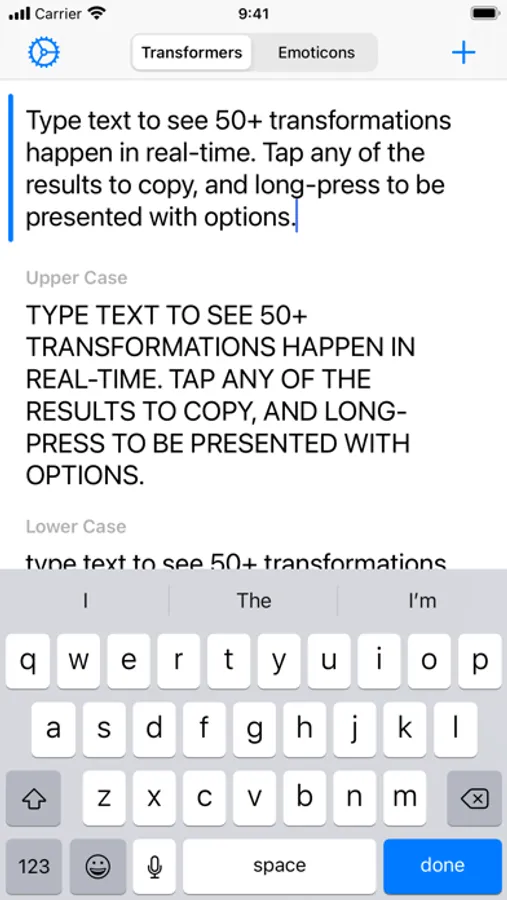
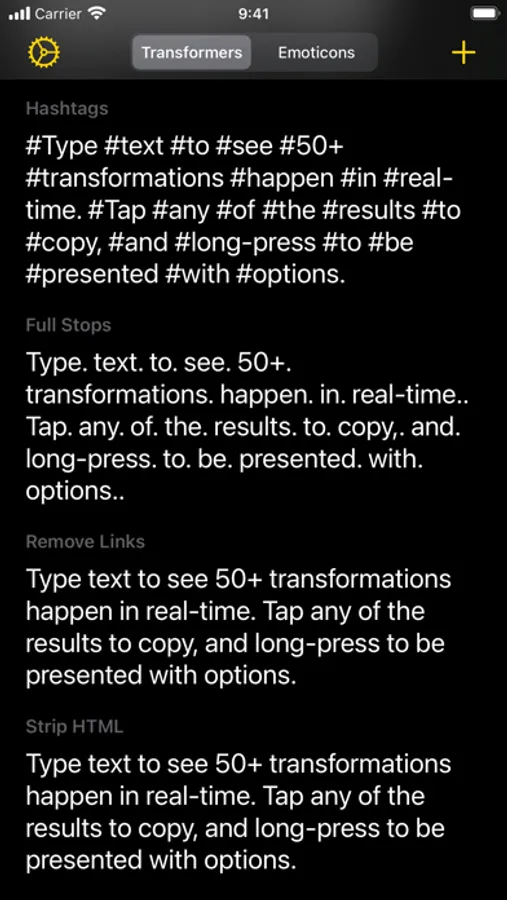
It’s built with iOS design guidelines in mind to look great in light and dark mode alike, along with containing multiple tints and themes to tweak the app your way. The intuitive ‘tap to copy’, and ‘long-press to share’ gestures coupled with the keyboard shortcuts also makes using the app super simple to pick up and use.
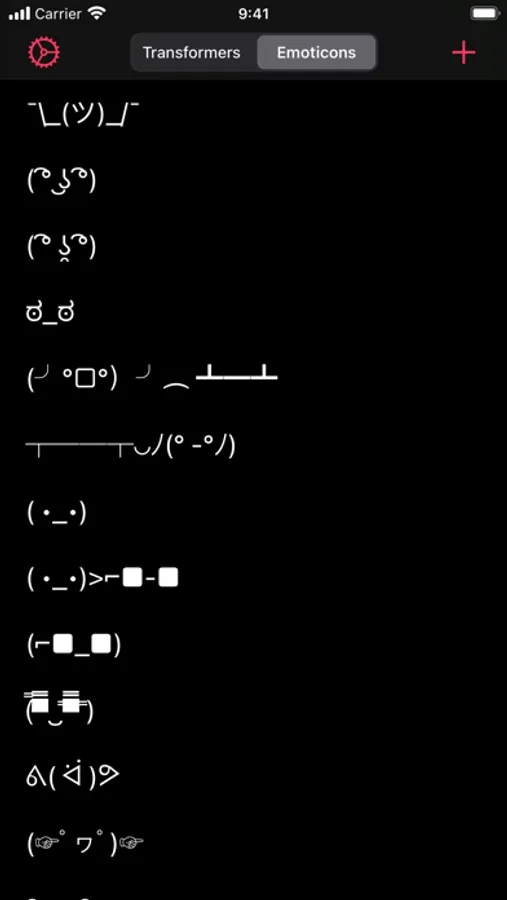
Multi-window support coupled with Drag and Drop is also extremely useful for quickly and easily dragging text from other apps directly into the app for quick transforming. Whether this is to add hashtags to words social picture sharing sites, or mimic mocking Spongebob in conversation with your friends, there’s something for everyone. There are also various ASCII text face emoticons for quick and easy copying.
Text transformations include:
- Upper Case
- Lower Case
- Word Case
- Alternating Case
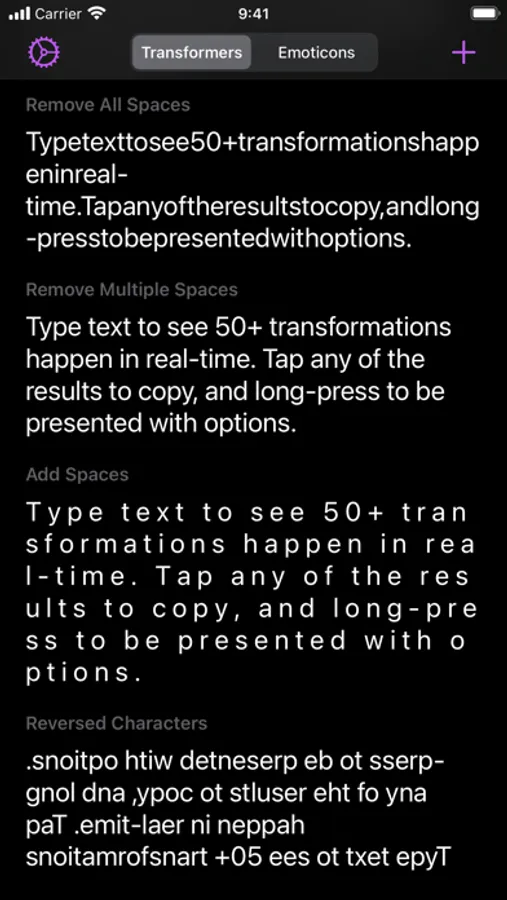
- Remove All Spaces
- Remove Multiple Spaces
- Add Spaces
- Reversed Characters
- Reversed Words
- Replace Spaces with Underscores
- Replace Underscores with Spaces
- Replace Spaces with Dashes
- Replace Dashes with Spaces
- Replace Underscores with Dashes
- Replace Dashes with Underscores
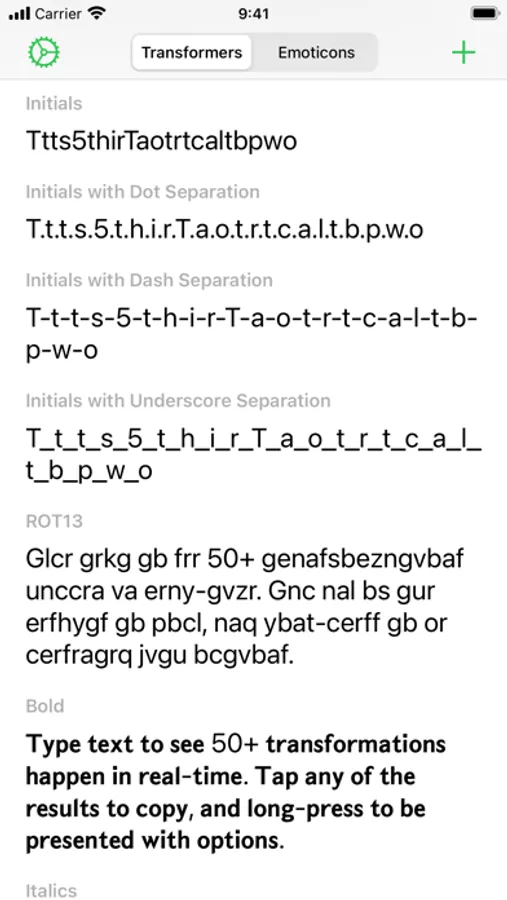
- Initials
- Initials with Dot Separation
- Initials with Dash Separation
- Initials with Underscore Separation
- ROT13
- Bold
- Italics
- Underline
- Strikethrough
- Slashthrough
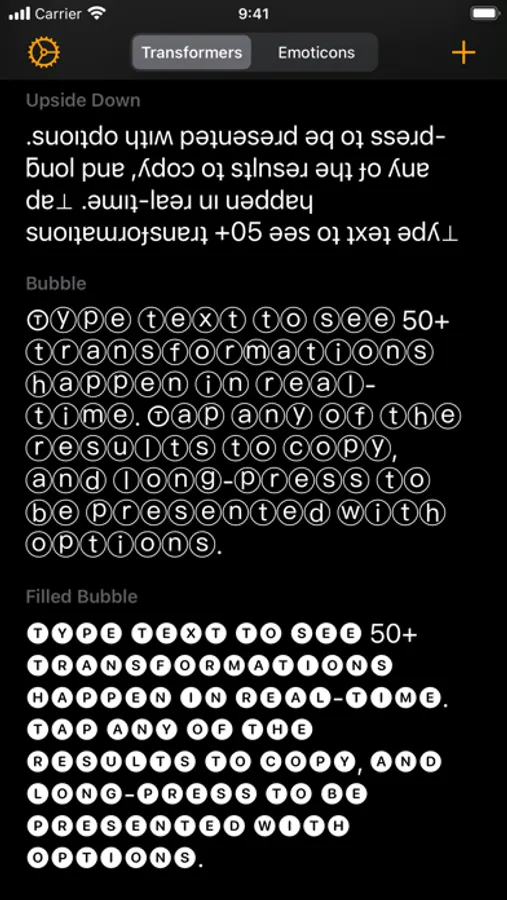
- Upside Down
- Bubble
- Filled Bubble
- Square
- Filled Square
- Cursive
- Gothic
- Monospace
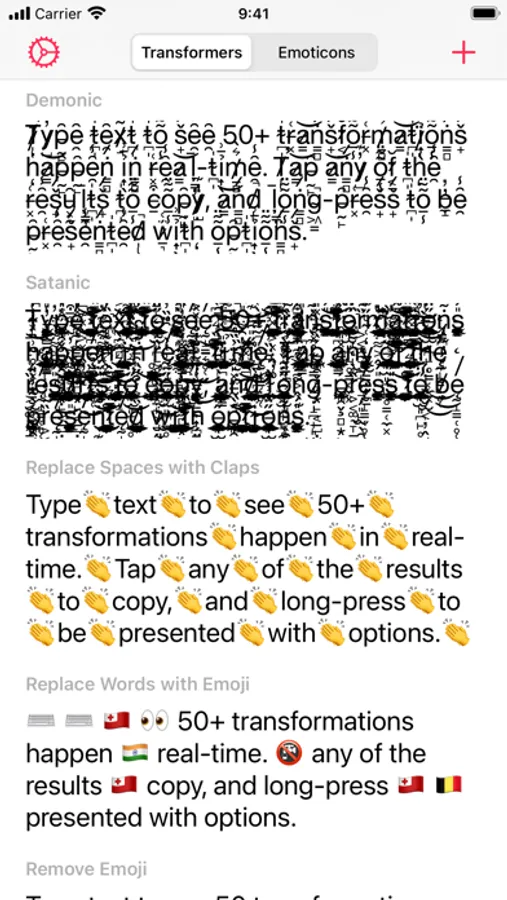
- Demonic
- Satanic
- Replace Spaces with Claps
- Replace Words with Emoji
- Remove Emoji
- Remove Punctuation
- Classified
- Hashtags
- Full Stops
- Remove Links
- Strip HTML
- URL Encoded
- URL Decoded
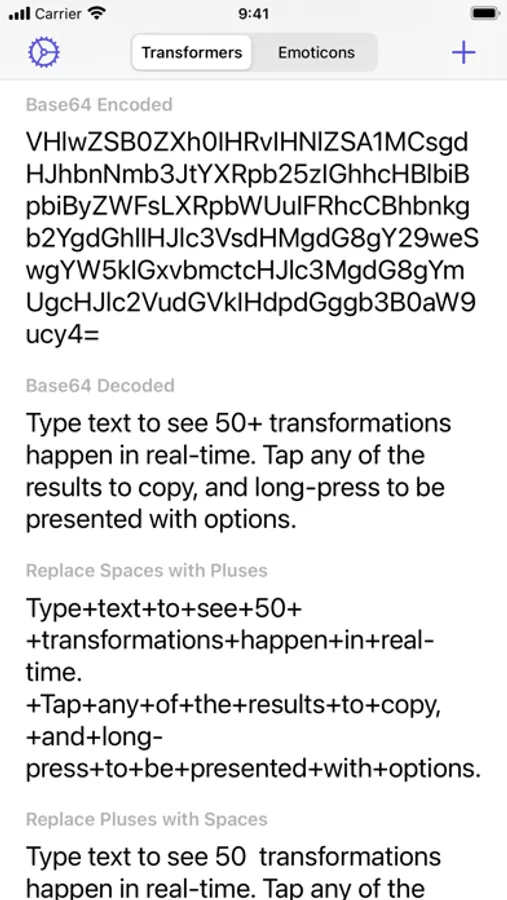
- Base64 Encoded
- Base64 Decoded
- Replace Spaces with Pluses
- Replace Pluses with Spaces
- SHA256 Hex
- SHA512 Hex
- Remove Commas
- Remove Single Quotes
- Remove Double Quotes
- Flatten List Using Commas
- Flatten List Using Full Stops
- Flatten List Using Pipes
- Flatten List Using Underscores
- Flatten List Using Pluses
- Flatten List Using Forward Slashes
- Flatten List Using Backslashes
- Replace Single Quotes with Double Quotes
- Replace Double Quotes with Single Quotes
- Remove Vowels
- Remove Consonants
- Remove Numbers
- Dashed to Bulleted List
- Bulleted to Dashed List
- MD5 Hash
- Add Commas
- Replace Line Breaks with n
- Single Quotes Around Words
- Double Quotes Around Words
- Convert to Dashed List
- Convert to Bulleted List
- Convert Commas to Dashed List
- Convert Commas to Bulleted List
- Hex to Binary
- Binary to Hex
- 1337
- Superscript
- Remove Line Breaks
- Remove Line and Paragraph Breaks
- Random Case
- Sentence Case
- Trim Whitespace
- Trim Whitespace and New Lines
- Small Caps
- Lightning
- Double Lightning
- Double line breaks
- Zalgo
- Colons to dashes
- Dashes to colons
- Numeronym
- Add percent encoding
- Remove percent encoding
- Remove citation numbers
- Remove citations
- Came case to spaces
- Spaces to camel case
- Numbers to text
GET IN TOUCH:
If you have any questions or feedback, please get in touch. Textcraft was created by an incredibly small team of one and I’d love to hear your thoughts. I’m available through Twitter @JPEGuin.
Textcraft Screenshots
Tap to Rate:
Reviews for Textcraft
Tinakkkkkkkkkkkkkkk
Wish I could contact the developer
Wow, this app is EXACTLY what I need! I just had one “wish list“ item, which is to transform an ellipsis (...) into a long dash (–). I went to try to contact the developer with this suggestion, but I could not find a way to do that, other than this review. But in general, this app is a revelation! Many thanks!
NeoYokel
Elegant, diverse, instant text transformations
I’m a fan of Shihab Meboob’s, you might say - Aviary and Mast are the most innovative social clients I’ve ever seen. I’m also a bit of a collector of text manipulation applications like Texcraft, of which there are just a few that are truly comparable on iOS. On macOS, there really aren’t any equivalents at all. For someone like me - who uses Textcrafts transformations both recreationally/socially and has used them in development-ish tasks - its $4.99 and featherweight 3.7 MB were/are more than worth the experience. It’s super configurable, capable, and robust.