
AppRecs review analysis
AppRecs rating 4.3. Trustworthiness 52 out of 100. Review manipulation risk 29 out of 100. Based on a review sample analyzed.
★★★★☆
4.3
AppRecs Rating
Ratings breakdown
5 star
86%
4 star
0%
3 star
0%
2 star
0%
1 star
14%
What to know
✓
High user satisfaction
86% of sampled ratings are 4+ stars (4.4★ average)
About Hold'em Odds Simulator
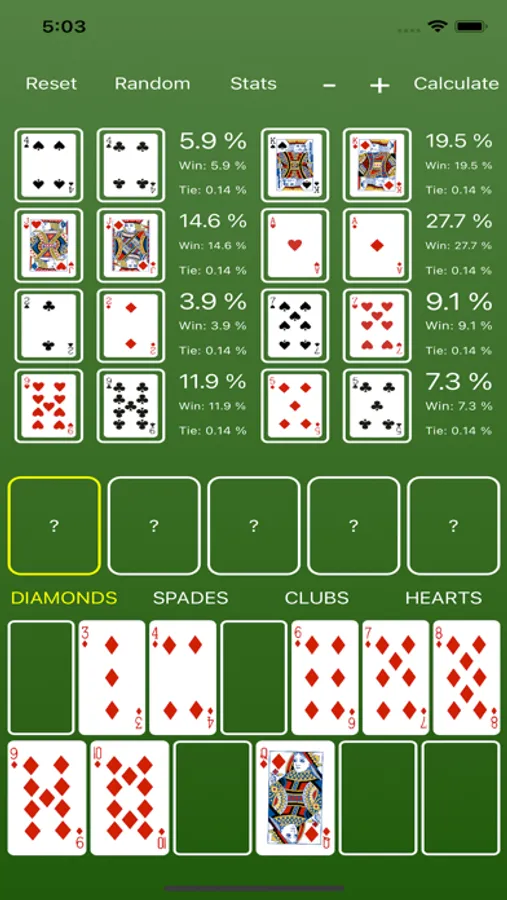
Hold'em Odds Simulator is an easy-to-use Texas Hold'em odds calculator that helps you gain a better understanding of what hands are the strongest and to improve your overall Hold'em strategy.
This handy app allows you to:
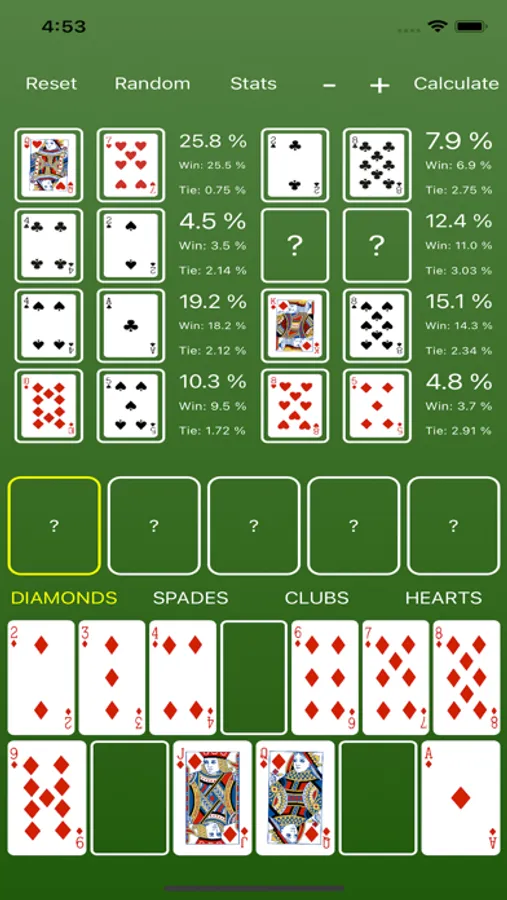
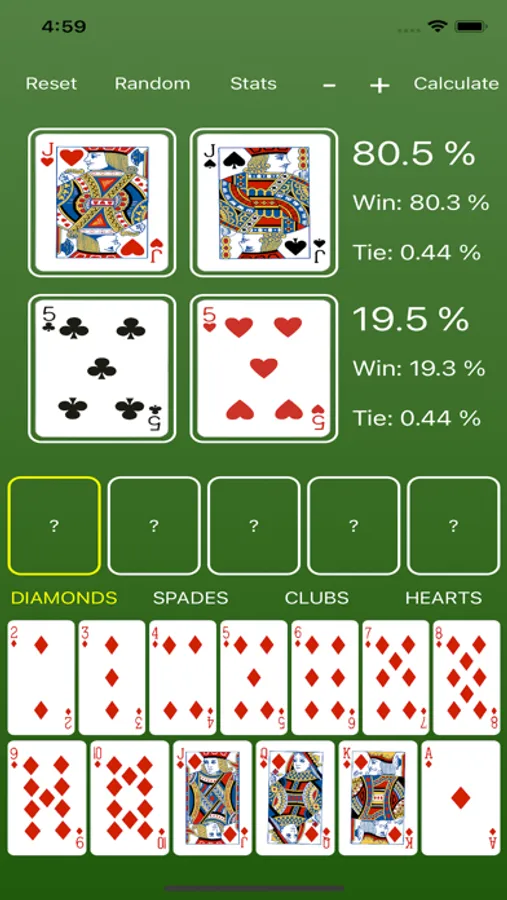
* Input the hands of 2 to 8 players, or leave them blank to randomize them.
* Input the cards for the flop, turn, and river.
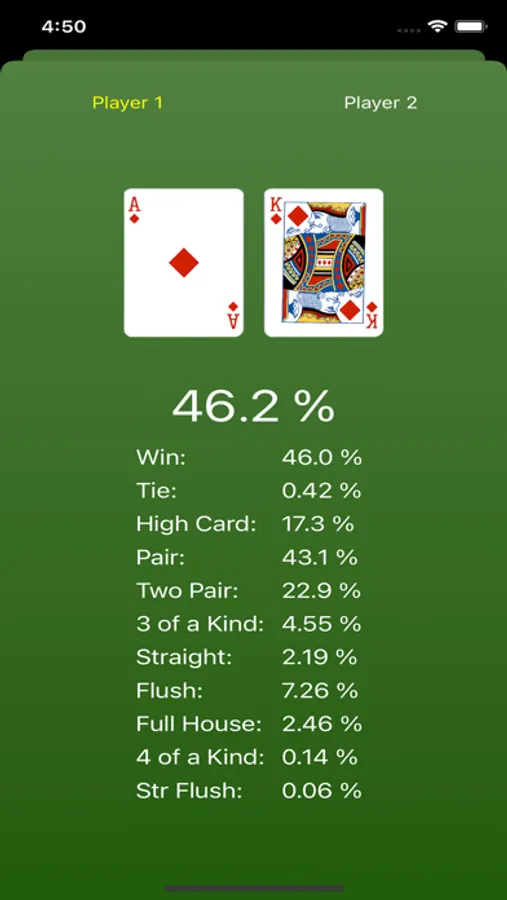
* Calculate stats for up to 8 players:
- Win Percentage
- Tie Percentage
- High Card Percentage
- 1 Pair Percentage
- 2 Pair Percentage
- 3 of a Kind Percentage
- Straight Percentage
- Flush Percentage
- Full House Percentage
- 4 of a Kind Percentage
- Straight Flush Percentage
Instructions:
* To simulate a hand, press the Calculate button.
* After simulating a hand, you can view each player's specific stats by pressing the Stats button. To leave the stats page and return to the main screen, just swipe down on the screen.
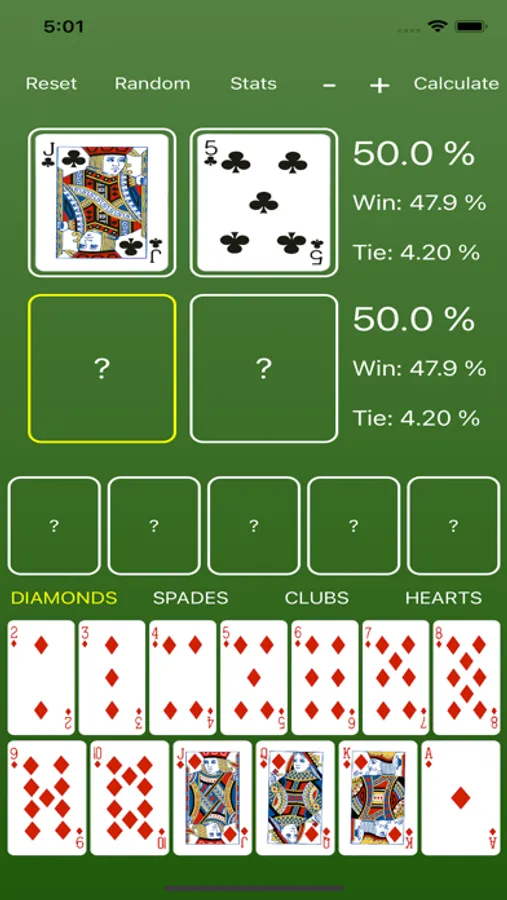
* Press the Random button to assign a random card value to any players who currently have no cards in their hands.
* To clear a card from a player's hand or from the board, just press it and the card will return to its original slot.
* To add or subtract a player, click the plus (+) or minus (-) button.
* To reset all of the cards on the board and in every player's hand, press the Reset button.
Internet connection is not required.
This handy app allows you to:
* Input the hands of 2 to 8 players, or leave them blank to randomize them.
* Input the cards for the flop, turn, and river.
* Calculate stats for up to 8 players:
- Win Percentage
- Tie Percentage
- High Card Percentage
- 1 Pair Percentage
- 2 Pair Percentage
- 3 of a Kind Percentage
- Straight Percentage
- Flush Percentage
- Full House Percentage
- 4 of a Kind Percentage
- Straight Flush Percentage
Instructions:
* To simulate a hand, press the Calculate button.
* After simulating a hand, you can view each player's specific stats by pressing the Stats button. To leave the stats page and return to the main screen, just swipe down on the screen.
* Press the Random button to assign a random card value to any players who currently have no cards in their hands.
* To clear a card from a player's hand or from the board, just press it and the card will return to its original slot.
* To add or subtract a player, click the plus (+) or minus (-) button.
* To reset all of the cards on the board and in every player's hand, press the Reset button.
Internet connection is not required.
Hold'em Odds Simulator Screenshots


Tap to Rate:
Reviews for Hold'em Odds Simulator
bazaardaddy
History
I wish this app could keep a history of the hands we put in it.
Ricky1238
Great App
I’ve been looking for something like this. Perfect.