AppRecs review analysis
AppRecs rating 4.4. Trustworthiness 0 out of 100. Review manipulation risk 0 out of 100. Based on a review sample analyzed.
★★★★☆
4.4
AppRecs Rating
Ratings breakdown
5 star
80%
4 star
0%
3 star
0%
2 star
20%
1 star
0%
What to know
✓
High user satisfaction
80% of sampled ratings are 4+ stars (4.4★ average)
About Mathify: Math Editor
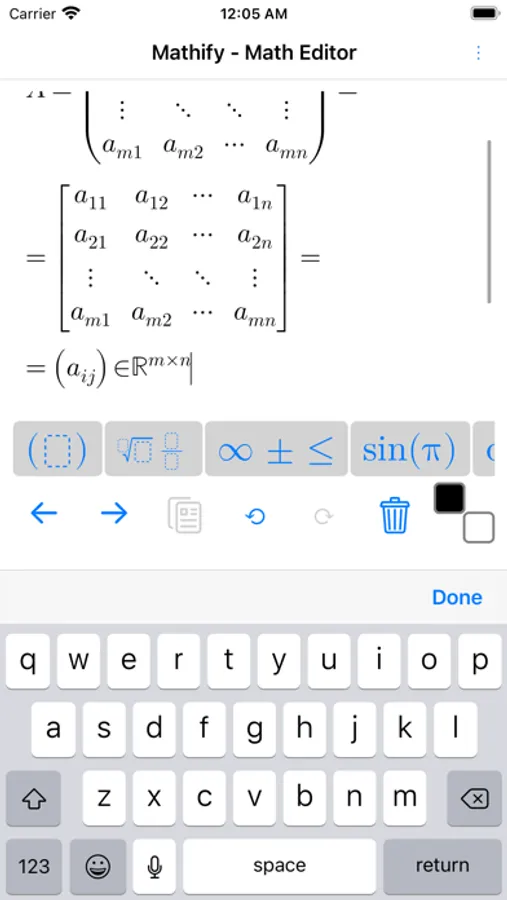
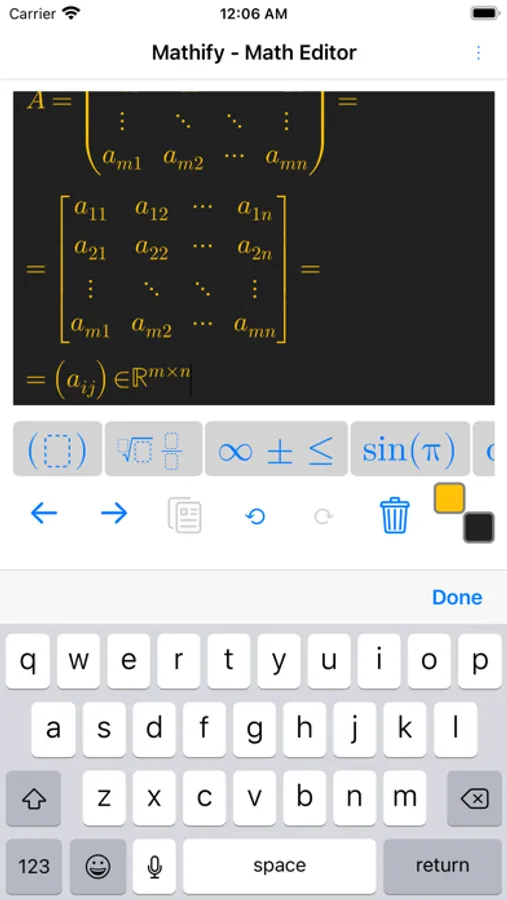
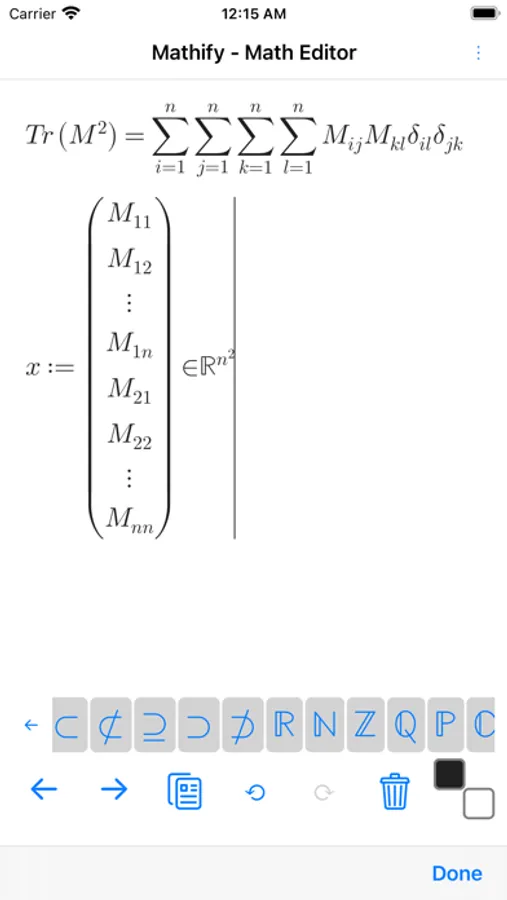
- Create STEM documents and export to pdf, docx (coming soon) and other formats
- AI chat to generate documents or step by step solutions
- Capture advanced math formulas with high precision using image upload, direct sharing from your photo library, or real-time camera capture powered by OCR (Optical Character Recognition).
- AI powered handwriting recognition with live previews (stylus drawing)
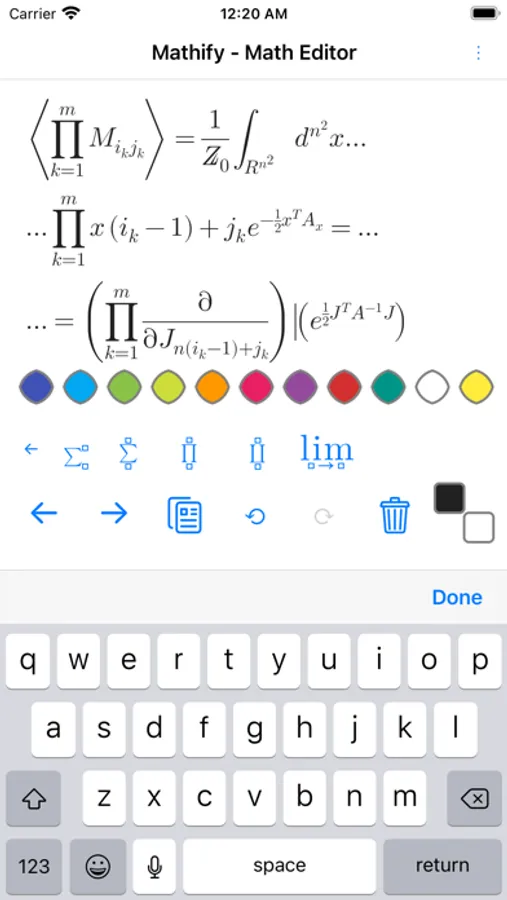
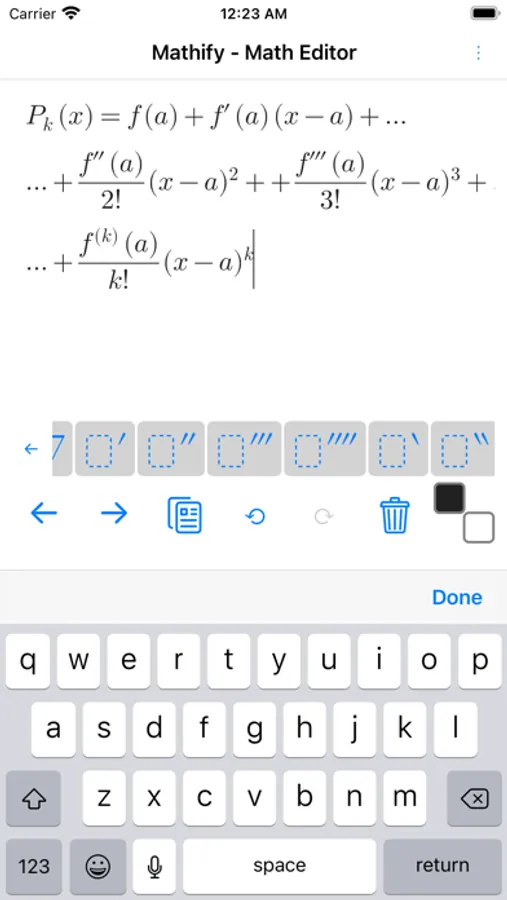
- Creating advanced math formulas fast and intuitively
- Sharing images as SVG, PNG, JPEG formats
- Calculate results in WolframAlpha.
- Step by step solutions using LLM
-For multi-language use text input
-For greek symbols include greek in your native keyboard.
-To select formula longpress on a formula or text.
-To activate zoom using pinch gestures tap with two fingers then start to zoom. To deactivate zoom mode tap with single finger.
-For power or index (superscript, subscript) use '_' (underscore) for sub and '^' for super scripts.
For Big Operators (integrals, sum, product ....) choose type of limits and to add limits press '_' (underscore) for lower limit and '^' for upper limit.
Mathify: Math Editor Screenshots
Tap to Rate:
Reviews for Mathify: Math Editor
@rchivarius
Great job!
Converting it into a full word processor was a great idea. Now I don’t have to export LaTeX and import it into other word processors. Very useful improvements.
Hakushu with ice
Not really useful
The app feels like an early alpha version. No easy way to make some symbols bold to indicate that they are vectors or matrices. No way to save some predefined formulas into a toolbar for constant reuse. Selecting anything is a pain in the neck. The app does not work well with the Apple pen - a huge missed opportunity. Undoubtedly, there is vast potential, but it is not an app I would recommend at this stage.