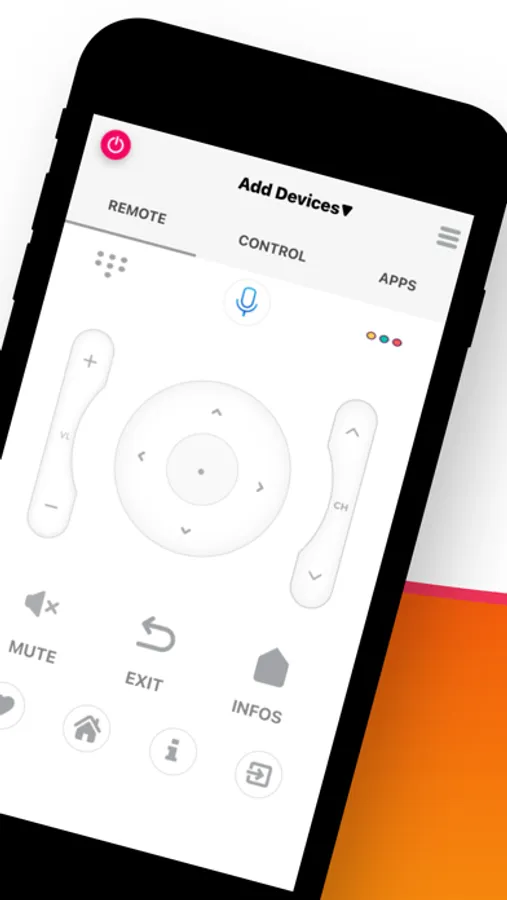
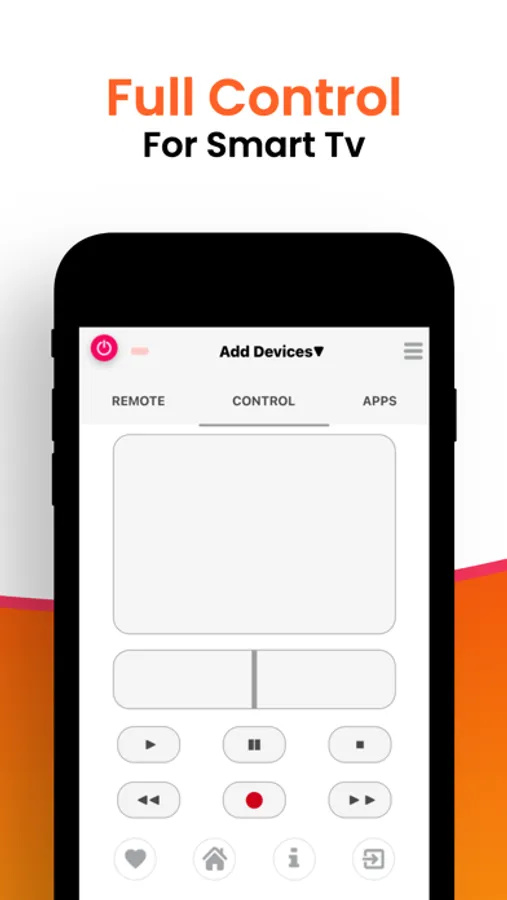
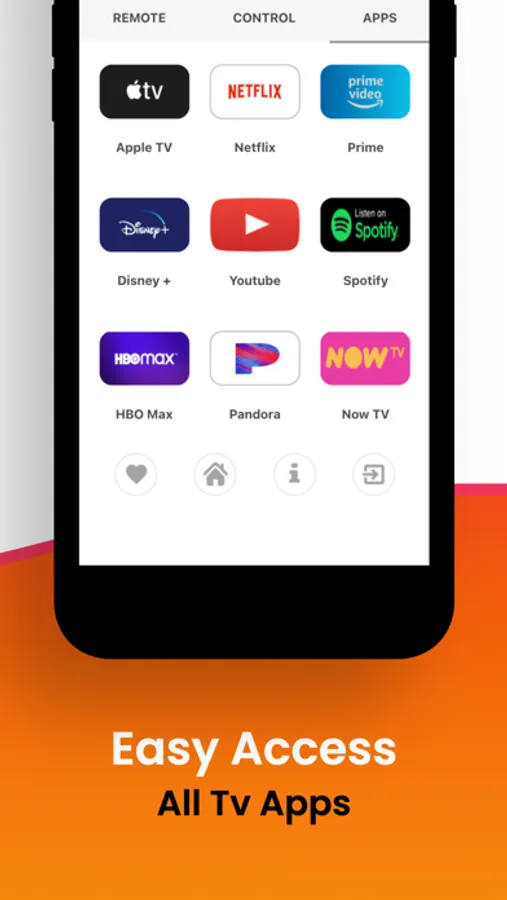
In this remote control app, you can operate your Smart TV using WiFi or infrared signals with features like voice commands and media playback. Includes support for all remote buttons, media viewing, sleep timer, and shake-to-play functions.
AppRecs review analysis
AppRecs rating 4.4. Trustworthiness 62 out of 100. Review manipulation risk 19 out of 100. Based on a review sample analyzed.
★★★★☆
4.4
AppRecs Rating
Ratings breakdown
5 star
65%
4 star
14%
3 star
7%
2 star
2%
1 star
12%
What to know
✓
Low review manipulation risk
19% review manipulation risk
✓
High user satisfaction
79% of sampled ratings are 4+ stars (4.2★ average)
✓
Authentic reviews
Natural distribution, no red flags
About Tv Remote Control For Smart
Tired of trying so many remote apps without any results?
Not tried this TV Remote Control app, then what's the point? Now what? Download this free app right now, because this is exactly what you are looking for.
It works in 2 modes. Either on your home WiFi network or Infrared IR blaster.
WiFi Mode
- You must have WiFi connected Smart TV
- Connect your phone to same WiFi network.
- Launch the app and accept confirmation message appears on your TV screen.
- Confirmation message can be accepted in your TV Settings at HOME , Network ,Home Network Setup, Remote Device ,Remote Device List in case if it is rejected by mistake.
- All Remote buttons are supported except "POWER ON". Because your TV does not have WiFi connection when its in off condition, so it can not process the wifi commands.
Tv Remote Control For Smart Screenshots
Tap to Rate:
Reviews for Tv Remote Control For Smart
Sheedah07
Remote
This app is wack it’s not connecting to the tv
ShadeyHolt
PRETTY STUPID
I live in an ALF, with 20 rooms plus L/R & Library, with a smart TV & a smart cable box in each. Also, many of us have Blu-Ray, Roku, & game consoles. That's ~60 Smart devices, and your app can't find even ONE of them. I start the app & it searches endlessly. Also, the "skip" button isn't accessible, (greyed-out) so the only out is to kill the app. Note that our wifi network requires a password when setting up a new device. But since your app allows no actions at all until it's finished searching, there's no way to get it onto our wifi. This seems utterly elementary to me, but you should probably allow it to ACCESS wifi before it tries to SEARCH wifi.