In this video caption editor app, you can generate captions in multiple languages and customize their style. Includes AI-powered tools for audio enhancement, video stabilization, cropping, and upscaling.
AppRecs review analysis
AppRecs rating 4.0. Trustworthiness 77 out of 100. Review manipulation risk 27 out of 100. Based on a review sample analyzed.
★★★★☆
4.0
AppRecs Rating
Ratings breakdown
5 star
84%
4 star
3%
3 star
2%
2 star
2%
1 star
9%
What to know
✓
Low review manipulation risk
27% review manipulation risk
✓
Credible reviews
77% trustworthiness score from analyzed reviews
⚠
Pricing complaints
Many low ratings mention paywalls or pricing
About Liro: AI Video Caption Editor
Imagine spending hours perfecting your video — every shot, every word, every emotion carefully crafted. But then… *crickets*. Viewers scroll past because they watch on mute, don’t understand the language, or lose interest.
Liro changes that. It makes sure your story is seen, heard, and felt — wherever and however people watch.
But Liro is more than captions — it’s your all-in-one creative toolkit. Liro gives casual creators everything they need to connect with the audience in just a few taps.
What Liro can do?
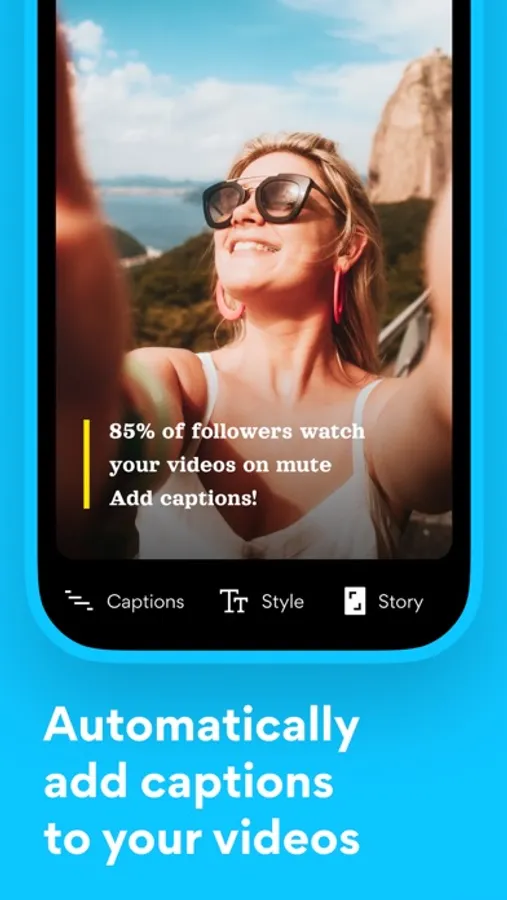
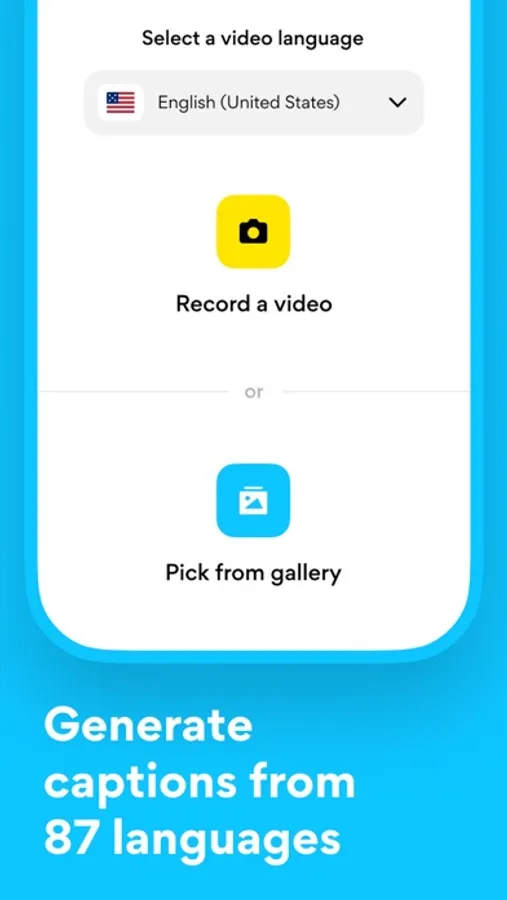
Imagine auto-generated captions in 87 languages — Liro gets them all, making sure every word lands perfectly. Or one-click translations that break down language barriers, so your story reaches new audiences.
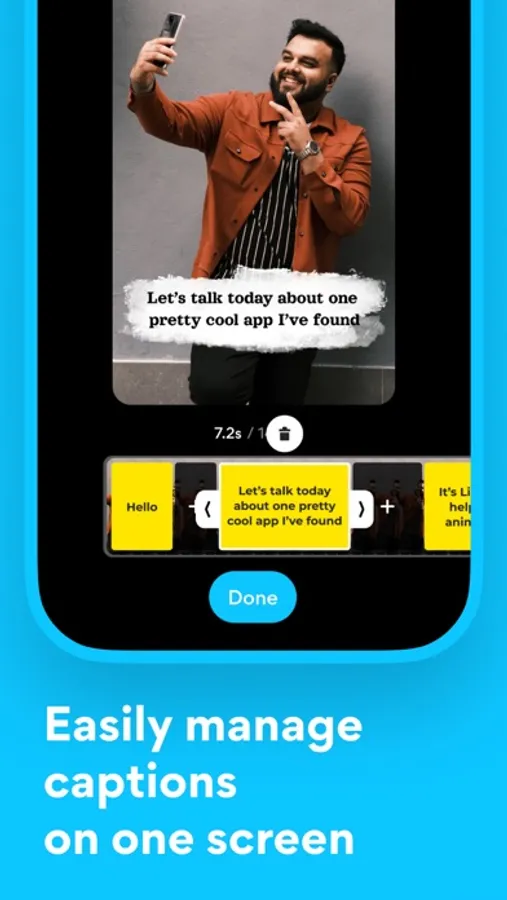
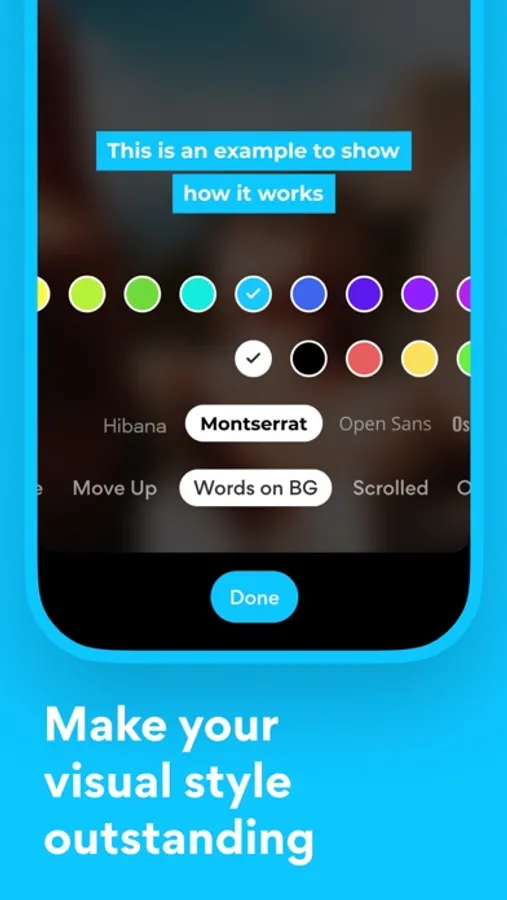
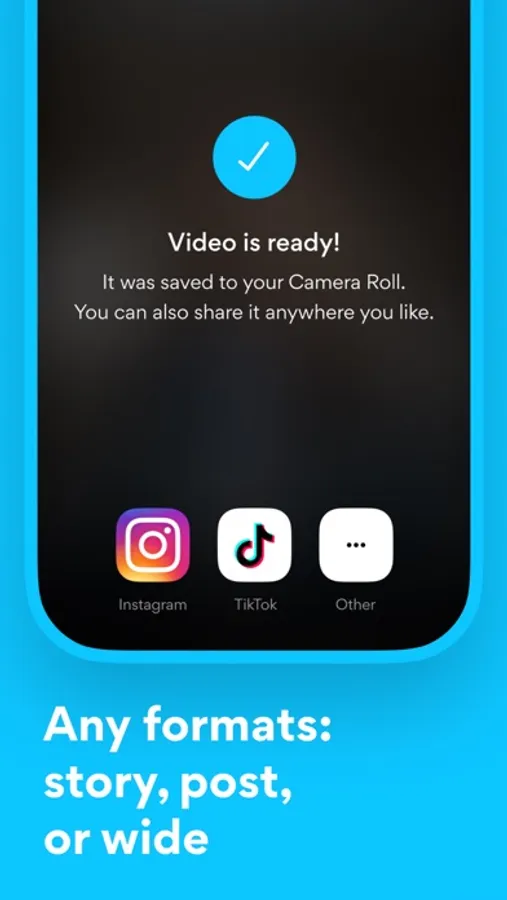
Need to stand out? Liro gives you full styling freedom: fonts, colors, animations, highlights — everything tailored to match your brand. And with instant previews for TikTok, YouTube, and Instagram, you’ll know exactly how your captions will shine before you hit publish.
And it doesn’t stop there.
Liro’s powerful AI tools work like magic:
▶ AI Audio Enhance → makes your voice crisp and clear
▶ AI Video Auto Crop → frames your subject perfectly
▶ AI Video Denoise → cleans up messy video shot in the dark
▶ AI Video Stabiliser → calms down shaky clips
▶ AI Eye Correction → fixes weird eye angles, so you look natural
▶ AI Video Frame Booster → smooths out choppy video
▶ AI Video Upscaling → gives your footage a sharp, high-res upgrade
▶ AI Bad Video Enhance → revives damaged or blurry videos
▶ AI Long to Reels → automatically cuts your long videos into short, shareable hits
And the best part? We never stop improving. With every update, Liro gets faster, smarter, and more powerful, so your videos always stay ahead of the curve.
Have a question, a feature idea, or just feel like sharing your experience? We’re always happy to hear from you! Reach out via the in-app chat, on Telegram at @LiroSupport, or by email at ms@liroapp.com
Terms of Use (EULA): https://www.apple.com/legal/internet-services/itunes/dev/stdeula/
Liro: AI Video Caption Editor Screenshots
Tap to Rate:
Reviews for Liro: AI Video Caption Editor
Kristi267
Приложение просто не работает
Приложение перестало просто работать , деньги за подписку заплатила на через пару недель оно просто не работает, пишу в поддержку не кто не отвечает даже . Не советую покупать его , деньги в мусорку
Yana Leonidivna
Не працює AI режим
Вже давно не працює АІ режим. А саме - видалення шуму, через яке я і купила підписку на додаток. Часто розраховую на це в роботі, але тепер не можу