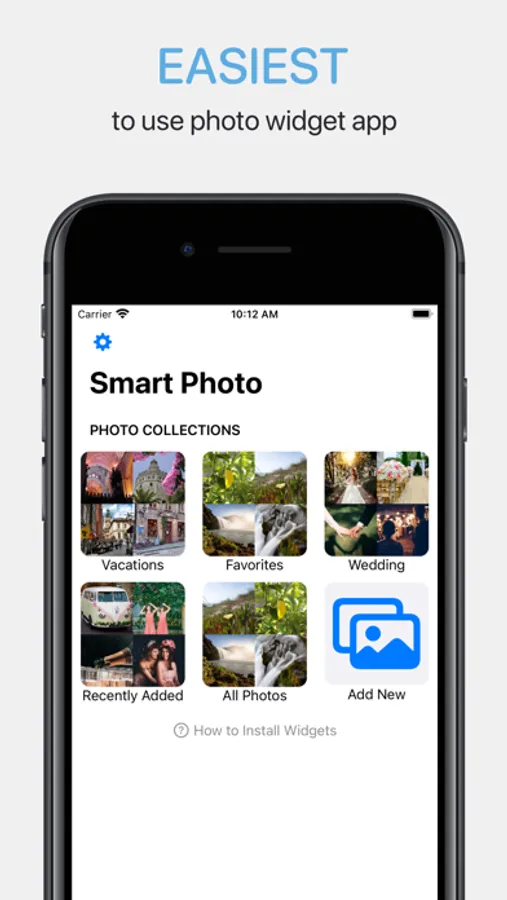
With this photo widget app, you can select photo folders and add widgets that automatically frame and rotate your photos. Includes AI photo cropping, photo filtering, overlay options, and manual photo selection.
AppRecs review analysis
AppRecs rating 4.6. Trustworthiness 80 out of 100. Review manipulation risk 25 out of 100. Based on a review sample analyzed.
★★★★☆
4.6
AppRecs Rating
Ratings breakdown
5 star
80%
4 star
11%
3 star
1%
2 star
1%
1 star
6%
What to know
✓
Low review manipulation risk
25% review manipulation risk
✓
Credible reviews
80% trustworthiness score from analyzed reviews
✓
High user satisfaction
80% of sampled ratings are 5 stars
About Smart Photo Widget
There are two types of results you'll get from all of the other photo widget apps:
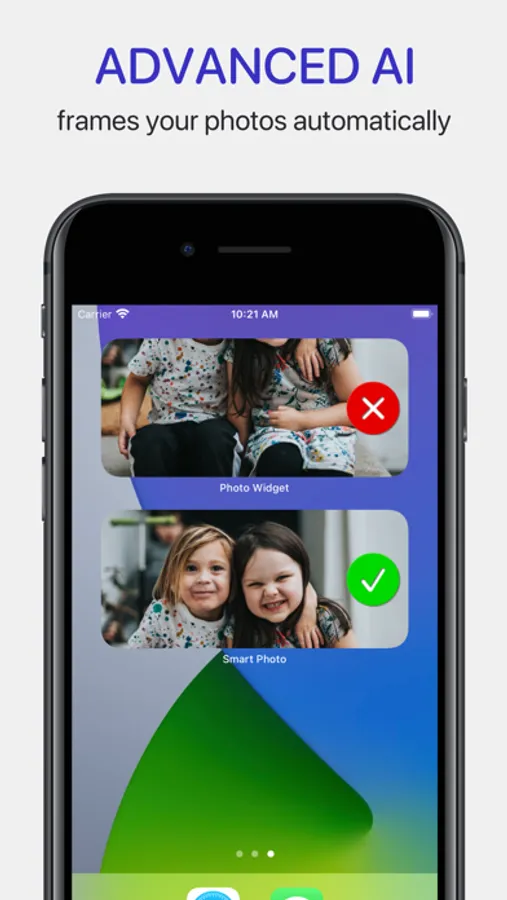
1. You end up with poorly framed photos with your loved one's head missing.
2. You have to painstakingly choose and crop each photo to make sure it displays properly in each widget size.
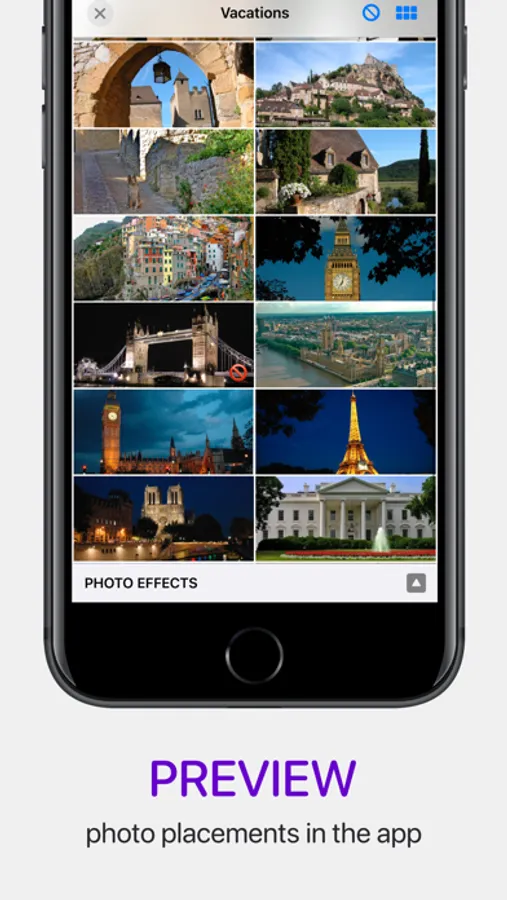
Using Smart Photo Widget, simply choose a photo folder and install the widget and you're done. Smart Photo Widget's advanced AI does all of the work for you:
1. Properly frames each photo in every widget size automatically!
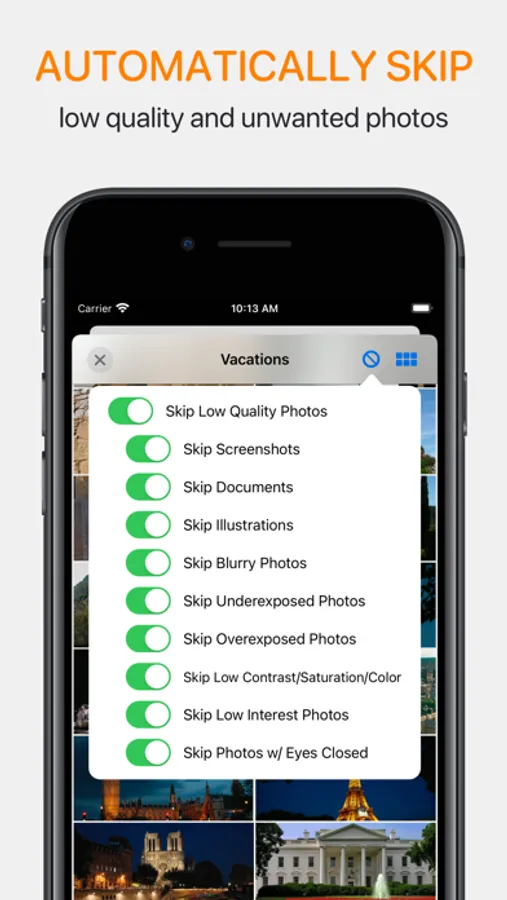
2. Options to skip bad photos (blurry, too dark, screenshots, etc.).
3. Rotates the best photos throughout the day.
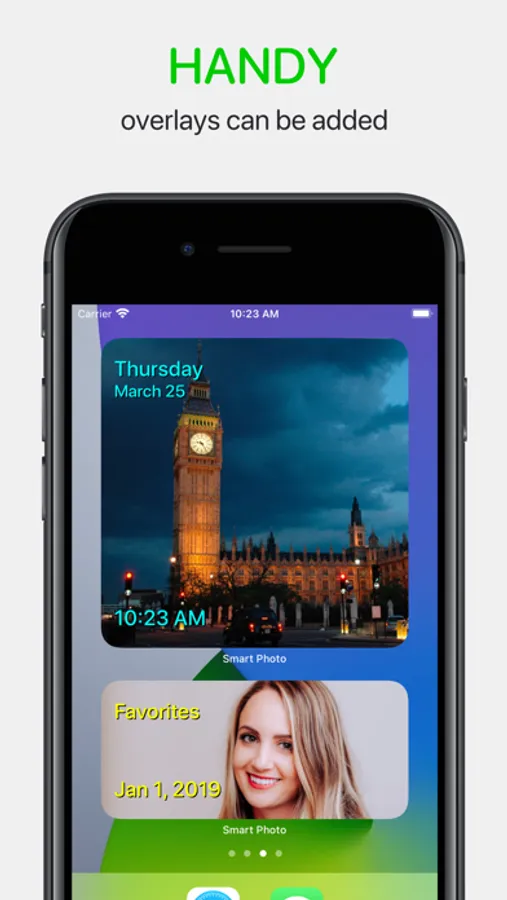
4. Optionally add handy overlays like current weekday/date/time or show the photo's date and location.
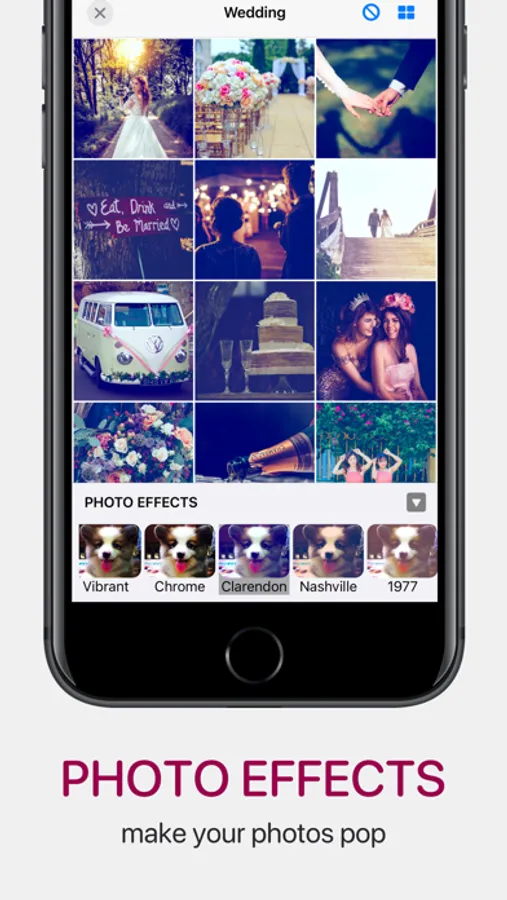
5. Apply photo effects/filters to make your photos pop (Smart Photo Premium required).
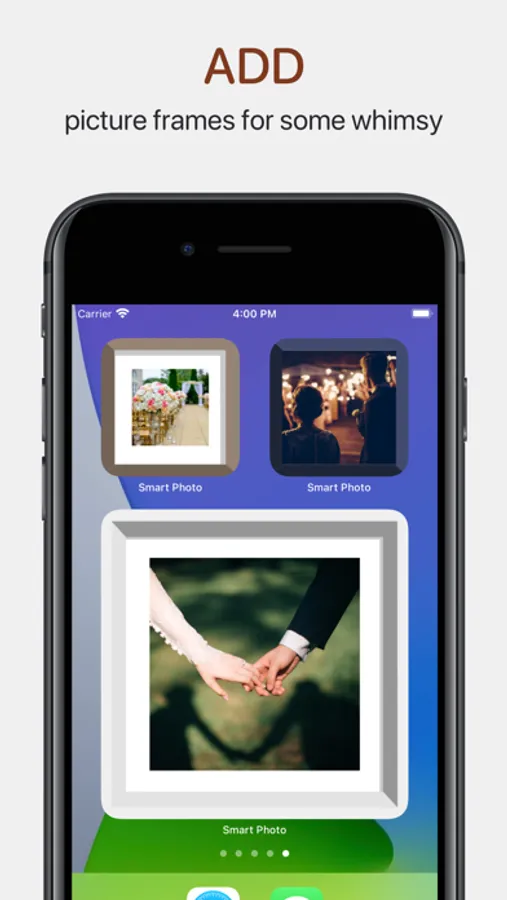
6. Optionally add picture frames for some whimsy in your widgets.
Give Smart Photo Widget a try and see that it really is the easiest to use photo widget app on the App Store by far.
Smart Photo Widget is free to download and use. Within the app you can purchase Smart Photo Premium which allows you to have unlimited photo collections and adds features like photo effects. If you purchase a Premium subscription, it will be applied to your iTunes account at the end of the free trial.
Subscriptions will automatically renew unless canceled within 24-hours before the end of the current period. You can cancel anytime within your iTunes account settings. Any unused portion of a free trial will be forfeited if you purchase a subscription.
The privacy policy for this app is located here: https://www.cromulentlabs.com/smart-photo-widget/privacy/
The terms of use for this app are the standard Apple terms located here: https://www.apple.com/legal/internet-services/itunes/dev/stdeula/
Smart Photo Widget Screenshots
Tap to Rate:
Reviews for Smart Photo Widget
Dons
Can’t force to full color
I have themed my Mac and colorized my icons so they all look a bit like Liquid Glass. With the standard Photos widget from Apple you can force the widget to display the photos in color which I like in this case. With Smart Photo Widget you can’t do this so it didn’t make the cut for me. Looked interesting otherwise. I wish it had that toggle override.
Shannon6789
Mostly great but needs updating for iOS 26
This app allowed me to make an album containing my entire photo library and then randomly change the photo in the widget, which is exactly what I was looking for. I also use Widgetsmith for this purpose but I wanted 2 different randomly selected photo widgets on my home screen. I tried many different photo widget apps and this is the only one that did what I wanted it to. I would have given this five stars except they have not updated it for iOS 26. When using the clear setting, the photos do not come in in color. I am forced to use a solid setting if I do not want my photos to be black and white. Widget Smith has solved this problem and those photos are still in full color. I hope this App is planning to fix this problem.