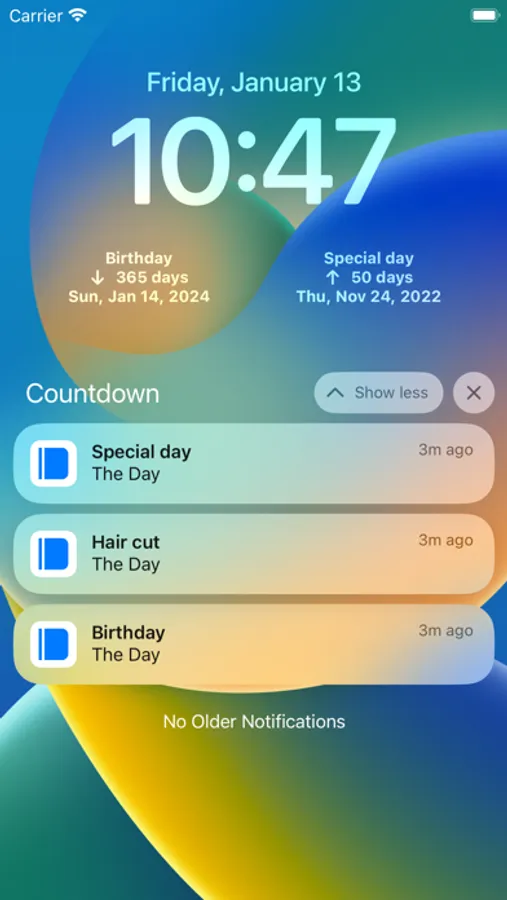
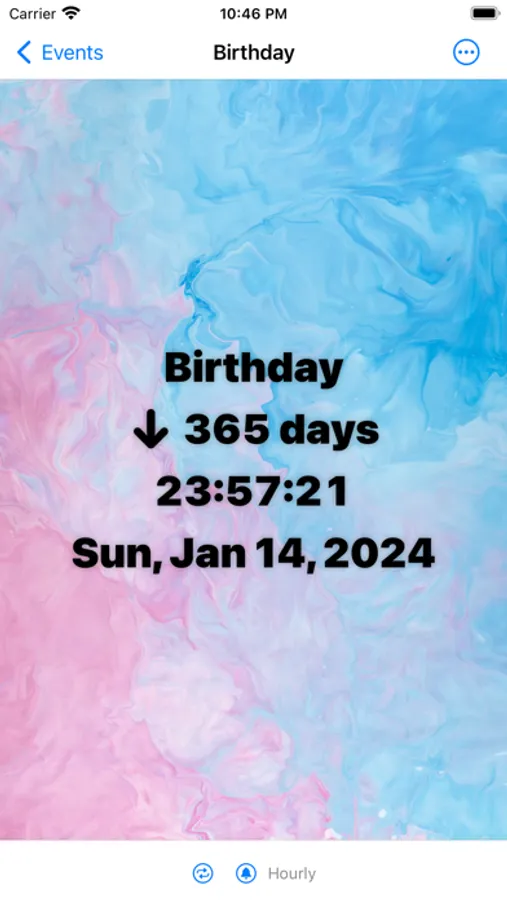
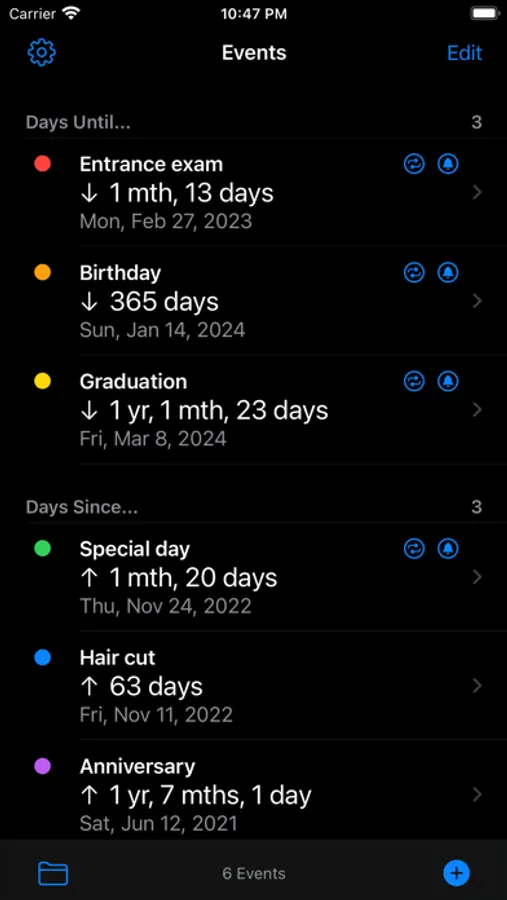
With this countdown widget, you can track multiple upcoming events and customize background and text colors. Includes folder organization, notifications, sharing options, and format settings.
AppRecs review analysis
AppRecs rating 4.5. Trustworthiness 80 out of 100. Review manipulation risk 25 out of 100. Based on a review sample analyzed.
★★★★☆
4.5
AppRecs Rating
Ratings breakdown
5 star
79%
4 star
9%
3 star
4%
2 star
2%
1 star
7%
What to know
✓
Low review manipulation risk
25% review manipulation risk
✓
Credible reviews
80% trustworthiness score from analyzed reviews
✓
High user satisfaction
79% of sampled ratings are 5 stars
About Countdown Widget - Day Counter
All features are completely free to use.
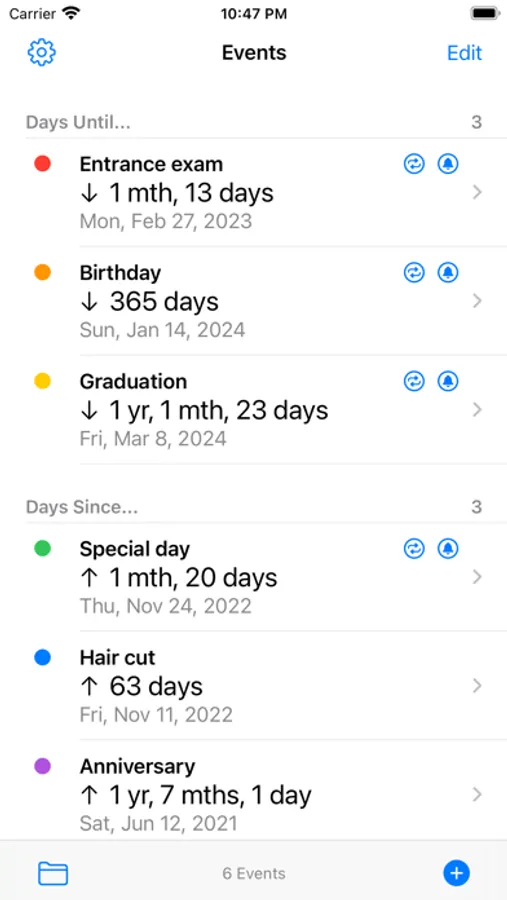
- Quick start
- Unlimited number of event registrations
- Can be divided into folders
- Repeat date setting and notification
- Specifying the count format
- Timer display
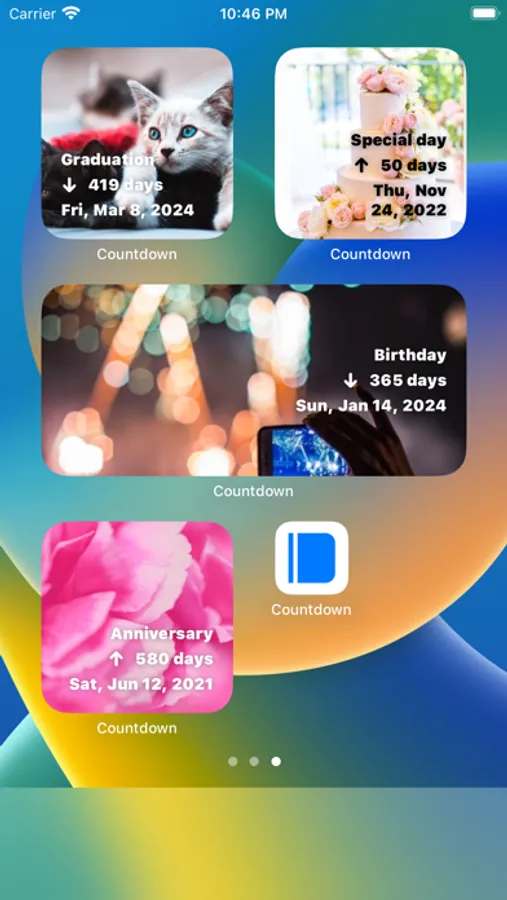
- Specify background color and text color
- Specify background image
- Specify character style and placement
- Share to SNS with screenshots
- Date, time, date and time difference calculator
- Date, time, date and time addition, subtraction
- Save the calculation result to bookmark
- Supports iOS 14 home screen widget
- Dark mode support
- Completely free, no additional charge
How many days until then?
How many days since then?
URL scheme:
countdown://
Countdown Widget - Day Counter Screenshots
Tap to Rate:
Reviews for Countdown Widget - Day Counter
Alain-Christian
AMAZING! TRY YOURSELF FIRST!
I don’t understand the negative reviews. This app has so many customizable quality of life features! For such a simple concept the developer gives you SO MUCH value add! And they CONTINUE to keep adding features! For the complaints about wanting to see multiple counts, just use a SMART STACK!! To the dev, the bad reviews are really unfair. Your apps in general are great. You load them up with features and customizations. Just like the good old days of smartphone apps before everyone asked you for a subscription.
Navy OnStar
Horrible
I have the widget/app installed on my lockscreen and the very first event I ever entered showed there. Since then when I enter events into the app, they never show in the widget. Have no idea how to get them to show