
AppRecs review analysis
AppRecs rating 3.1. Trustworthiness 84 out of 100. Review manipulation risk 18 out of 100. Based on a review sample analyzed.
★★★☆☆
3.1
AppRecs Rating
Ratings breakdown
5 star
43%
4 star
14%
3 star
0%
2 star
0%
1 star
43%
What to know
✓
Low review manipulation risk
18% review manipulation risk
✓
Credible reviews
84% trustworthiness score from analyzed reviews
About City of Elgin
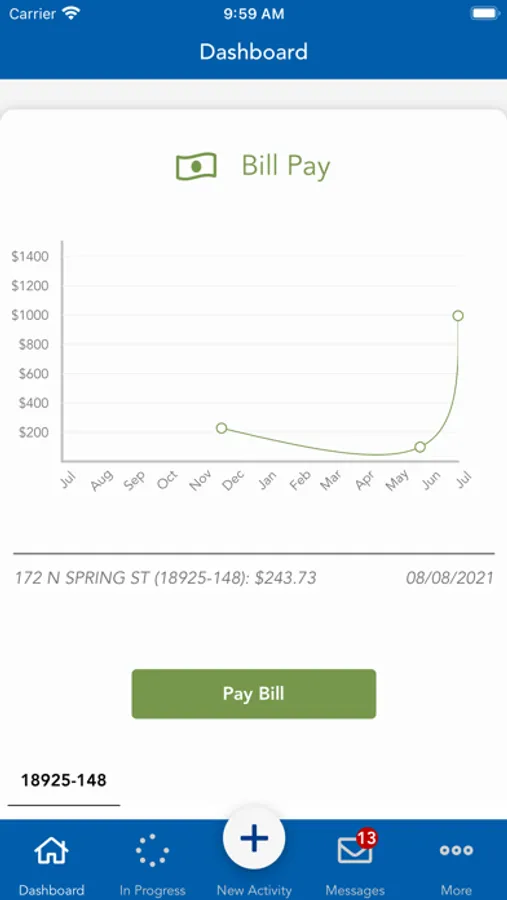
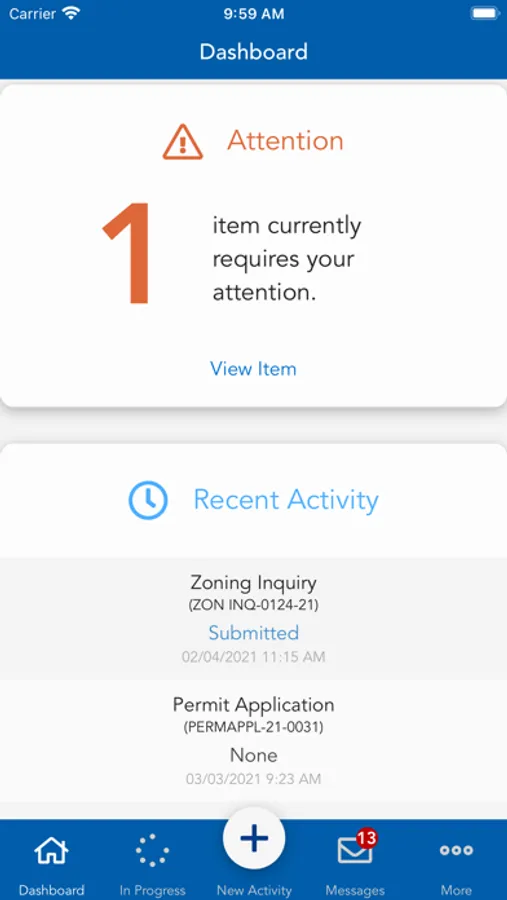
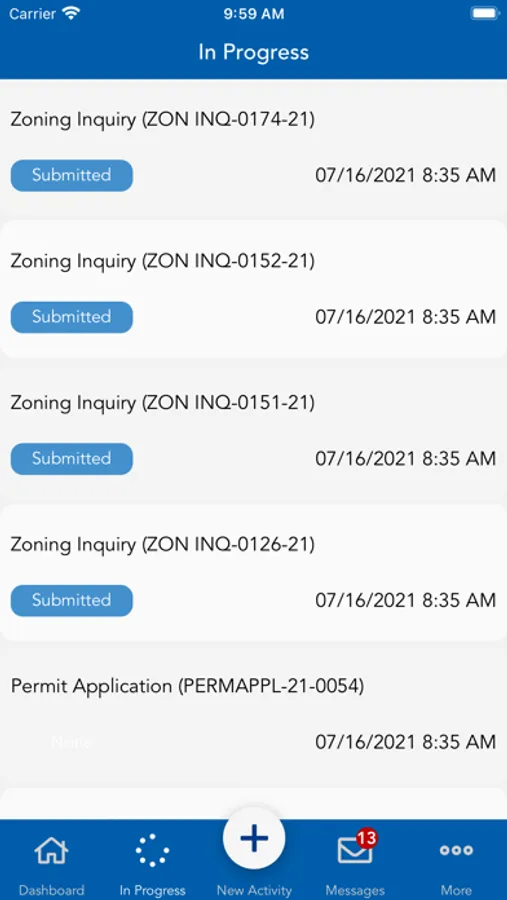
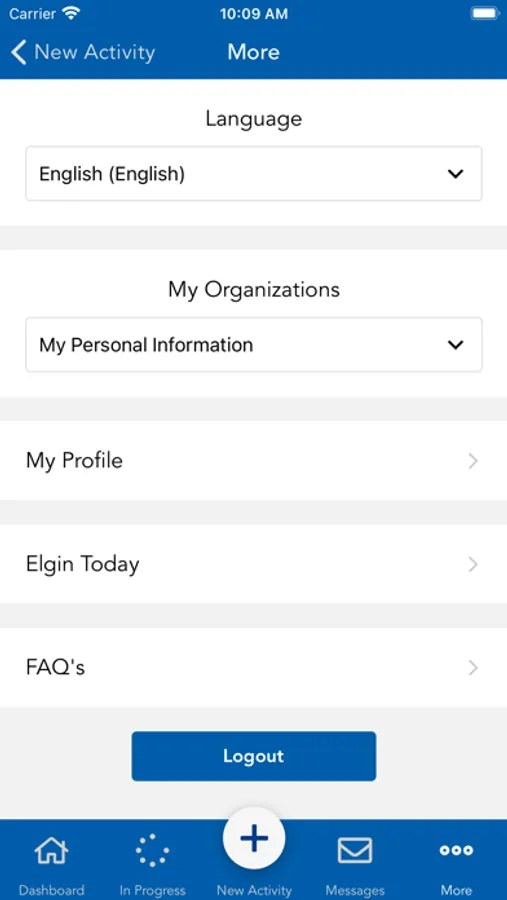
Connected to Elgin's 311 Contact Center, the free mobile app provides direct access to city staff as they help with your most pressing questions and public service requests, such as reporting an out street light or asking when the 4th of July parade begins.
Key functions:
Elgin Today
Stay informed about the things in Elgin that will impact your day. Reminders about trash collection, major traffic disruptions or general notifications will be posted on the app’s home screen.
311 Requests
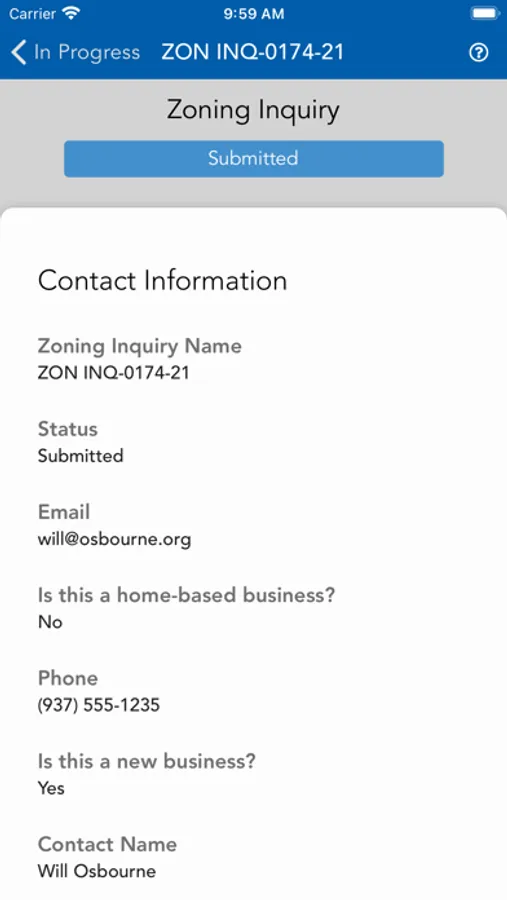
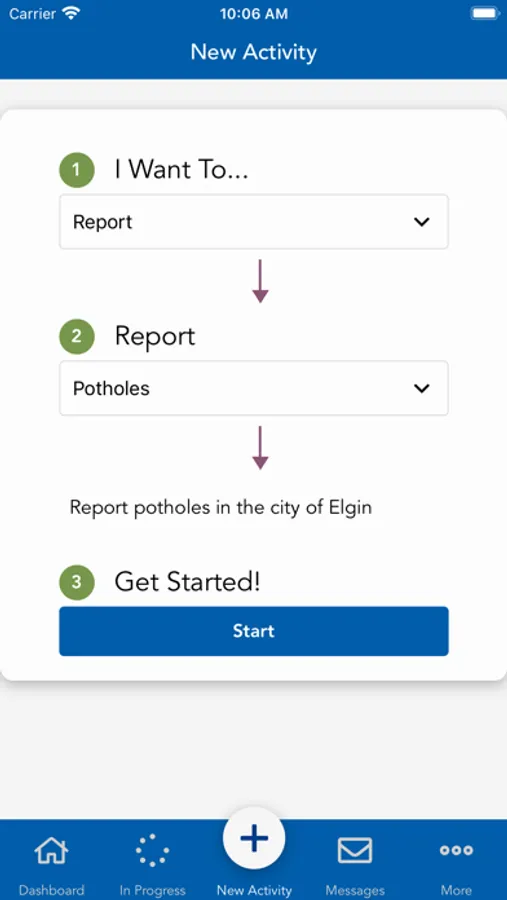
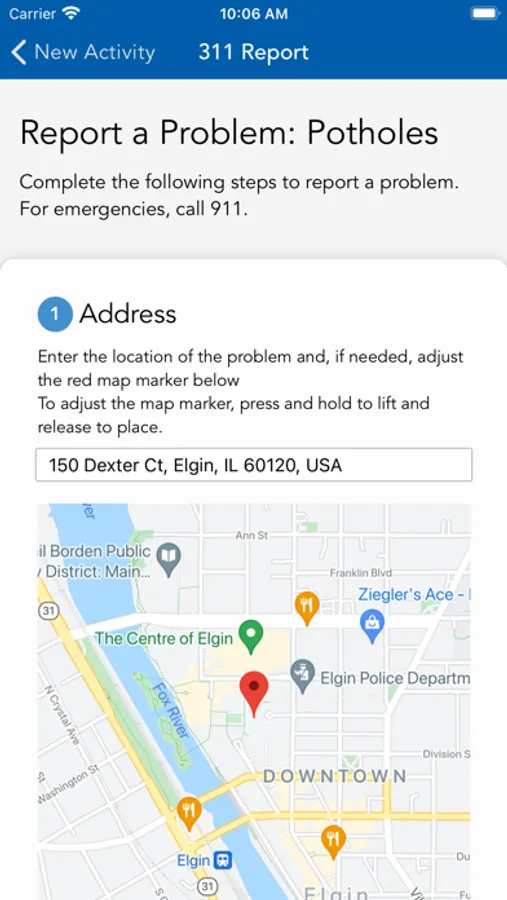
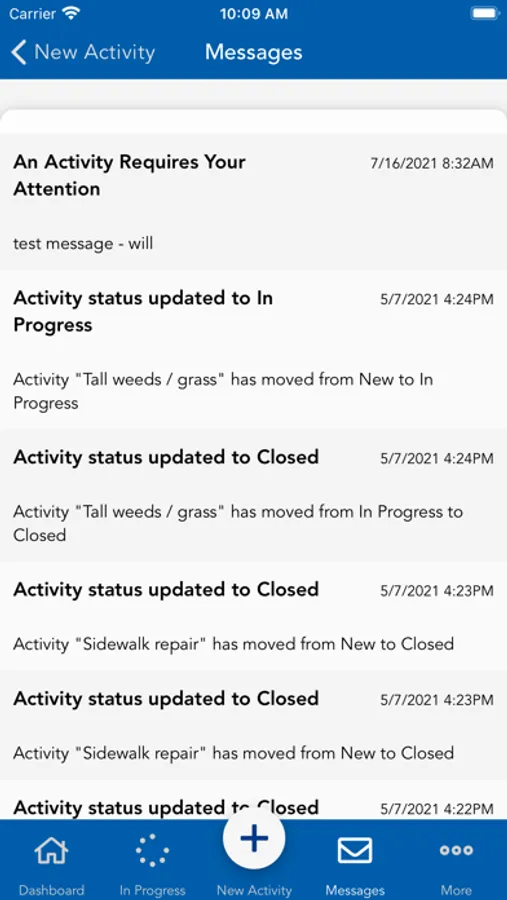
Submit service requests and questions without dialing 311. Attach pictures and tag locations to your requests to help city staff better respond to your needs. 311 Advocates will respond and provide status updates directly in the app.
What’s Happening
Whether you’re looking for construction updates or want to know what’s happening in Elgin over the weekend, check out and share information on the app’s consolidated Twitter feed.
Download the City of Elgin mobile app for fast and convenient access to your community.
City of Elgin Screenshots
Tap to Rate:
Reviews for City of Elgin
k3mike
Allow iOS Password Manager to Work on Login Screen
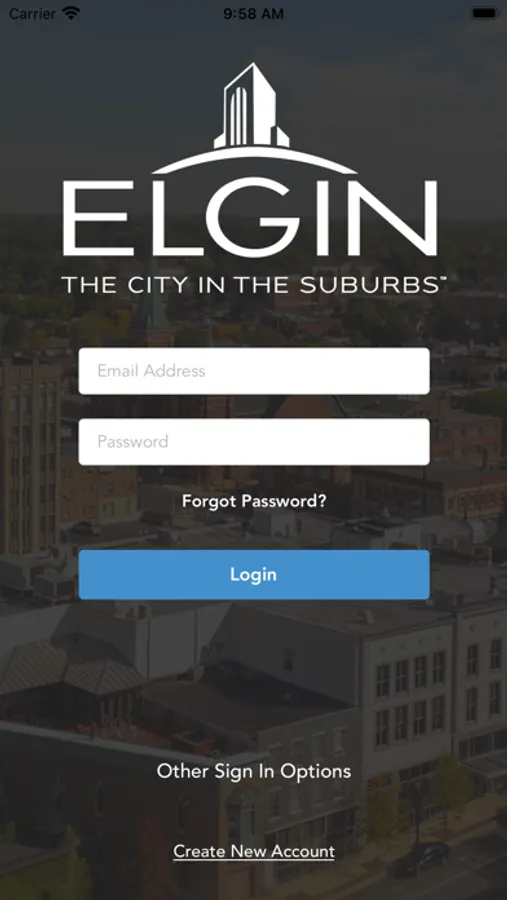
I just downloaded the app and made an account using a strong password. The app doesn’t allow me to copy and paste the strong password into the field. It also blocks the iOS password manager from inserting the username and password. So I resigned myself to manually typing the password into the field, however, when switching to my Notes app to look at the strong password I created, then returning to the Elgin app, the password characters I already entered are deleted. The app developers might think they are doing something that makes the app more secure, when in fact, they are causing people to use weak passwords. Enable the username and password paste option and allow the iOS password manager to do what it was designed for please.
elginkevin
Convenient option
As I don’t use Facebook or Twitter it has been less convenient to get updates from the City in recent years. This helps with that! One criticism is that the app doesn’t play nicely with autofill from a password manager. The login screen also jumps around when I attempt to paste credentials. Other than that it’s be a 5-star rating.