AppRecs review analysis
AppRecs rating 1.4. Trustworthiness 73 out of 100. Review manipulation risk 25 out of 100. Based on a review sample analyzed.
★☆☆☆☆
1.4
AppRecs Rating
Ratings breakdown
5 star
6%
4 star
8%
3 star
0%
2 star
8%
1 star
78%
What to know
✓
Low review manipulation risk
25% review manipulation risk
✓
Credible reviews
73% trustworthiness score from analyzed reviews
⚠
Mixed user feedback
Average 1.6★ rating suggests room for improvement
About Porsche dashcam
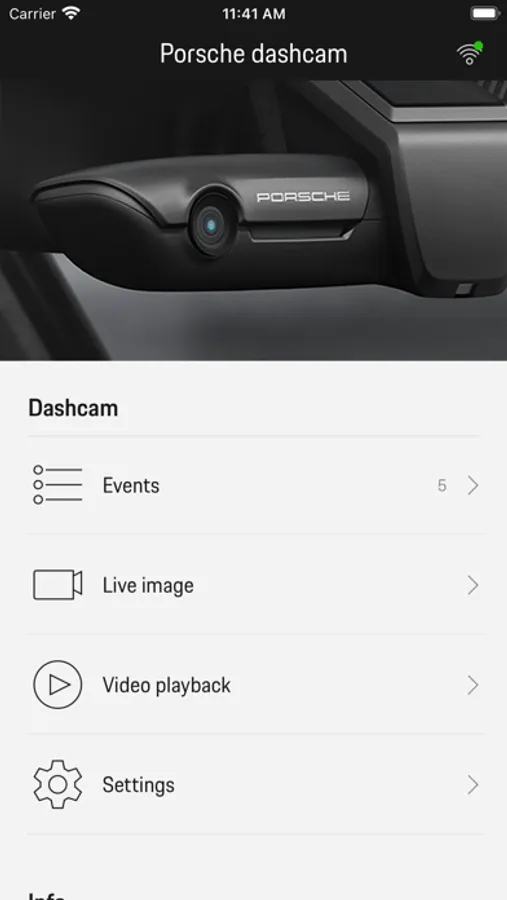
The detailed operating instructions with explanations of all functions can be found in the smartphone app under the "Manual" section.
Events:
Display events recorded during parking since the last time the ignition was switched off.
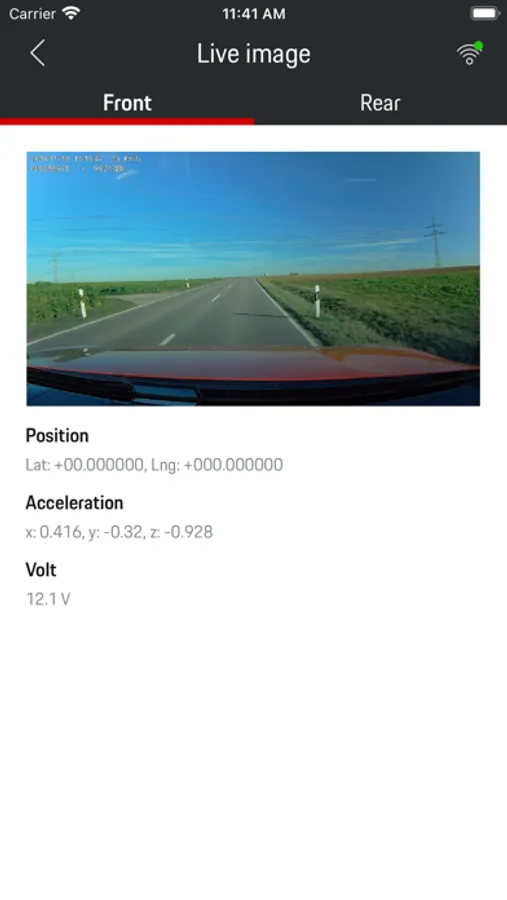
Live image:
Display the live image from the front and rear cameras.
Note: The rear camera is only available in conjunction with a standard dashcam preparation.
Video playback:
– Display saved videos on the Porsche dashcam and the phone.
– Play back (limited resolution), download (full resolution) and delete videos.
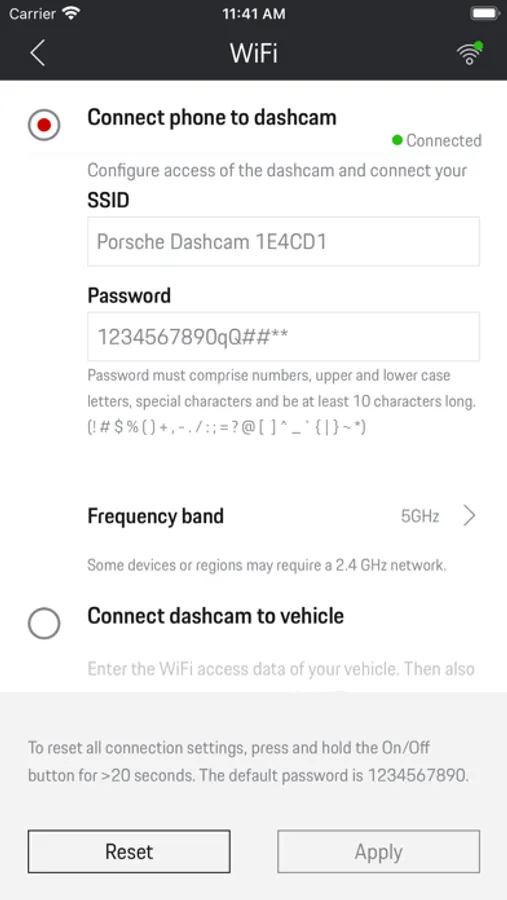
Settings:
To configure:
– WiFi
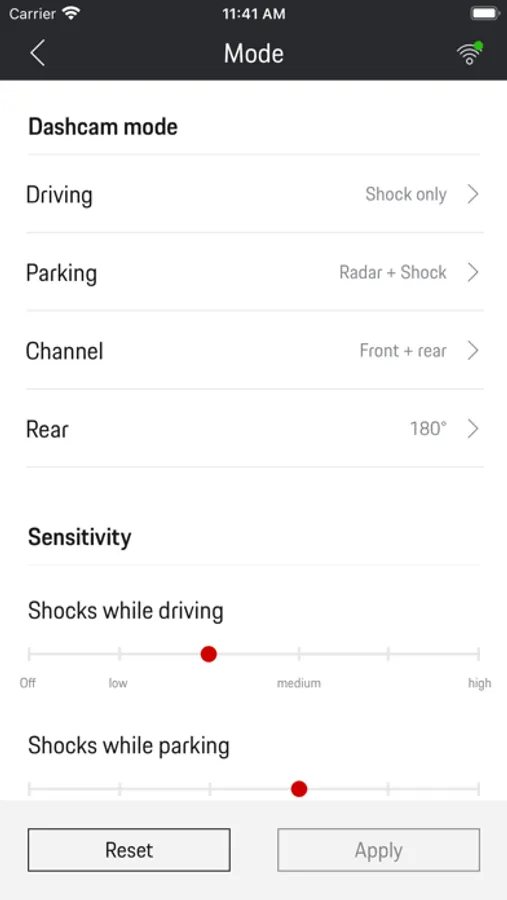
– Mode
– System settings
– Video cross-fade
Porsche dashcam Screenshots
Tap to Rate:
Reviews for Porsche dashcam
Dashcam & 2026 cayenne
Dashcam sucks
Have the Dashcam a few days. It is a real pain to connect to the app if it does connect! For an expensive camera, cables , installation it sucks!
YuraShingo
It works
It’s certainly not the easiest app to connect. The trick is to turn on airplane mode, disconnect from any surrounding WiFi and disable Apple CarPlay. Once these are all set, open the app and it works just fine. The video quality is good and clear.