
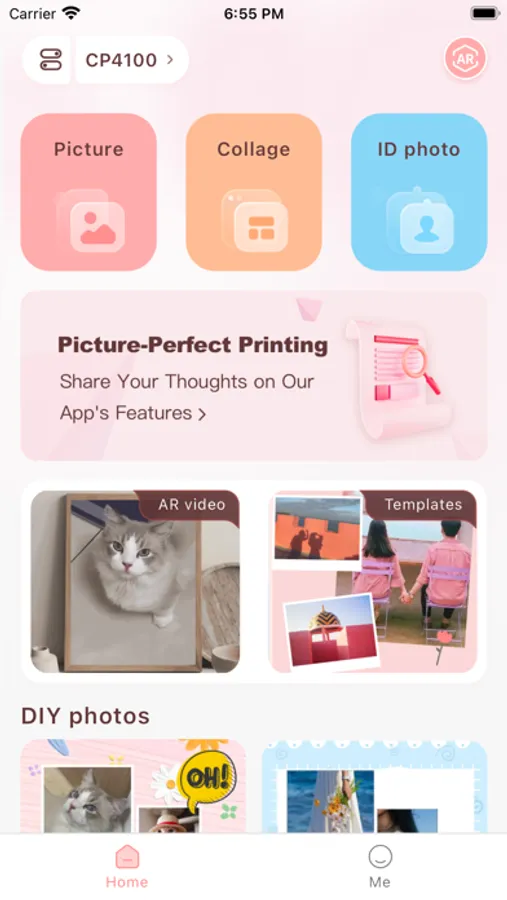
In this photo printing app, users can print photos, ID photos, and AR videos using wireless connections. Includes photo album creation, AR video printing, and ID photo options.
AppRecs review analysis
AppRecs rating 3.0. Trustworthiness 82 out of 100. Review manipulation risk 20 out of 100. Based on a review sample analyzed.
★★★☆☆
3.0
AppRecs Rating
Ratings breakdown
5 star
36%
4 star
13%
3 star
10%
2 star
4%
1 star
37%
What to know
✓
Low review manipulation risk
20% review manipulation risk
✓
Credible reviews
82% trustworthiness score from analyzed reviews
⚠
High negative review ratio
41% of sampled ratings are 1–2 stars
About HeyPhoto
HeyPhoto is an application developed by Hanin company for its thermal sublimation photo printer series in the field of consumption. It supports WiFi/Bluetooth connection and is convenient for you to print wonderful moments anytime, anywhere.
[Function]
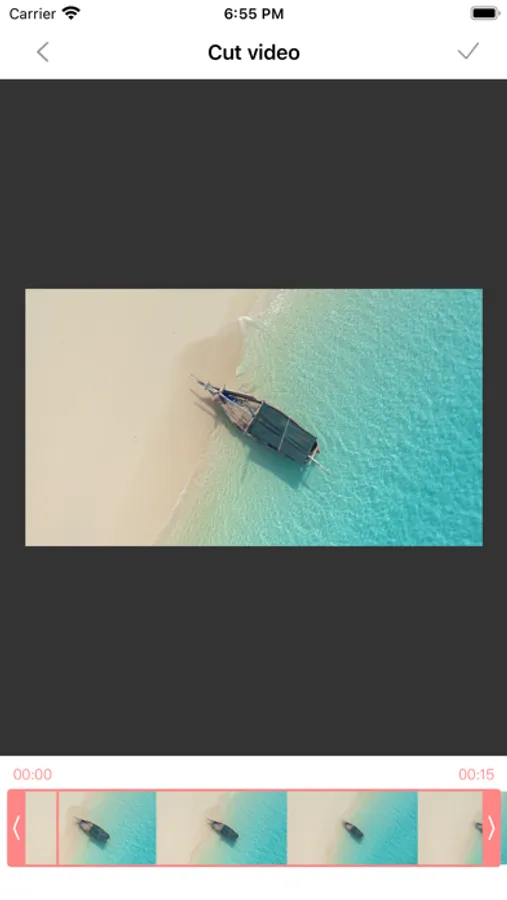
--AR video printing, to explore the story behind the photos;
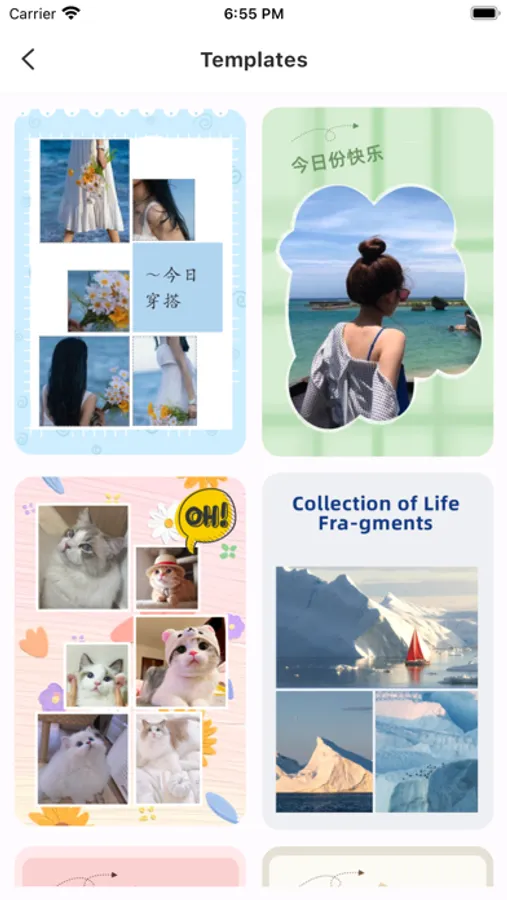
--Photo album printing, to record your life anytime anywhere;
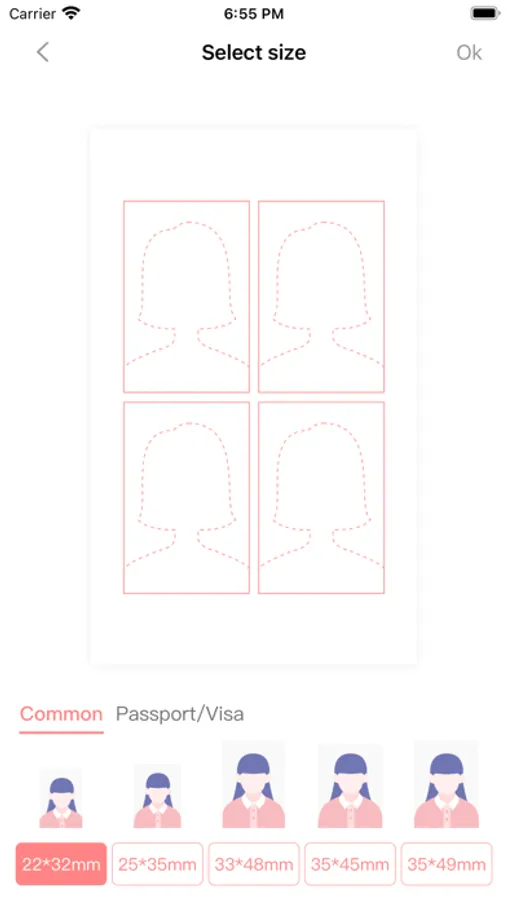
--ID photo printing, to print ID photo for travel anytime
HeyPhoto Screenshots
Tap to Rate:
Reviews for HeyPhoto
6ixxsta
Glitching out of app constantly
Everytime I try editing the photos with the filters and adjustments, I am kicked out of the app. It doesn’t even save what I did and I have to figure out all over again what changes I even made. Frustrating to say the least. On top of that, when the printer cannot be detected, it stays buffering forever instead of allowing you to dismiss the notification, so again, all changes made and all pictures selected have to be redone.
Happy buyer with suggestion
Amazing printer! Small problems with the app
I honestly think this printer is very helpful, and I had no trouble assembling it at all. Unlike other printers I’ve used, this app makes it easy to print photos without anything getting cut off. I also really like how it helps organize multiple pictures into one image for printing. I use this printer for scrapbooking, photos for frames, invitations, and more, and it works great for all of those. However, there is one flaw in the app that can be pretty annoying, even if it seems small. When you’re assembling a collage, you can’t delete individual photos. Instead, you have to exit the project, re-find all the same photos (minus the one you wanted to remove), and start again. This gets tedious and time-consuming when you just want to make a quick change. Even with this issue, I still really love the app and all the options it offers, and I plan to keep using this printer for a long time.