
Video Compress - Resize Video
Best Cool Apps LLC
4.3 ★
412 ratings
Free
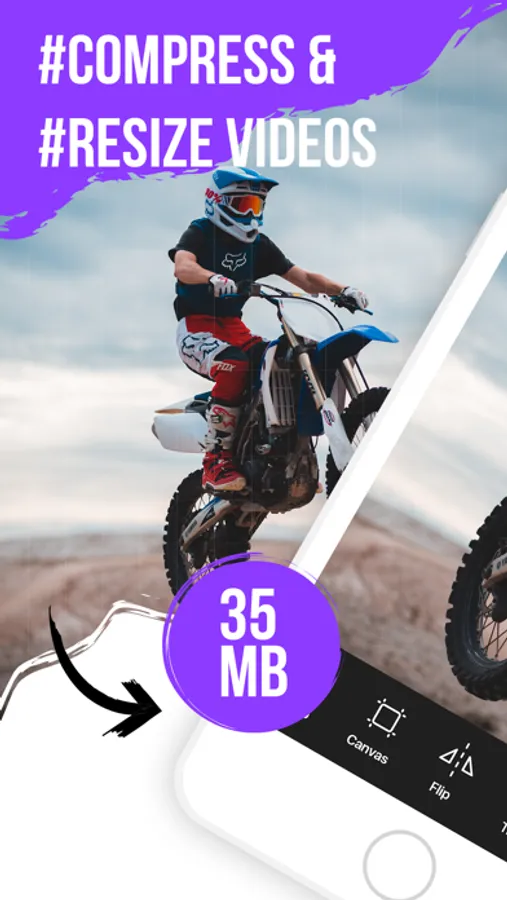
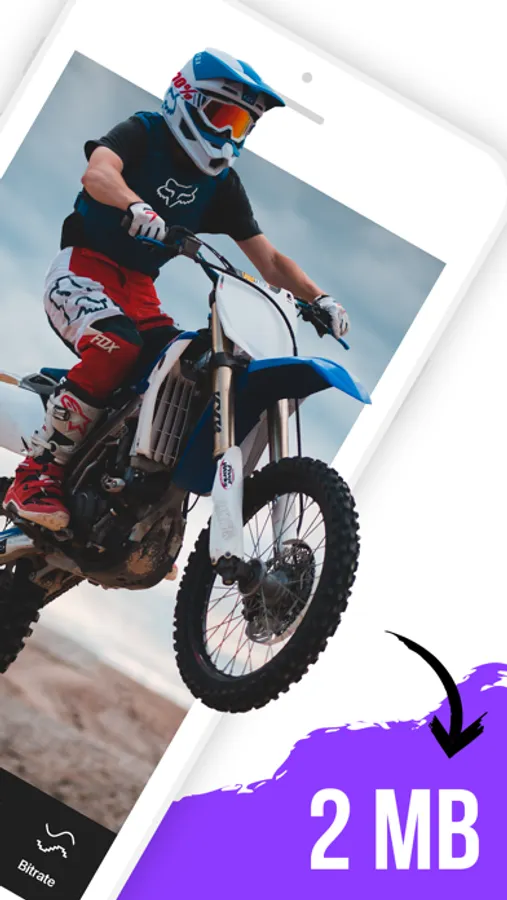
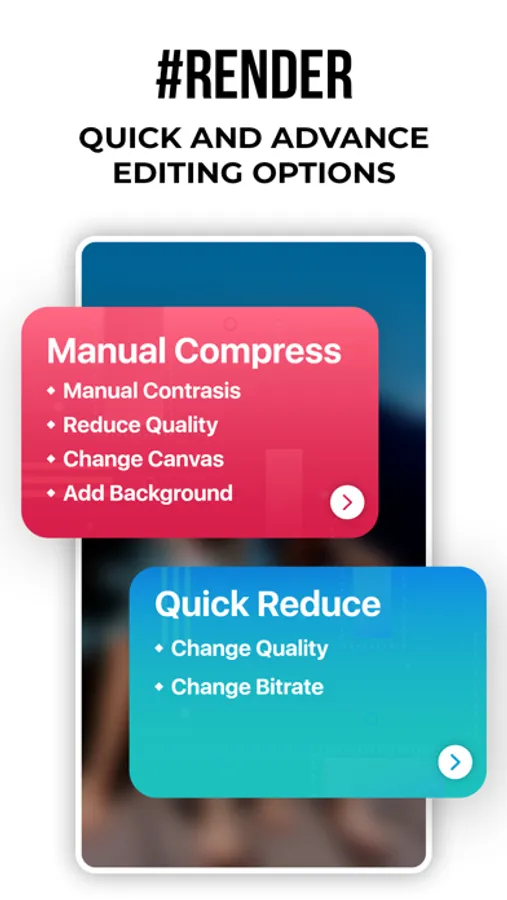
In this video compression app, you can select videos, specify target sizes, and reduce their file sizes while maintaining quality. Includes options for compression settings and automatic saving to a dedicated album.
AppRecs review analysis
AppRecs rating 4.3. Trustworthiness 68 out of 100. Review manipulation risk 37 out of 100. Based on a review sample analyzed.
★★★★☆
4.3
AppRecs Rating
Ratings breakdown
5 star
69%
4 star
11%
3 star
7%
2 star
3%
1 star
10%
What to know
✓
High user satisfaction
80% of sampled ratings are 4+ stars (4.3★ average)
✓
Authentic reviews
Natural distribution, no red flags
About Video Compress - Resize Video
Video Compressor can help you compress your videos easily. Just pick a video, specify the target size, and Save storage space on your iPhone or iPad by compressing your videos and reducing their size without reducing their quality.
6 REASONS TO USE COMPRESS VIDEOS
- Save space on your iPhone or iPad by reducing videos file size
- Optimized for best video quality possible
- Super easy to use
- Shrink videos to share them faster with friends and family
- Quickly and easily compress videos before posting them to social media
- This app respects your privacy and processes your videos directly on your device
REVIEWS FROM USERS
"Great app!!!! The compression is quick and design is user friendly."
"I was surprised how well it works."
SAVE SPACE ON YOUR iPhone
Are you plagued by the “Storage almost full” alert on your iPhone or iPad? If so, this app can help!
Use Compress Videos to shrink the file size of videos and regain storage space on your device. When applied to all your videos, Compress Videos can help you store up to 10 times more videos on your iPhone or iPad.
KEEP VIDEO QUALITY SHARP
Compress Videos is easy to use but it is incredibly powerful.
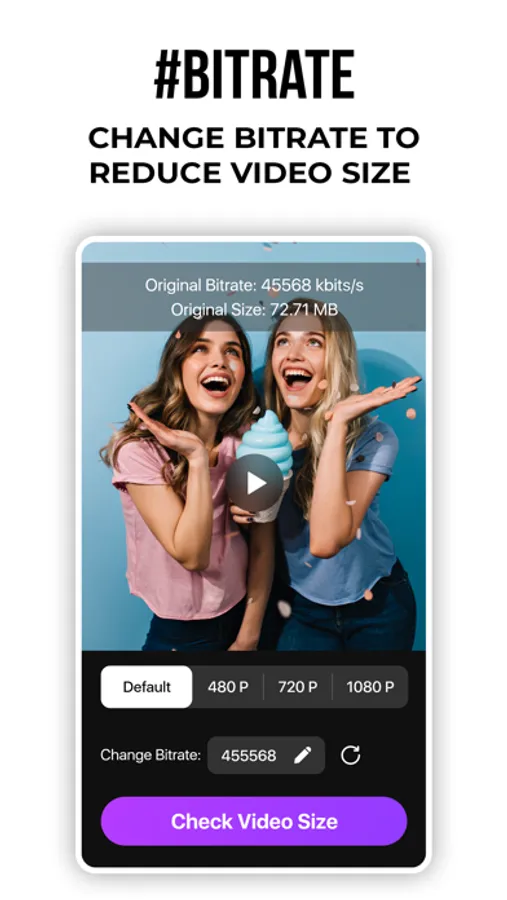
The intelligent compression engine allows you to reduce the file size of videos without reducing their quality. With two compression settings to choose from, Compress Videos can easily shrink your videos by 90% or more without a notable difference.
EASILY LOCATE COMPRESSED VIDEOS
Compressed videos are saved to both your main library and a dedicated album conveniently called “Compressed Videos” on your device, allowing you to easily locate processed footage. This new album is automatically created when you run the app and save compressed videos to your device.
SUPPORTED FILE TYPES
Compress Videos works with all video file types supported by your iPhone, including H.264, MPEG-4, HEVC, .m4v, .mp4, and .mov.
BEFORE AND AFTER SAMPLES
Before: 132.1MB — After: 18.4MB (86% smaller)
Before: 415.1MB — After: 45.6MB (89% smaller)
Before: 127.3MB — After: 24.1MB (81% smaller)
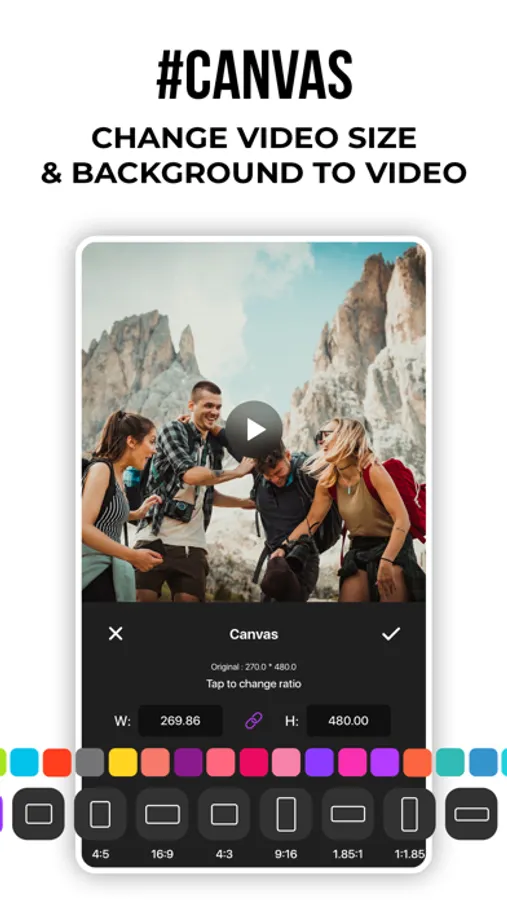
For best results, we recommend setting frame rate at 24 and video dimensions at 80%, which should significantly reduce the file size without a noticeable difference to the naked eye.
PRO VERSION
Upgrade to the Pro version of Compress Videos, and compress more than one video at a time.
Payment will be charged to your iTunes account at confirmation of purchase and will auto-renew at the same price every year, unless canceled in your iTunes account settings at least 24 hours before the end of the current period. Subscriptions may be managed and auto-renewal may be turned off at any time by going to your account settings after purchase.
- Monthly Subscription:- $9.99 Per month
- Yearly Subscription:- $49.99 Per year
Terms of use: https://bestcoolappsllc.wordpress.com/terms-of-use
Privacy policy: https://bestcoolappsllc.wordpress.com/privacy-policy/
6 REASONS TO USE COMPRESS VIDEOS
- Save space on your iPhone or iPad by reducing videos file size
- Optimized for best video quality possible
- Super easy to use
- Shrink videos to share them faster with friends and family
- Quickly and easily compress videos before posting them to social media
- This app respects your privacy and processes your videos directly on your device
REVIEWS FROM USERS
"Great app!!!! The compression is quick and design is user friendly."
"I was surprised how well it works."
SAVE SPACE ON YOUR iPhone
Are you plagued by the “Storage almost full” alert on your iPhone or iPad? If so, this app can help!
Use Compress Videos to shrink the file size of videos and regain storage space on your device. When applied to all your videos, Compress Videos can help you store up to 10 times more videos on your iPhone or iPad.
KEEP VIDEO QUALITY SHARP
Compress Videos is easy to use but it is incredibly powerful.
The intelligent compression engine allows you to reduce the file size of videos without reducing their quality. With two compression settings to choose from, Compress Videos can easily shrink your videos by 90% or more without a notable difference.
EASILY LOCATE COMPRESSED VIDEOS
Compressed videos are saved to both your main library and a dedicated album conveniently called “Compressed Videos” on your device, allowing you to easily locate processed footage. This new album is automatically created when you run the app and save compressed videos to your device.
SUPPORTED FILE TYPES
Compress Videos works with all video file types supported by your iPhone, including H.264, MPEG-4, HEVC, .m4v, .mp4, and .mov.
BEFORE AND AFTER SAMPLES
Before: 132.1MB — After: 18.4MB (86% smaller)
Before: 415.1MB — After: 45.6MB (89% smaller)
Before: 127.3MB — After: 24.1MB (81% smaller)
For best results, we recommend setting frame rate at 24 and video dimensions at 80%, which should significantly reduce the file size without a noticeable difference to the naked eye.
PRO VERSION
Upgrade to the Pro version of Compress Videos, and compress more than one video at a time.
Payment will be charged to your iTunes account at confirmation of purchase and will auto-renew at the same price every year, unless canceled in your iTunes account settings at least 24 hours before the end of the current period. Subscriptions may be managed and auto-renewal may be turned off at any time by going to your account settings after purchase.
- Monthly Subscription:- $9.99 Per month
- Yearly Subscription:- $49.99 Per year
Terms of use: https://bestcoolappsllc.wordpress.com/terms-of-use
Privacy policy: https://bestcoolappsllc.wordpress.com/privacy-policy/
Video Compress - Resize Video Screenshots
Tap to Rate:
Reviews for Video Compress - Resize Video
Reviewer205056
Compressed video has no audio. Faulty app.
I compressed a video using this app, but the final result came with no audio. I don’t recommend this app.
Hi mymgn
Saves without audio
This app would be useful if it didn’t take away the audio after compressing the video. Kind of defeats the purpose of subscribing to this app.