With this measuring app, you can measure linear sizes, distances, angles, areas, perimeters, volumes, and heights using an on-screen ruler and AR features. Includes multiple measurement tools, save options, plan generation, and object detection capabilities.
AppRecs review analysis
AppRecs rating 4.2. Trustworthiness 68 out of 100. Review manipulation risk 23 out of 100. Based on a review sample analyzed.
★★★★☆
4.2
AppRecs Rating
Ratings breakdown
5 star
68%
4 star
9%
3 star
6%
2 star
3%
1 star
14%
What to know
✓
Low review manipulation risk
23% review manipulation risk
✓
High user satisfaction
78% of sampled ratings are 4+ stars (4.2★ average)
✓
Authentic reviews
Natural distribution, no red flags
About Ruler •
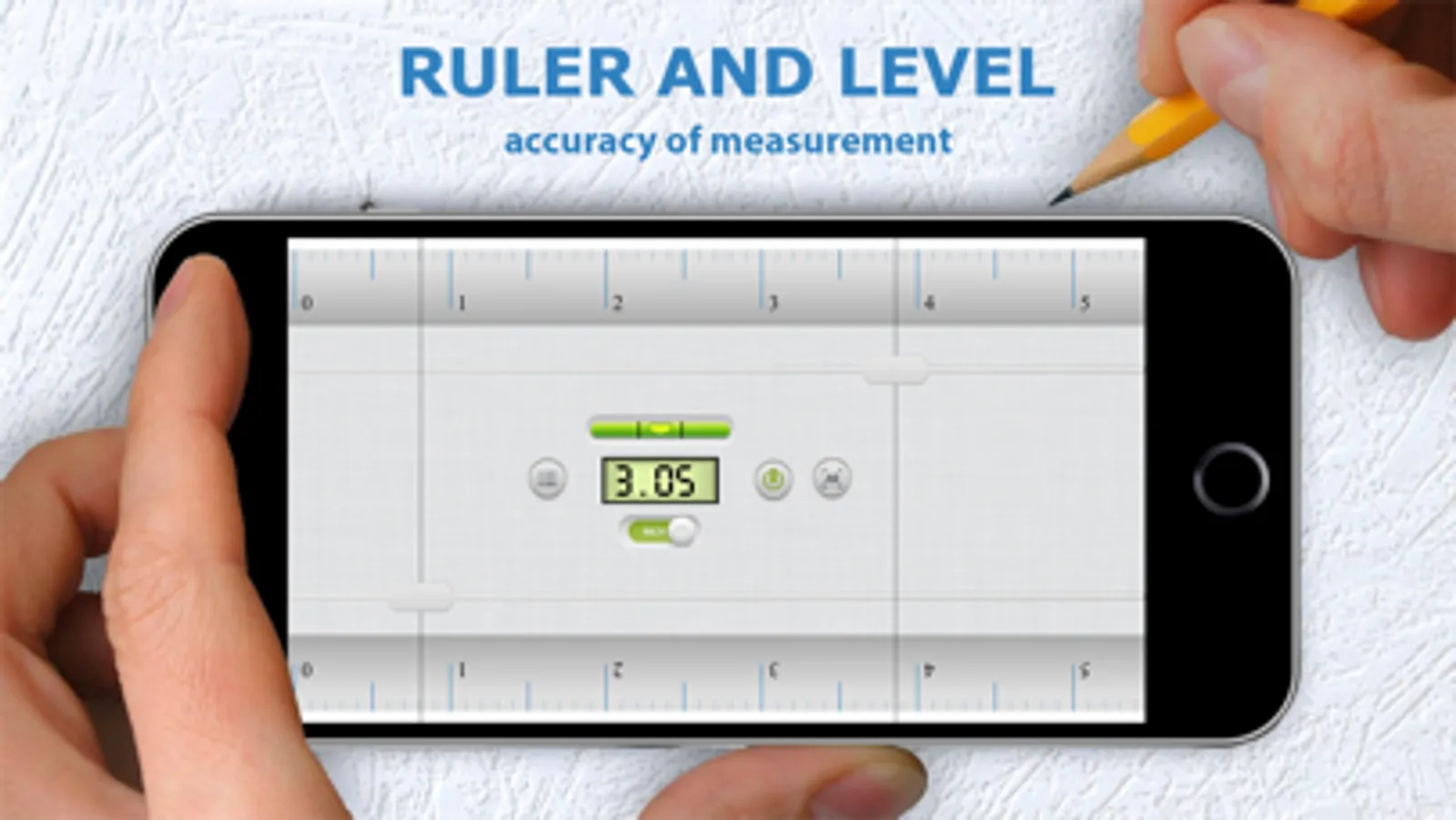
Measure everything with a beautiful on-screen ruler.
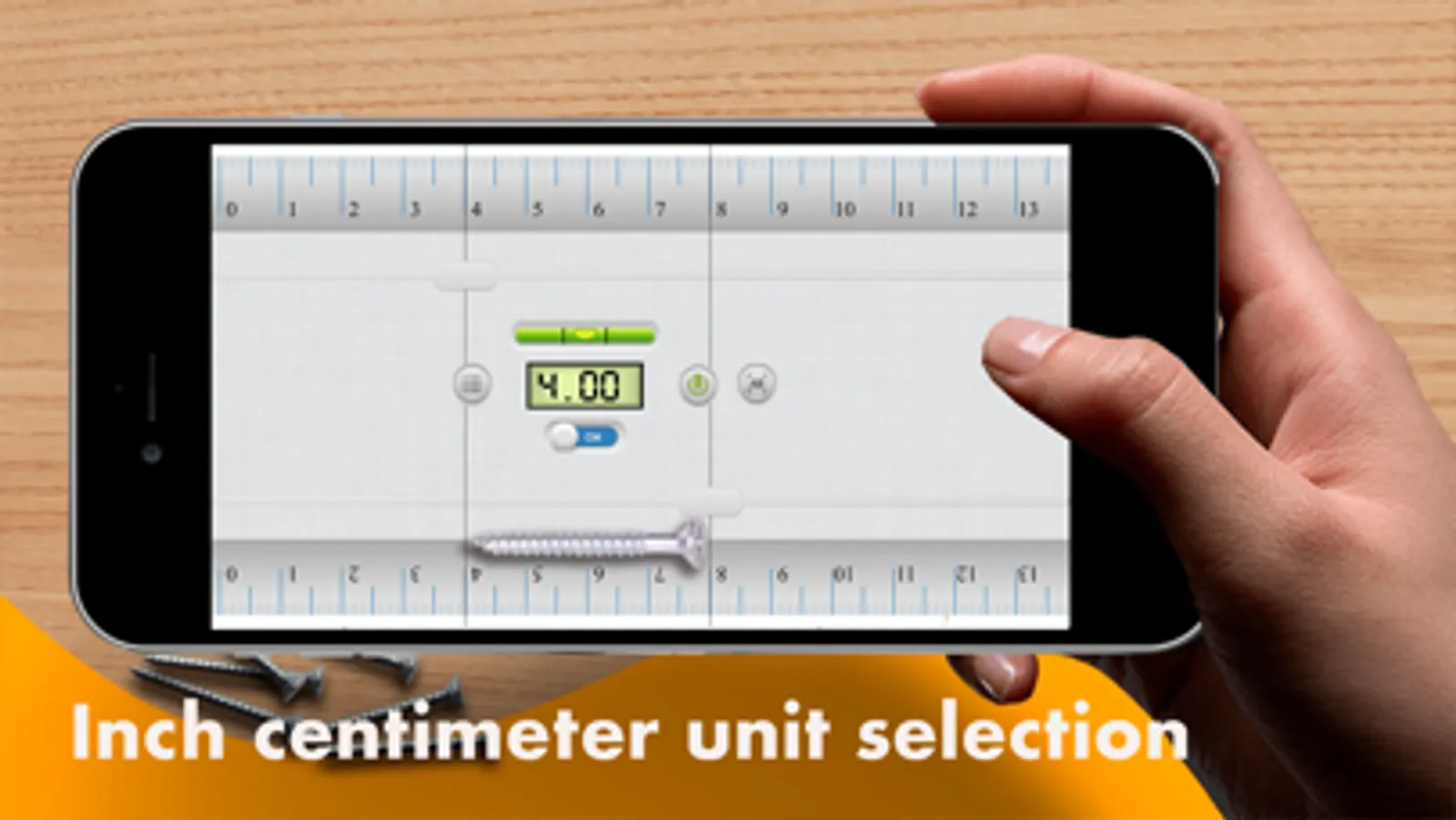
Choose between inches and centimeters.
Tap the screen to start using the best multi-touch measuring system and find the size of all curious objects around you.
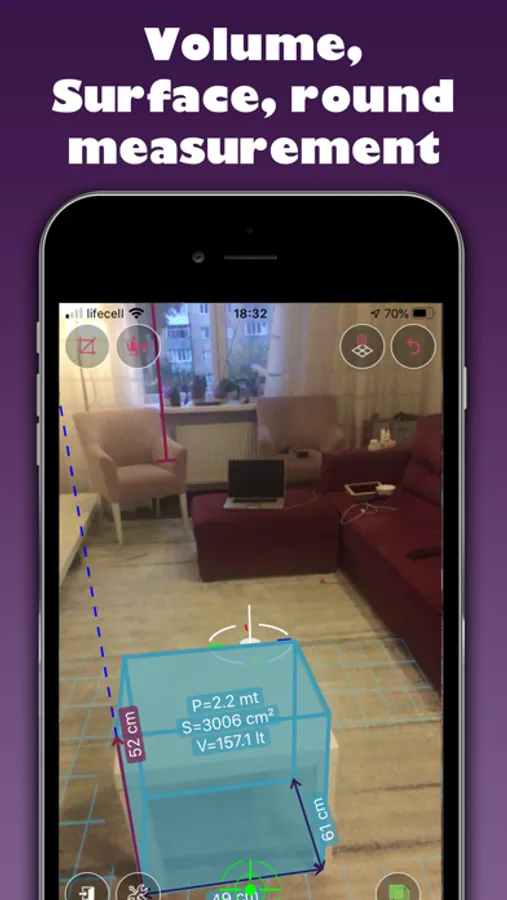
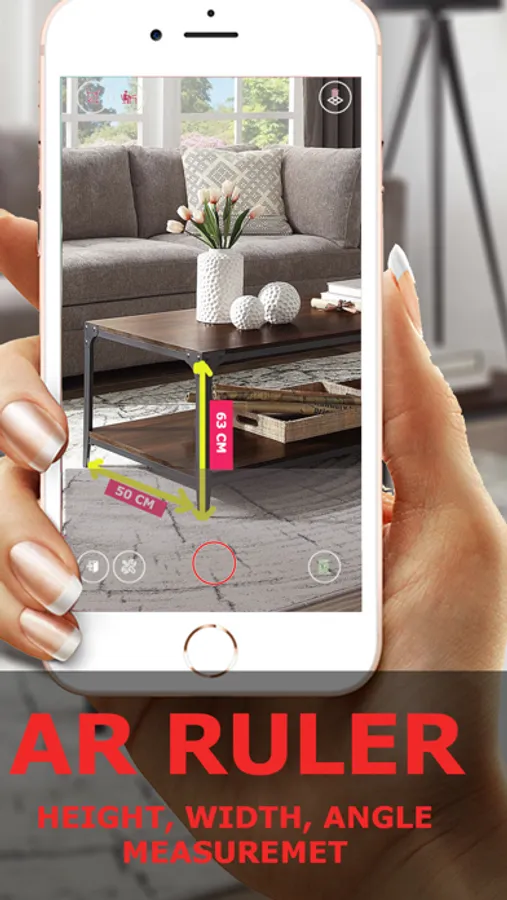
Also with your camera measure everything accurate by using Augmented Reality (AR) feature.
1) Allows to tape measure linear sizes in cm, inches
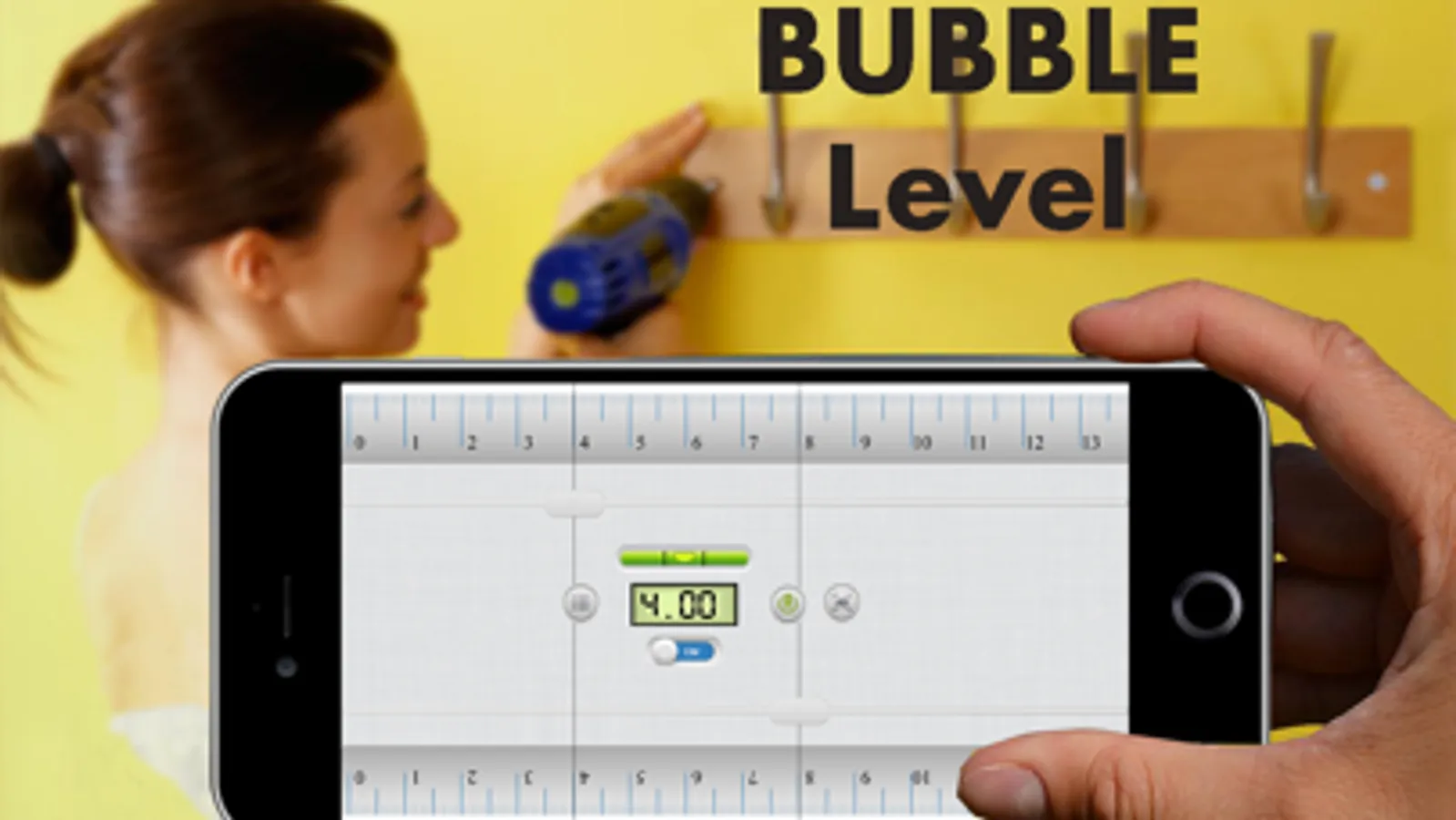
2) With Bubble meter allows you to level objects horizontal
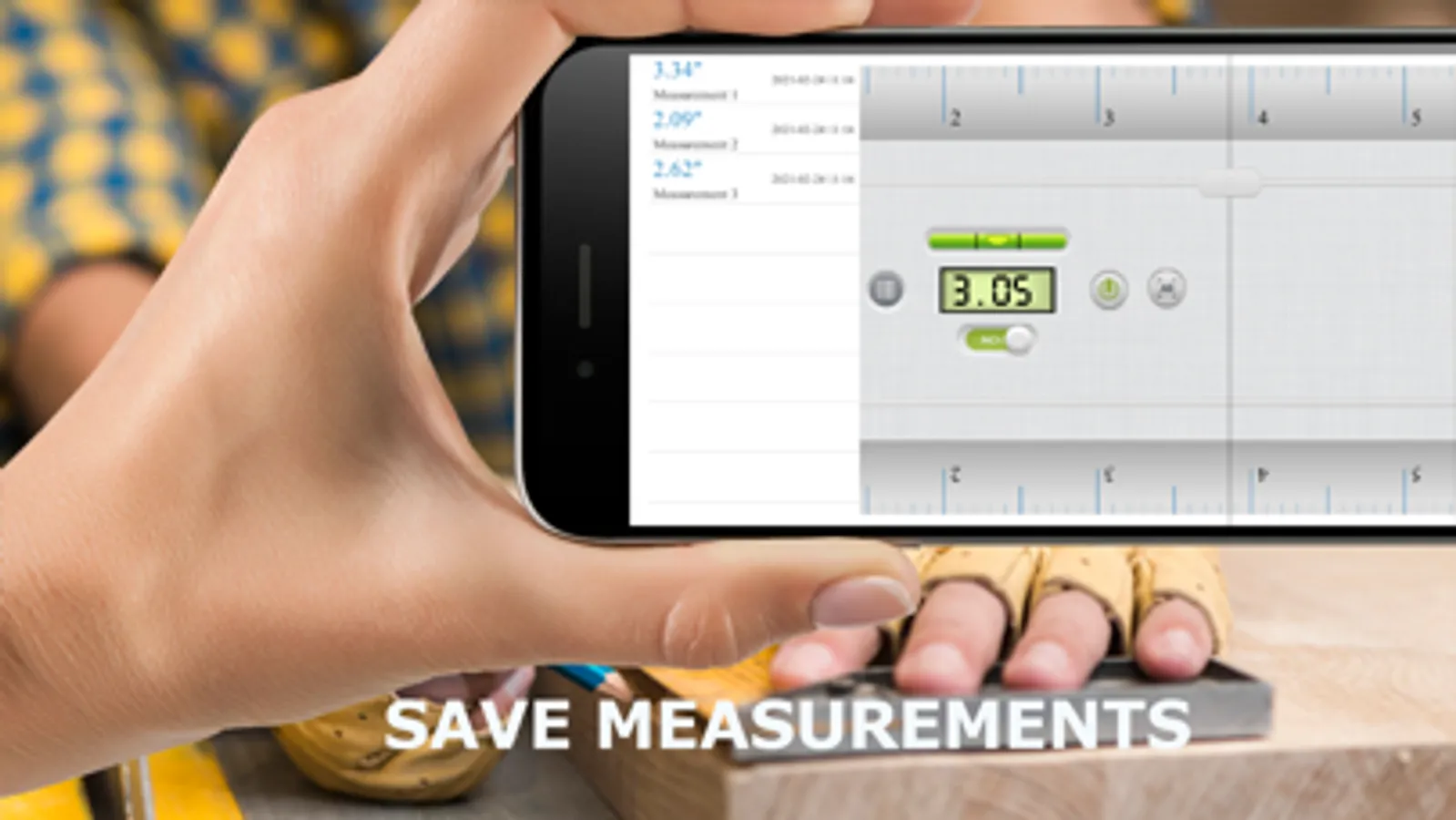
3) Save measurments
4) Allows to tape measure distance from device camera to a fixed point on the detected 3D plane.
5) Angle – allows to tape measure corners on 3D planes.
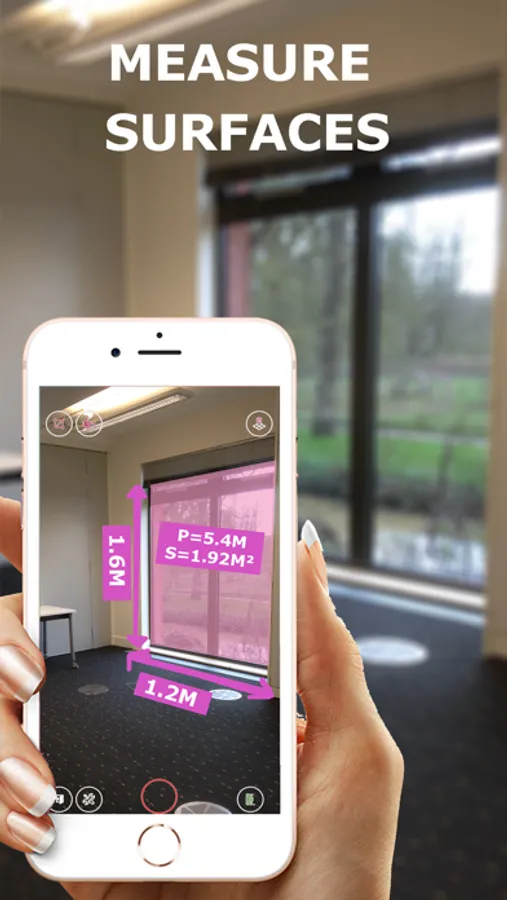
6) Area and Perimeter – allows to tape measure perimeter and area of the room.
7) Volume – allows to tape measure size of 3D objects.
8) Path – allows to calculate the length and area of the path.
9) Height – allows to tape measure height relative to the recognized surface.
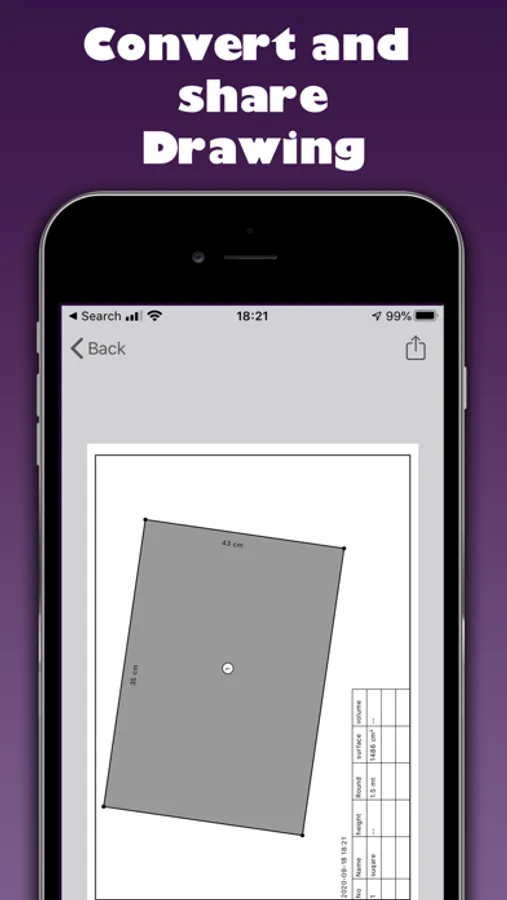
10) Plan – generates plan projection for drawn objects and exports it .
11) On-screen Ruler app – measure small objects directly on the smartphone’s screen.
Choose between inches and centimeters.
Tap the screen to start using the best multi-touch measuring system and find the size of all curious objects around you.
Also with your camera measure everything accurate by using Augmented Reality (AR) feature.
1) Allows to tape measure linear sizes in cm, inches
2) With Bubble meter allows you to level objects horizontal
3) Save measurments
4) Allows to tape measure distance from device camera to a fixed point on the detected 3D plane.
5) Angle – allows to tape measure corners on 3D planes.
6) Area and Perimeter – allows to tape measure perimeter and area of the room.
7) Volume – allows to tape measure size of 3D objects.
8) Path – allows to calculate the length and area of the path.
9) Height – allows to tape measure height relative to the recognized surface.
10) Plan – generates plan projection for drawn objects and exports it .
11) On-screen Ruler app – measure small objects directly on the smartphone’s screen.
Ruler • Screenshots
Tap to Rate:
Reviews for Ruler •
DeathRowKingPin
All his/her gadgets
They all work well so far also has selection to Do not sell information or share my data I download all free ones testing came out well so far
Br dose
Tracking / ads
This is not an app for me