
AppRecs review analysis
AppRecs rating 2.8. Trustworthiness 75 out of 100. Review manipulation risk 26 out of 100. Based on a review sample analyzed.
★★☆☆☆
2.8
AppRecs Rating
Ratings breakdown
5 star
33%
4 star
8%
3 star
0%
2 star
25%
1 star
33%
What to know
✓
Low review manipulation risk
26% review manipulation risk
✓
Credible reviews
75% trustworthiness score from analyzed reviews
⚠
Mixed user feedback
Average 2.8★ rating suggests room for improvement
About GnuCash Mobile
Note: this app is not meant to be a standalone implementation of GnuCash. Rather, it's a simple tool for recording transactions as they happen that also allows you to export in a GnuCash-compatible format (CSV).
Capabilities:
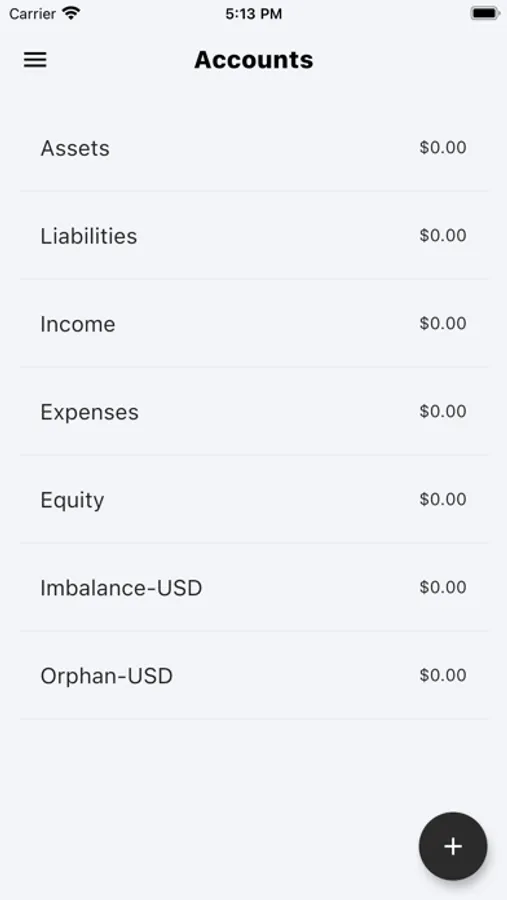
- Import a set of accounts (these should be exported from a valid GnuCash instance; `File > Export > Export Account Tree to CSV...`)
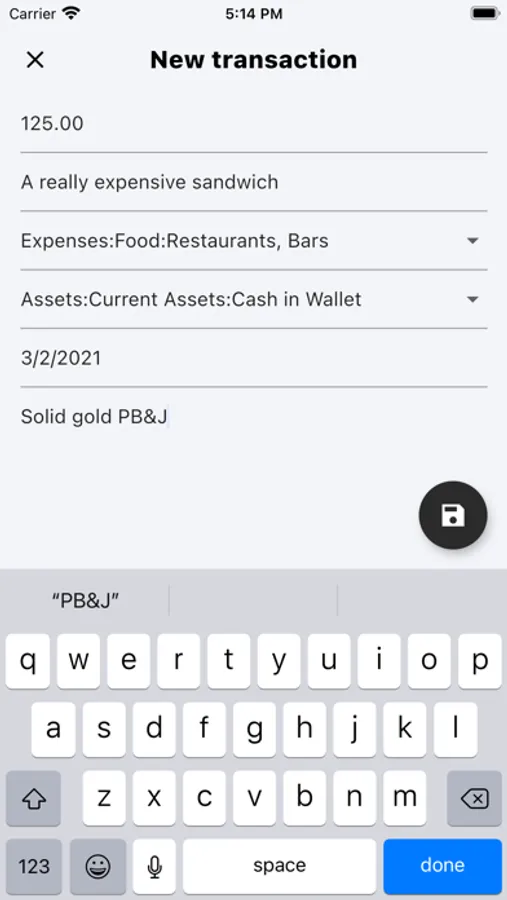
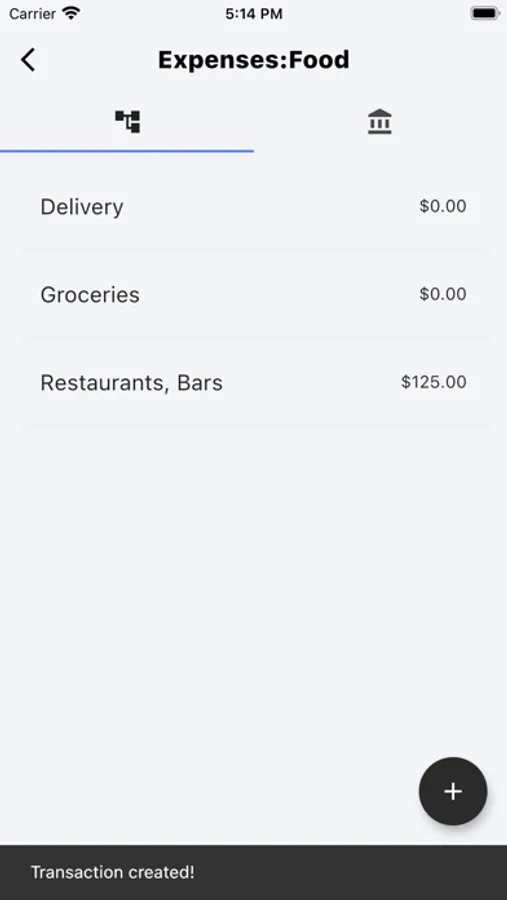
- Create transactions in GnuCash-compatible, double-bookkeeping fashion.
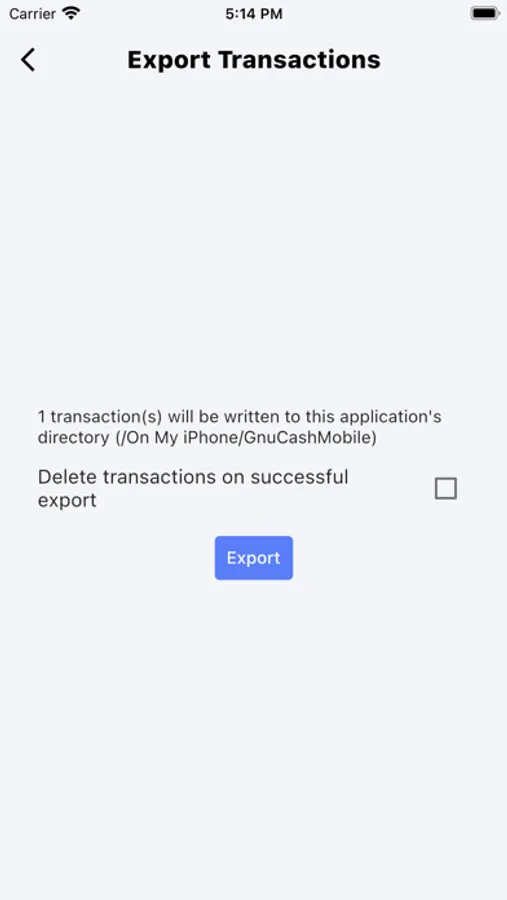
- Export said transactions for import into a standalone GnuCash instance (`File > Import > Import Transactions from CSV...`). Use the "GnuCash Export Format".
- Set favorite debit and credit accounts for pre-populating transaction fields.
GnuCash Mobile Screenshots

Tap to Rate:
Reviews for GnuCash Mobile
dantc721
Import
Exactly what is it looking for? I entered my.gnucssh file from my desktop and nothing happens
Travis716
Certainly no frills
If one selects a debit account (like any expense account) to enter a positive amount, a negative amount will be exported to that account. Then the “credit account” will have a positive amount posted!!!??? Once I realized this I allowed for it. But really? If this app allows for split transactions (pretty common for me), I couldn’t figure out how.