
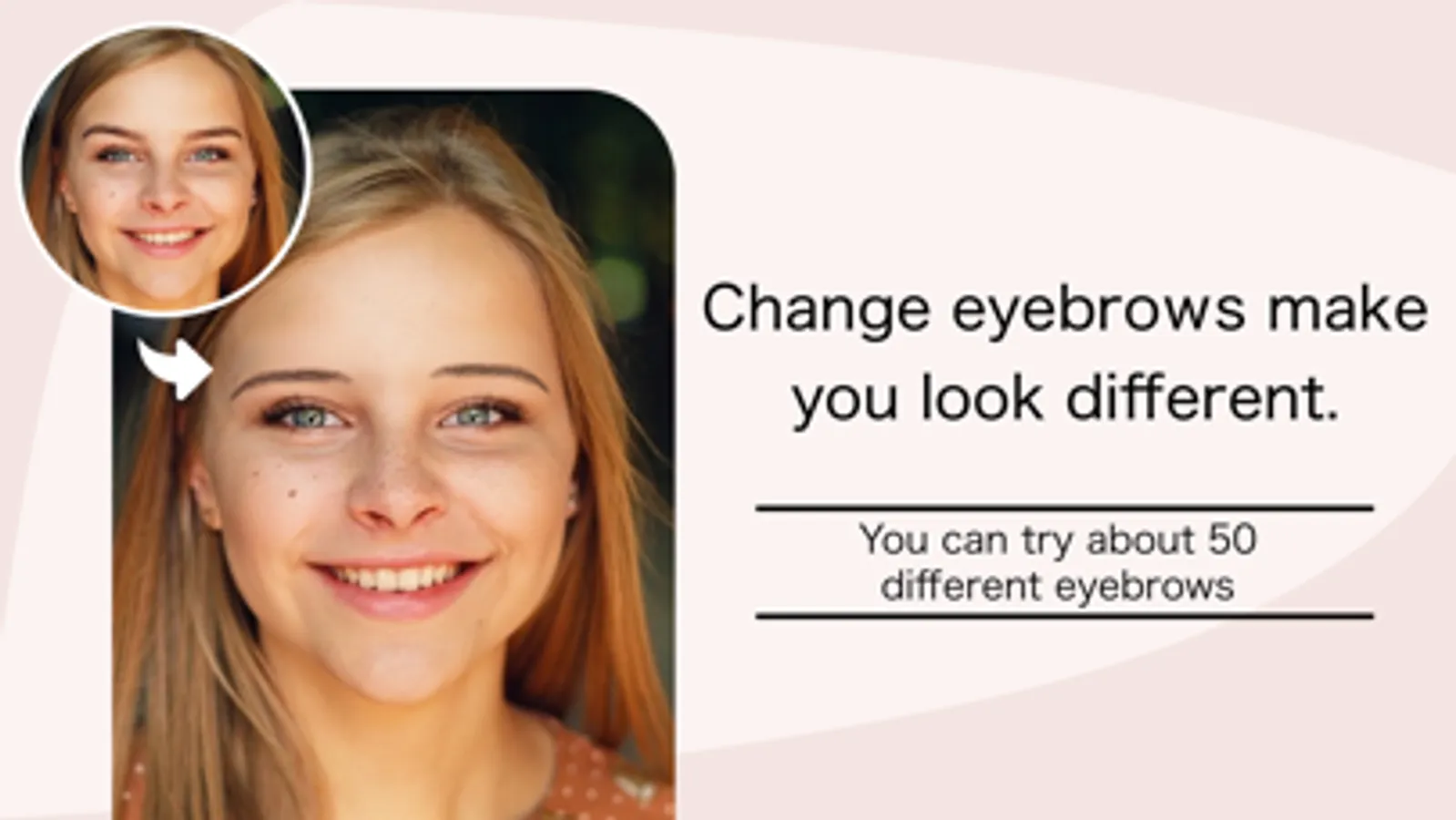
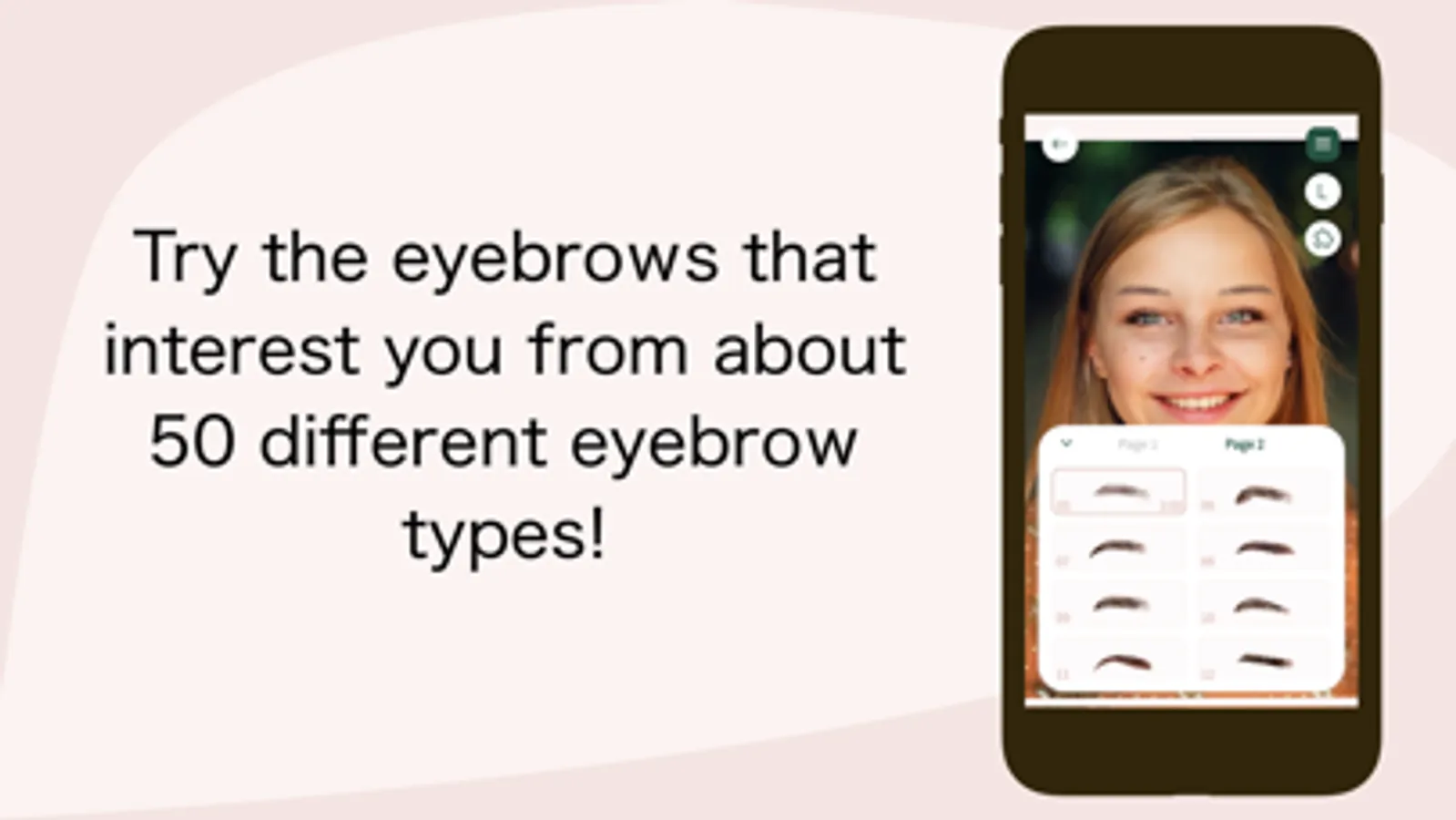
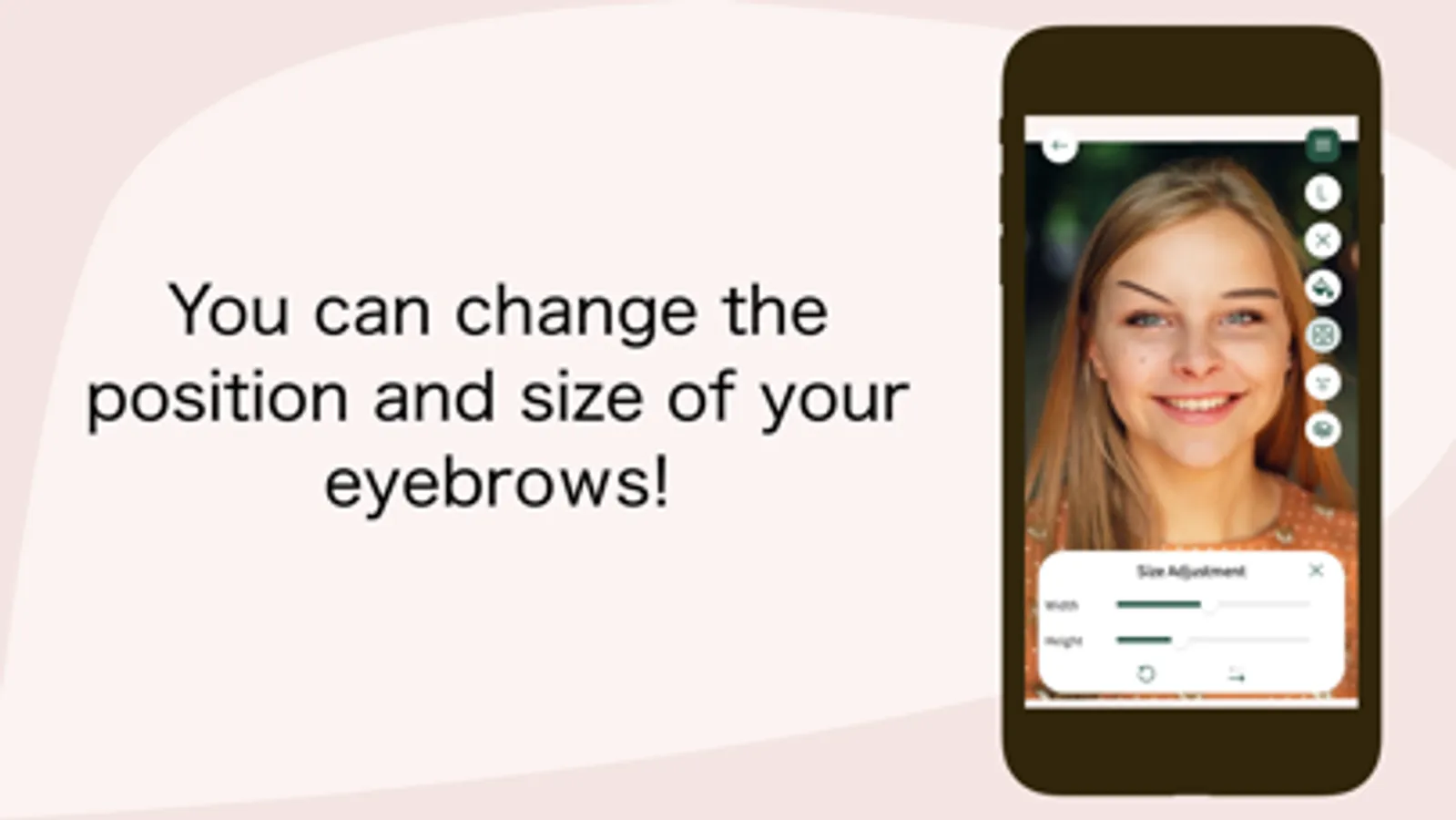
With this photo editing app, you can overlay different eyebrow styles onto your face, adjust their position, size, and color. Includes face photo upload, customization tools, and adjustable eyebrow features.
AppRecs review analysis
AppRecs rating 4.0. Trustworthiness 68 out of 100. Review manipulation risk 26 out of 100. Based on a review sample analyzed.
★★★★☆
4.0
AppRecs Rating
Ratings breakdown
5 star
69%
4 star
6%
3 star
3%
2 star
3%
1 star
20%
What to know
✓
Low review manipulation risk
26% review manipulation risk
✓
High user satisfaction
75% of sampled ratings are 4+ stars (4.0★ average)
✓
Authentic reviews
No red flags detected
About Find ideal eyebrows:BrowStudio
◎Features of BrowStudio
・Combine various eyebrows with a photo of your face.
・Change the position, size, and angle of the eyebrows freely.
・Brow color and density can be changed.
◎How to use
1) Take a picture of your face or select from an album to load a photo of your face.
2) Follow the instructions to process the photo.
3) Enjoy changing the appearance of your eyebrows with various shapes, colors, intensities, and positions.
◎ Disclaimer
・Photographs taken and used with this application will not be saved. Photos taken and used with this application will not be saved and will not be used for any purpose other than for this application.
The photos taken and used with this application will not be saved and will not be used for any purpose other than this application.
・We do not support the operation of this application on models other than the recommended models and OS versions.
・Depending on the customer's usage conditions, the operation may be unstable even on the recommended models.
◎Contact Us
E-mail address: support@catos.jp
※Important Notes on Use
Privacy Policy: https://catosjp.github.io/Web/PrivacyPolicy/BrowStudioPrivacyPolicy
Terms of Use: https://catosjp.github.io/Web/TermsOfService/BrowStudioTermsOfService
・Combine various eyebrows with a photo of your face.
・Change the position, size, and angle of the eyebrows freely.
・Brow color and density can be changed.
◎How to use
1) Take a picture of your face or select from an album to load a photo of your face.
2) Follow the instructions to process the photo.
3) Enjoy changing the appearance of your eyebrows with various shapes, colors, intensities, and positions.
◎ Disclaimer
・Photographs taken and used with this application will not be saved. Photos taken and used with this application will not be saved and will not be used for any purpose other than for this application.
The photos taken and used with this application will not be saved and will not be used for any purpose other than this application.
・We do not support the operation of this application on models other than the recommended models and OS versions.
・Depending on the customer's usage conditions, the operation may be unstable even on the recommended models.
◎Contact Us
E-mail address: support@catos.jp
※Important Notes on Use
Privacy Policy: https://catosjp.github.io/Web/PrivacyPolicy/BrowStudioPrivacyPolicy
Terms of Use: https://catosjp.github.io/Web/TermsOfService/BrowStudioTermsOfService
Find ideal eyebrows:BrowStudio Screenshots
Tap to Rate:
Reviews for Find ideal eyebrows:BrowStudio
Gaellm
I feel
Complete
fdasdfghioop
DONT DOWNLOAD,MONEY SCAM
Watched the same ad 3 times in a row and it doesn't do anything. You have to pay to use this dont fall for it