AppRecs review analysis
AppRecs rating 3.7. Trustworthiness 80 out of 100. Review manipulation risk 25 out of 100. Based on a review sample analyzed.
★★★☆☆
3.7
AppRecs Rating
Ratings breakdown
5 star
50%
4 star
0%
3 star
33%
2 star
0%
1 star
17%
What to know
✓
Low review manipulation risk
25% review manipulation risk
✓
Credible reviews
80% trustworthiness score from analyzed reviews
About PLNR : To-Do List + Calendar
TASKS - Quickly and easily create tasks
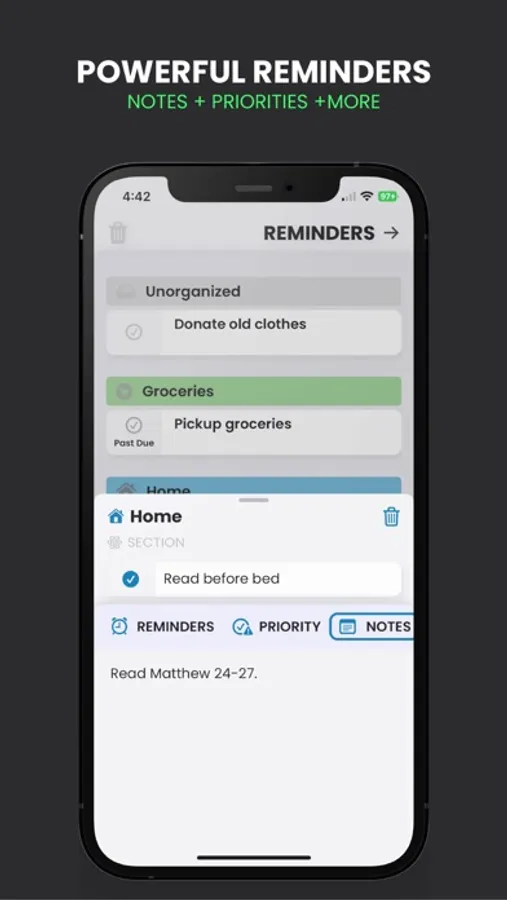
-Time reminders
-*Location reminders (notifies you when arriving at the set location)
-*Add notes to a task
-Set task priority level
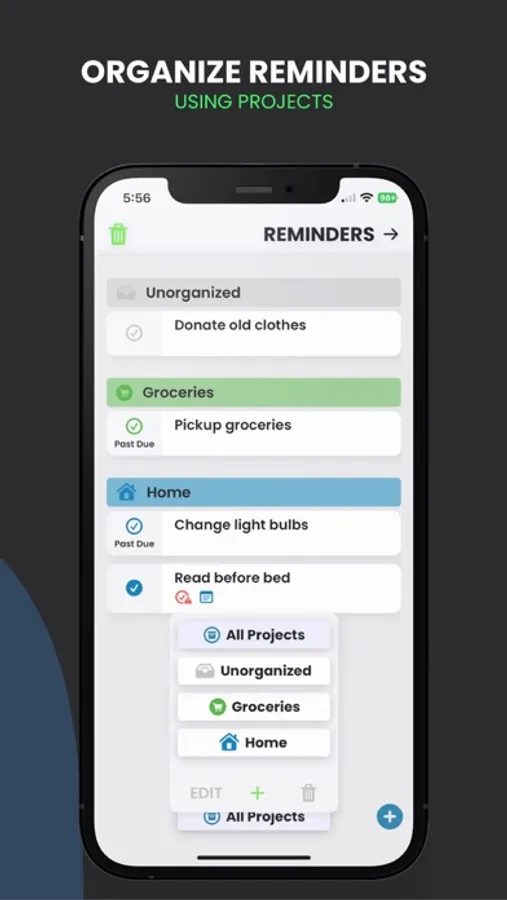
-*Group tasks into different “Projects”
-*Draw on notebook paper screen to create reminders (iPad)
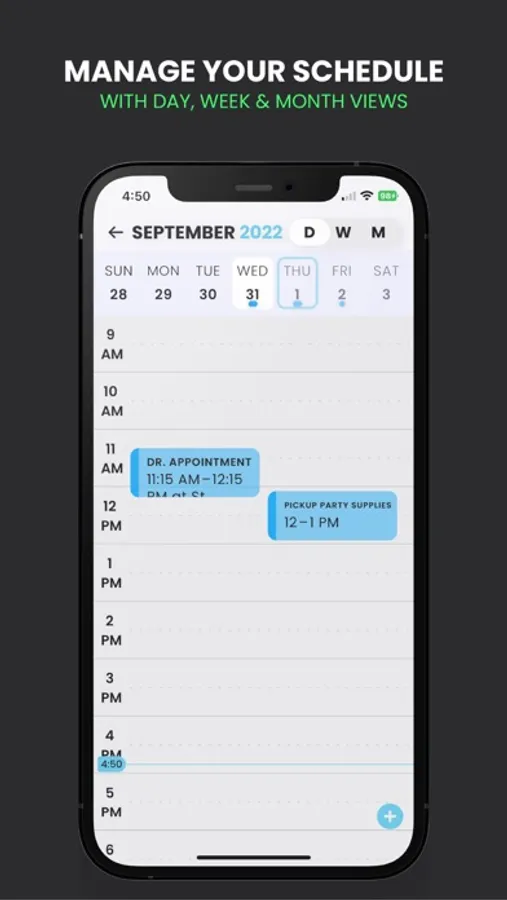
EVENTS - Create Events to be Shown on the Calendar View
-View by day, week, or month
-Add notes to an event
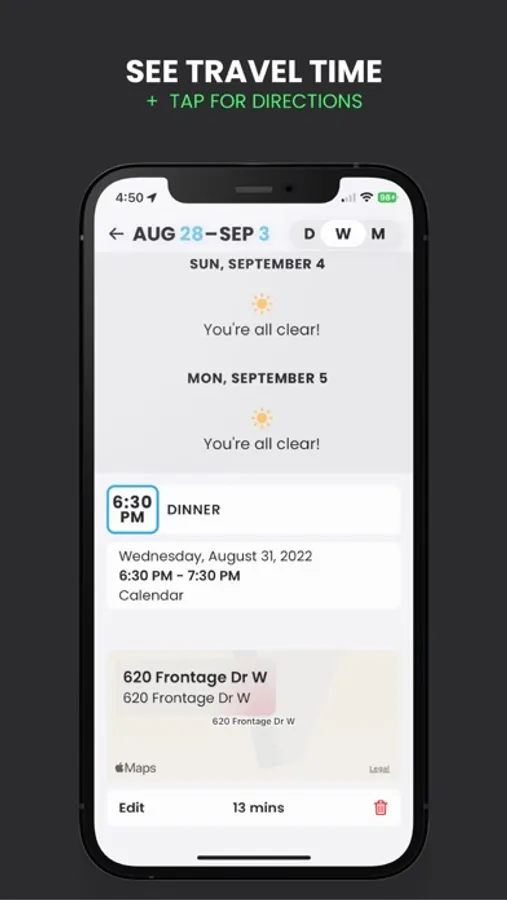
-*Get directions to an event at the click of a button
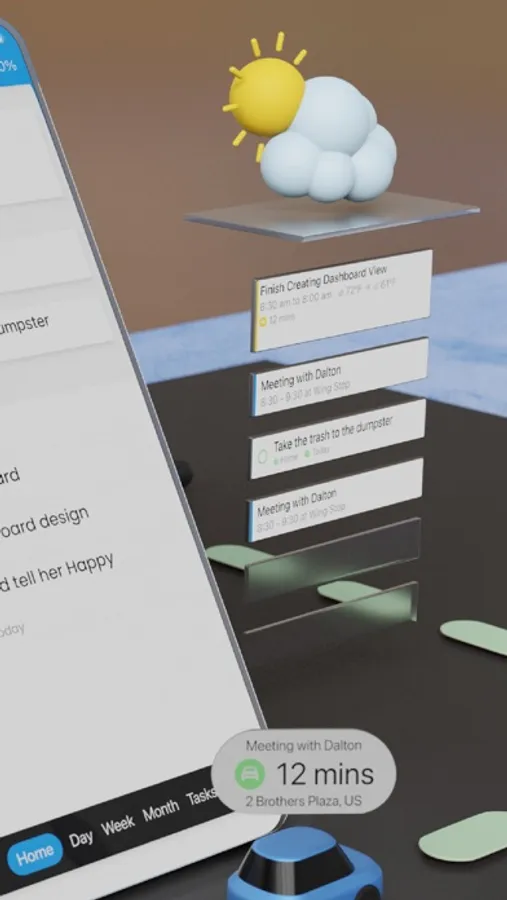
-*Automatically calculates travel time to ensure you aren’t late
-*Draw on you calendar to create events (iPad)
IMPORTANT FEATURES
-Tasks and events sync to all devices
-Weather Data
-*App color scheme is fully customizable
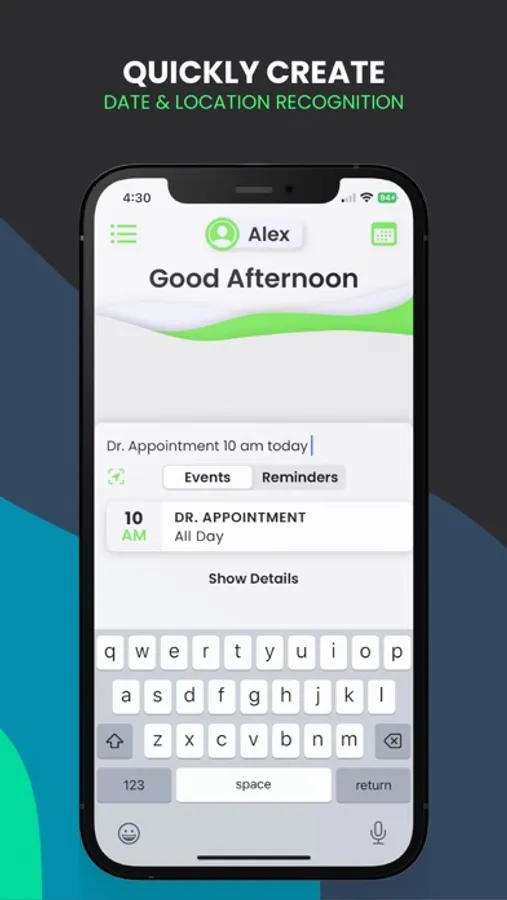
-*Natural language input helps to quickly create reminders and events
-Create “Projects” to organize reminders
-Sign in with Apple to keep information secure
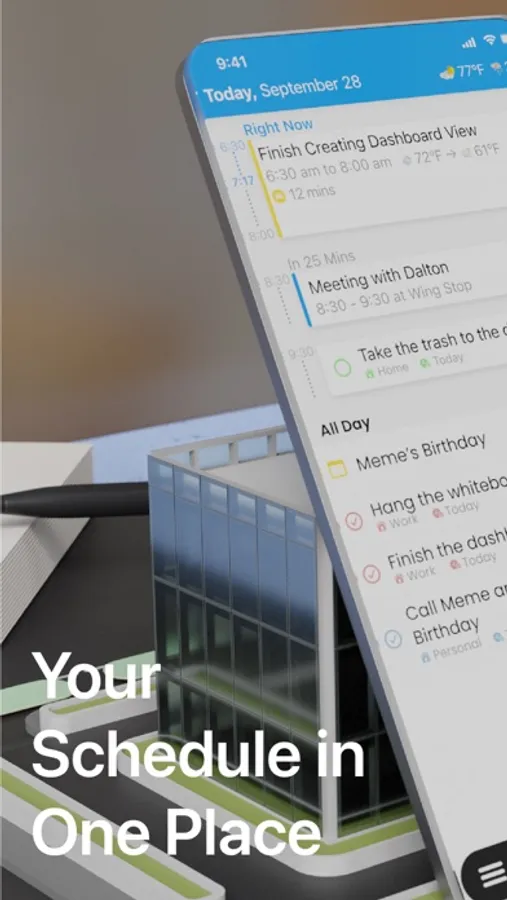
ALL CALENDARS IN ONE PLACE - PLNR automatically pulls events from any other calendar you have on your device.
*PLNR +
PLNR is free to download and comes with free features, but to get the most out of PLNR we recommend paying for PLNR +. This enables access to all PLNR features, guarantees monthly updates, and ensures the development of future features.
PLNR : To-Do List + Calendar Screenshots
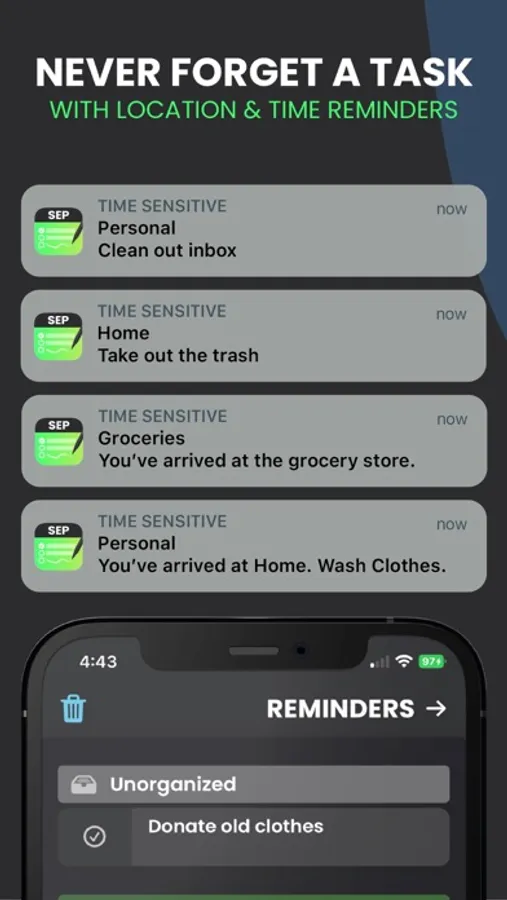
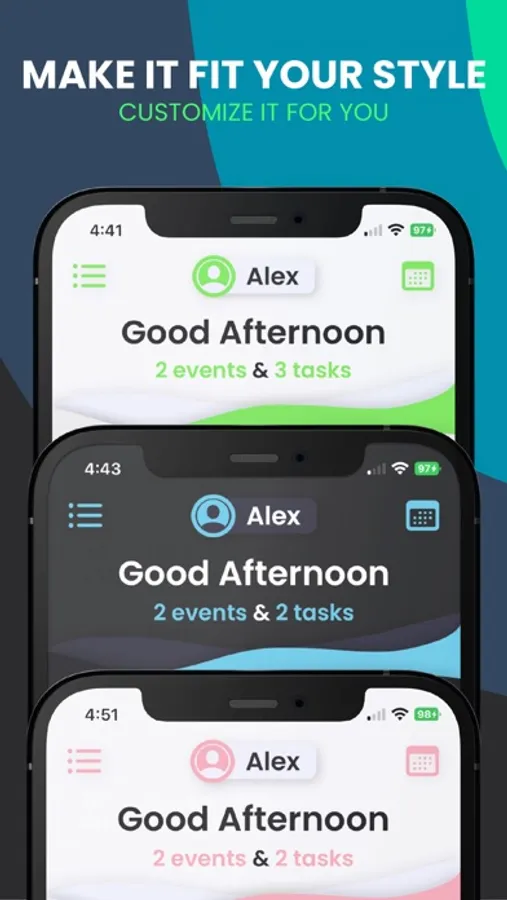
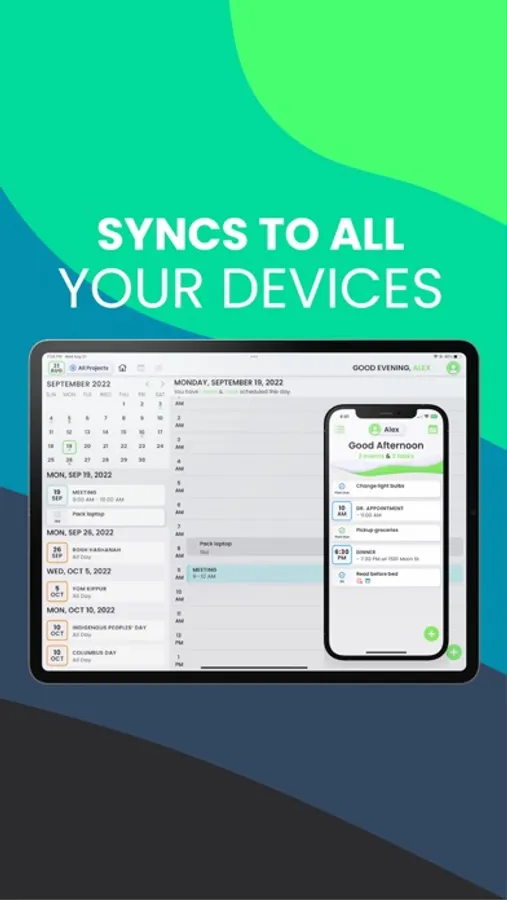
Tap to Rate:
Reviews for PLNR : To-Do List + Calendar
pdrucker
Disappointing
I wanted to like this so much and it has so much potential that I even paid for a subscription, but it fell very short in actual usage. It takes multiple launches of the app to recognize your subscription and when it does, it is so slow that it is basically unusable. I’m using it on the most recent mini and last gen pro and the experience was terrible on both.
levelupginger
Has potential but needs major design work
I really want to like this app but it seems they made a really odd design decisions. For example, why would I want a highlighter to read as trying to add a new calendar invite? While, having the ability to expand and contract the tray on the left-hand side is cool it does not change the column sizes of the weekly calendar. However, it does change the tool bar date displays making it, so they no longer lineup. It also imported all of my calendar events from my accounts without taking into consideration what I had hidden in my Icalendar. Now I can’t for the life of me. Figure out how to get all these extra holidays off of the calendar ui. I really like the handwriting to add an event but again it’s super buggy because it pops up any time you touch or draw anything on the calendar.