AppRecs review analysis
AppRecs rating 2.0. Trustworthiness 65 out of 100. Review manipulation risk 21 out of 100. Based on a review sample analyzed.
★★☆☆☆
2.0
AppRecs Rating
Ratings breakdown
5 star
0%
4 star
0%
3 star
0%
2 star
100%
1 star
0%
What to know
✓
Low review manipulation risk
21% review manipulation risk
⚠
Mixed user feedback
Average 2.0★ rating suggests room for improvement
About rooomScan - 3D Scan App
Want to capture images in more than 2 dimensions? With the rooomScan 3D Scan app, your smartphone or tablet becomes a full-fledged 3D scanner that lets you take photos and convert them into 3D models. Experience how you can create an impressive 3D model within minutes, which you can freely view from all sides. All you need is this free app.
Turn your mobile device into a 3D tool for:
- Very easy creation of 3D models from photos
- Guided scanning of objects for 3D model creation
- Creation of augmented reality content
- Viewing 3D models
- Create 3D models for embedding on websites
- Create 3D content to share via social media or email
How does the 3D Scan app work?
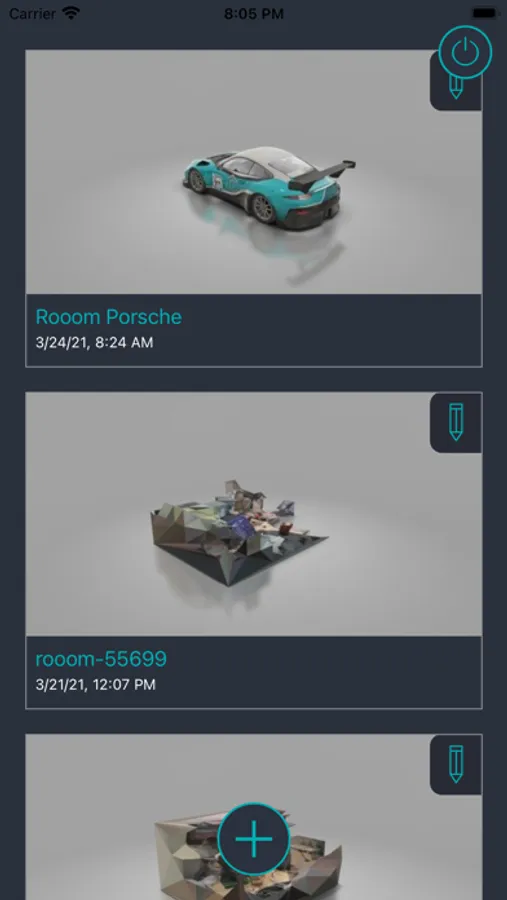
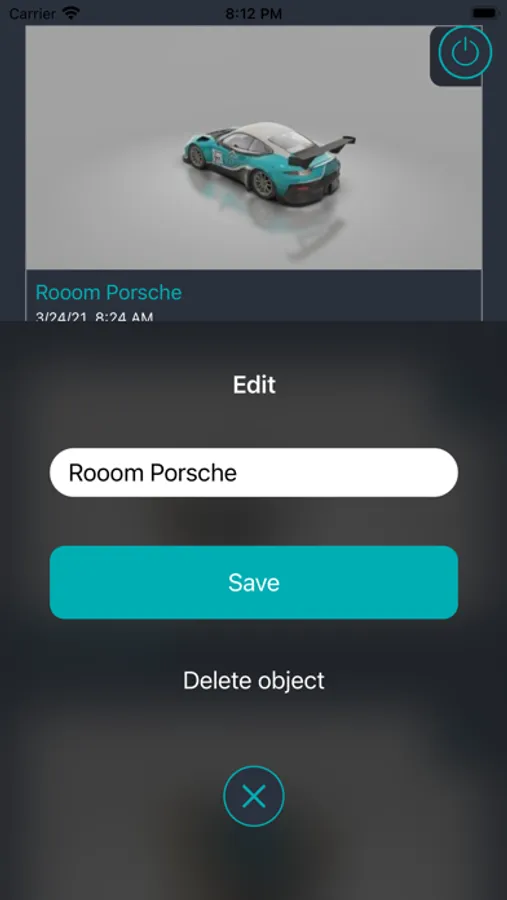
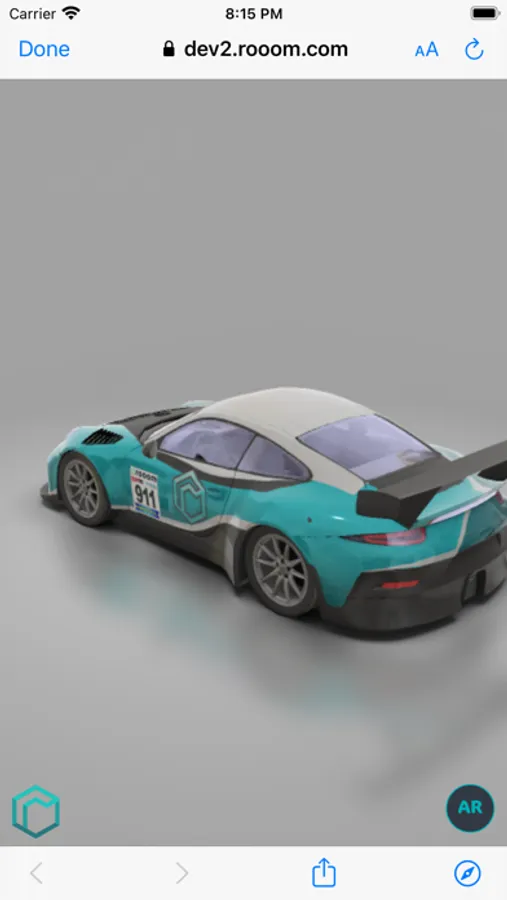
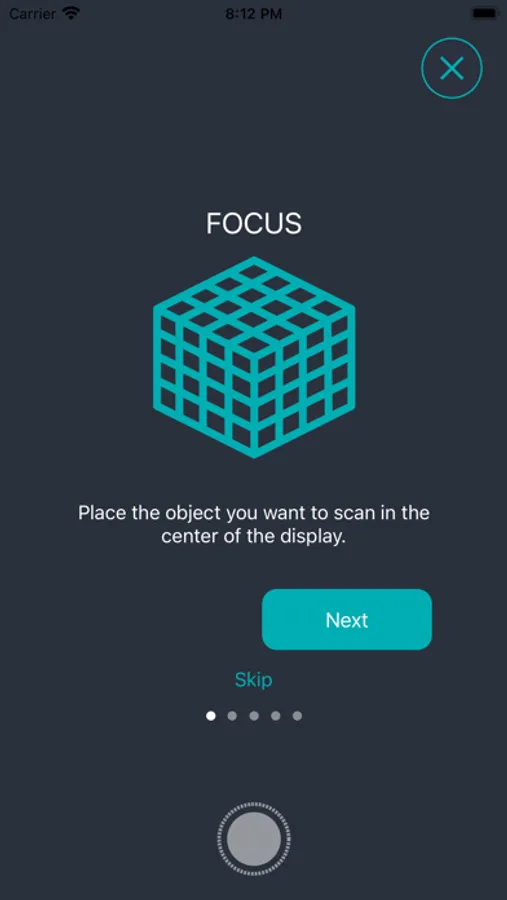
By moving your smartphone or tablet around your object, you allow the scan app to cap-ture it from every possible perspective. Don't worry, the app will guide you through the process step by step. Once you're satisfied with the resulting photos, you give them an object name, such as "green chair," and click to upload them to the rooom system. After just a few minutes, a finished 3D model of your object has been created from your photos and is waiting for you in the app. Now you can freely rotate the 3D model, zoom in and out, and take it digitally with you wherever you go.
What do you have to watch out for when scanning?
Objects with transparent or reflective surfaces are not suitable for scanning. Also, objects smaller than 3 cm cannot be scanned properly by your mobile device as a 3D scanner. The maximum scanning distance should not exceed 5 meters.
Turn your mobile device into a 3D tool for:
- Very easy creation of 3D models from photos
- Guided scanning of objects for 3D model creation
- Creation of augmented reality content
- Viewing 3D models
- Create 3D models for embedding on websites
- Create 3D content to share via social media or email
How does the 3D Scan app work?
By moving your smartphone or tablet around your object, you allow the scan app to cap-ture it from every possible perspective. Don't worry, the app will guide you through the process step by step. Once you're satisfied with the resulting photos, you give them an object name, such as "green chair," and click to upload them to the rooom system. After just a few minutes, a finished 3D model of your object has been created from your photos and is waiting for you in the app. Now you can freely rotate the 3D model, zoom in and out, and take it digitally with you wherever you go.
What do you have to watch out for when scanning?
Objects with transparent or reflective surfaces are not suitable for scanning. Also, objects smaller than 3 cm cannot be scanned properly by your mobile device as a 3D scanner. The maximum scanning distance should not exceed 5 meters.
rooomScan - 3D Scan App Screenshots
Tap to Rate:
Reviews for rooomScan - 3D Scan App
Mindrealm
Promising but…
This seems to be a simple app, but requires registering online before (even trial) use, and once launched the app is in German. The 3D scans rely on the website for processing and storage.