AppRecs review analysis
AppRecs rating 2.8. Trustworthiness 65 out of 100. Review manipulation risk 22 out of 100. Based on a review sample analyzed.
★★☆☆☆
2.8
AppRecs Rating
Ratings breakdown
5 star
29%
4 star
0%
3 star
29%
2 star
14%
1 star
29%
What to know
✓
Low review manipulation risk
22% review manipulation risk
⚠
Mixed user feedback
Average 2.9★ rating suggests room for improvement
About Train Driver
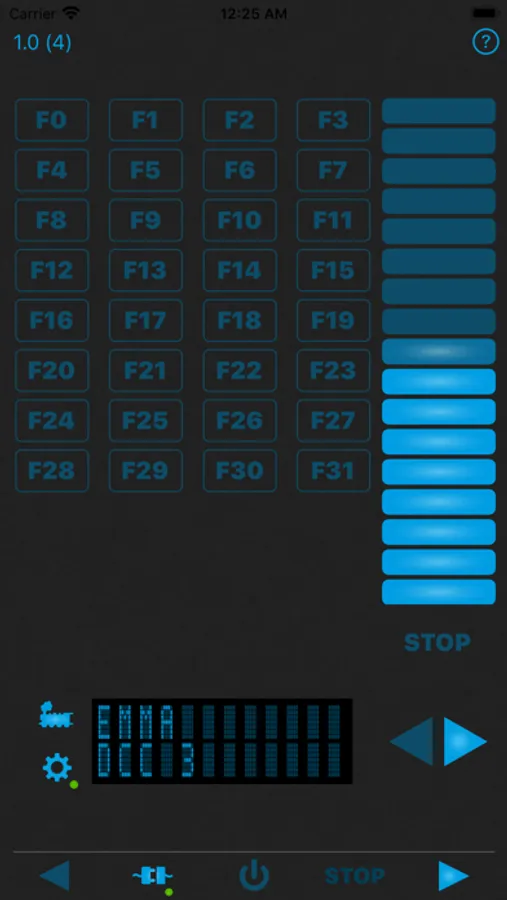
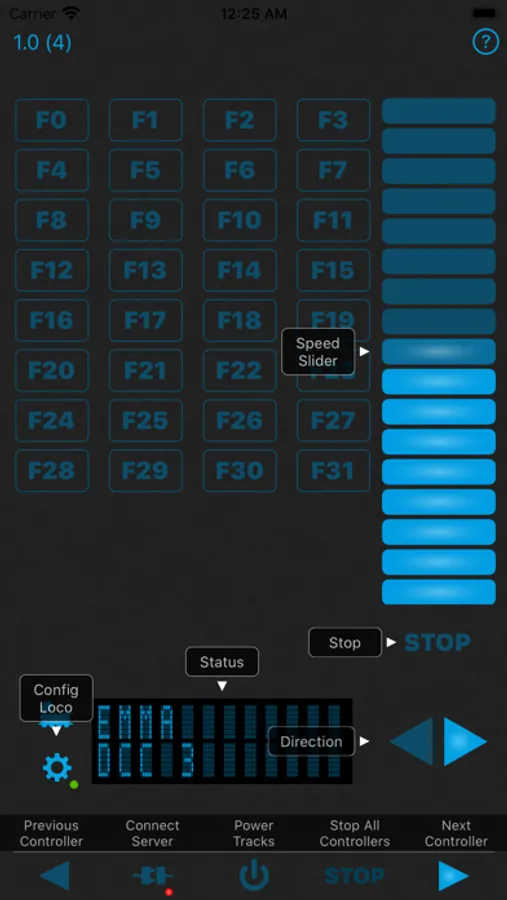
The focus is on a mobile locomotive controller and is therefore currently limited to only control locomotives. For this purpose, up to 3 locomotives are supported at the same time. At the iPad in landscape format all 3 locomotives are displayed in one screen and can be controlled easily together. At the iPhone controllers can be switched easily, but only one controller is displayed.
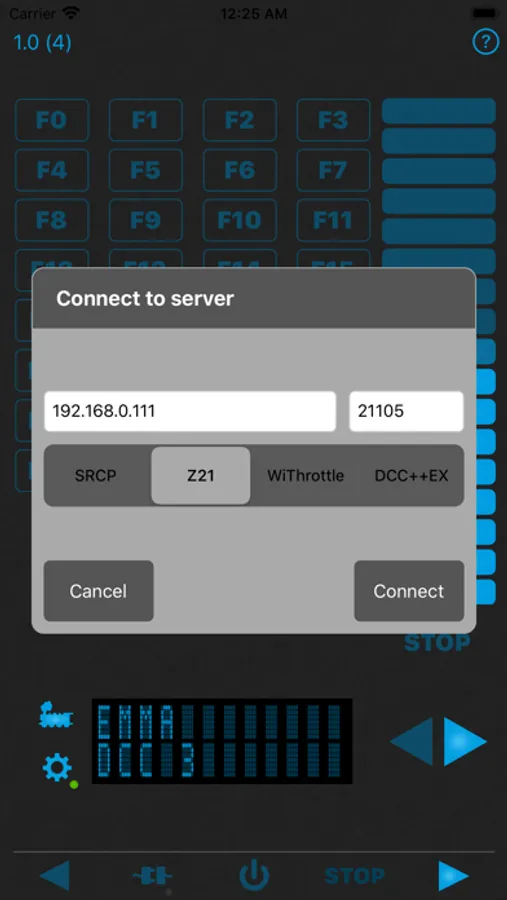
Following protocols are supported:
- SRCP including MFX extension
- Z21 from Fleischmann / Roco
- WiThrottle as used e.g. in JMRI or DCC++EX
- DCC++EX
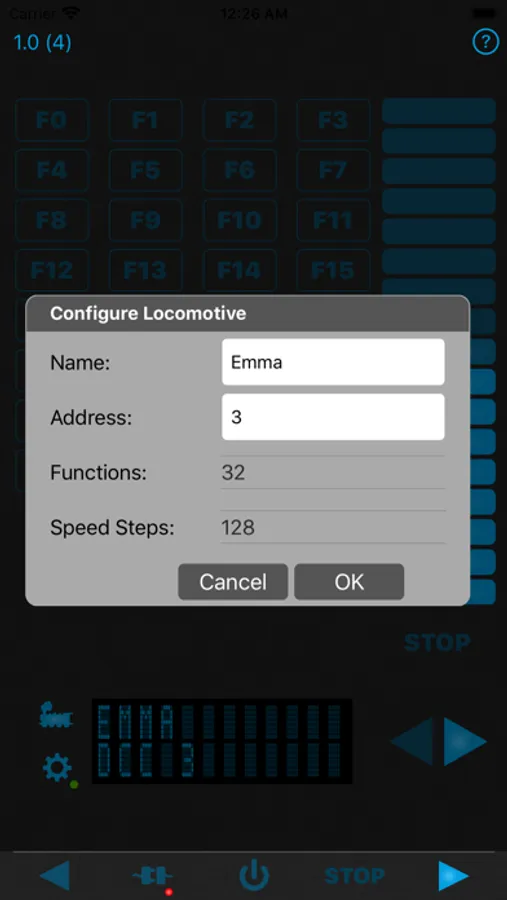
In order to control a locomotive, the app must be connected to a control center. A small red point flashes at the bottom right of the symbol. Now the locomotive can be set. Again a small red point flashes at the bottom right of the symbol.
Now you can start and operate the locomotive using the function buttons or the speed slider.
Train Driver Screenshots
Tap to Rate:
Reviews for Train Driver
Codianni
WORKS WITH DCC-EX when other apps don't
Train Driver is NOT even recommended as a throttle in DCC-EX website. After hours of configuring DCC-EX I finally had to download throttle for my iphone 7. After downloaded recommended throttle I found Train Driver. This was easy to configure and worked within minutes. Just remember use the defaulted port 2560. As far as configuring the DCC-EX, one must NOT assign a static ip to DCC-EX COMMAND station. Just comment out the static ip by putting // before the ip. You still must put in wifi user and password. I rate this program 5 . YOU SHOULD CHARGE FOR THIS APP. Great job.