AppRecs review analysis
AppRecs rating 3.9. Trustworthiness 50 out of 100. Review manipulation risk 27 out of 100. Based on a review sample analyzed.
★★★☆☆
3.9
AppRecs Rating
Ratings breakdown
5 star
71%
4 star
0%
3 star
0%
2 star
0%
1 star
29%
What to know
✓
Good user ratings
71% positive sampled reviews
About Prank Stickers for iMessage
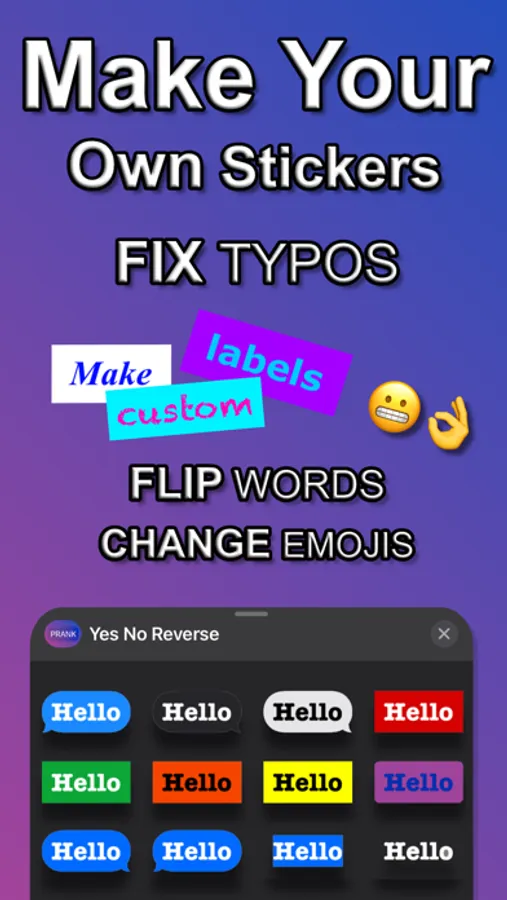
Tired of the pre-generated sticker packs with lame words in it?
Wanted to use your own slang with your friends?
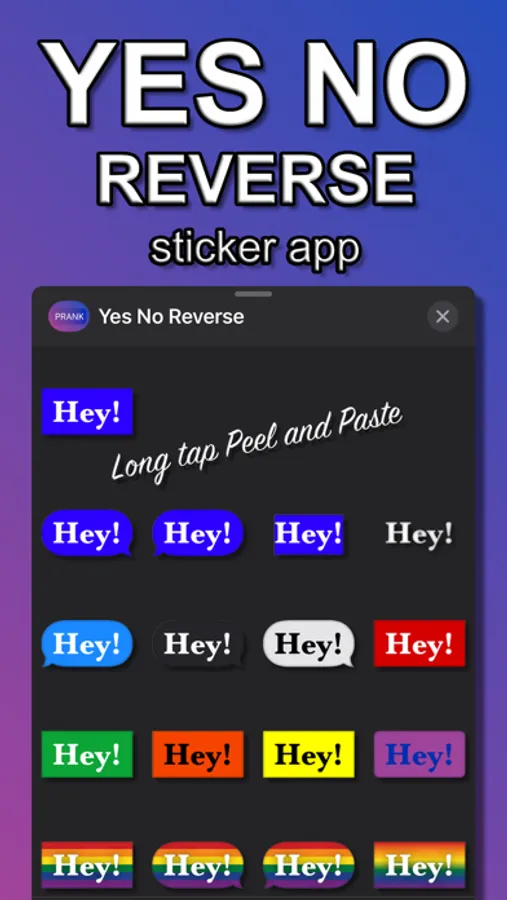
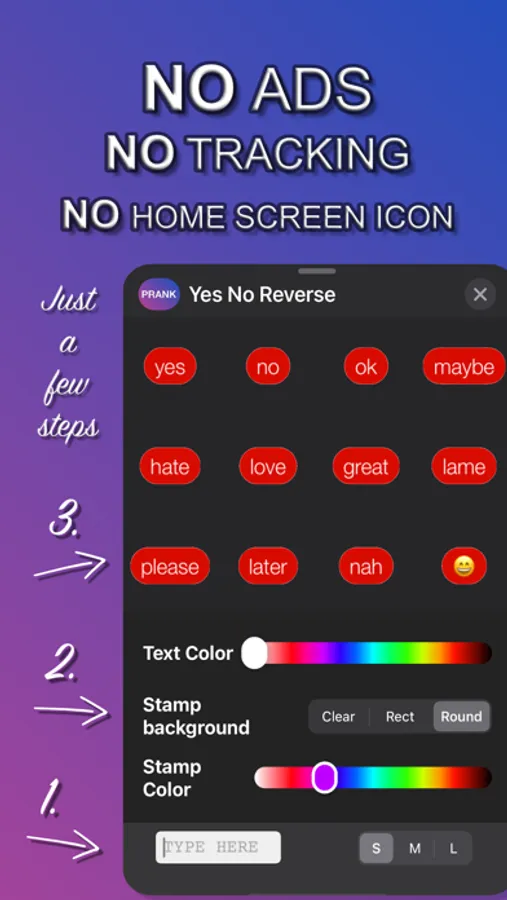
Now it's your time, make custom text based stickers on the go.
Just TYPE in what you want and place it where you want.
It's your choice now.
How to add a sticker to a conversation:
1. Open Messages and tap the Compose button to start writing a new message. Or go to an existing conversation.
2. Swipe left or right over the app drawer to find the one that you want to use.
3. Then tap the app to open it.
If you want to add a sticker, touch and hold the sticker and then drag it to the message bubble. The sticker will automatically be sent after you've added it to the message. You can also pinch or zoom to resize stickers before sending.
Note:
This is a Sticker Pack app, it does not contain a custom Keyboard.
It's only available in Messages aka using iMessage, it will not be available in Messenger, Hangouts or WhatsApp or Viber.
Wanted to use your own slang with your friends?
Now it's your time, make custom text based stickers on the go.
Just TYPE in what you want and place it where you want.
It's your choice now.
How to add a sticker to a conversation:
1. Open Messages and tap the Compose button to start writing a new message. Or go to an existing conversation.
2. Swipe left or right over the app drawer to find the one that you want to use.
3. Then tap the app to open it.
If you want to add a sticker, touch and hold the sticker and then drag it to the message bubble. The sticker will automatically be sent after you've added it to the message. You can also pinch or zoom to resize stickers before sending.
Note:
This is a Sticker Pack app, it does not contain a custom Keyboard.
It's only available in Messages aka using iMessage, it will not be available in Messenger, Hangouts or WhatsApp or Viber.
Prank Stickers for iMessage Screenshots
Tap to Rate:
Reviews for Prank Stickers for iMessage
𝘓𝘦𝘮𝘮𝘺 𝘒𝘰𝘰𝘱𝘢 :3
Useful!
Me: Can I get some Robux? 🥺 My mom: No (replaced with “yes”) Lol it’s so funny and useful at the same time
Hu922
Amazing app
Easy way to prank, Friends and family