In this music player app, you can stream, download, and organize music from multiple cloud sources or local storage. Includes support for various audio formats, offline playback, and customizable playlists.
AppRecs review analysis
AppRecs rating 4.2. Trustworthiness 74 out of 100. Review manipulation risk 27 out of 100. Based on a review sample analyzed.
★★★★☆
4.2
AppRecs Rating
Ratings breakdown
5 star
63%
4 star
19%
3 star
7%
2 star
1%
1 star
10%
What to know
✓
Low review manipulation risk
27% review manipulation risk
✓
Credible reviews
74% trustworthiness score from analyzed reviews
✓
High user satisfaction
82% of sampled ratings are 4+ stars (4.2★ average)
About Muzio Player ‣ Music Player
With this app you can create your own music streaming service. Upload your music collection to the cloud once and access it from multiple devices from anywhere at anytime.
Offline Music Player Cloud works both online and offline. You may download files, playlists and entire folders with music or audiobooks from the cloud to listen offline without wifi. If you are running out of space, the downloaded files can be easily removed from device storage.
Sync and manage your favorite MP3 files across all your devices such as iPhone/iPad/iPod and your Mac!
Any music, podcasts, DJ sets, remixes or other mp3 audio files you want! Listen to music that you really need!
----------- FEATURES --------------
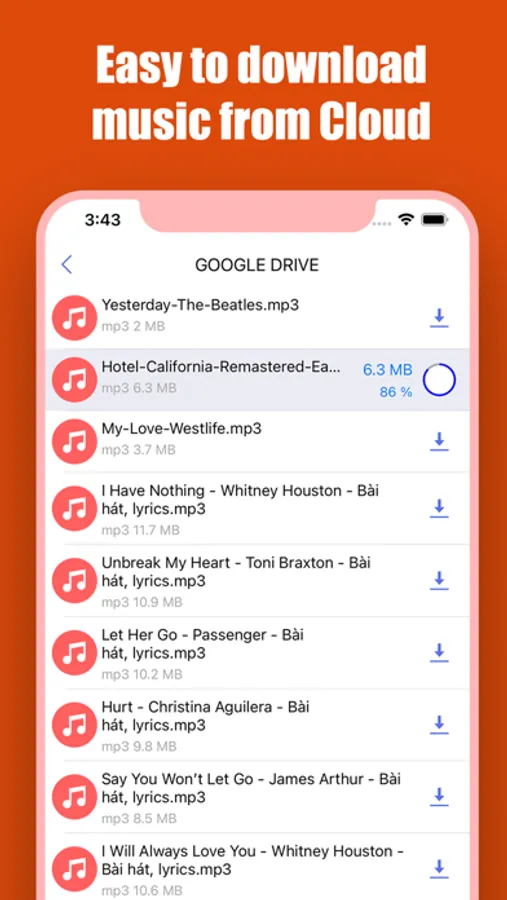
Download music from Cloud
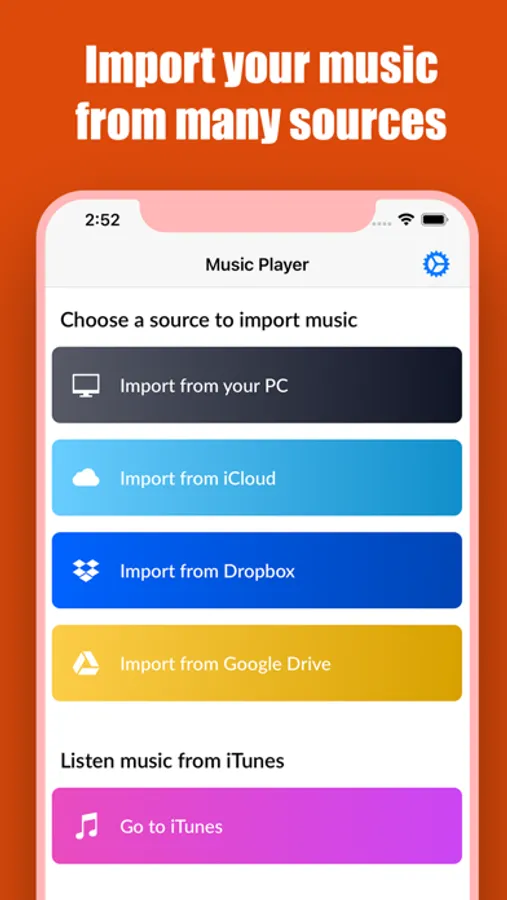
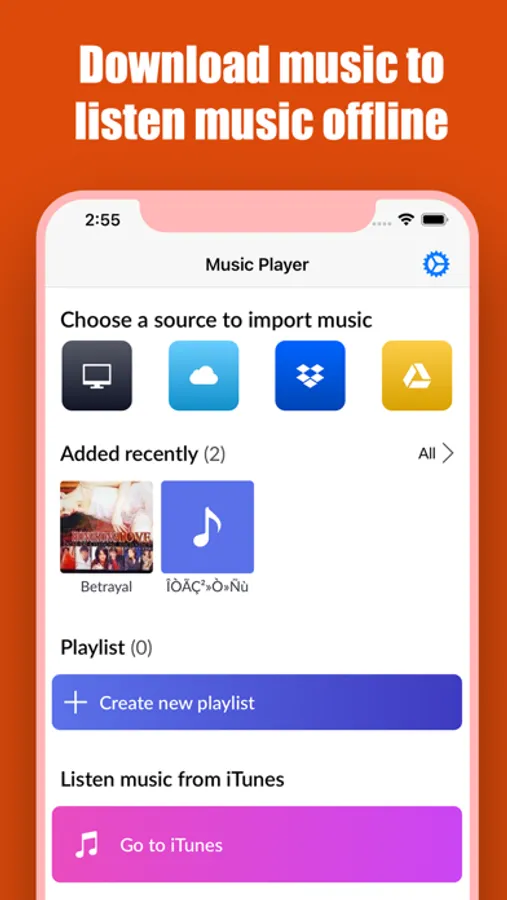
- You can download your music from Google Drive, Dropbox, iCloud or Transfer music from your PC easily to listen music offline
Music Player:
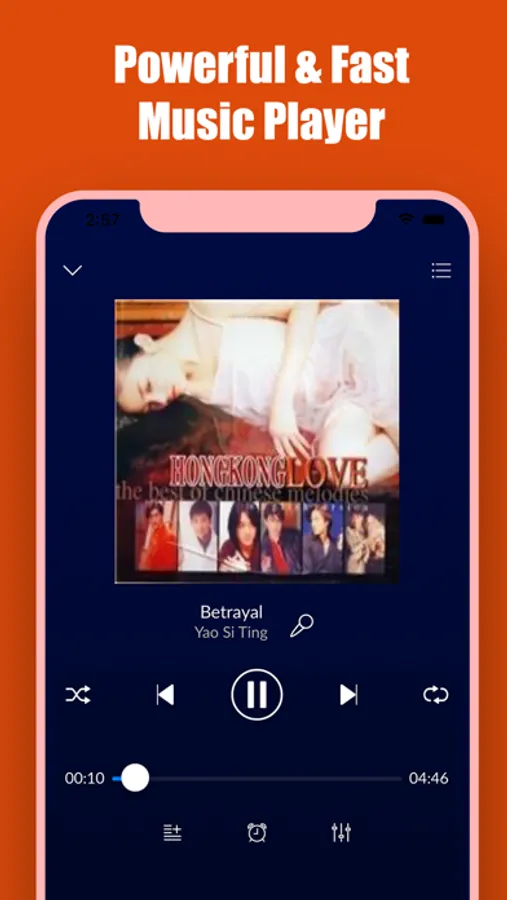
- Full-featured music player
- Lock screen control
- Headphones and Air Port support
- Background music playback
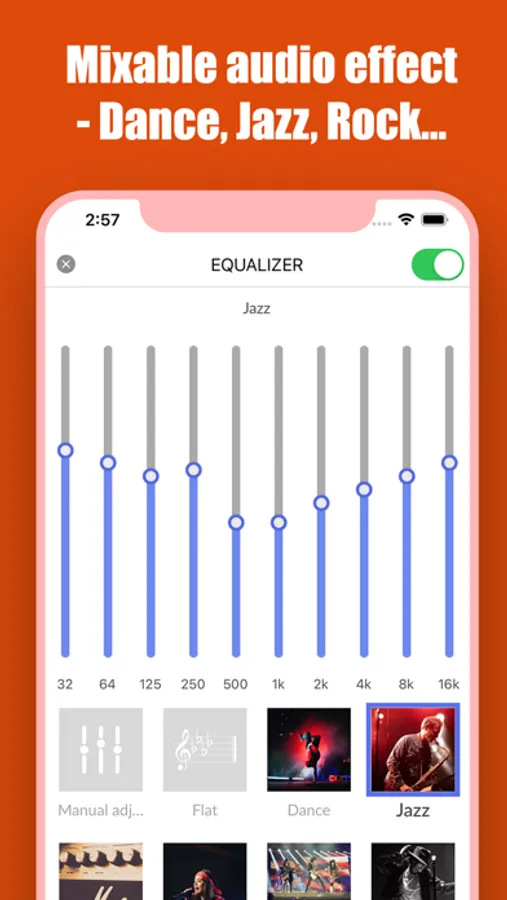
Powerful Equalizer
Includes Normal, Classical, Dance, Flat, Folk, Heavy Metal, Hip hop, Jazz, Pop, and Rock. It provides you powerful equalizer and different tones.
Perfect Support Performance
- Supports AAC, AMR-NB, AMR-WB, FLAC, MP3, MIDI, Vorbis, PCM/WAVE, Opus, including the lossless music
Unlimited music storage:
- Listen to your music from Cloud storages - Dropbox, Google Drive, iCloud Drive
- Device space saver
- Connect to shared folders in the cloud
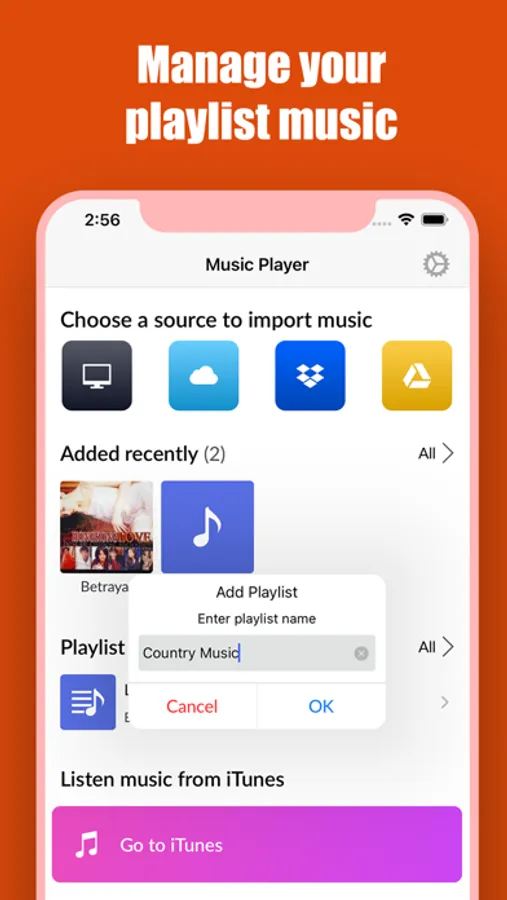
Easy-to-use playlist Manager
- Add, delete, modify playlists and tracks
- Sort own media library to create playlist by frequency of plays, by author, by track name, etc.
This app is perfect for quick access to your favorite music from your cloud storages without internet.
Muzio Player ‣ Music Player Screenshots
Tap to Rate:
Reviews for Muzio Player ‣ Music Player
NeverGonnaGiveYouUp💙
Best I’ve found
Muzio is honestly the best app I’ve found for playing music: easy to upload files, easy to use, easy to create playlists without trouble. My only gripe is that I can’t chose the order of song in album; it is automatically alphabetized and (as far as I’m aware) that cannot be changed.
TheMiseryChik
Really good actually
Works like it says it does. All you need is to open the ICloud option, hit “Browse” on the little menu that pops up, go to the “On my IPhone” page and select your files from there. It has playlist options, a sleep timer option, and it even lets you play music in the background, which is exactly why I got this thing so overall I’m satisfied. It also doesn’t have any Ads either which is something I saw being mentioned in other music player apps, that had to have you buy a subscription in order to use them ad-free, so to have this just straightforward application that does its function out of the box for free is really useful. My only gripe is that once you install it, it constantly nags you about writing a review. You’d expect to get an ask to review at least maybe once a day or like once in a couple of days but I swear it does it every few hours. It gives you options on wether you want the screen to show up in say the next couple of minutes or later than that but regardless the screen keeps frequently showing up to the point where I eventually gave up and wrote this review so they can quit nagging me about it. That aspect doesn’t really matter that much in terms of its usefulness as a music player though so I’m not retracting any stars for that. Also reportedly you can’t really upload any photos for the songs or say any playlists you make, and if that’s your make or break for Muzio then I’d be wary about that, though personally for me I don’t really care about that aspect so this app is just fine to me.