AppRecs review analysis
AppRecs rating 2.6. Trustworthiness 55 out of 100. Review manipulation risk 25 out of 100. Based on a review sample analyzed.
★★☆☆☆
2.6
AppRecs Rating
Ratings breakdown
5 star
25%
4 star
8%
3 star
8%
2 star
17%
1 star
42%
What to know
⚠
Mixed user feedback
Average 2.6★ rating suggests room for improvement
About Service-Pro
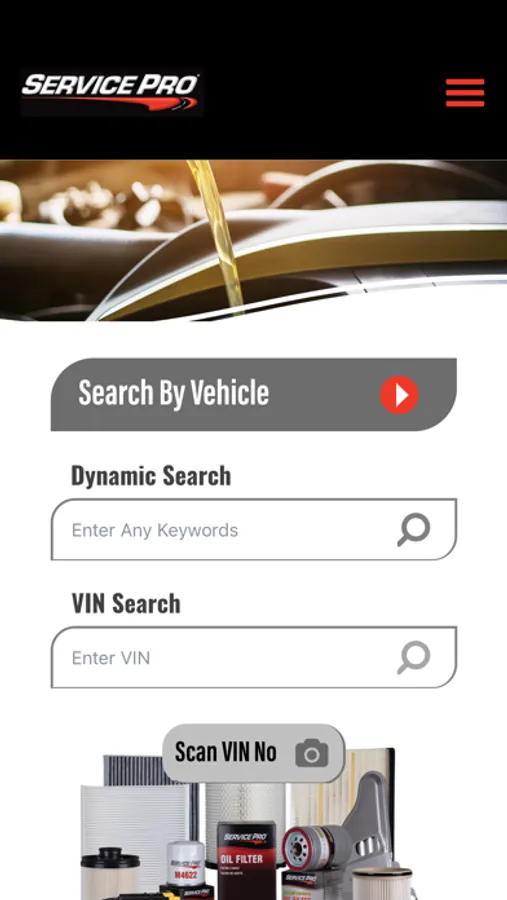
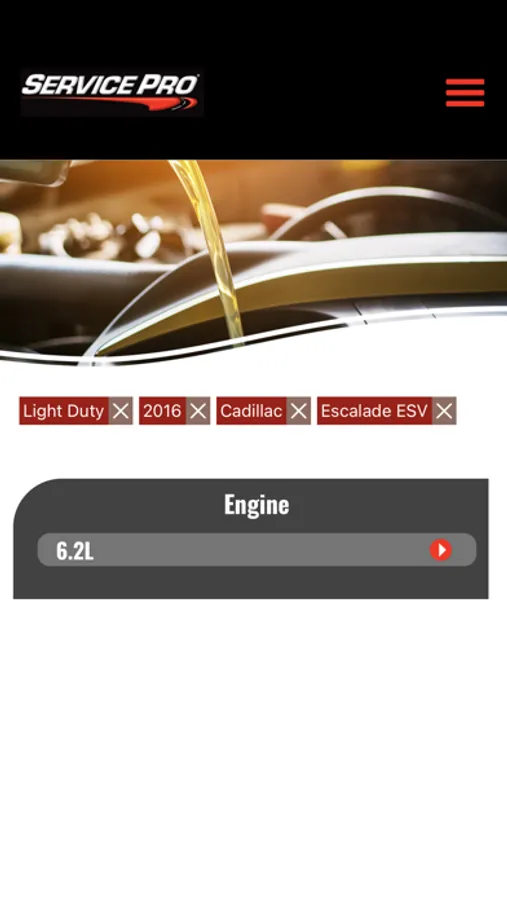
1. Choose the classic “Search By Vehicle” lookup to search by your vehicle’s year, make, model, and engine, or switch to the updated “Dynamic Search”.
2. With the dynamic search box, you can search for your vehicle by typing part or all your vehicle’s descriptions and selecting from the suggestion list.
3. You can also use the dynamic search box to enter a Service Pro part number to get to the product information page or enter an OE or competitor part number to interchange it to a Service Pro part.
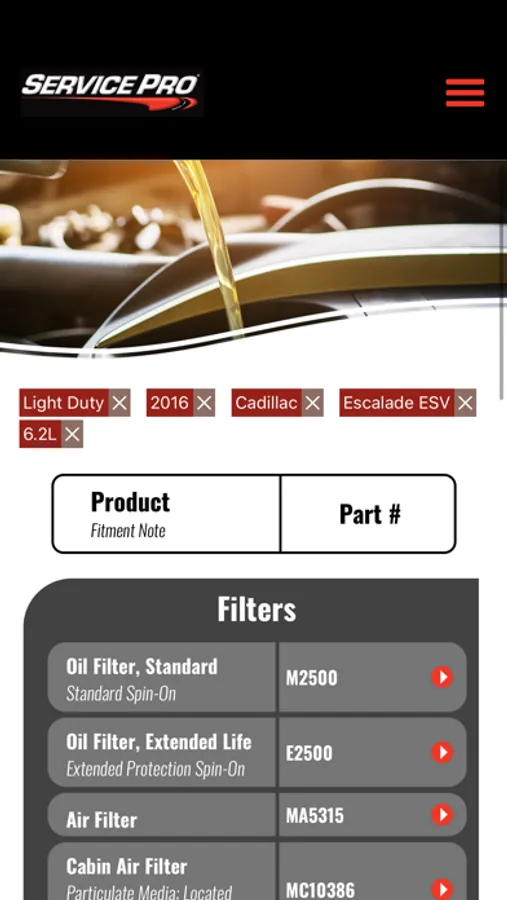
4. With the VIN search box and Scan VIN button, you can enter the VIN number in the text box or you can use the Scan VIN button to open the camera and scan the VIN barcode or VIN text and get the part numbers.
2. With the dynamic search box, you can search for your vehicle by typing part or all your vehicle’s descriptions and selecting from the suggestion list.
3. You can also use the dynamic search box to enter a Service Pro part number to get to the product information page or enter an OE or competitor part number to interchange it to a Service Pro part.
4. With the VIN search box and Scan VIN button, you can enter the VIN number in the text box or you can use the Scan VIN button to open the camera and scan the VIN barcode or VIN text and get the part numbers.
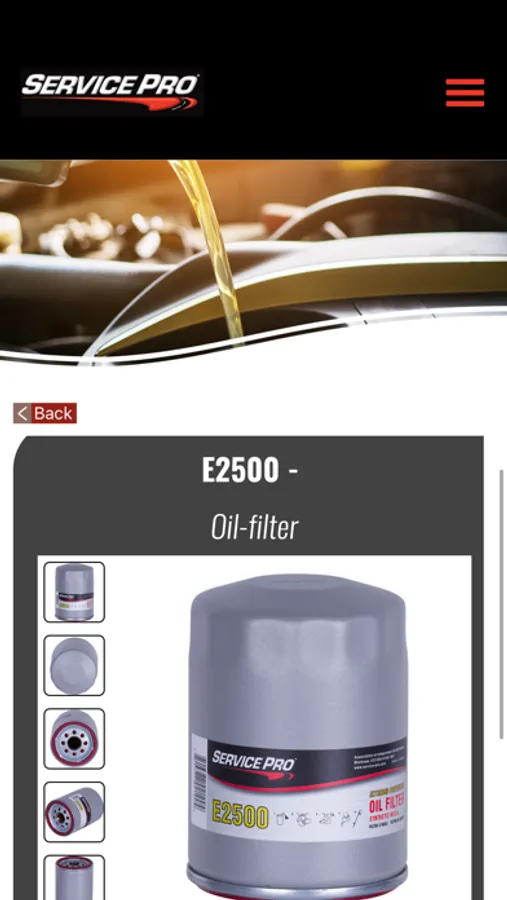
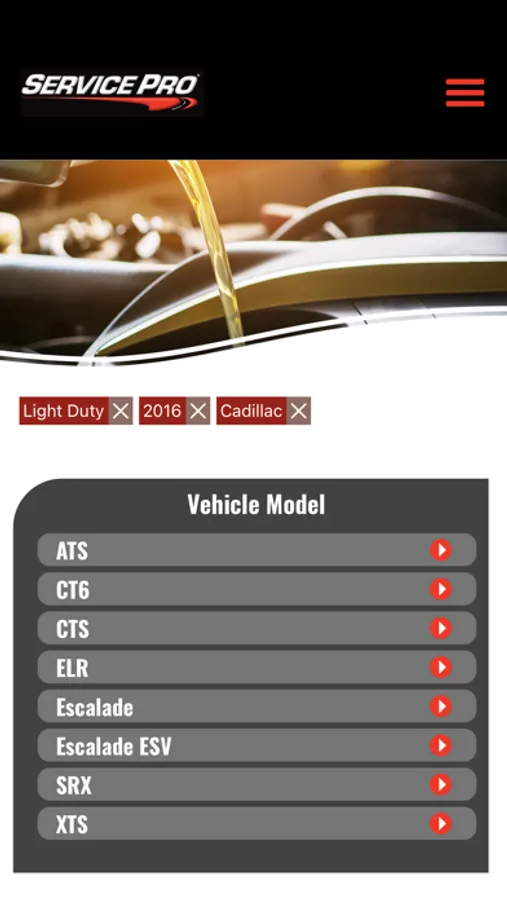
Service-Pro Screenshots
Tap to Rate:
Reviews for Service-Pro
Jo Simpson.
Awful
Most glitchy useless app ever wouldn’t recommend to anyone
Djcook8502
Awful
This app actually works maybe 5% of the time. Most of the time it just spins and does absolutely nothing.