AppRecs review analysis
AppRecs rating 3.6. Trustworthiness 73 out of 100. Review manipulation risk 15 out of 100. Based on a review sample analyzed.
★★★☆☆
3.6
AppRecs Rating
Ratings breakdown
5 star
50%
4 star
20%
3 star
0%
2 star
10%
1 star
20%
What to know
✓
Low review manipulation risk
15% review manipulation risk
✓
Credible reviews
73% trustworthiness score from analyzed reviews
✓
Good user ratings
70% positive sampled reviews
About Pose Croquis
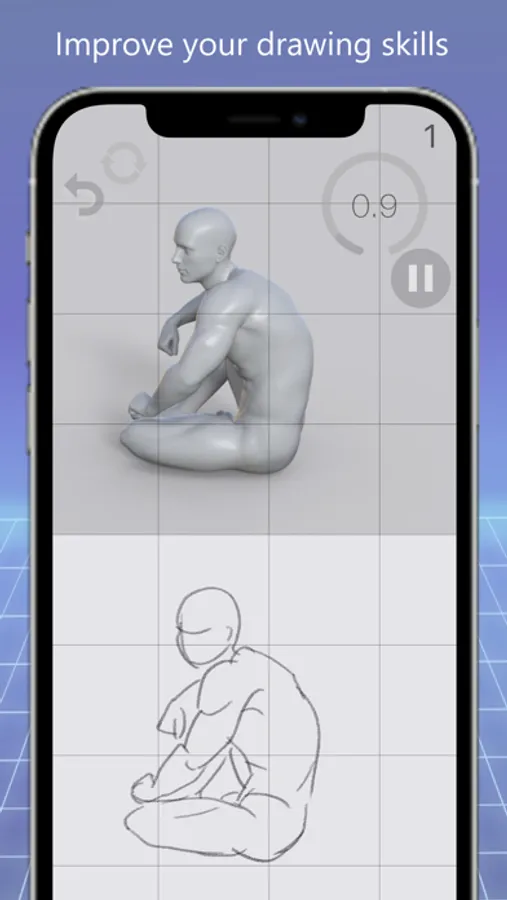
Pose Croquis strongly supports your improvement of drawing skills.
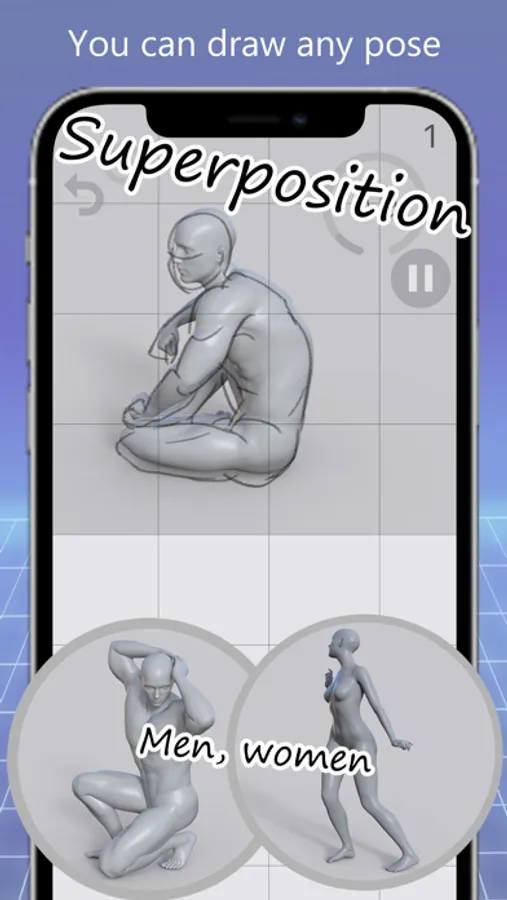
You copy beautiful poses like Greek sculptures that appear one after another. You can confirm that you were able to draw well when overlaying.
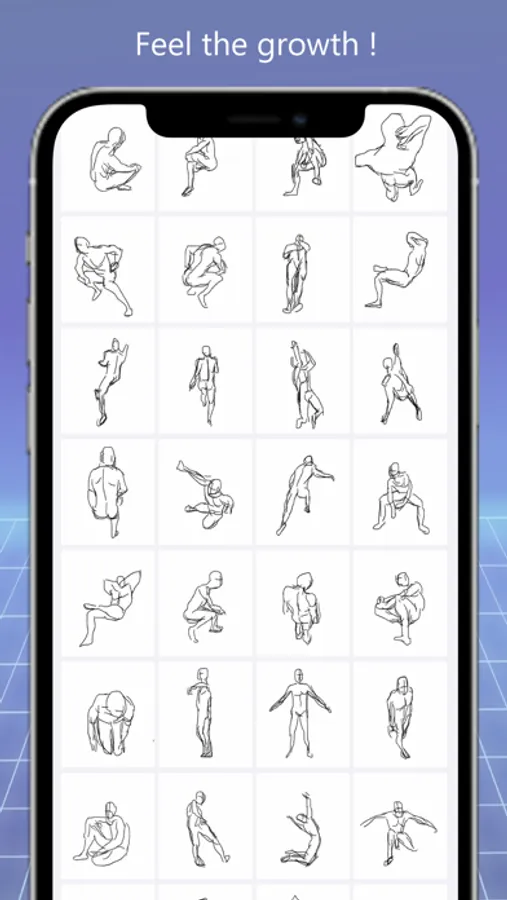
The croquis you drew is saved in the app, When you look back at the croquis notebook, you can feel your daily improvement.
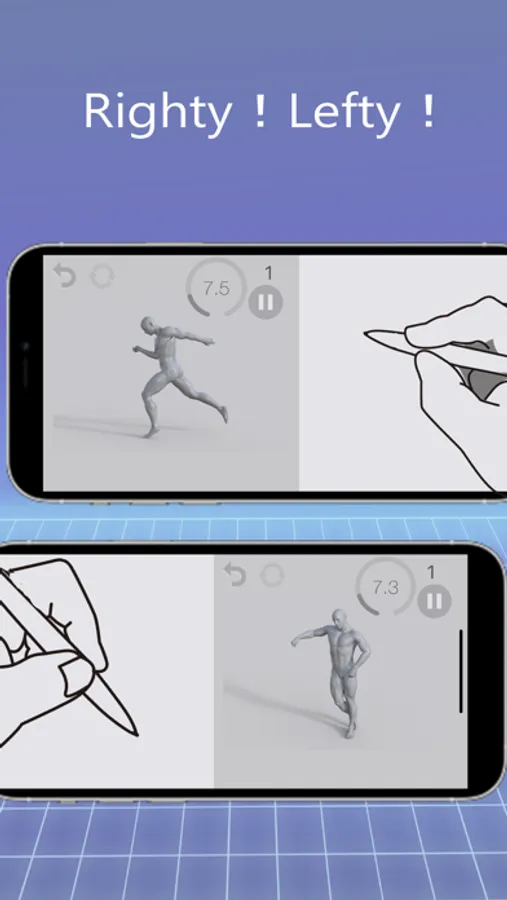
Croquis by an Apple Pencil gives the best performance. If you don't have an Apple Pencil, you can draw with another touch pen or finger.
Features
- Men, women poses can be selected
- Timer settings are 10 seconds, 15 seconds, 30 seconds, 45 seconds, 60 seconds, 90 seconds, 120 seconds.
- Vertical screen and horizontal screen.
- Display of remaining time, pause, next pose
- Pencil, pen, marker, eraser, line thickness, color change
- Apple Pencil pressure detection is effective
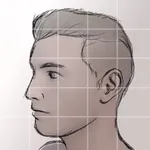
- Grid enable and grid size can be set
- Check the deviation by overlaying the croquis on the pose.
- Save the past 2,000 croquis in the app and display a list
- The selected croquis can be moved and saved to the camera roll.
You copy beautiful poses like Greek sculptures that appear one after another. You can confirm that you were able to draw well when overlaying.
The croquis you drew is saved in the app, When you look back at the croquis notebook, you can feel your daily improvement.
Croquis by an Apple Pencil gives the best performance. If you don't have an Apple Pencil, you can draw with another touch pen or finger.
Features
- Men, women poses can be selected
- Timer settings are 10 seconds, 15 seconds, 30 seconds, 45 seconds, 60 seconds, 90 seconds, 120 seconds.
- Vertical screen and horizontal screen.
- Display of remaining time, pause, next pose
- Pencil, pen, marker, eraser, line thickness, color change
- Apple Pencil pressure detection is effective
- Grid enable and grid size can be set
- Check the deviation by overlaying the croquis on the pose.
- Save the past 2,000 croquis in the app and display a list
- The selected croquis can be moved and saved to the camera roll.
Pose Croquis Screenshots
Tap to Rate:
Reviews for Pose Croquis
Mandy Wyrd
Great Practice!
Incredible app that helps build a healthy drawing habit. You will see improvement in your drawing.
bageldomehead
It doesn’t work
The poses are cool but I literally cant write on the screen it just doesn’t let me.